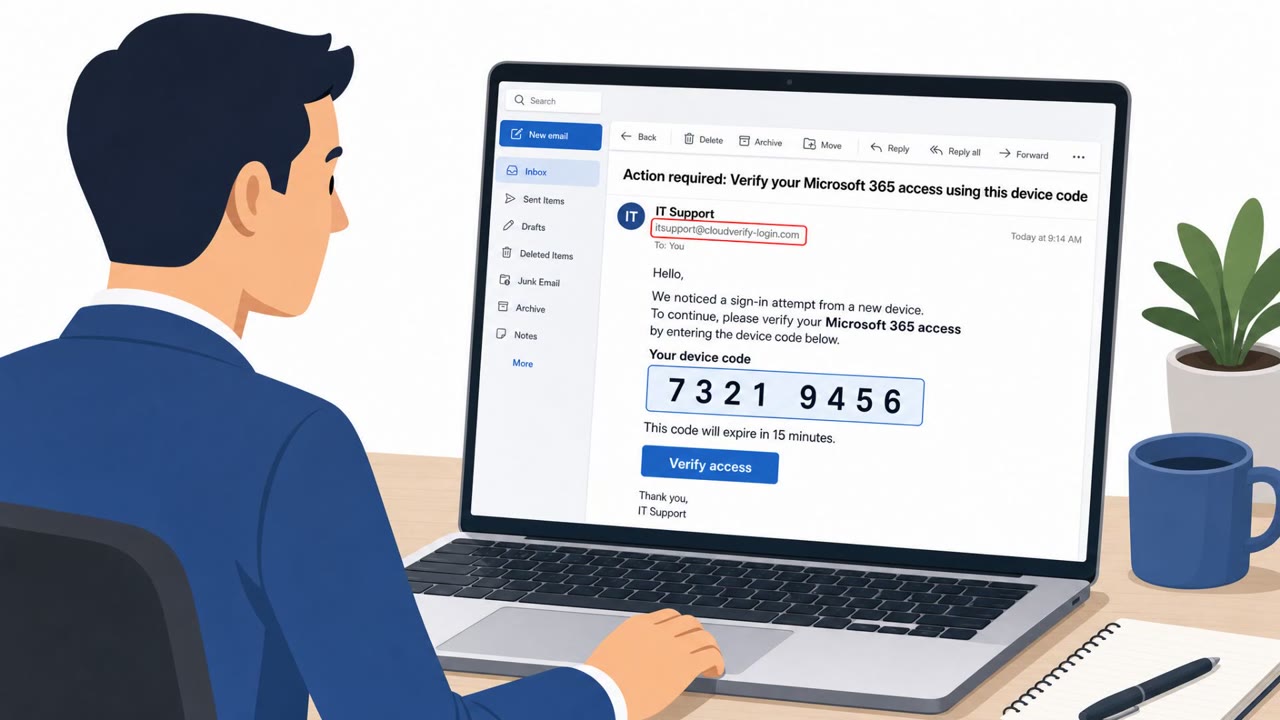
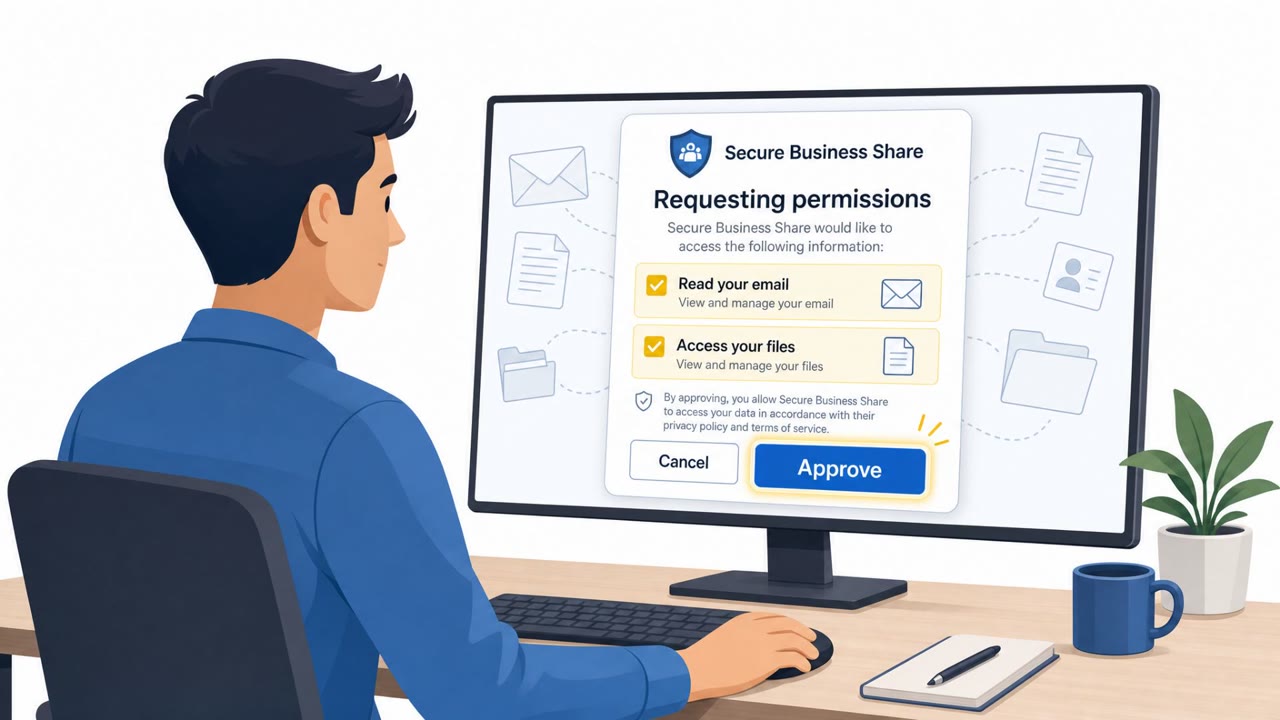
The article describes how real-world phishing and social engineering are evolving to bypass the checks employees are trained to use (bad grammar, suspicious URLs, obvious fake login pages). It highlights specific, observed attack workflows including QR-code “device hop” phishing, OAuth token theft via ConsentFix, and deepfake-enabled business email compromise (BEC) leading to large fraudulent wire transfers.
How the Attack Techniques Work
This breakdown covers three real-world social engineering patterns that succeed precisely because they avoid the tells employees are trained to spot. Rather than bad grammar or obviously fake login pages, attackers are using legitimate-feeling workflows to move past both technical and human defenses.
The first is QR-code phishing, sometimes called a device hop. An email embeds a QR code instead of a clickable link, so there is no URL to hover over and inspect. Scanning it on a phone also moves the interaction off a managed laptop, away from corporate security controls and often away from visibility for defenders entirely.
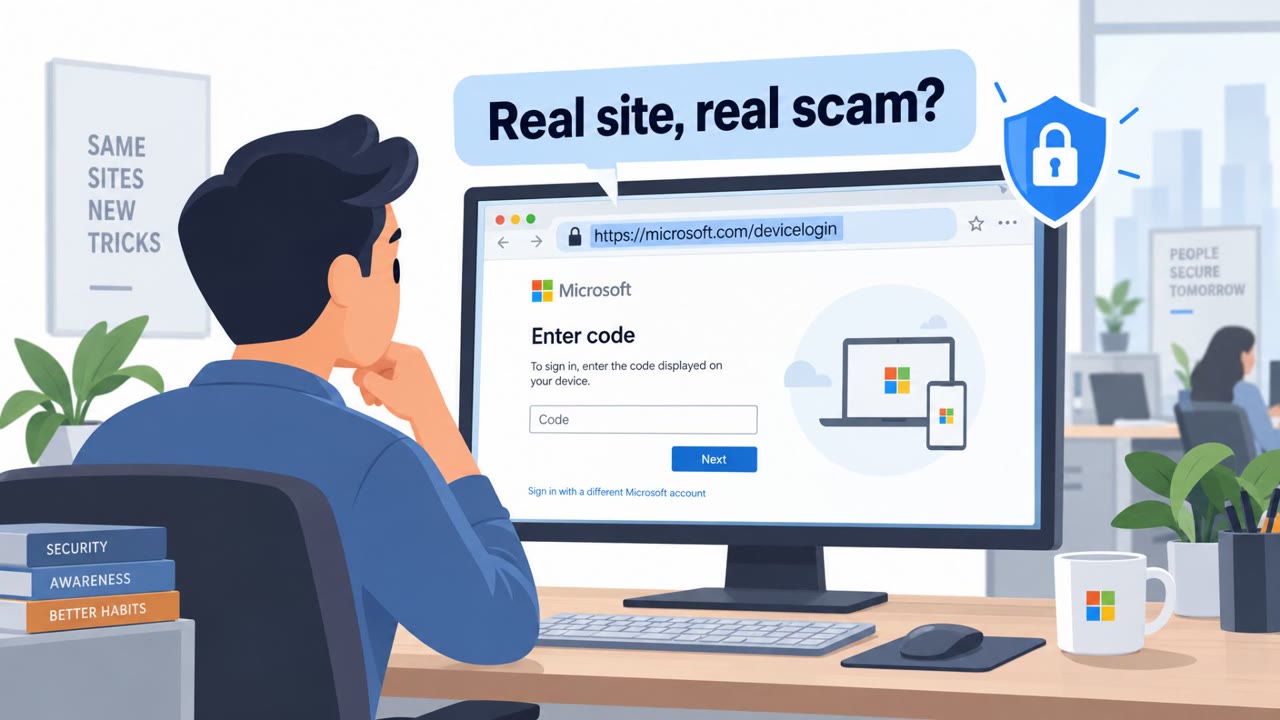
The second is ConsentFix, which abuses a real Microsoft sign-in flow. A victim lands on a compromised but legitimate website, completes a fake CAPTCHA-style prompt that routes them through an authentic Microsoft login, and is then told to paste a resulting URL back into the page. That URL contains an OAuth authorization code, which the attacker exchanges for access and refresh tokens. If the victim already has an active session, no password or MFA prompt appears at all.
The third involves deepfake audio and video used in business email compromise. A finance employee joined a call populated by what appeared to be senior colleagues, and the realistic context was enough to result in large fraudulent wire transfers.
Why These Attacks Succeed
Each technique targets an assumption defenders rely on. QR codes remove the ability to visually inspect a link. ConsentFix uses a genuine identity provider flow, so the page a victim interacts with is real, only the surrounding context is fraudulent. Deepfakes remove voice and video as reliable identity signals, so a recognizable face or voice no longer proves who is actually on the call.
What to Watch For
- QR codes in emails that push you toward scanning on a personal phone
- Prompts asking you to copy a URL and paste it back into a website
- Sign-in flows that complete without any password or MFA challenge
- Urgent payment requests initiated through an ad-hoc call rather than an established process
Building Resistance
Organizations should treat polished, familiar-looking messages as unverified until confirmed through a known-good channel. High-stakes actions like wire transfers deserve out-of-band verification and, where possible, a second approver, since voice and video recognition alone is no longer sufficient evidence of identity. Security teams should also train users to recognize OAuth consent and QR code traps specifically, not just outdated fake-login indicators, and encourage reporting of suspicious emails rather than silent deletion so broader campaigns can be detected earlier.
Key findings
- Attackers are increasingly avoiding traditional “tells” like bad grammar, sketchy URLs, and crude login pages.
- QR-code phishing enables a “device hop” to a phone, bypassing laptop protections and reducing visibility for defenders.
- ConsentFix abuses a real Microsoft sign-in flow to capture OAuth authorization codes and exchange them for access/refresh tokens, often without triggering an MFA prompt if the victim already has an active session.
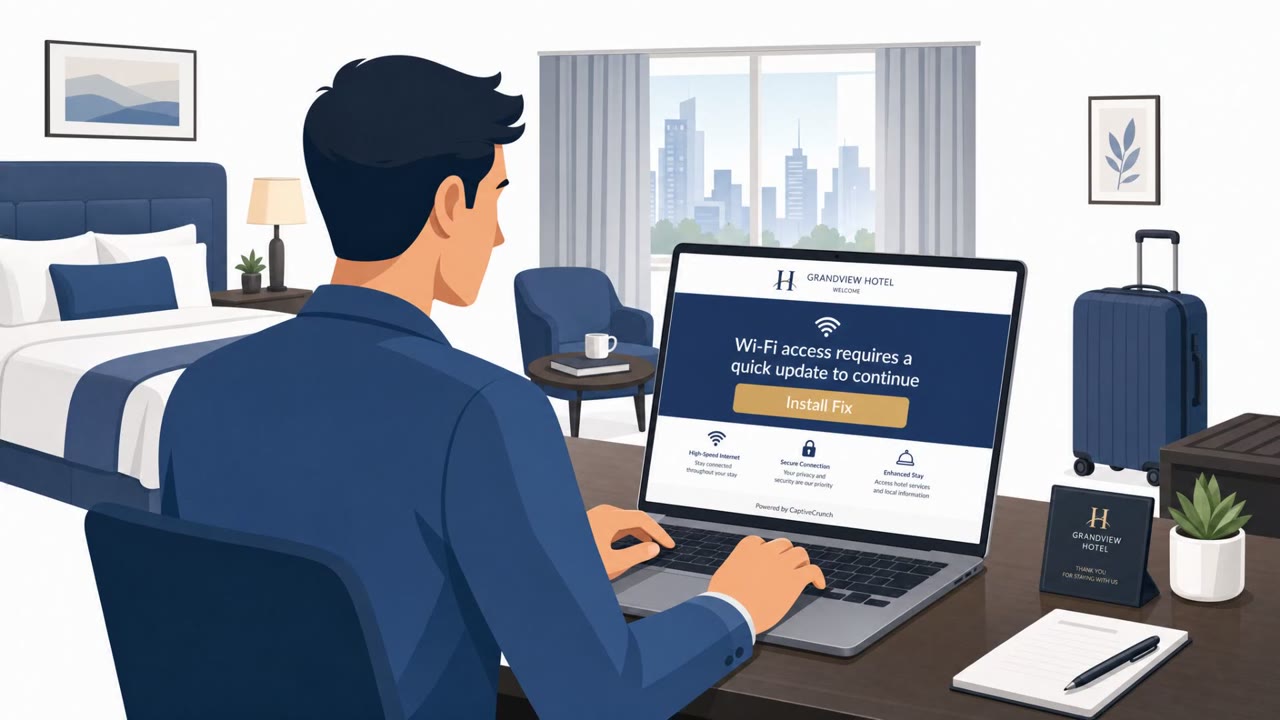
- ClickFix-style attacks trick users into pasting commands into their own terminal; a variant (“AI-fix”) was observed placing fake troubleshooting instructions on legitimate domains.
- Deepfake audio/video can be convincing in realistic workplace context; one cited case involved >$25M in fraudulent wire transfers after a call with deepfake “senior colleagues.”
- Some employees delete phishing emails without reporting them, causing organizations to miss early warning signals and broader campaign detection opportunities.
Who’s being targeted
- Commonly targeted roles: All employees, Finance and Accounting, Executives and Admin Assistants, IT and Helpdesk, Security Operations / Incident Response.
- Affected industries: Small and mid-sized businesses (SMBs), Any organization using cloud identity and email, Finance and accounting functions.
- Attack channels: email, website, vishing.
- Impersonated: Unspecified (phishing sender using QR code to hide destination), Legitimate website (compromised) plus Microsoft sign-in flow, Senior colleagues / executives (deepfake audio/video).
Red flags to watch for
- A QR code is used instead of a clickable link (prevents hovering to inspect the URL).
- You’re pushed to use a personal phone (“device hop”), outside normal corporate protections.
- The organization may have limited visibility into what happens after scanning.
- A “CAPTCHA-style” prompt leads into an unexpected sign-in workflow.
- The page asks you to copy/paste a URL back into a website (unusual for legitimate services).
- No password/MFA prompt appears even though access is being granted (session already active).
- High-pressure urgency tied to payments/wires.
- Payment request is initiated/approved via an ad-hoc call rather than established processes.
- Identity is based on voice/video alone, which can be fabricated.
Frequently asked questions
Why don't QR code phishing emails trigger normal suspicion?
The destination URL is hidden inside the QR code, so there is nothing to hover over before scanning, and the code is typically scanned on a personal phone, bypassing the security controls that protect company-issued laptops.
How does ConsentFix steal access without a password?
ConsentFix routes victims through a real Microsoft sign-in flow via a fake CAPTCHA-style prompt, then has them paste back a URL containing an OAuth authorization code, which the attacker exchanges for access and refresh tokens without triggering an MFA prompt if a session is already active.
Can deepfakes really convince employees to send large wire transfers?
Yes, the article cites a case where a finance employee joined a call populated by deepfake versions of senior colleagues and still ended up making wire transfers worth more than US$25 million.
What should organizations do differently to defend against these techniques?
Require out-of-band verification and a second approver for high-stakes payment requests, and train employees to recognize QR code and OAuth consent traps rather than relying only on spotting bad grammar or fake login pages.
Read the video transcript
Phishing isn’t broken English anymore. It’s clean emails, QR codes, real Microsoft screens, even deepfake voices on a call. One in nine phishing emails now use a QR code: 'Please scan the QR code to continue.' You scan on your phone, the URL’s hidden, and you’ve just stepped outside our laptop security. Or you hit a legit site, see a fake CAPTCHA, get bounced through a real Microsoft sign-in, then it says: 'Paste this URL back here.' That’s ConsentFix stealing your OAuth tokens without even asking for MFA. Here’s the move: if anything pushes you to scan a QR, paste a URL, or move fast on a payment, stop and report it in the phishing button or security channel, don’t just delete it.