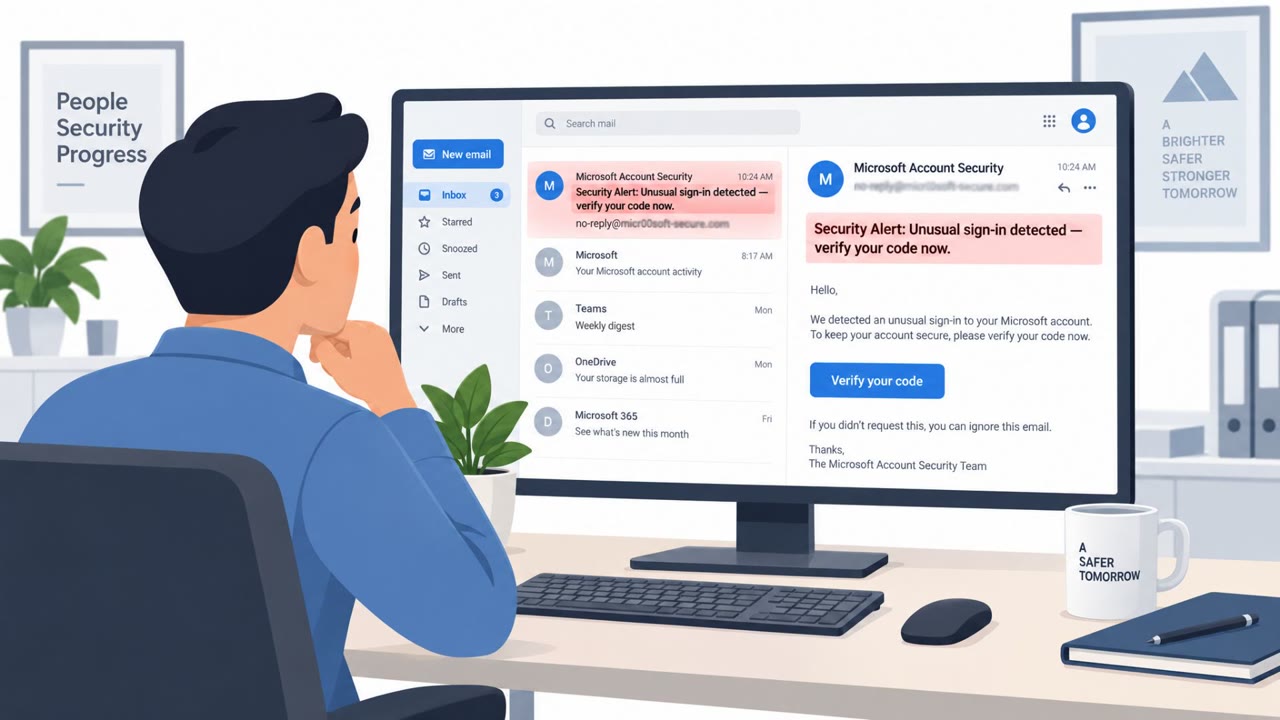
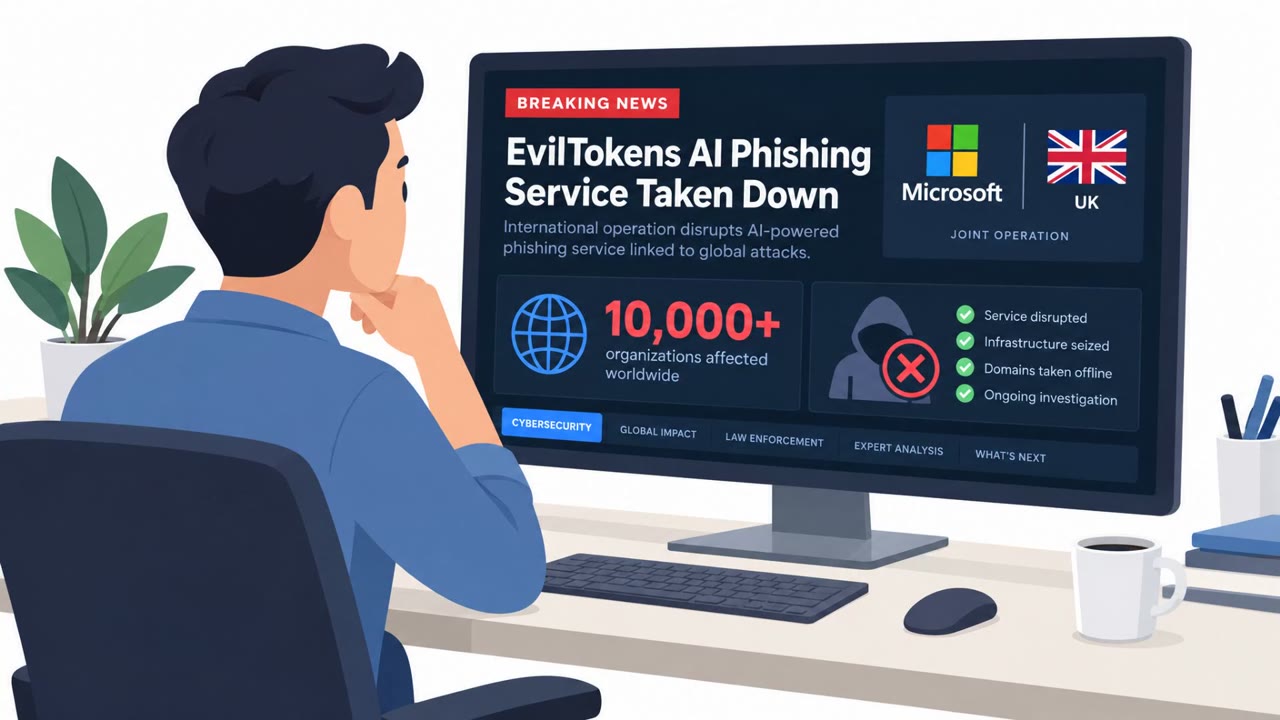
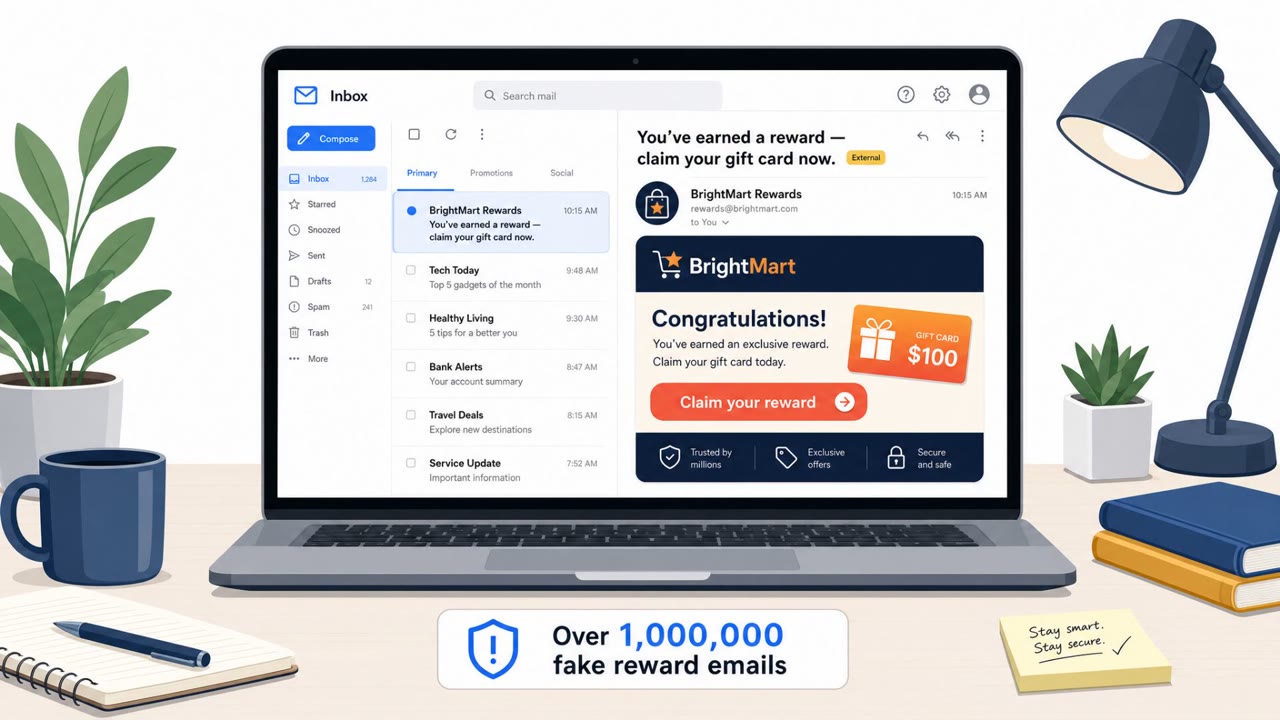
Microsoft and partners disrupted “EvilTokens,” a phishing-as-a-service operation linked to more than 12,000 compromised Microsoft email inboxes across 10,000+ organizations. The service used AI to pick targets, impersonate trusted contacts, and steal session tokens so criminals could stay in mailboxes and run business email compromise (BEC) and payment-redirection scams.
Key findings
- Microsoft linked EvilTokens activity to “more than 12,000 compromised Microsoft customer email inboxes across more than 10,000 organizations globally.”
- The platform used AI to analyze inboxes for “trusted relationships” and “payment authorizations,” guiding criminals on who to impersonate and how to extract money.
- EvilTokens enabled account takeover and BEC by “stealing session tokens,” helping attackers maintain access and “consistently bypass” MFA and security tooling.
- Microsoft correlated at least 13 IC3 complaints to EvilTokens activity totaling “approximately $1.7 million in reported losses” (noting this is likely conservative).
- Access to the service was sold via Telegram with a “$1,500 initiation fee and a recurring $500 subscription.”
- Microsoft attributed development/support to a threat actor it calls “Storm-2992” and identified two alleged operators (Felix Utomi and Waidi Segun Adams) arrested in the UK and released on bail.
Who’s being targeted
- Commonly targeted roles: All employees, Finance / Accounts Payable, Executives and executive assistants, IT / Identity and Access Management, Procurement.
- Affected industries: Cross-industry / multiple sectors (global organizations using Microsoft email).
- Attack channels: email, website.
- Impersonated: Microsoft sign-in / IT security (generic Microsoft login workflow), A trusted relationship found in the victim’s inbox (e.g., vendor/customer).
Awareness takeaways
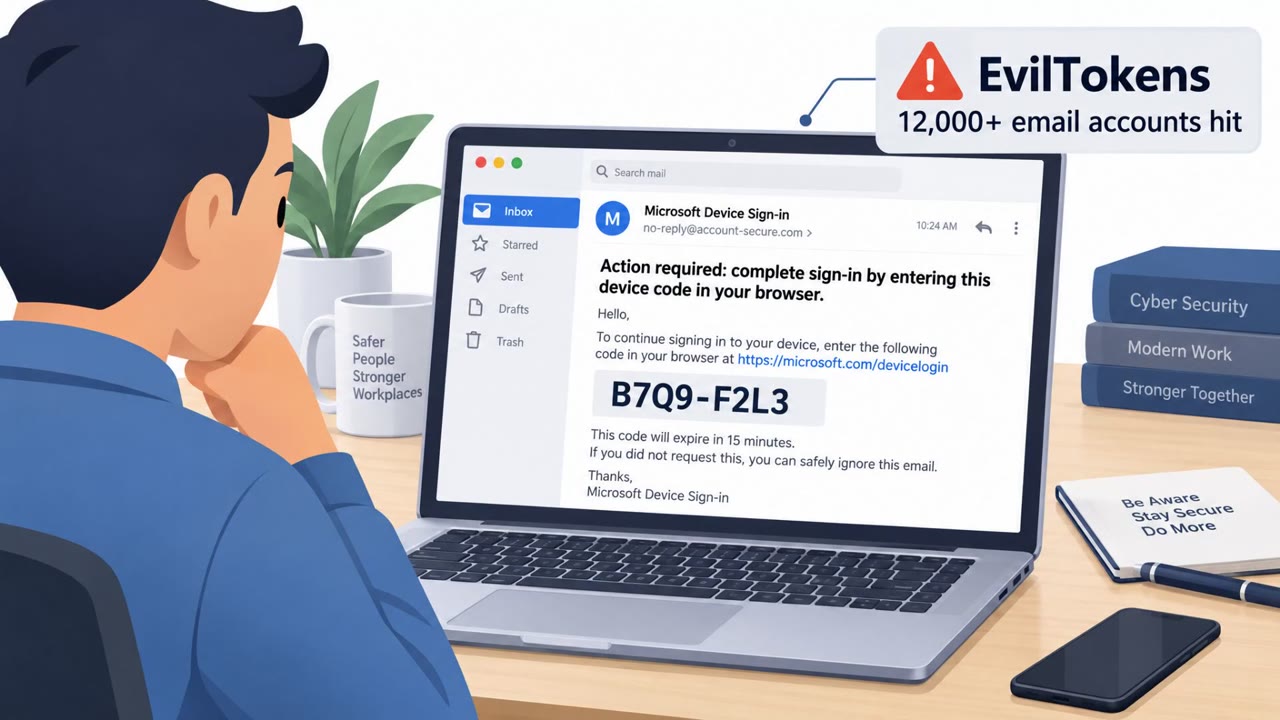
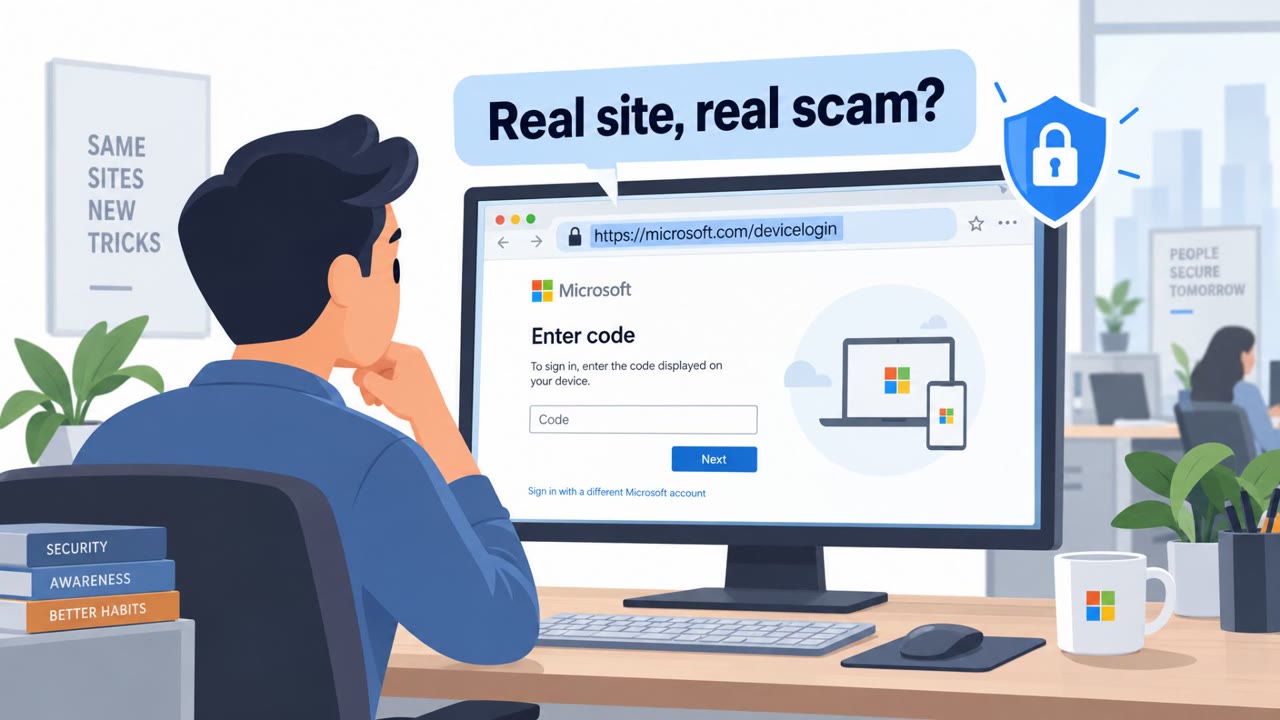
- Treat unexpected device-code or sign-in prompts as a likely attack and report them immediately.
- Assume a compromised mailbox will be analyzed quickly; respond fast by resetting access, reviewing rules/forwarding, and notifying impacted partners.
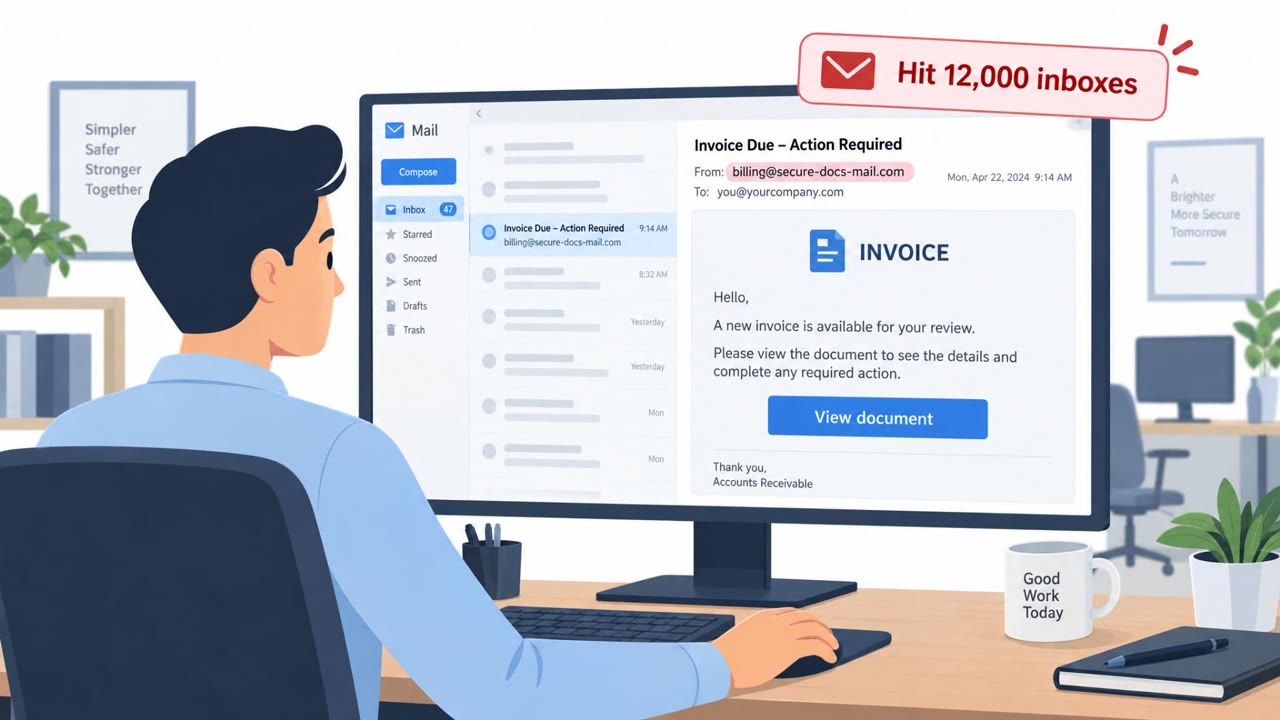
- Require out-of-band verification (known phone number / established process) for any payment changes or fund redirection requests.
- Do not rely on MFA alone as a guarantee, token theft can bypass it; combine phishing resistance with monitoring for unusual sessions.
Red flags to watch for
- You receive an unexpected/unsolicited device code prompt
- Login request does not match anything you initiated
- Pressure to complete sign-in quickly to ‘avoid account lockout’
- Payment change request arriving only by email
- New/changed bank details without secondary verification
- Message leverages an existing relationship/thread to appear legitimate
Read the video transcript
Microsoft just took down “EvilTokens”, AI-driven scams that hijacked over twelve thousand Microsoft inboxes. Here’s the trick: you get an email or pop-up with a Microsoft device code, saying, “Approve this now or your account may be locked.” You type in the code… they steal your session token and sit in your mailbox, even past MFA. Once in, EvilTokens’ AI scans your inbox for who approves payments. Then you see a totally normal-looking thread from a real vendor: “Hey, we’ve changed bank details, please send this invoice here instead.” That’s how $1.7 million vanished. Your move: if you ever see an unsolicited device code prompt, stop. Don’t enter it. Screenshot it and report it to IT immediately.