This weekly roundup describes multiple real-world campaigns where attackers trick people using familiar brands and “verification” prompts to steal credentials or install remote-control tools. The common theme is trust abuse: messages and web pages look legitimate, then push users to log in, click through, or run commands.
How the attacks worked
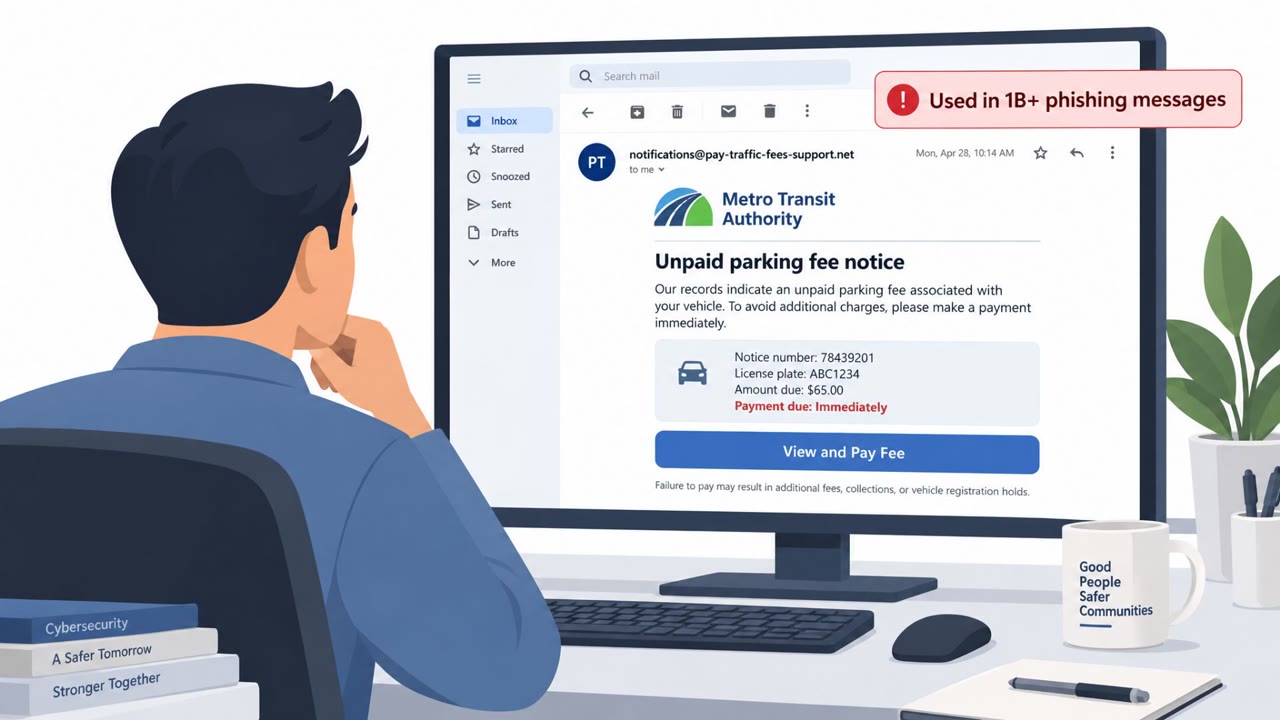
A set of loosely connected campaigns described in a recent weekly roundup all rely on the same core idea: make a message or webpage look legitimate enough that a person will click, log in, or follow instructions without pausing. One campaign sent more than one million phishing emails advertising fake retail rewards and gift card offers. To slip past AI-powered detection, the messages used hidden HTML and CSS text, a technique sometimes called text salting, so what a filter reads differs from what a human sees.
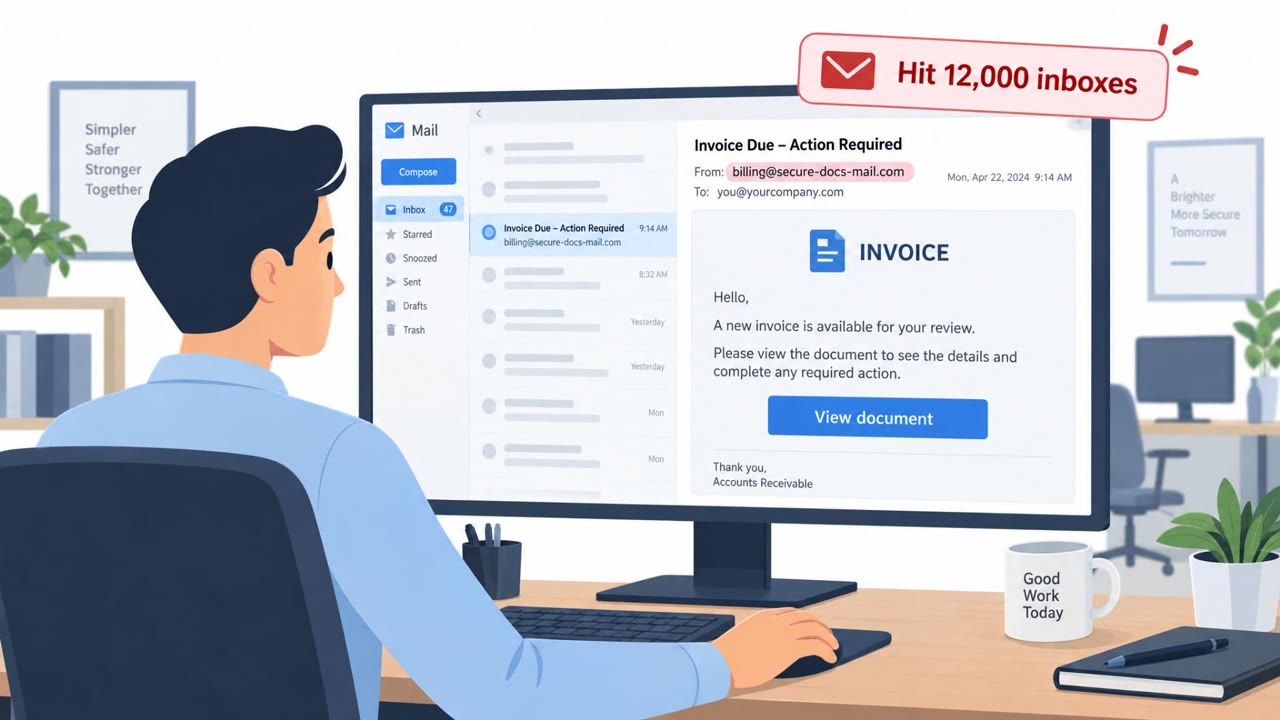
A second campaign impersonated DocuSign. Victims were shown staged document viewers, environmental checks, and a Cloudflare Turnstile challenge, all designed to build trust before the flow ultimately pushed the target toward installing legitimate remote monitoring and management software. Once installed, that software gave attackers persistent access to the device.
A third campaign targeted macOS users with fake verification prompts that instructed people to copy and paste commands into Terminal. Running those commands led to theft of passwords, browser cookies, and cryptocurrency information, along with disruptive symptoms like applications repeatedly closing.
Why it succeeded
None of these attacks depended on sophisticated malware alone. Instead, they succeeded by borrowing trust: a familiar rewards program, a well-known e-signature brand, and a plausible-looking verification screen. Legitimate-seeming friction, like a Turnstile check or a staged document viewer, can actually increase trust rather than raise suspicion, because it mimics the security steps people expect from real services.
What to watch for
- Unsolicited reward or gift card offers, especially ones pressuring quick action
- Unexpected document signature requests that lead to extra verification steps before you can view anything
- Any website or prompt asking you to open Terminal or a command line to "verify" your identity
- Requests to install remote access or monitoring software just to view a document
Building resistance
Security awareness training should reinforce a few concrete habits: treat unsolicited rewards emails as high-risk regardless of how polished they look, verify unexpected DocuSign or signature requests through a known channel rather than the link in the email, and never paste commands supplied by a webpage into Terminal or a command prompt. Employees across finance, HR, and executive roles are common targets for these pretexts, and IT and helpdesk staff should have a clear reporting path when someone encounters a suspicious verification prompt or unexpected software install request. The broader lesson is that attackers increasingly lean on trusted brands, valid credentials, and legitimate administrative tools rather than obvious malware, so slowing down before clicking or installing anything remains one of the most effective defenses.
Key findings
- A million-email phishing campaign used hidden HTML/CSS (“text salting”) to evade AI-based detection while advertising fake rewards and gift cards.
- A DocuSign-themed phishing kit used staged document viewers and Cloudflare Turnstile to look legitimate, then pushed victims toward installing legitimate remote monitoring and management (RMM) tools for persistence.
- A macOS campaign used fake verification prompts to convince users to paste malicious Terminal commands that steal passwords and cookies.
- Several incidents highlight that attackers increasingly rely on stolen credentials and trusted brands/processes rather than obvious malware alone.
Who’s being targeted
- Commonly targeted roles: All employees, Finance, HR, Executives, IT / Helpdesk, Security team.
- Affected industries: Cross-sector (all industries), Technology / SaaS, Retail / consumer services, Healthcare.
- Attack channels: email, website.
- Impersonated: Retail brand rewards program (unspecified), DocuSign, Verification page / security check (unspecified).
Red flags to watch for
- Unsolicited reward or gift card offer
- Pressure to click quickly to “claim” something
- Email content may not match what security tools see due to hidden HTML/CSS
- Unexpected document signature request
- Extra “verification” steps (e.g., Turnstile) that build false trust
- Prompts to install remote access/management software to view a document
- Any website asking you to run Terminal commands to “verify” you
- Instructions to bypass normal app/browser flows
- Follow-on symptoms like apps repeatedly closing or unusual login activity
Frequently asked questions
How are phishers abusing DocuSign in these attacks?
Attackers use fake DocuSign pages with staged document viewers, environmental checks, and Cloudflare Turnstile to appear legitimate, then push victims to install legitimate remote monitoring and management tools that grant persistent access.
What is text salting and why does it matter?
Text salting uses hidden HTML and CSS text within emails to evade AI-powered detection tools while still presenting recipients with fake retail rewards and gift card offers.
Why should Mac users never paste Terminal commands from a website?
A macOS campaign uses fake verification prompts to trick users into pasting malicious commands into Terminal, which then steal passwords, browser cookies, and cryptocurrency information.
What is the common thread across these campaigns?
Each relies on trust abuse, using familiar brands, legitimate-looking verification steps, and valid credentials or tools rather than obvious malware to convince victims to act.
Read the video transcript
Imagine this: an email says, “You’ve earned a reward, claim your gift card now,” and it looks totally legit. Behind the scenes, more than a million of these used hidden HTML and CSS to dodge AI filters, then funneled people to fake pages asking for logins and personal details. Same playbook with DocuSign and Mac “verification” pages: a fake DocuSign screen with a Cloudflare Turnstile check, or a page telling you to paste a Terminal command, both trying to look extra trustworthy while stealing access. If an email promises rewards, a DocuSign link feels off, or any site tells you to run a command, stop and report it to Security, do NOT click or paste anything.