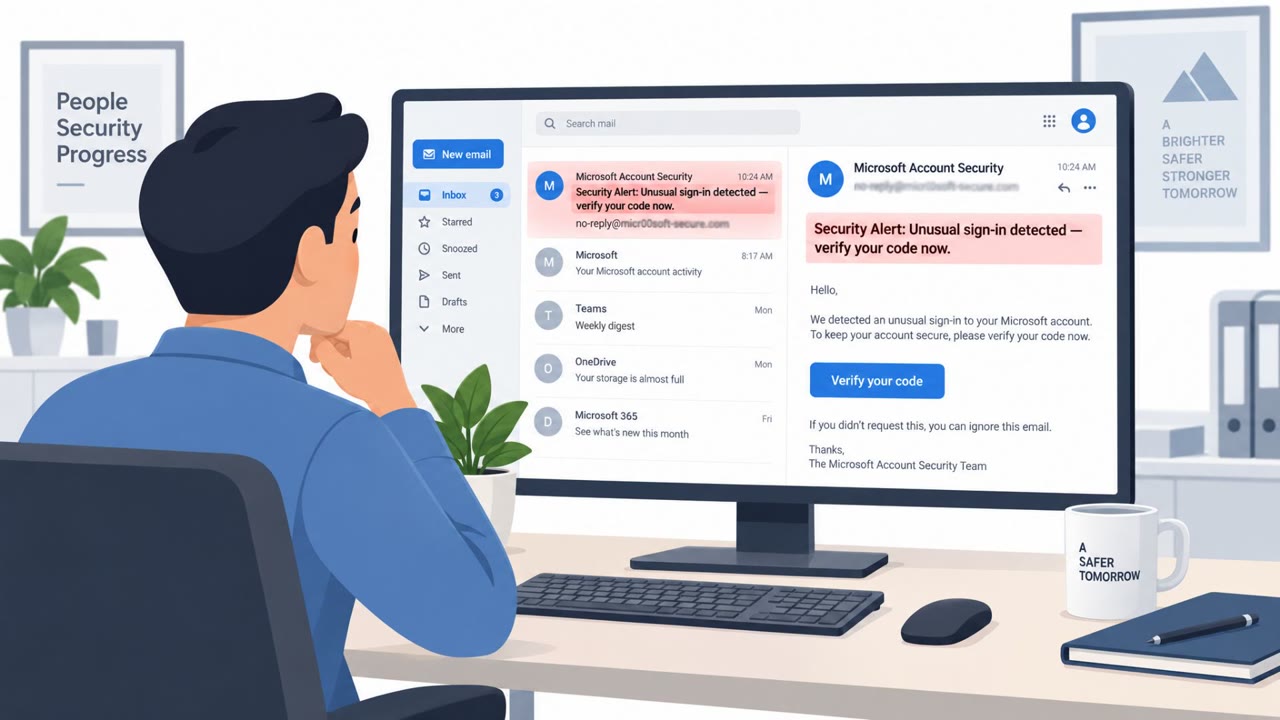
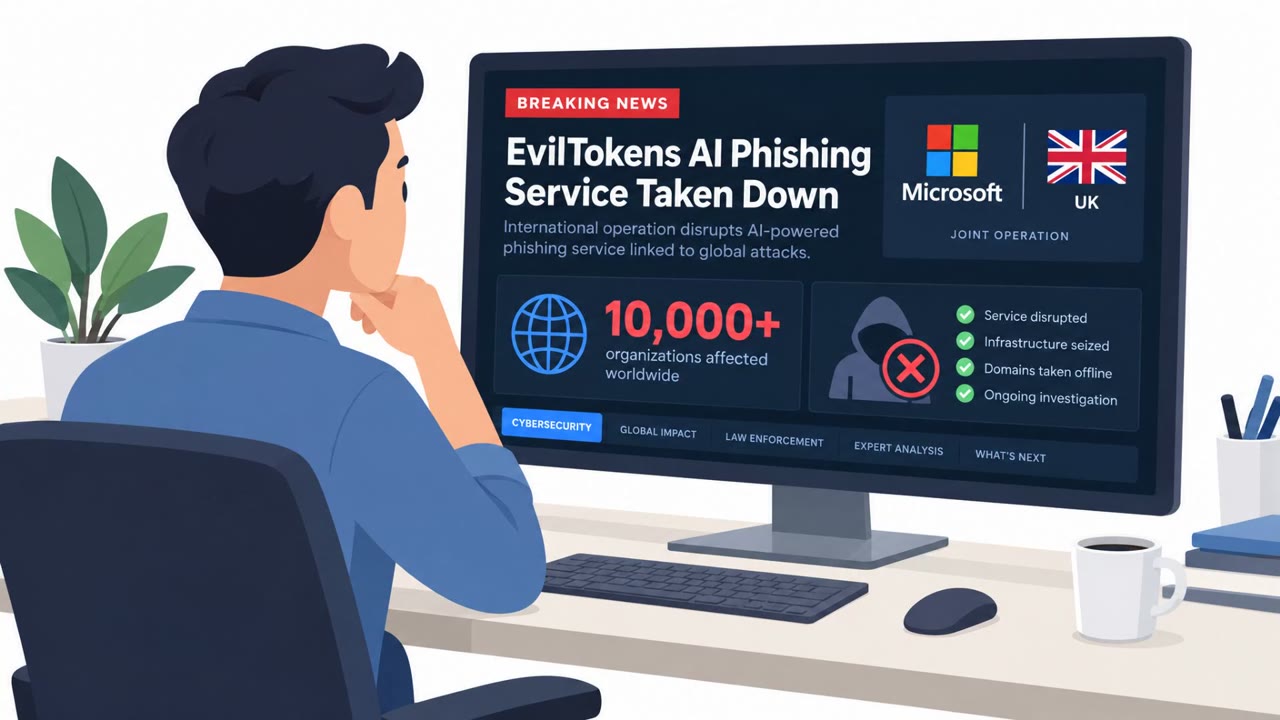
Microsoft says it disrupted “EvilTokens,” an AI-assisted phishing service used to trick employees into authorizing attacker access via the device-code login flow (often used for TVs/printers). Victims who entered an attacker-provided code in their browser unknowingly granted access tokens that could allow ongoing access to email accounts, without the attacker needing passwords.
How the Attack Worked
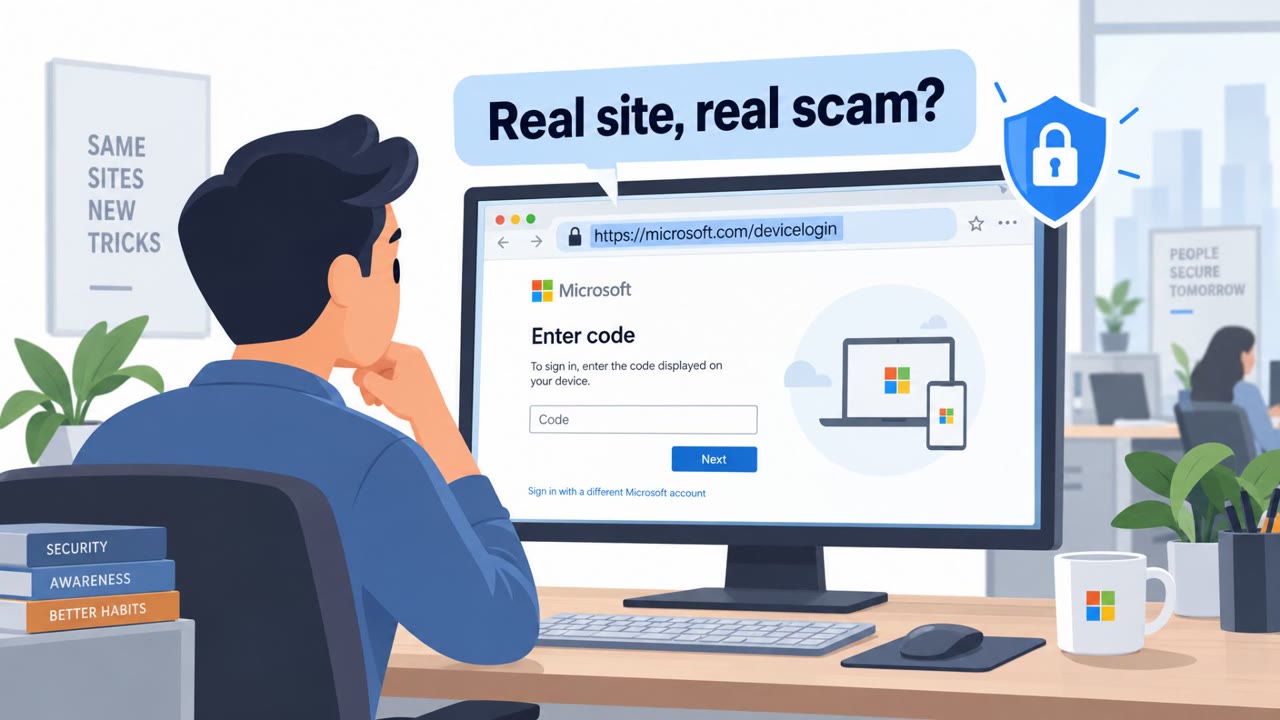
EvilTokens targeted a legitimate feature called device code authentication, the process used to sign in on devices without a keyboard, such as TVs or printers. Normally, a user starts this flow themselves and enters a short code shown on their device into a browser. EvilTokens flipped this: the attacker initiated the authentication flow and sent the code to the victim through a phishing lure. If the victim entered that code in their own browser, they unknowingly completed the attacker's sign-in and handed over an access token, not a password.
Why It Succeeded
This technique succeeded because it did not require stealing credentials in the traditional sense. Victims were giving the attacker access to their account without handing over passwords, which meant standard password hygiene and even some password-based defenses would not have stopped it. The attack also leaned on AI to generate phishing emails customized for specific targets, increasing the credibility of the lure and the odds that a busy employee would act quickly.
What to Watch For
- An unexpected message asking you to enter a device code for a sign-in you did not start
- Urgent, action-required language pushing you to complete authentication immediately
- A sign-in prompt tied to a device you were not personally setting up
- Highly personalized phishing content referencing specific projects, colleagues, or inbox details
Since EvilTokens targeted all employees, executives, finance, HR, and anyone with access to sensitive email threads, no single department can assume it is not a target.
How to Build Resistance
Organizations should reinforce a simple rule: only enter a device code that you personally generated while signing in on a device you recognize. Any code received unexpectedly, via email or otherwise, should be treated as suspicious and reported. It also helps to remind staff that passwordless authentication does not mean risk-free authentication, since attackers may specifically aim to steal access tokens instead of passwords. Given that EvilTokens used AI to tailor messages and mine compromised inboxes for valuable data, awareness training should emphasize that personalization and polish are no longer reliable signs that a message is legitimate. Combining this awareness with monitoring for unusual device sign-in attempts can help catch this technique before an account is fully compromised.
Key findings
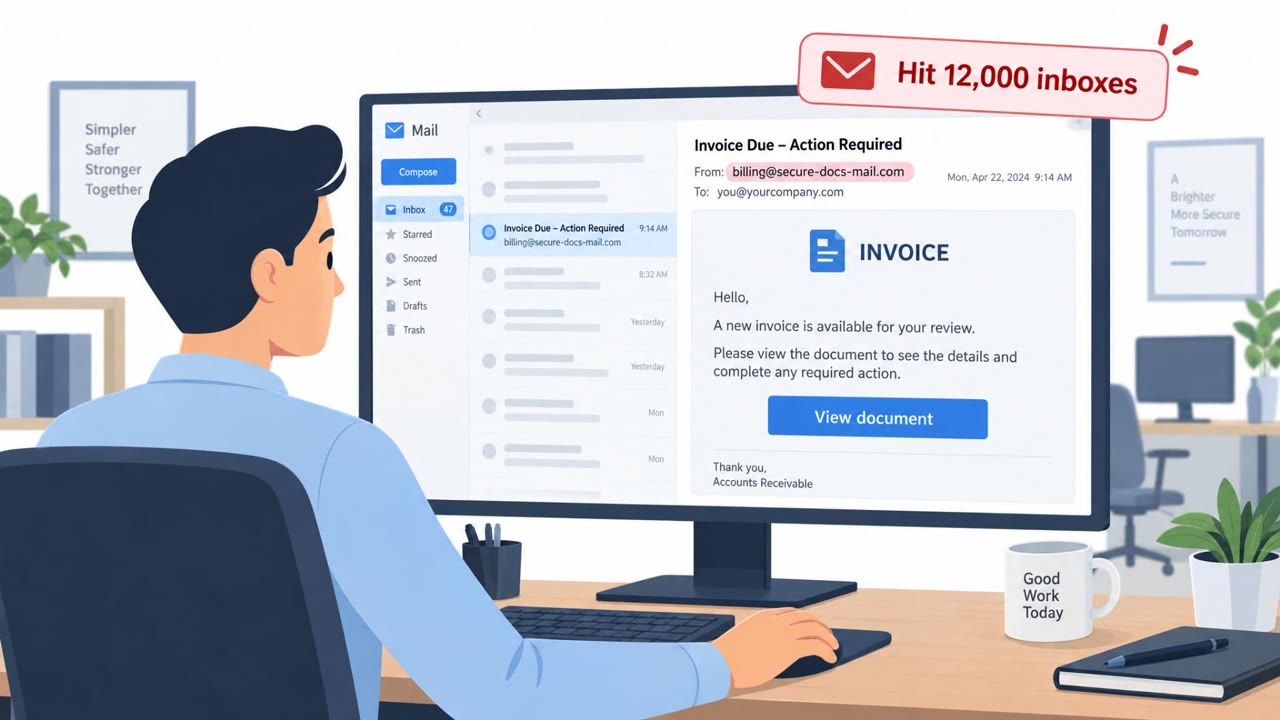
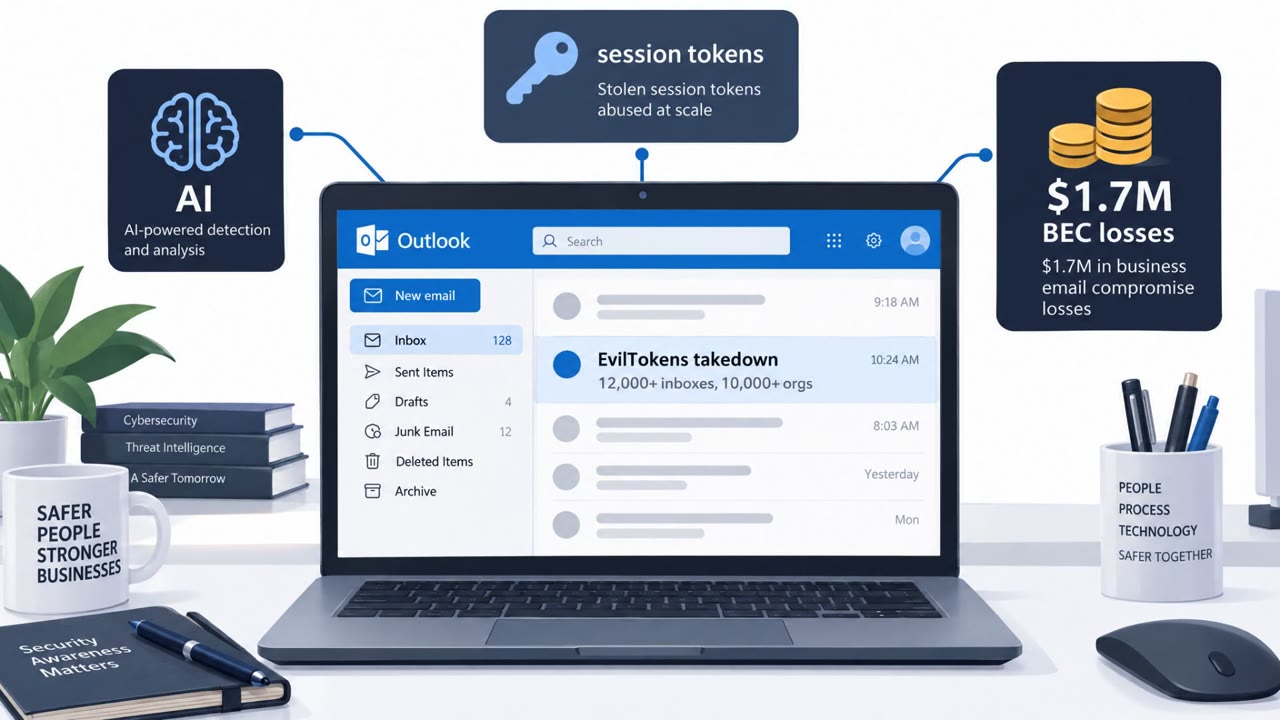
- Microsoft says EvilTokens was used to compromise “more than 12,000 email accounts at over 10,000 organizations.”
- The service abused “device code” authentication by getting users to enter an attacker-provided short code in a browser session.
- The goal was to obtain access tokens that can provide persistent access to email accounts (not necessarily passwords).
- EvilTokens used AI to generate tailored phishing emails and to help criminals analyze inboxes and choose who to impersonate.
- Microsoft says it seized “50 websites” and disabled “more than 150 other domains” tied to the infrastructure, and two suspects were arrested in the UK.
Who’s being targeted
- Commonly targeted roles: All employees, Executives, Finance, HR, IT helpdesk/service desk, Anyone with access to sensitive email threads.
- Affected industries: Cross-industry (multiple sectors worldwide).
- Attack channels: email, website.
- Impersonated: Microsoft (device sign-in / authentication).
Red flags to watch for
- Unexpected request to enter a device code for a device you are not setting up
- Rushed “action required” messaging to complete authentication
- Authentication initiated by someone else (the attacker), not by the user
Frequently asked questions
What is device code phishing?
It is an attack where a criminal initiates a legitimate device sign-in flow and tricks a victim into entering the attacker's short code into their own browser, which grants the attacker access to the victim's account.
Did EvilTokens steal passwords?
No. The service was designed to obtain access tokens that could provide persistent access to email accounts without the attacker ever needing a password.
How many organizations were affected by EvilTokens?
Microsoft says EvilTokens was used to compromise more than 12,000 email accounts at over 10,000 organizations.
How did AI factor into the EvilTokens attacks?
EvilTokens used AI to generate phishing emails customized for specific targets and to help attackers analyze compromised inboxes for valuable data after access was gained.
Read the video transcript
Imagine losing your email without ever typing your password. That’s the EvilTokens trick. EvilTokens abused Microsoft’s device-code login, the one TVs and printers use. Criminals start the login, email you a short code, and when you type it into your browser, you actually approve their session and hand over an access token to your email. Here’s the catch: you never started that sign-in. No TV, no printer, nothing. Yet the email feels weirdly tailored because EvilTokens used AI to customize the message and even pick who to impersonate from real inboxes. Your move: only enter a Microsoft device code you just saw appear on a device you’re actually setting up. If an email tells you the code, stop and report it.