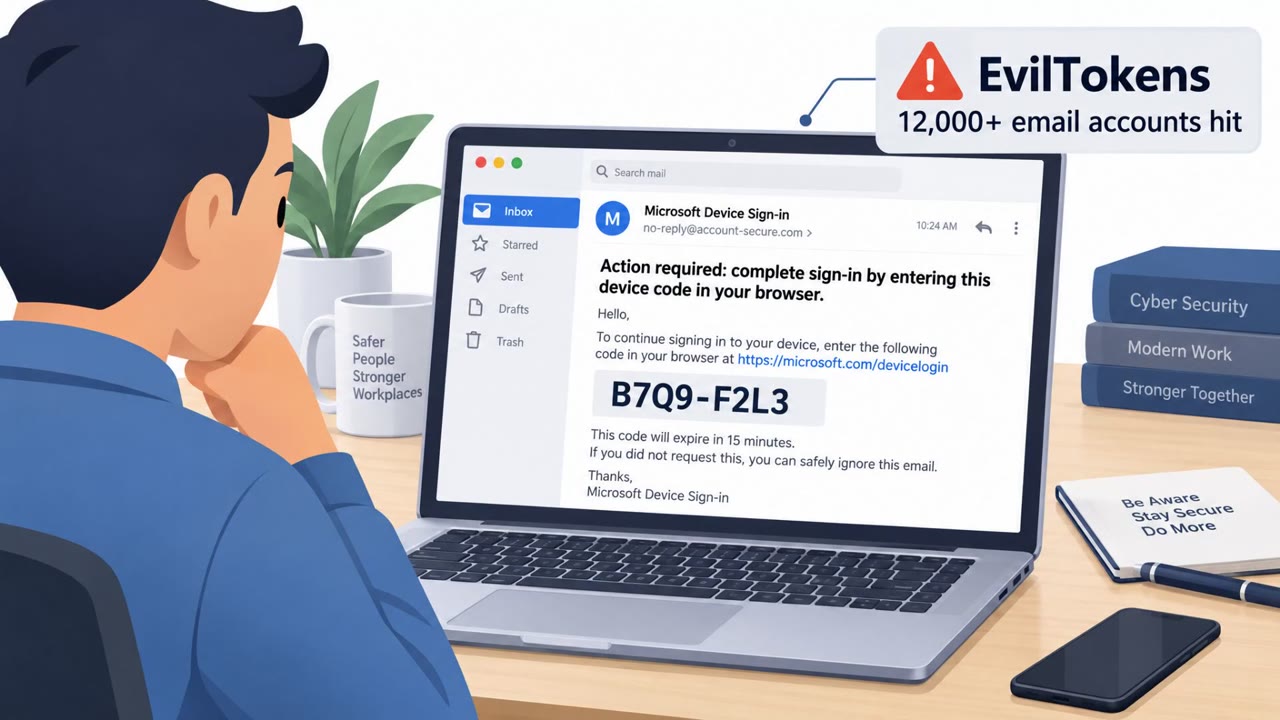
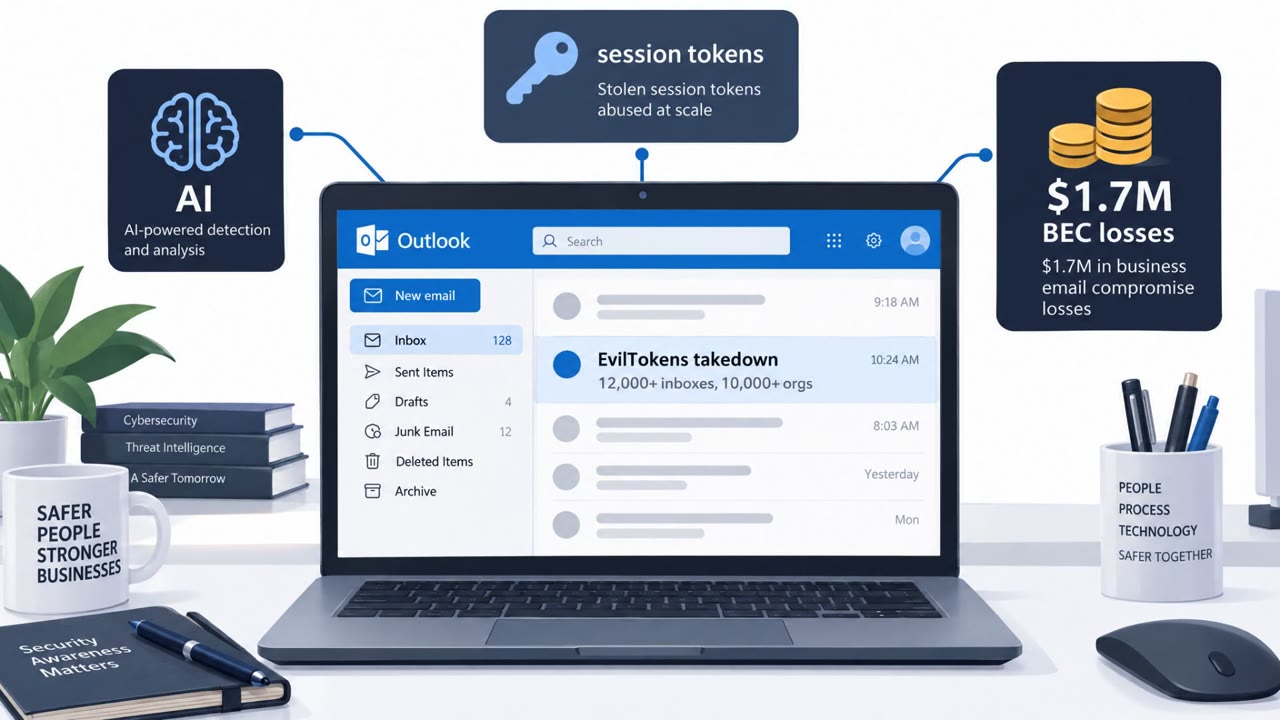
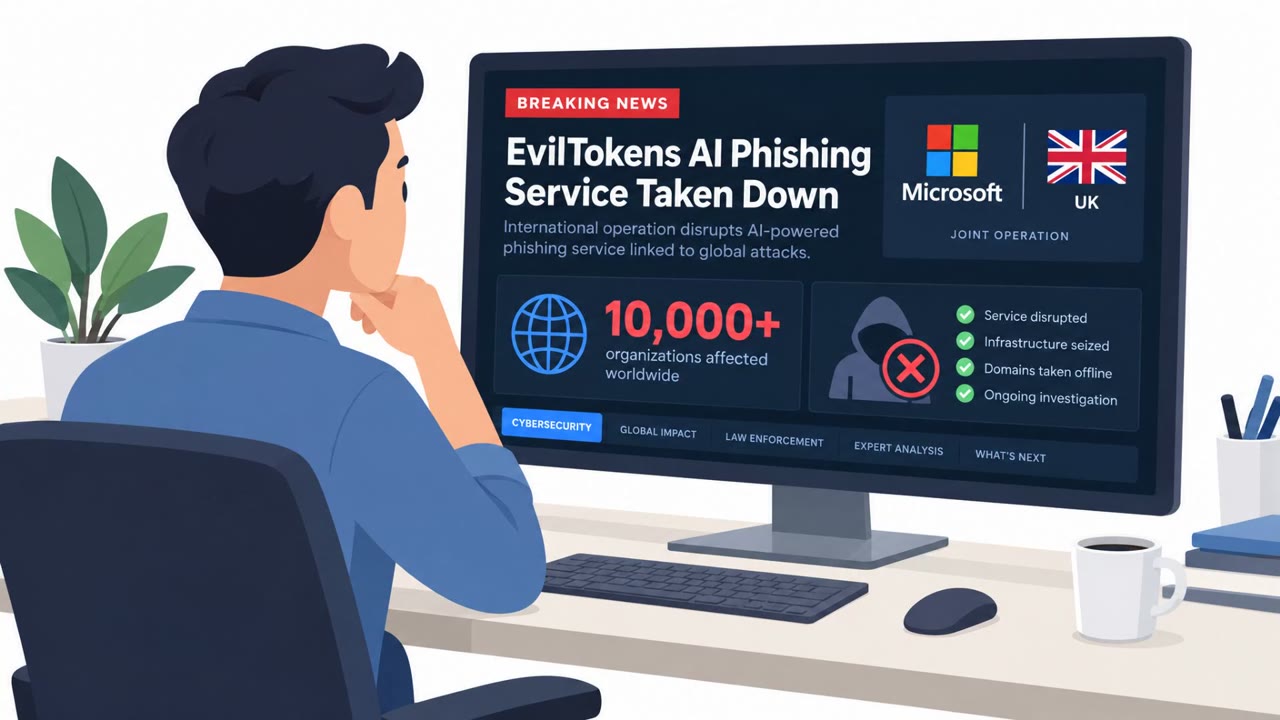
Microsoft and partners disrupted “EvilTokens,” a phishing service that helped criminals break into more than 12,000 mailboxes across 10,000+ organizations. Victims were tricked into entering an authentication code on a real Microsoft sign-in page, letting attackers capture access tokens and get into inboxes without stealing passwords. Once inside, an AI chatbot analyzed emails to identify finance workflows and the best people to impersonate for fraud.
How the Attack Worked
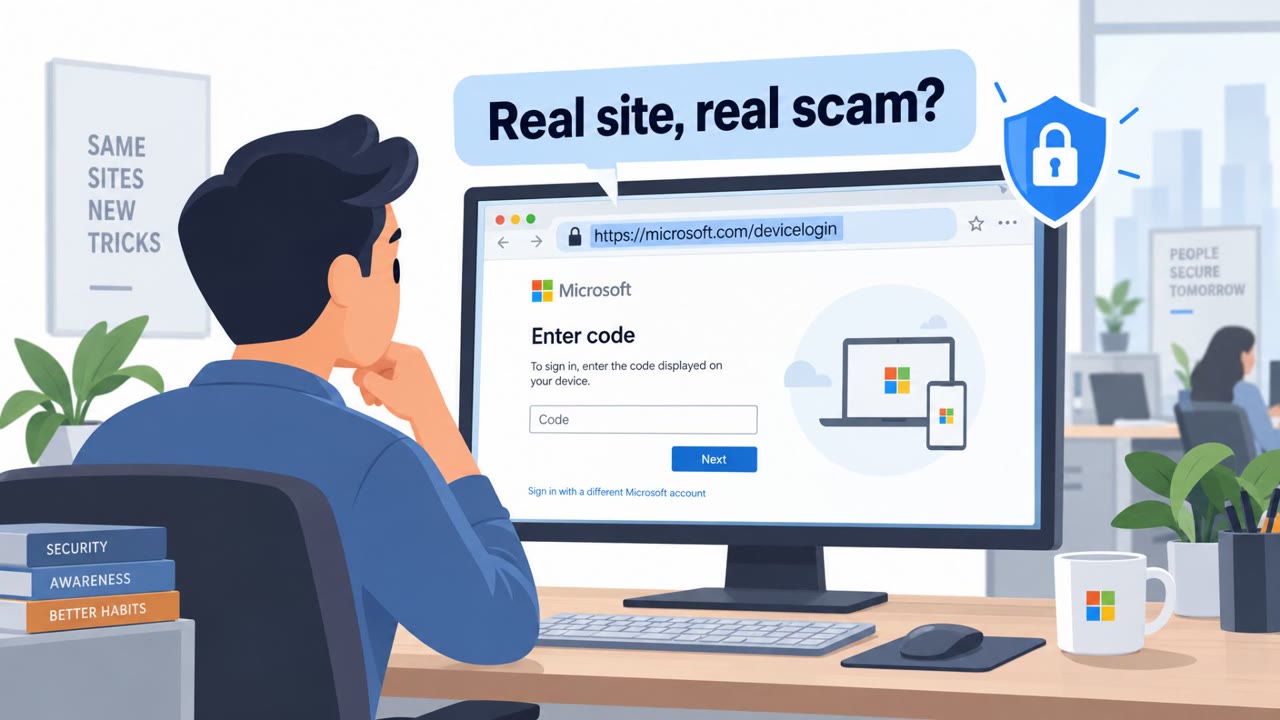
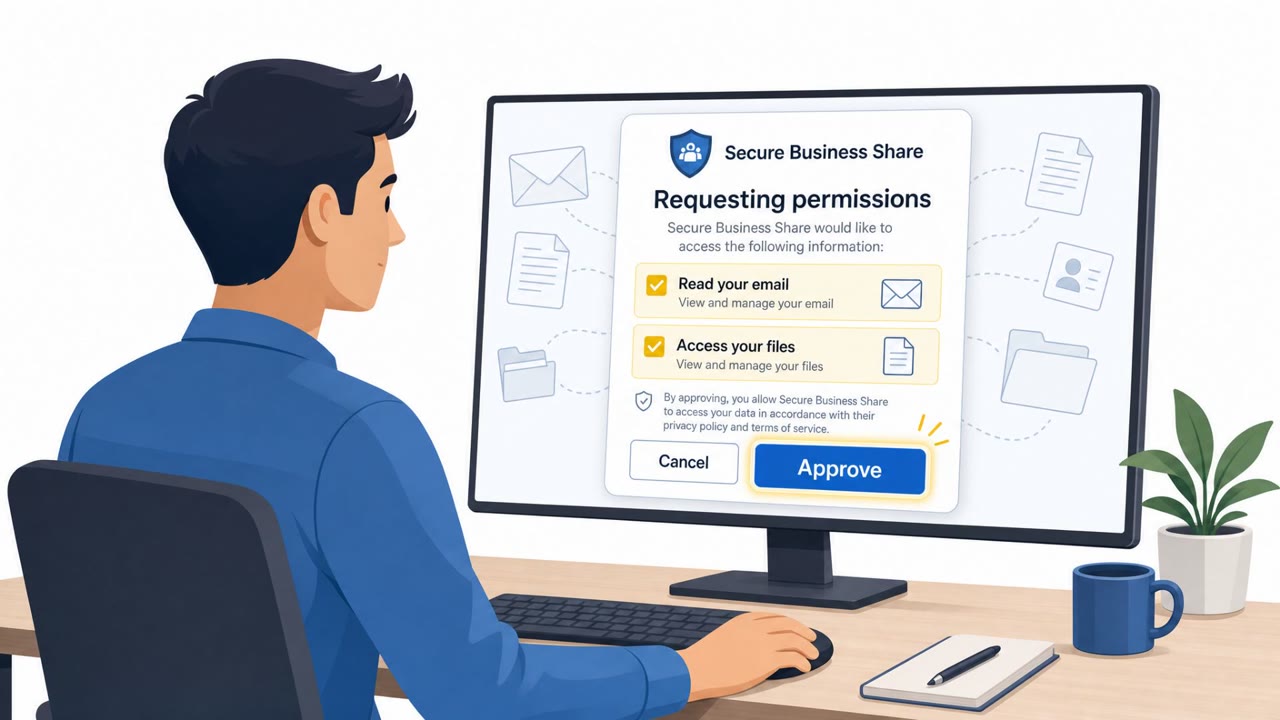
EvilTokens operated as a phishing service that compromised more than 12,000 inboxes at over 10,000 organizations. Rather than stealing passwords outright, the scheme relied on tricking victims into entering an authentication code on Microsoft's legitimate sign-in page. By completing what looked like a routine MFA step, victims unknowingly handed over access tokens and sessions to attackers, all without ever revealing their actual password.
Once inside a mailbox, the service reportedly included an AI chatbot capable of summarizing and translating emails, identifying financial conversations, mapping organizational roles, and suggesting the best people to impersonate. Preset prompts were built around fraud enablement, such as locating wire transfer discussions, vendor invoices, and an organization's 'money movers.'
Why It Succeeded
The technique succeeded because it exploited a step users are trained to trust: entering a code on a real sign-in page. Because the phishing flow used Microsoft's legitimate authentication page, there was no obviously fake login form to spot. This let attackers capture session tokens directly, sidestepping the need to guess or steal a password at all.
The persistence of this access compounds the problem. Access could persist even after a password reset if the associated sessions and tokens were not also revoked, meaning standard credential-reset procedures alone were not sufficient to remove an attacker from a compromised account.
What to Watch For
- Unexpected 'security alert' messages asking a user to confirm or enter an authentication code
- Pressure or urgency to act immediately on a sign-in notification the user did not initiate
- Links in email that lead to a sign-in page, rather than navigating there directly
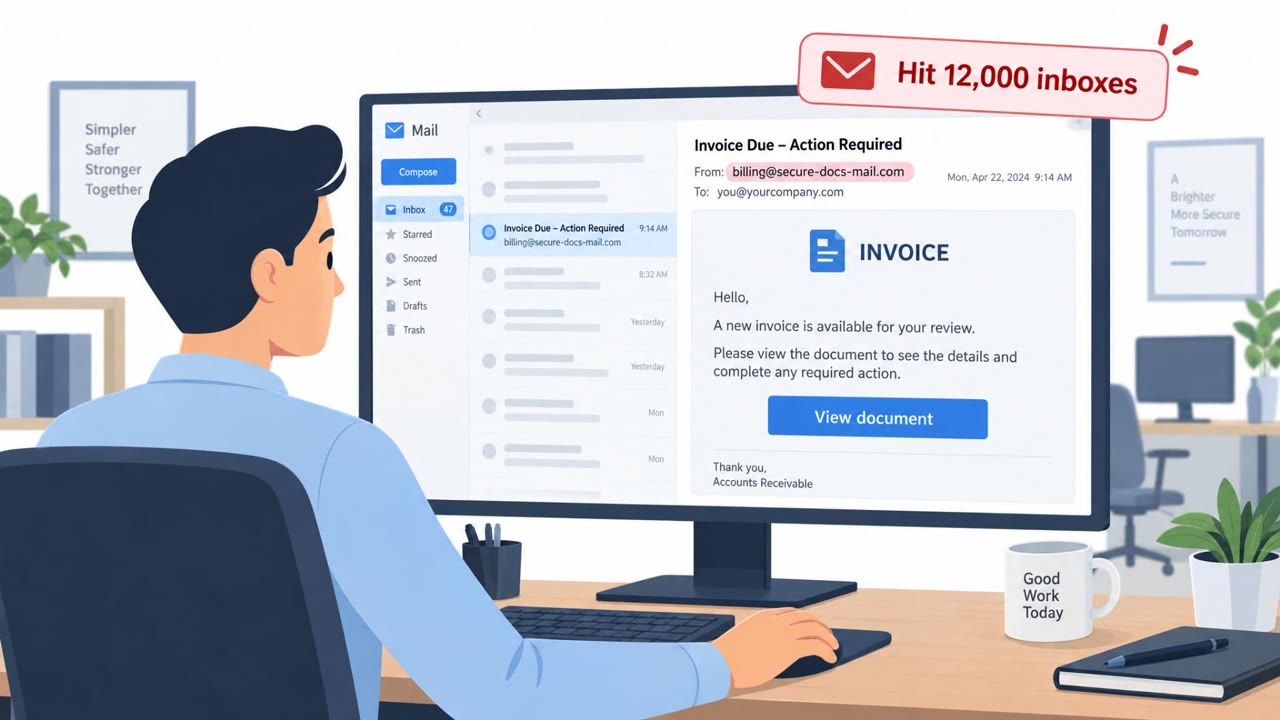
- Payment change requests arriving only by email, especially involving vendor invoices or wire transfers
- Bank detail changes that have not been verified through a separate, trusted channel
Building Resistance
Organizations should treat unexpected authentication code prompts as high risk and avoid entering codes triggered by an email link, navigating to sign-in pages directly instead. Because compromised inboxes can be understood by attackers within minutes, incident response should move quickly and include full session and token revocation, not just a password reset.
Finance, accounts payable, and procurement staff should independently verify requests to change payment information, redirect funds, or approve unusual transactions through a trusted second channel, regardless of how legitimate the email thread appears. Building this verification habit reduces the payoff for attackers even if an inbox is compromised.
Key findings
- EvilTokens compromised “more than 12,000 inboxes at over 10,000 organizations.”
- Victims were “tricked into entering an authentication code on Microsoft’s legitimate sign-in page,” enabling access without stealing passwords.
- Access could persist “even after a password reset if the associated sessions and tokens were not also revoked.”
- An AI chatbot inside the service could summarize and translate emails, identify financial conversations, map roles, and suggest “the best people to impersonate.”
- Preset prompts focused on fraud enablement (e.g., wire transfers, vendor invoices, identifying “money movers”).
- Microsoft and partners seized “50 websites” and disabled “more than 150 domains” supporting the service.
Who’s being targeted
- Commonly targeted roles: All employees, Executives, Finance/AP, Procurement, IT helpdesk / Identity & Access Management, Security Operations / Incident Response.
- Affected industries: Wholesale distribution, Construction, Financial services, Higher education, Healthcare.
- Attack channels: email, website.
- Impersonated: Microsoft (account security / sign-in), Trusted contact inside the victim’s email threads (vendor/customer/colleague).
Red flags to watch for
- A request to enter/share an authentication code in response to an unexpected message
- Pressure/urgency to act immediately on a sign-in alert you didn’t initiate
- Following a link from an email instead of navigating to the sign-in page directly
- Payment change requests that arrive only by email
- Unusual urgency or secrecy around payment updates
- Bank detail changes that aren’t verified via a known second channel
Frequently asked questions
What was EvilTokens?
EvilTokens was a phishing service disrupted by Microsoft and partners that compromised more than 12,000 inboxes at over 10,000 organizations by capturing authentication codes and tokens instead of passwords.
How did EvilTokens bypass MFA without stealing passwords?
Victims were tricked into entering an authentication code on Microsoft's legitimate sign-in page, which handed over access tokens and sessions to attackers without ever exposing the actual password.
Does resetting a password stop this kind of attack?
Not necessarily. Access could persist even after a password reset if the associated sessions and tokens were not also revoked.
How did attackers use compromised inboxes for fraud?
An AI chatbot inside the service analyzed emails to find wire transfer discussions, vendor invoices, and 'money movers,' then suggested the best contacts to impersonate for payment fraud.
Read the video transcript
EvilTokens hijacked over twelve thousand inboxes by abusing one thing we trust most: our MFA code. You click, land on the real Microsoft sign-in page, and type the authentication code to 'stop' the attack. That normal step silently hands over access tokens, so they get into your mailbox without ever knowing your password, and can stay in even after a password reset. Inside your inbox, EvilTokens used an AI chatbot to summarize threads, find wire transfers, vendor invoices, and your 'money movers,' then draft emails that sound exactly like your colleagues: 'Hi, we need to update payment details for the next invoice…' Your move: if you ever get a surprise Microsoft security alert asking for a code, don’t enter it from that email. Close it, go to portal.office.com or microsoft365.com yourself, and handle sign-in and codes only there.