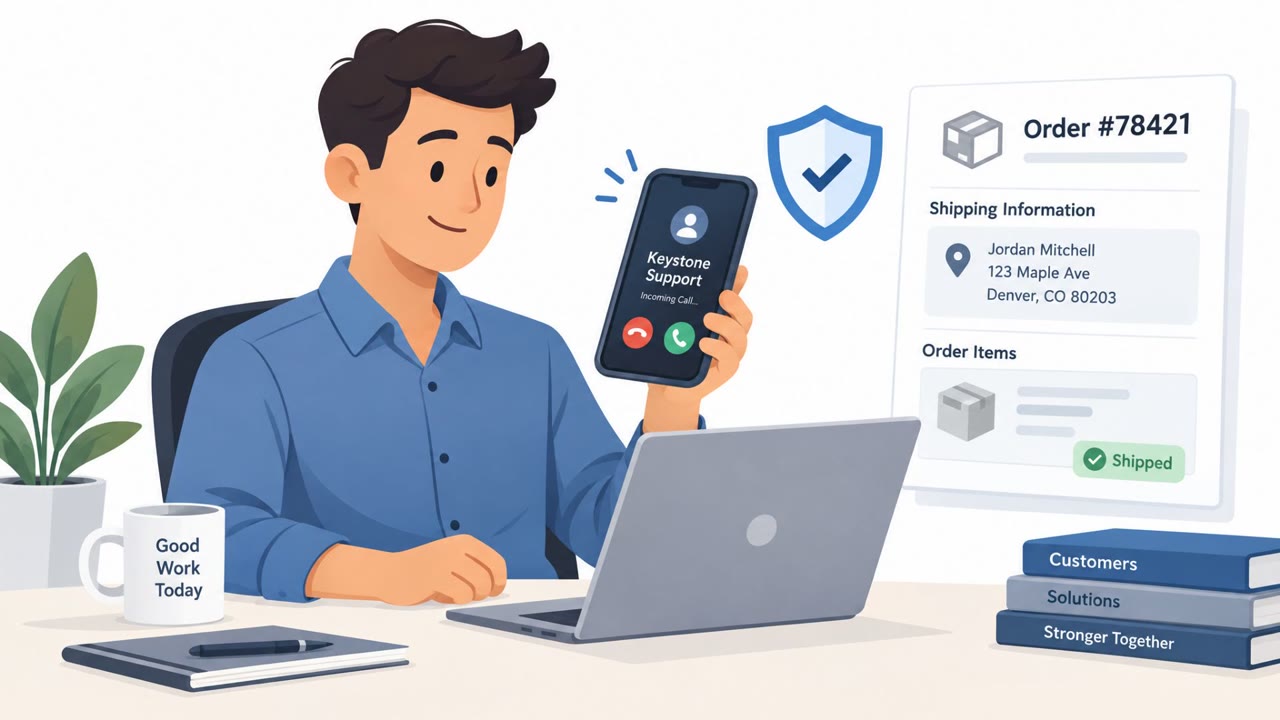
Apple warns that scammers are using FaceTime calls, often with spoofed caller ID, to impersonate Apple or banks and pressure people into sharing passwords, security codes, and financial details. The callers use personal information to sound legitimate, then create urgency to keep victims from hanging up and verifying the request independently. Some scams also try to get victims to disable protections like 2FA or Stolen Device Protection to make account takeover easier.
How the Attack Worked
Scammers place FaceTime calls with spoofed caller ID so the call appears to come from Apple or a bank. The pretext usually involves a claimed iPhone or iCloud compromise or unauthorized Apple Pay charges, with the caller offering to "help" stop the attacker or reverse the charges. To sound legitimate, the caller brings up personal information early, such as a home address, employer, or Social Security number, which helps establish trust before the ask begins.
Why It Succeeded
Once trust is built, the caller shifts to urgency. Victims are told that hanging up and calling the company back will not help because the fraud will supposedly continue in the meantime, a claim that is false but effective at keeping people on the line rather than verifying independently. This pressure is used to extract credentials, security codes, or financial details, and in some cases to convince victims to disable protections like two-factor authentication (2FA) or Stolen Device Protection, framed as necessary to stop an "ongoing attack." In reality, disabling those features removes the very safeguards that prevent account takeover.
What to Watch For
- An unexpected FaceTime or phone call claiming urgent account compromise
- A caller who introduces personal details (address, employer, SSN) early to sound credible
- Pressure to stay on the line or warnings that hanging up will make things worse
- Any request to share a password, device passcode, or two-factor authentication code
- A request to tap "Accept" on a 2FA prompt during the call
- Instructions to disable 2FA or Stolen Device Protection
How to Build Resistance
Treat unexpected calls claiming to be Apple or a bank as untrusted by default, even if the caller ID looks legitimate. If a call raises suspicion, the safer approach is to assume it is a scam and contact the company directly using a number found independently, not one provided by the caller. Employees, especially those handling finance or payments, should be reminded that legitimate support teams will never ask for passwords, passcodes, or 2FA codes, and will never ask someone to approve a 2FA prompt over the phone. Reinforcing that security features like 2FA and Stolen Device Protection should never be disabled at another person's request, particularly during an unplanned call, closes off the final step scammers rely on to complete account takeover.
Key findings
- Scammers use FaceTime calls with spoofed caller ID to look like Apple or a bank.
- They use early disclosure of personal information (address, employer, SSN) to build credibility.
- They pressure victims not to hang up or call back, claiming the fraud will continue.
- They attempt to collect credentials, security codes, and financial information, and in some cases convince victims to disable 2FA or Stolen Device Protection.
- A common pretext is a claimed iPhone/iCloud compromise or unauthorized Apple Pay charges, offering to ‘help’ stop it or reverse charges.
Who’s being targeted
- Commonly targeted roles: All employees, Executives, Finance/Payments teams, IT (mobile device users/support).
- Affected industries: Consumer banking, Payments (mobile wallets), Technology (consumer devices/accounts).
- Attack channels: vishing.
- Impersonated: Apple Support (or Apple Security), Apple Support or bank fraud department, Apple Security (or device protection team).
Red flags to watch for
- Unexpected FaceTime call claiming urgent account compromise
- Caller pressures you to act quickly and provide security codes/passwords
- Request to approve a 2FA prompt or share a 2FA code
- Caller insists you cannot hang up and call the company back using a known-good number
- High-pressure urgency and time constraints
- Caller requests personal or security information during an inbound-unverified call
- Any request to weaken security controls (disable 2FA/Stolen Device Protection)
- Unexpected FaceTime call asking for account/security changes
- Caller uses fear of an “ongoing attack” to justify risky actions
Frequently asked questions
How do scammers use FaceTime to steal information?
They spoof caller ID to appear as Apple or a bank, then use personal details like an address or employer to build credibility before pressuring victims for credentials, security codes, or financial information.
Why do scammers tell victims not to hang up?
Callers falsely claim that hanging up and calling back will let the fraud continue, which is designed to keep victims on the line instead of independently verifying the request.
Would Apple ever ask for a password or 2FA code over the phone?
No. Apple has stated it will never ask users to log in to a website, approve a two-factor authentication prompt, or provide a password, passcode, or 2FA code.
Why do scammers ask victims to disable 2FA or Stolen Device Protection?
They frame it as necessary to stop an ongoing attack, but disabling these protections actually removes the safeguards that would prevent account takeover.
Read the video transcript
You get a FaceTime call that says “Apple Support.” The person knows your address and employer, and says your iCloud is under attack. They say, “Don’t hang up, calling back won’t stop the fraud. Tap Accept on the code and tell me your password so we can reverse Apple Pay charges.” This is a FaceTime spoof scam. Here’s the trick: they use your personal details to sound legit, then rush you so you won’t hang up or call Apple or your bank yourself. Apple says they will never ask for your password, device passcode, or any two-factor code. If a call claims to be Apple or a bank and asks for codes or passwords, your move is simple: hang up, then call the company back using the number on their website.