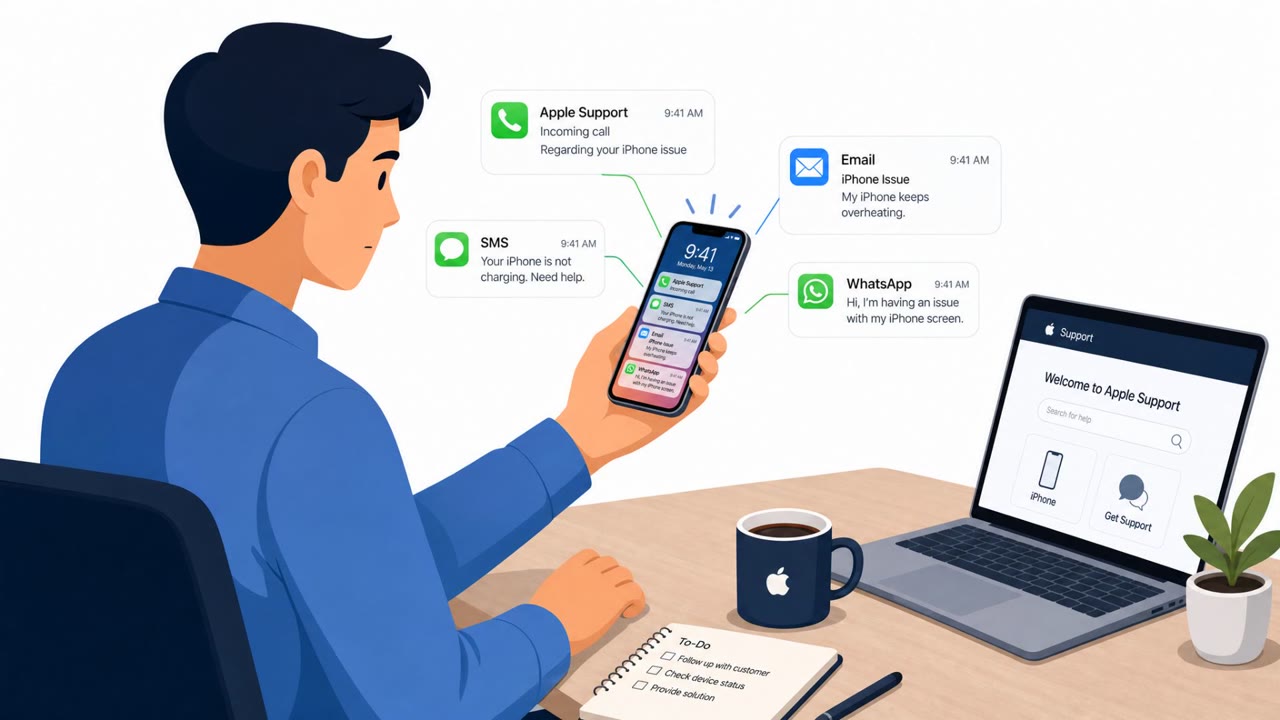
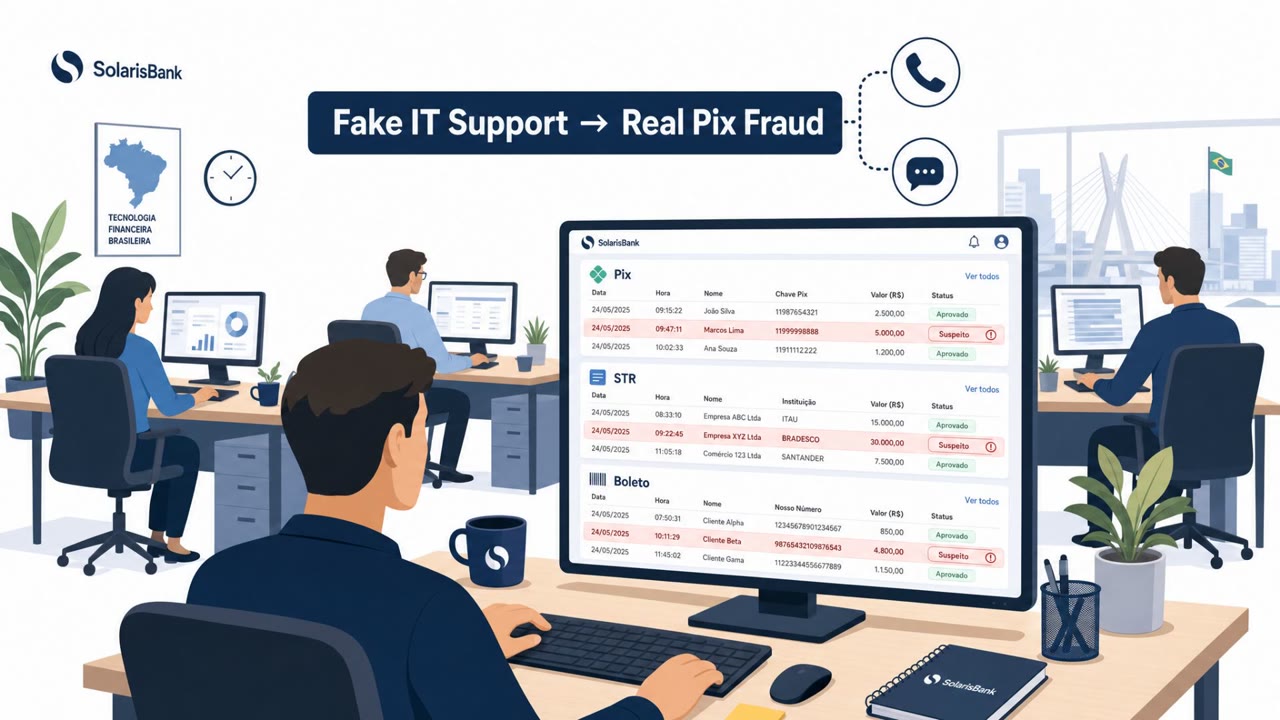
U.S. prosecutors say a group led by Malone Lam ran social engineering scams that stole over $245 million in cryptocurrency. The scammers allegedly called crypto holders while pretending to be customer support from Apple or Google, talked victims into handing over key account details, and in at least one case persuaded a victim to install remote desktop software to enable theft.
How the attack worked
Prosecutors said a group led by Malone Lam ran social engineering scams that stole more than $245 million in cryptocurrency. The core method was straightforward: members called crypto holders and pretended to be customer service representatives from Apple or Google. Through these calls, they convinced victims to hand over key account details that enabled the actual theft of funds.
In at least one documented incident, the scam went further. Instead of simply extracting information verbally, the caller convinced the victim to download a remote desktop program. Once installed, the group used that remote access to directly steal account information, bypassing the need to talk the victim through each step.
Why it succeeded
The operation was not opportunistic. It relied on specialized roles, including database hackers, target identifiers, callers, money launderers, and even residential burglars who targeted hardware wallets. This division of labor let the group scale the scam and refine each stage.
Targeting was also data-driven. The group gained access to databases of information about people with large amounts of cryptocurrency, allowing callers to focus on victims likely to have significant funds worth stealing. This combination of credible-sounding impersonation and pre-existing knowledge about a victim's holdings made the calls more convincing than a random cold call would be.
What to watch for
- Unsolicited phone calls claiming to be from Apple or Google support, especially ones tied to account security concerns
- Requests for login credentials, recovery details, or other sensitive account information over the phone
- Pressure to act quickly to avoid losing access to funds or accounts
- A support caller asking to install remote desktop or remote access software
- Remote sessions that seem to go beyond fixing a specific stated issue
How to build resistance
- Treat unsolicited support calls as suspicious. Hang up and contact the company using an official number you look up yourself, not one provided by the caller.
- Never share account credentials or recovery details by phone, regardless of how legitimate the caller sounds.
- Avoid installing remote desktop tools at the request of an unexpected caller, since remote access can lead directly to full account takeover.
- For individuals or employees managing significant crypto assets, apply extra verification steps to any account-related request, since attackers may already have data indicating who holds large amounts of cryptocurrency.
This case illustrates how phone-based impersonation, combined with targeted victim data and a willingness to install remote software, can result in large financial losses even without any technical exploit of the underlying crypto platforms.
Key findings
- Prosecutors said Malone Lam led a scam group that stole more than $245 million in cryptocurrency.
- Attackers called crypto holders and pretended to be customer service or Apple/Google representatives to obtain key account details.
- The group used targeted victim data, including access to databases identifying people with large crypto holdings.
- In at least one incident, the group convinced a victim to install remote desktop software and then used that access to steal account information.
- The operation reportedly included specialized roles: database hackers, target identifiers, callers, money launderers, and residential burglars targeting hardware wallets.
Who’s being targeted
- Commonly targeted roles: Executives and high-net-worth individuals, Customer support/helpdesk teams, Finance teams (fraud awareness), Employees who manage or hold crypto assets.
- Affected industries: Cryptocurrency holders / consumers, Financial services / digital assets.
- Attack channels: vishing.
- Impersonated: Apple or Google customer support, Customer service / technical support.
Red flags to watch for
- Unsolicited call claiming to be Apple/Google support
- Requests for sensitive account details over the phone
- Pressure to act to avoid losing access or funds
- A support caller asking to install remote access software
- Unclear or unverifiable reason for urgent “support”
- Remote session used to access accounts rather than fix a specific issue
Frequently asked questions
How did the scammers steal cryptocurrency from victims?
Attackers called crypto holders while posing as customer service or representatives from Apple and Google, convincing victims to hand over key account details that enabled crypto thefts.
Did victims install any software during these scams?
In at least one incident, the group convinced a victim to download a remote desktop program, then used that access to steal account information.
How did the scammers know who to target?
The group used access to databases containing information about people with large amounts of cryptocurrency to identify targets.
What should someone do if they get an unexpected call from 'Apple' or 'Google' support?
Treat the call as suspicious, hang up, and contact the company using an official number looked up independently, rather than sharing any account details.
Read the video transcript
Someone calls saying, “This is Apple support, your account’s at risk.” For some people, that call ended with $245 million in crypto gone. Prosecutors say Malone Lam’s crew used stolen “who-has-money” data, then called crypto holders pretending to be Apple or Google reps, walking them through ‘verification’ to hand over login and recovery details. The worst step is when they say, “I’ll secure it for you, just install this remote desktop app.” One victim did that, let them in, and they quietly browsed his accounts and emptied his crypto. Aha test: if support calls you out of the blue about crypto, you hang up. Then you call Apple or Google back using a number you look up yourself. That’s the move that saves your wallet.