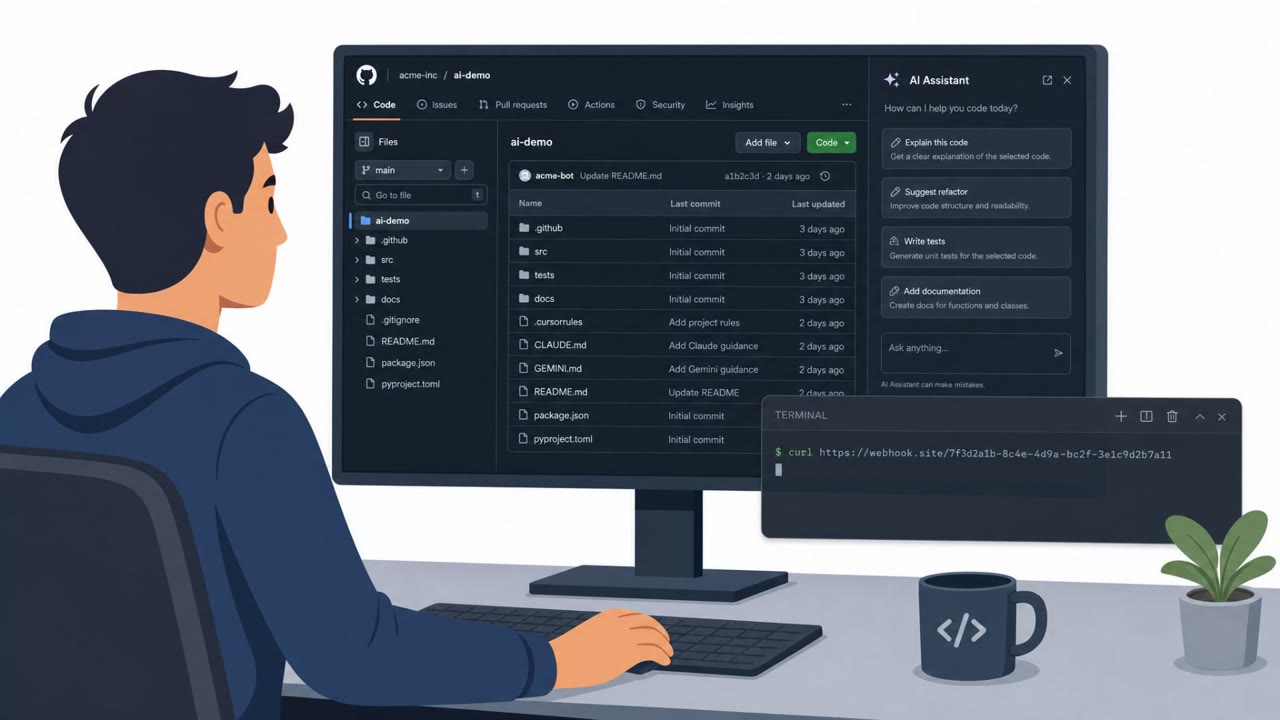
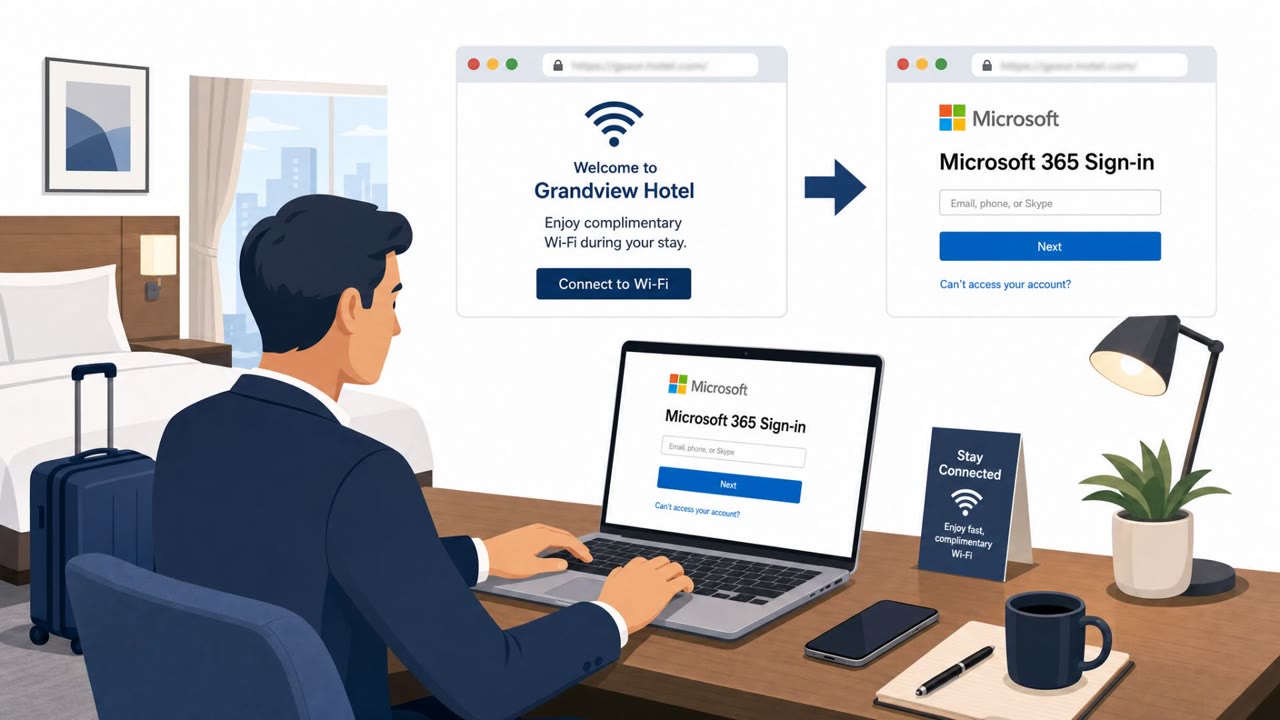
Attackers compromised Brevo’s Cloudflare setup using a long-lived API key found in source code, then altered website content at the CDN edge. Visitors were shown fake Cloudflare verification prompts to run Windows commands, and logged-in WordPress admins were targeted with a hidden backdoor plugin disguised as a legitimate optimizer.
Key findings
- Attackers used a compromised, hardcoded Cloudflare API key to deploy a malicious Cloudflare Worker and modify content at the CDN edge.
- Injected scripts showed fake Cloudflare verification prompts that attempted to trick visitors into executing malicious Windows commands.
- Logged-in WordPress administrators were targeted for a silent install of a persistent backdoor plugin disguised as “Web Media Optimizer.”
- The malicious plugin was designed to hide, persist (must-use directory), fetch additional payloads, and included a hardcoded key to bypass admin passwords.
- Brevo revoked the key, removed the Worker, purged edge caches, and advised WordPress admins to inspect for unauthorized plugins and rotate credentials.
Who’s being targeted
- Commonly targeted roles: Web Administrators, WordPress Administrators, IT Operations, Security Awareness / Helpdesk, Marketing Operations (teams that manage web tags and embedded assets).
- Affected industries: SaaS / Marketing technology, Website operators / Digital marketing, Content management systems (WordPress site owners), E-commerce and online services (websites embedding affected assets).
- Attack channels: website.
- Impersonated: Cloudflare, WordPress plugin / site optimization tool.
Awareness takeaways
- Treat any web ‘verification’ prompt that asks you to run commands as malicious; stop and report it.
- Tightly control WordPress admin access and monitor for unauthorized plugin installs, especially “must-use” plugins.
- Block and investigate unknown outbound connections from websites/CMS servers to unfamiliar domains used for ‘updates’ or scripts.
- Reduce the blast radius of secrets: avoid hardcoding API keys and rotate long-lived keys quickly when exposure is suspected.
Red flags to watch for
- A website asks you to run Windows commands to “verify” you are human
- Unexpected verification prompt on a site you normally trust
- Instructions that require copy/paste into PowerShell/Command Prompt
- A new plugin appears without an approved change request
- Plugin behavior that hides from the active plugin list
- Outbound connections to unfamiliar domains for ‘updates’ or scripts
Read the video transcript
Imagine a site you trust suddenly shows a big Cloudflare box saying, “Verify to continue”… and then tells you to run a Windows command. That’s what hit Brevo: a hardcoded Cloudflare API key got stolen, attackers dropped a malicious Cloudflare Worker, and it injected fake Cloudflare prompts telling visitors to paste commands into PowerShell. If you were a logged‑in WordPress admin, it got worse: a hidden backdoor plugin called “Web Media Optimizer” could silently install, hide in the must‑use directory, phone home to glegchner.com and corralos.beer, and even bypass admin passwords with a hardcoded key. Your move: if any site ever tells you to copy a command into PowerShell or Command Prompt to ‘verify’ you’re human, stop right there and report it to security immediately.