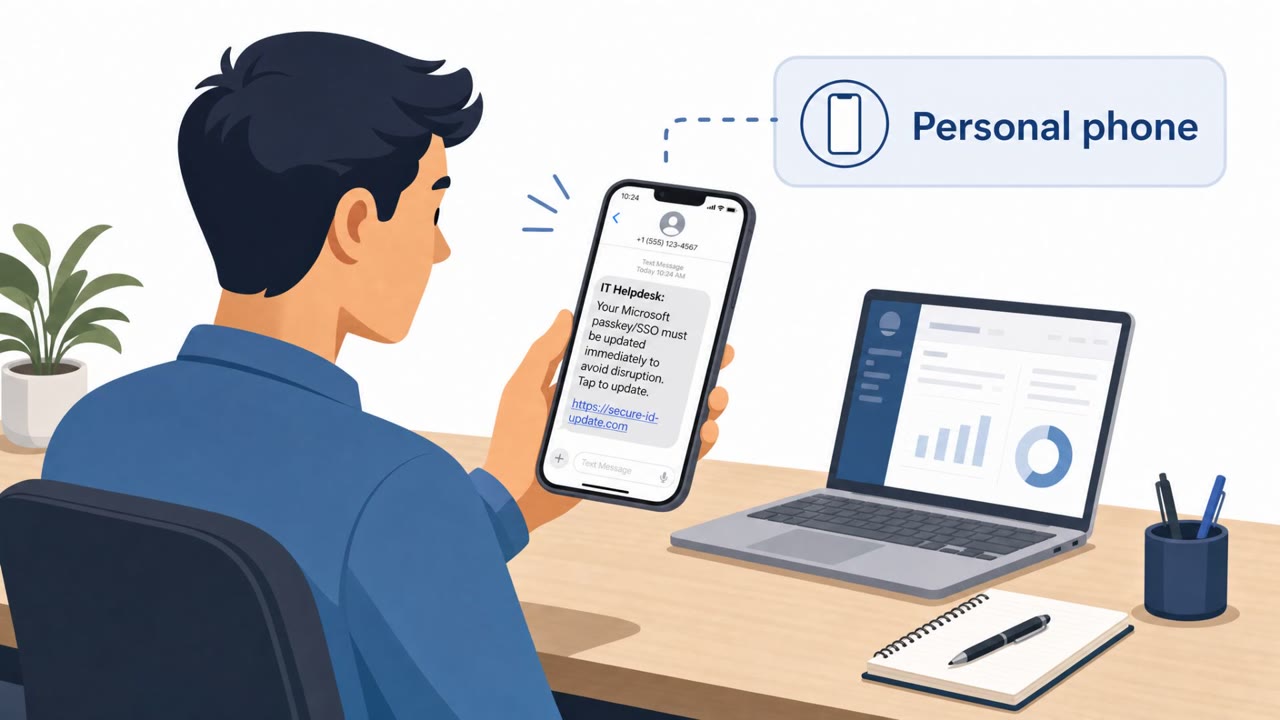
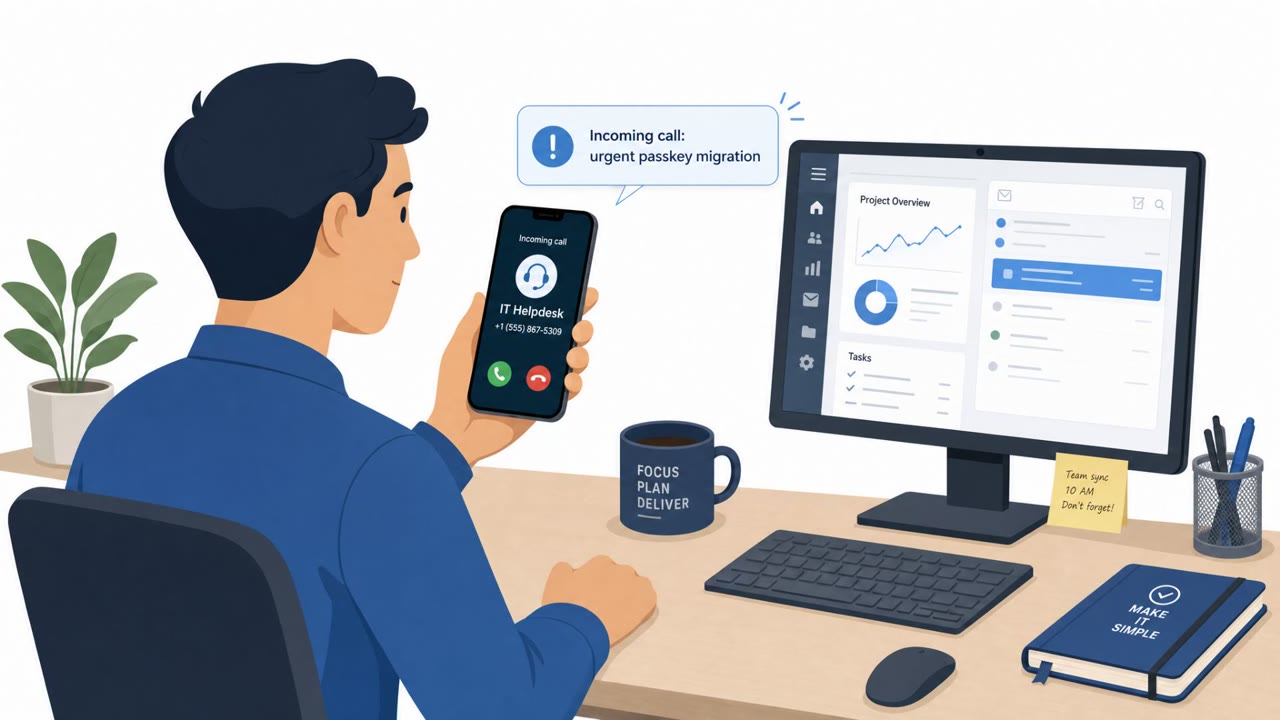
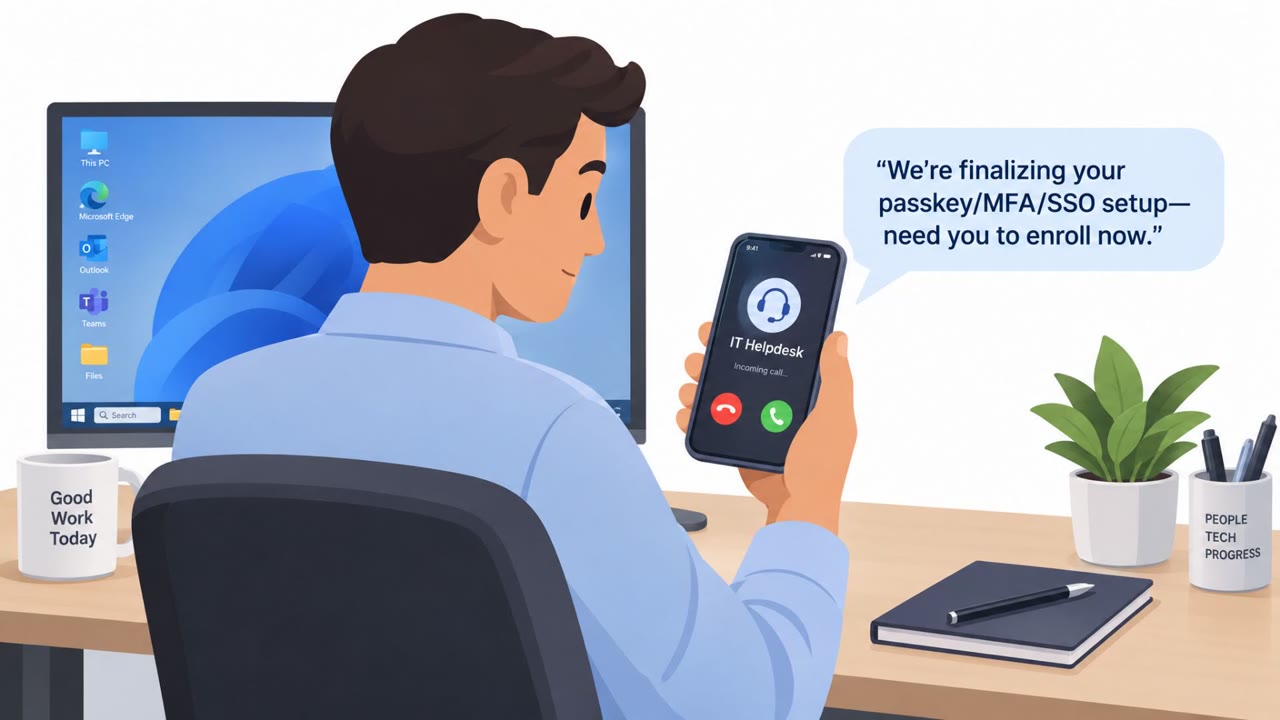
Microsoft reports a real-world campaign where attackers call or text employees’ personal phones while posing as internal IT. Victims are pushed to “update” passkeys/MFA/SSO and click a link to a fake Microsoft sign-in page, letting attackers get into Microsoft 365 and quietly pull email and files for days or weeks.
Key findings
- Attackers contact employees on personal phones (calls/texts) while impersonating internal IT staff to trigger urgent “passkey/MFA/SSO updates.”
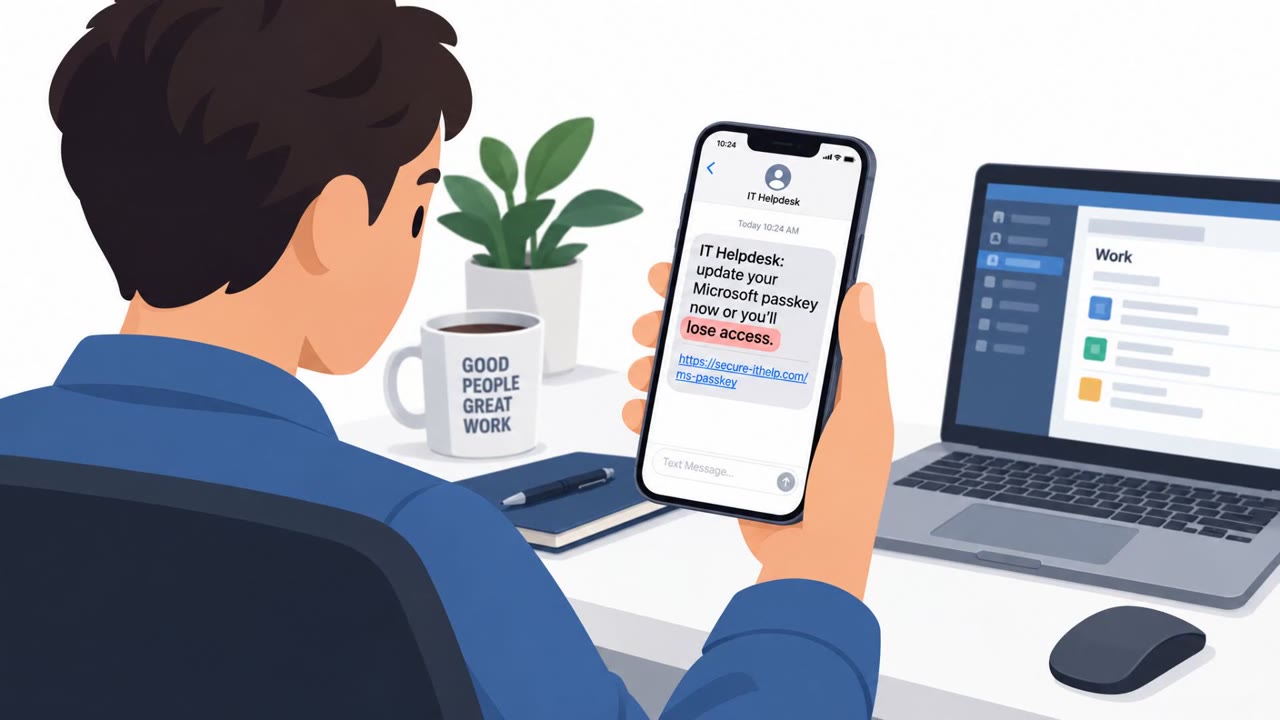
- Victims receive a link to a fake Microsoft sign-in page; the passkey story is used as a pretext to perform AiTM phishing or device-code authentication flows.
- Attackers may reuse a compromised employee account to send the same lure to coworkers over Microsoft Teams.
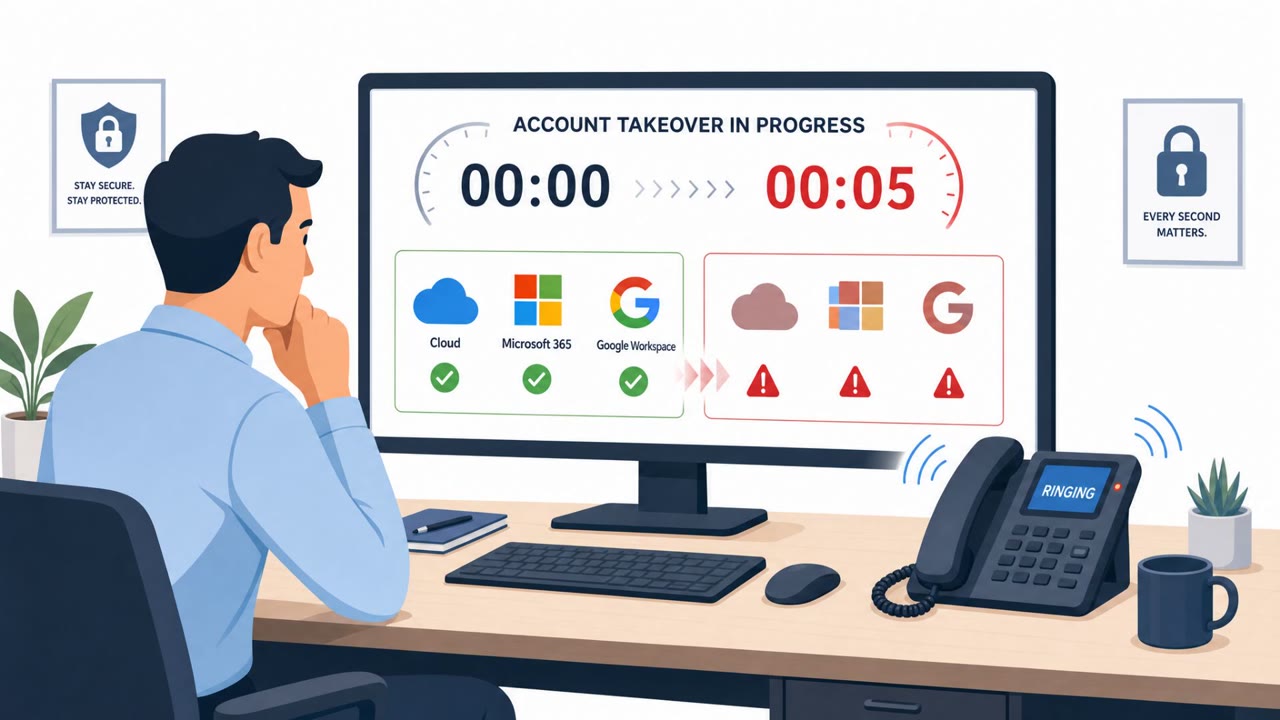
- After initial access, attackers add their own MFA methods (phone number/authenticator/OTP) to maintain long-term access (“durable persistence”).
- They use Microsoft Graph API to enumerate users, groups, roles, auth methods, and apps, then access mail/files across SharePoint, OneDrive, and Exchange.
- Data theft is intentionally throttled (e.g., staying below ~1,000 items/hour) to blend into normal usage.
- Microsoft attributes initial access activity to multiple actors including Storm-3121 and Storm-3032.
Who’s being targeted
- Commonly targeted roles: All employees, IT helpdesk/service desk, Microsoft 365 administrators, Security operations / incident response.
- Affected industries: Cross-industry (any organization using Microsoft 365).
- Attack channels: vishing, smishing, website, teams.
- Impersonated: Internal IT staff / Helpdesk, A known coworker (from their compromised Microsoft Teams account).
Awareness takeaways
- Treat urgent passkey/MFA/SSO “update” requests via personal phone as suspicious; verify via official IT channels before clicking anything.
- Be wary of links to “Microsoft sign-in” pages sent by text/Teams, use a known bookmark or type the official address instead.
- Don’t assume passkey-themed messages are safe; attackers can use “passkeys” as a cover to steal sign-in sessions or approvals.
- Train teams to recognize that compromised coworker accounts can be used to spread lures internally (e.g., via Teams).
Red flags to watch for
- Urgency and pressure to act immediately to avoid “disruption”
- Link opens a lookalike Microsoft sign-in page
- Contact comes via personal phone number outside normal IT channels
- Unexpected “passkey update” message from a coworker
- Link/URL looks only slightly off (org name used as a subdomain)
- Request is inconsistent with normal IT processes (no ticket, no verified notice)
Read the video transcript
You’re at home, personal phone rings: “Hi, this is IT. Your passkey and MFA must be updated right now or your access breaks.” They text you a link. You tap it, and a perfect-looking Microsoft sign-in page pops up. But it’s a fake, built just to steal your Microsoft 365 login and MFA approvals. Here’s the twist: once you sign in, they add their own MFA, then quietly pull mail and files from SharePoint, OneDrive, and Exchange for days, sometimes even messaging coworkers on Teams with the same fake passkey link. If anyone pushes a passkey or MFA update to your personal phone, don’t tap the link, hang up, ignore the text, and contact IT using our official helpdesk channel instead.