Researchers describe an active, widespread email campaign that tricks employees with voicemail-themed messages and steals Microsoft 365 login sessions (including MFA codes). After taking over accounts, attackers quietly search and collect payroll/HR/finance emails and identify people involved in payment workflows, while using residential proxy logins to blend in.
Key findings
- Campaign uses “voicemail-themed phishing emails” to lure victims to adversary-in-the-middle (AitM) pages that proxy Microsoft login and capture credentials and MFA codes.
- Attackers use a multi-step redirection chain through trusted services (Google/Google Meet/Google Ads/Amazon S3) to evade reputation-based filtering.
- After compromise, activity focuses on identifying payroll/HR/finance staff and collecting messages related to payroll, invoices, payments, banking, and benefits.
- Residential proxies and geolocation matching are used so malicious sign-ins appear to originate from the victim’s country; sessions are refreshed automatically about every eight hours.
- In some cases, attackers created inbox rules to hide evidence by moving messages to Deleted Items and marking them read.
Who’s being targeted
- Commonly targeted roles: All employees, Payroll, HR, Finance/AP/AR, IT helpdesk, Security/IT administrators.
- Affected industries: Healthcare, Education, Manufacturing, Government, Professional services.
- Attack channels: email, website.
- Impersonated: Voicemail/Unified Messaging system (generic corporate voicemail notification), Legitimate user (attacker using the victim’s existing Microsoft 365 session).
Awareness takeaways
- Treat voicemail-themed emails as high-risk and only access voicemail through known, trusted methods (bookmark/app), not embedded links.
- Be cautious of login pages reached via multiple redirects; trusted-brand redirects (Google/AWS) can still lead to phishing.
- Train payroll/HR/finance teams that attackers may first silently monitor mailboxes for payment processes before attempting fraud, report unusual access early.
- Watch for hidden-cover tracks like inbox rules moving messages to Deleted Items or marking them read, and report immediately.
Red flags to watch for
- Voicemail email pushes you to sign in via a link instead of using the normal Microsoft 365 portal/app
- Multiple redirects through unrelated trusted services before reaching a login page
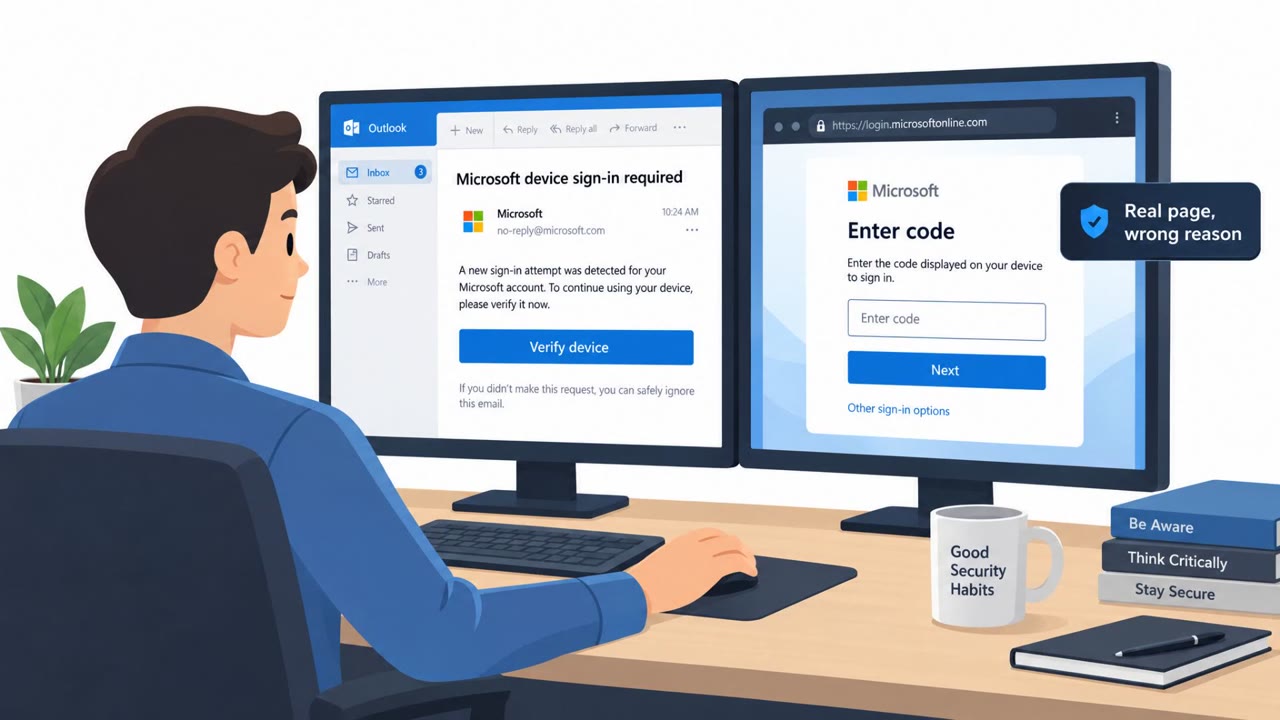
- Login page behaves like a proxy and asks for MFA code during an unexpected “voicemail” flow
- Unexpected sign-ins that appear local but use unusual browsers/user agents (e.g., Outlook client with Firefox/Python Requests)
- Recurring sign-ins at regular intervals (about every 8 hours)
- Inbox rules that move messages to Deleted Items and mark them as read
Read the video transcript
You get this email: “New voicemail message, sign in to listen.” Looks normal, right? It’s actually a trap for your Microsoft 365 account. You click the voicemail link, it bounces through Google Meet, Google Ads, even an Amazon S3 URL, then lands on a perfect-looking Microsoft login page that asks for your password and MFA code. That’s an adversary-in-the-middle page quietly stealing your entire session. Once they’re in, they reuse your session from residential proxies that look local, quietly search payroll, HR, and finance mailboxes, and even drop inbox rules that move certain emails to Deleted Items and mark them read so you never see the signs. Here’s the move: treat every voicemail email as high risk. If you get one, don’t click the link, open your usual Microsoft 365 or phone app directly and check voicemail there instead.