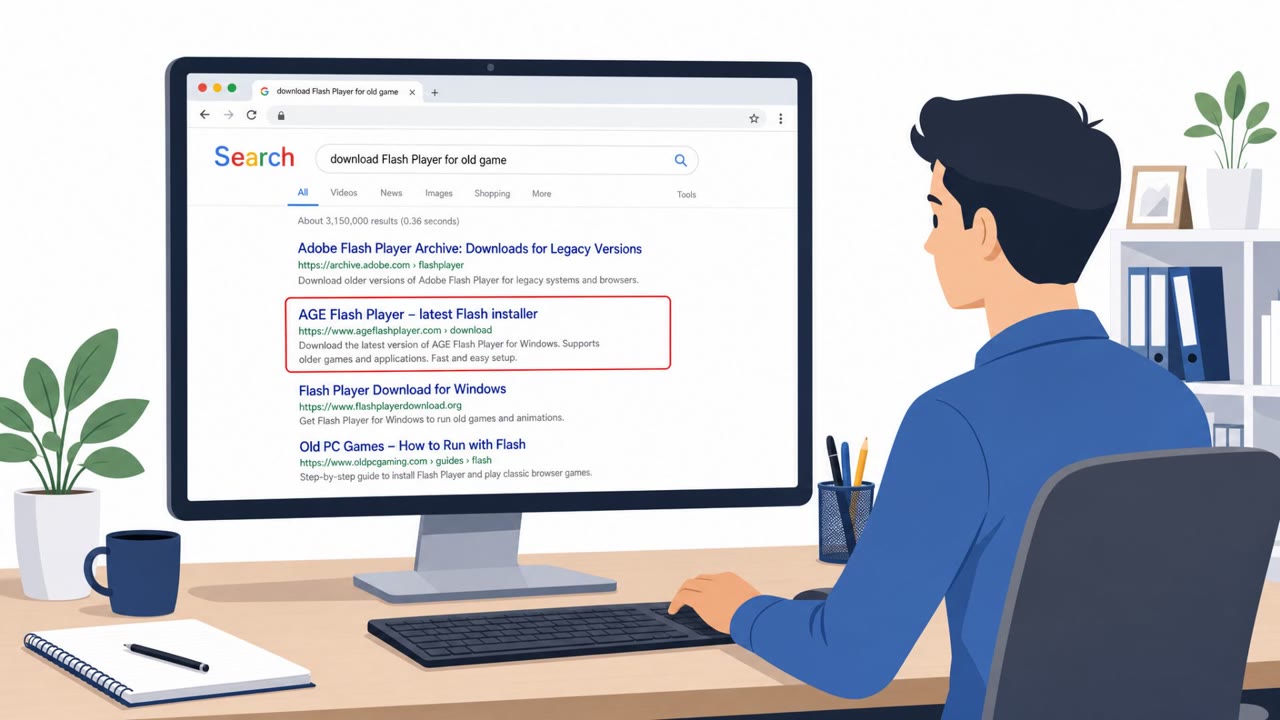
Heimdal reports a real-world surge of detections where users were lured by malvertising into downloading executables that pretended to be PDF tools, but installed “Shift Browser” instead. The installer fingerprints the computer (reads system/registry details) before unpacking a Chromium-based payload and making changes associated with persistence and adware behavior. All captured samples were digitally signed by “Shift Technologies Inc,” which helped them appear more trustworthy.
Key findings
- Heimdal observed “activity on more than 50 client environments in a single day” tied to Shift Browser.
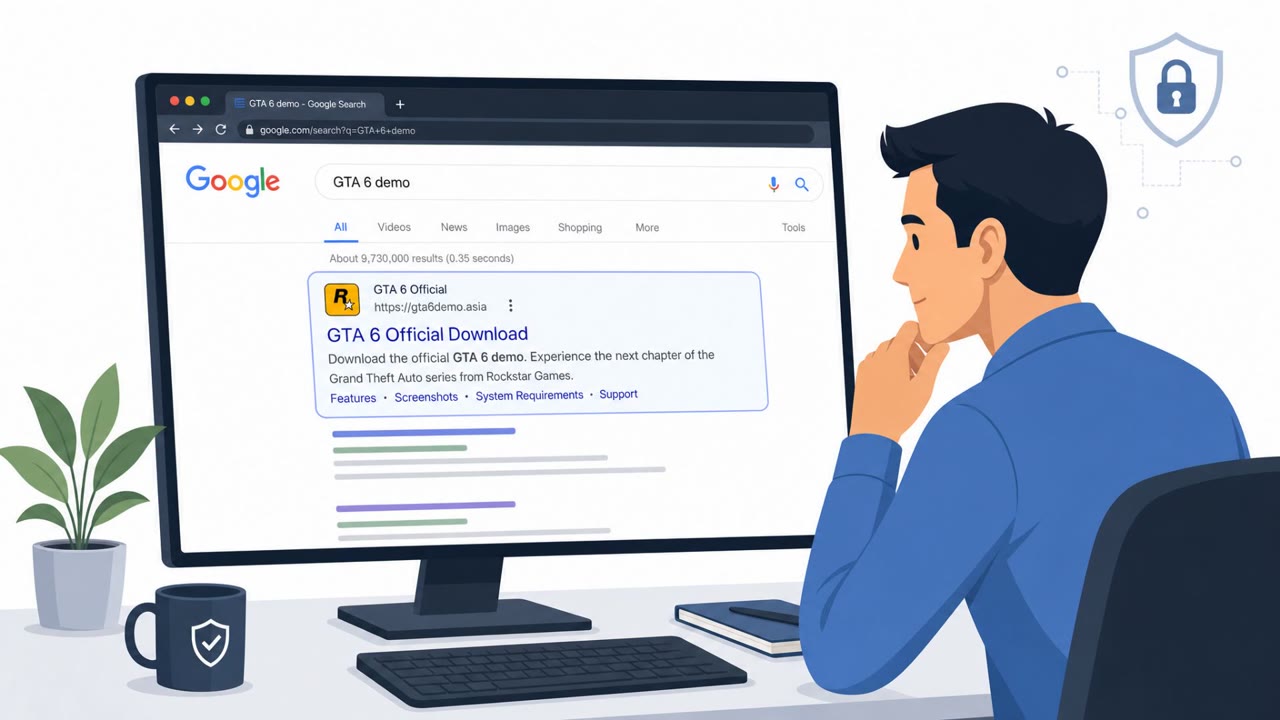
- The delivery mechanism described is malvertising: ads placed where people search for “manuals, recipes, and document templates.”
- Captured installer filenames impersonated PDF software (e.g., “shift – pdf_xq6n94.exe”).
- Dynamic analysis showed fingerprinting/recon behavior (system owner discovery, registry queries, system information discovery) before dropping a packed Chromium component (“chrome.packed.7z”).
- All samples were code-signed by “Shift Technologies Inc,” which can reduce the chance of SmartScreen or signature-only tools blocking it.
- Domains/IPs were not listed because “this infrastructure rotates fast enough that a fixed list would be stale within hours.”
Who’s being targeted
- Commonly targeted roles: All employees, Administrative/Operations, IT support / Helpdesk, Security awareness training audience.
- Affected industries: Multiple industries (across Heimdal client environments).
- Attack channels: website.
- Impersonated: A “PDF tool” download/source (via search ads).
Awareness takeaways
- Treat “free tool” downloads from ads as high-risk; use approved software sources instead.
- A valid digital signature does not mean a download is safe, verify behavior and source.
- Watch for suspicious installer naming patterns that mimic common tools (e.g., PDF utilities).
- Don’t rely on static blocklists for fast-rotating ad/malvertising infrastructure; focus on behavior and patterns.
Red flags to watch for
- The downloaded file is an .exe claiming to be a PDF tool
- Misleading filename pattern like “shift – pdf_*.exe”
- Download originates from an ad-driven search result rather than a trusted software source
Read the video transcript
You Google a free PDF tool, click the top ad, and download a file called “shift – pdf_xgeiup.exe.” You think it’s a PDF helper, but it silently fingerprints your PC, unpacks a Chromium-based Shift Browser, and sets itself up to flood you with ads. Here’s the trap: the installer is digitally signed by “Shift Technologies Inc,” so it looks legit, and the ad comes from wherever you search for manuals, recipes, or document templates. If you ever see a “shift – pdf_*.exe” from a search ad, stop and report it to IT, then only install PDF tools from our approved software portal.