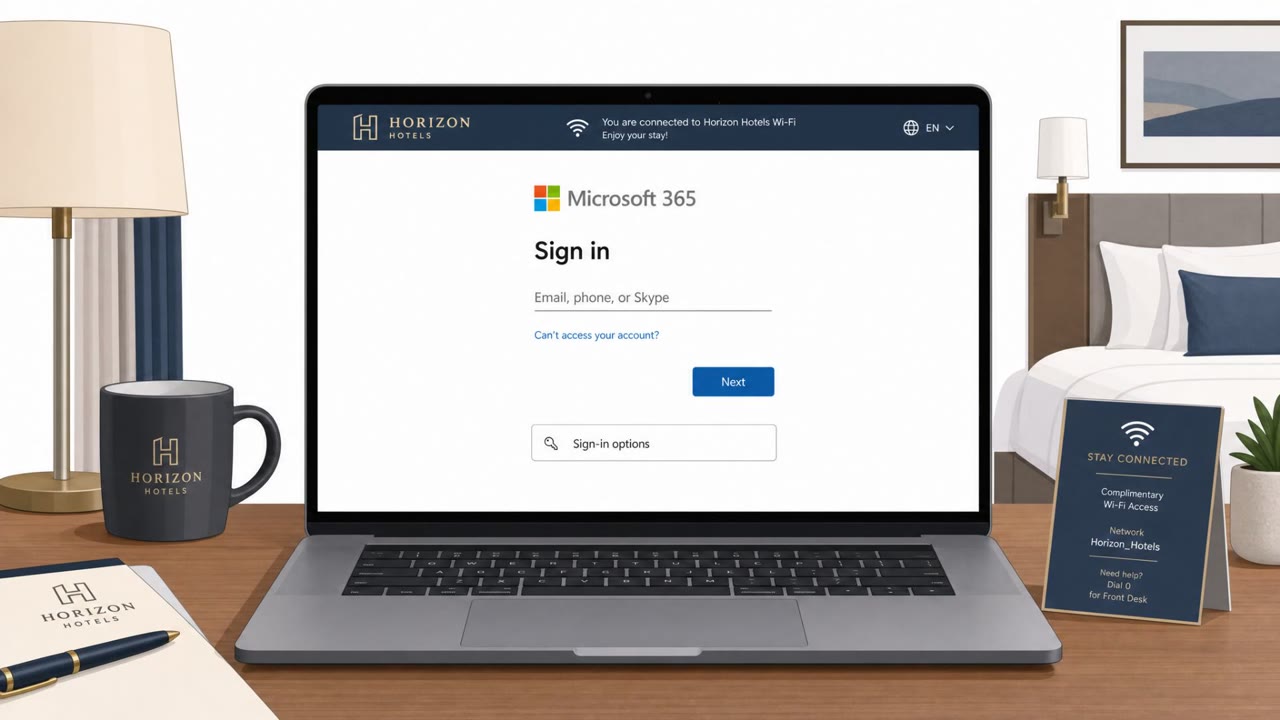
Microsoft says a Russian-linked group is abusing hotel and conference Wi‑Fi “captive portals” to trick travelers into entering corporate credentials or installing malware. Victims see what looks like a normal Wi‑Fi login flow, but attackers manipulate DNS/website traffic to redirect them to fake Microsoft sign-ins or fake “update” prompts.
Key findings
- Campaign targets travelers via hotel/conference Wi‑Fi captive portals; Microsoft calls it “CaptiveCrunch.”
- Attackers position themselves in the network path and “manipulate DNS (Domain Name System) and HTTP traffic” during captive-portal login.
- Victims may be redirected to “attacker‑controlled phishing pages, like fake Microsoft login prompts,” to steal credentials/device codes/OAuth tokens.
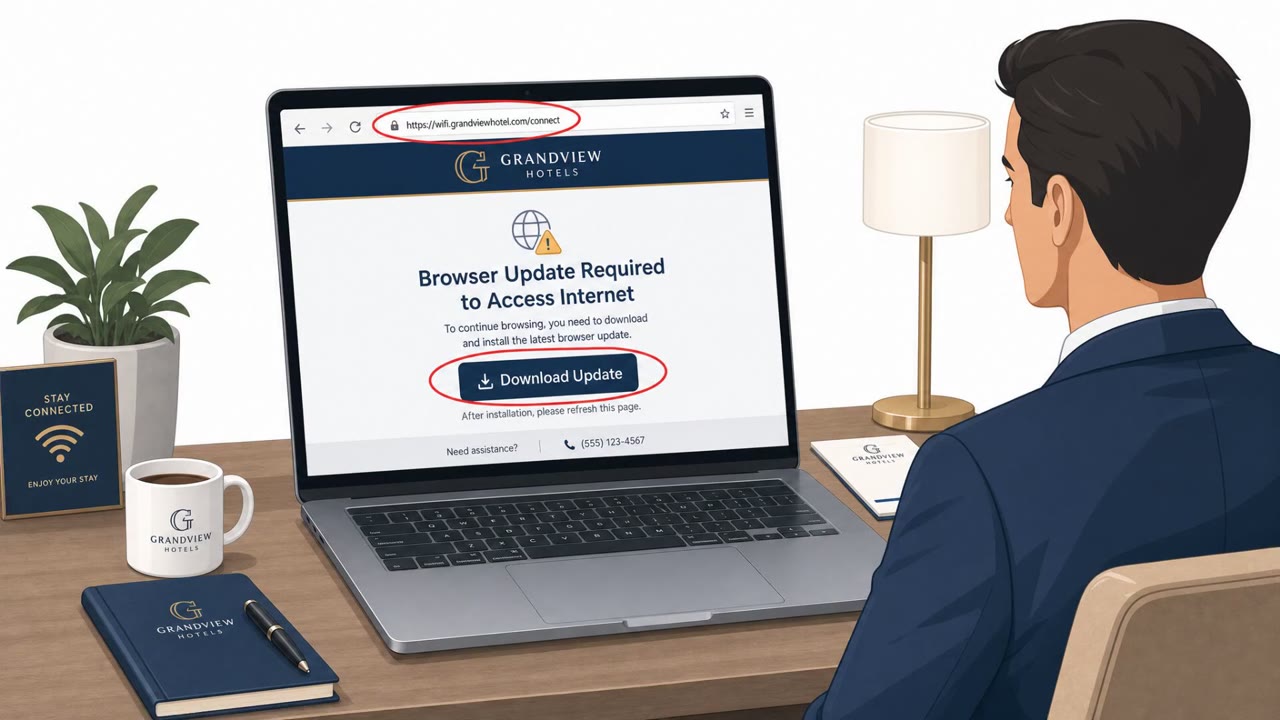
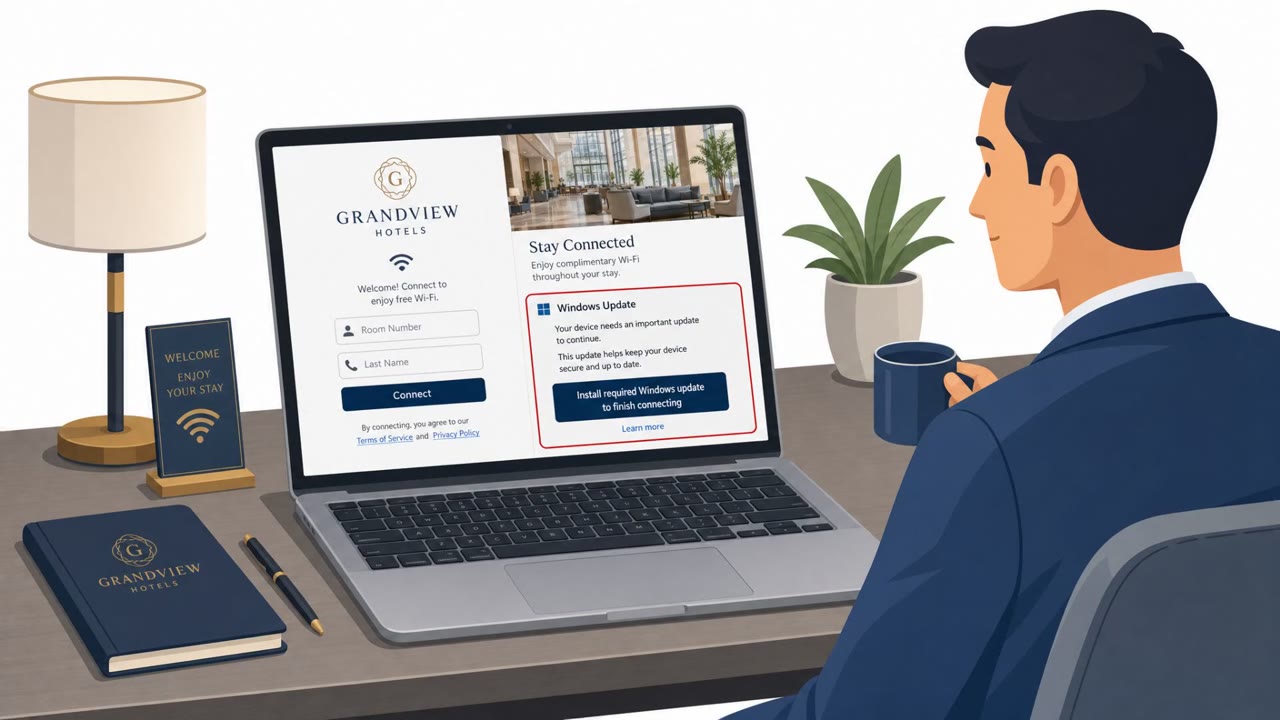
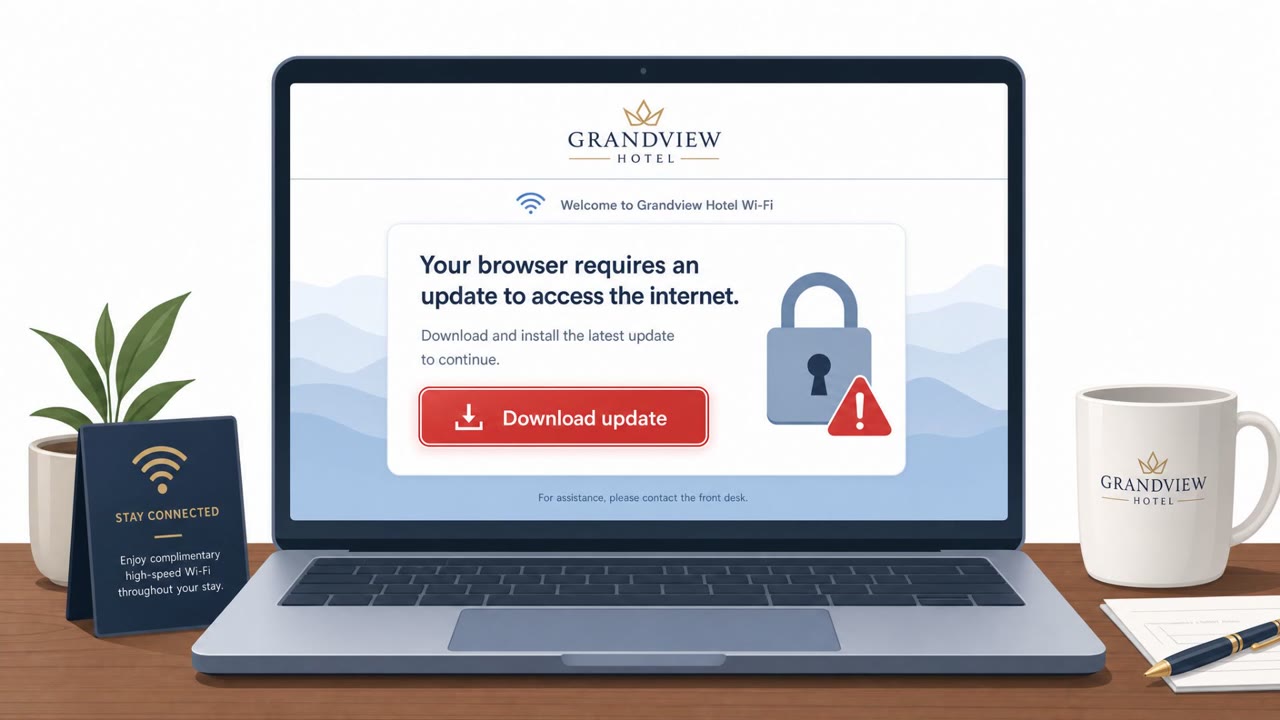
- Victims may be shown fake update/ClickFix-style dialogs that install a RAT plus an infostealer.
- Named malware includes “CornFlake” (RAT) and “ChocoShell” (PowerShell-based infostealer targeting cookies, saved passwords, and Microsoft 365 SSO tokens).
- Microsoft lists specific fake dialog lures (e.g., bogus Windows Update, fake Defender scan, DirectX installer, Visual C++ redistributable, ‘netfix’ network diagnostics).
Who’s being targeted
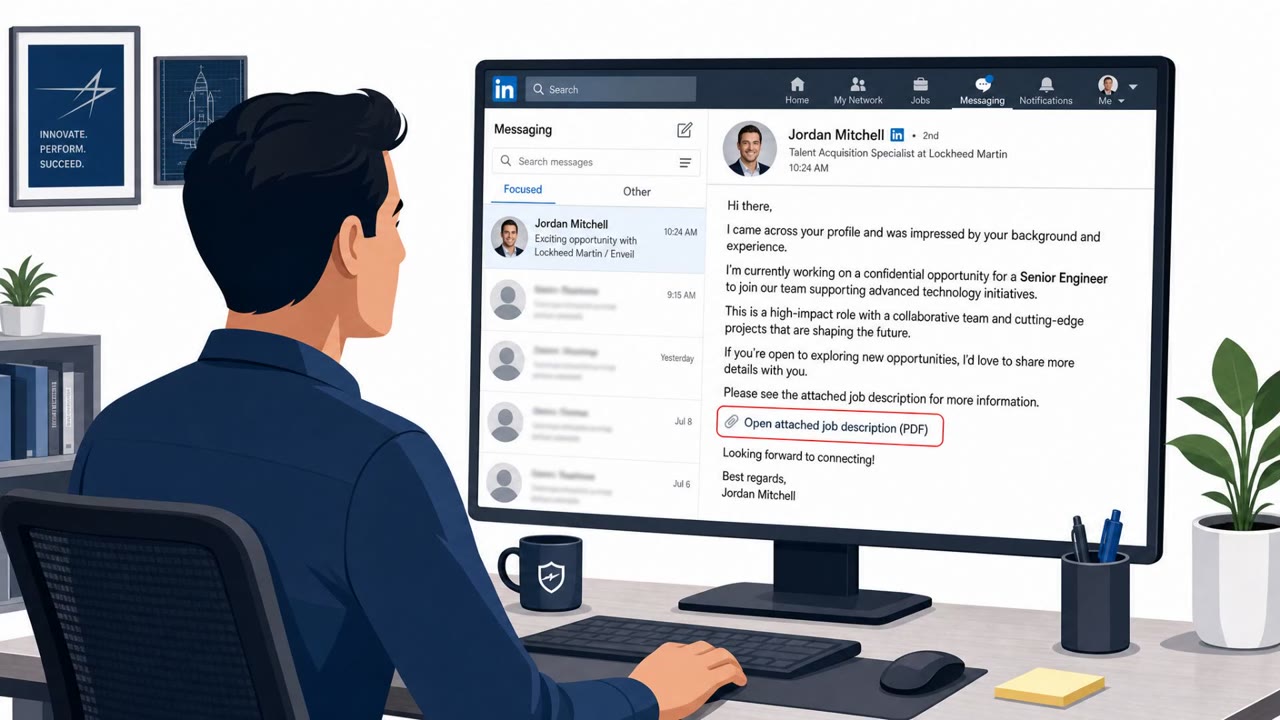
- Commonly targeted roles: All traveling staff, Executives/leadership, Sales and field teams, Consultants/professional services staff, IT/Helpdesk (for traveler guidance), Finance (often travels; high-value accounts).
- Affected industries: Hospitality (hotels), Conferences/events, Any organization with traveling employees (cross-industry).
- Attack channels: website.
- Impersonated: Microsoft (fake Microsoft login prompt via captive portal), Windows Update / Windows Security / Microsoft installer prompts, Legitimate hotel Wi‑Fi/captive portal browsing experience.
Awareness takeaways
- Don’t enter corporate Microsoft 365 (or other high-value) credentials through captive-portal redirects; use known URLs/bookmarks instead.
- Treat any ‘download this update/fix tool to get on Wi‑Fi’ message as a stop sign.
- When you must use public Wi‑Fi, reduce exposure: use your phone hotspot when possible; otherwise use a VPN after captive-portal authentication.
- Check for certificate/hostname red flags on Wi‑Fi portals that ask for more than basic access details.
Red flags to watch for
- A captive portal unexpectedly asks for corporate Microsoft login (not just room number/basic access info)
- The page is reached via Wi‑Fi redirection and may not show a trusted/expected hostname
- Browser shows an untrusted certificate or plain HTTP
- You should not need to download software to connect to Wi‑Fi
- Update prompts appear immediately after joining hotel Wi‑Fi/captive portal
- Prompts imitate system tools (Defender/DirectX/VCRedist) to build trust
- Unexpected redirects during normal browsing right after joining Wi‑Fi
- Login pages or portals behave oddly (repeat logins, sudden re-auth prompts)
- Browser indicates certificate/hostname mismatches
Read the video transcript
You’re in a hotel, tired, just joining Wi‑Fi… and the portal suddenly wants your Microsoft 365 login. This is CaptiveCrunch: attackers hijack hotel or conference Wi‑Fi, manipulate DNS, and swap the normal captive portal for a fake Microsoft sign‑in to steal your credentials and tokens. Sometimes you don’t see a login at all, just a very official‑looking 'Working on updates… Don’t turn off your computer' window, asking you to download a fix tool that secretly drops CornFlake and ChocoShell malware. If any hotel or conference Wi‑Fi portal asks for your Microsoft 365 password or to download an update, stop and use your phone’s hotspot instead.