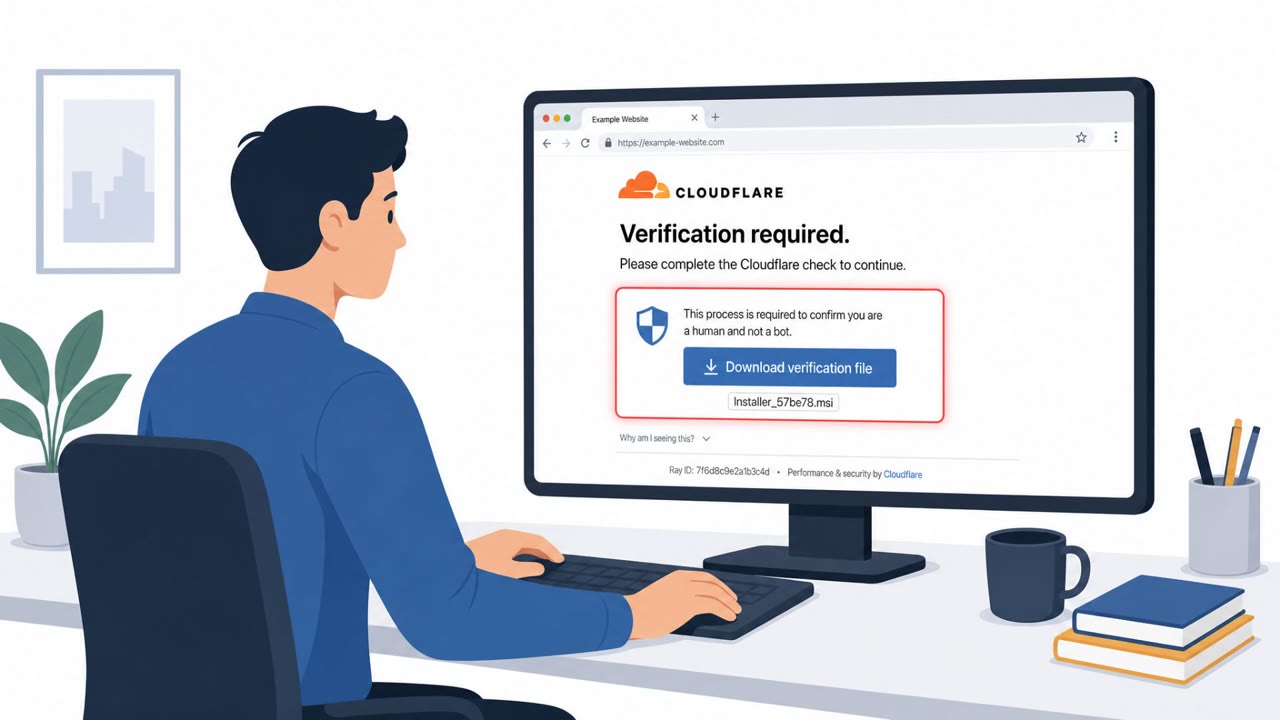
Researchers reported that scammers set up cloned piracy sites within hours of Christopher Nolan’s The Odyssey release to trick people looking for pirated copies. The scams used a fake “Browser Issue Detected” pop-up to push users into malicious ad redirects and a Windows .exe file disguised as a movie download using a VLC-looking icon. The attacks rely on people clicking or running files, not on exploiting software flaws.
How the attack worked
Within hours of Christopher Nolan's The Odyssey being released, scammers set up cloned piracy sites designed to catch people searching for pirated copies. These sites used two distinct social engineering tricks rather than any software exploit.
The first trick was a fake in-page pop-up reading "Browser Issue Detected," claiming a missing browser component was blocking access to the content. The pop-up was not a genuine system alert. It was built directly into the webpage and styled to resemble one. Clicking the "Fix It Now" button routed visitors through a malvertising network, leading to outcomes such as fake browser extensions, scareware urging a call to a fake support number, or further malware redirects.
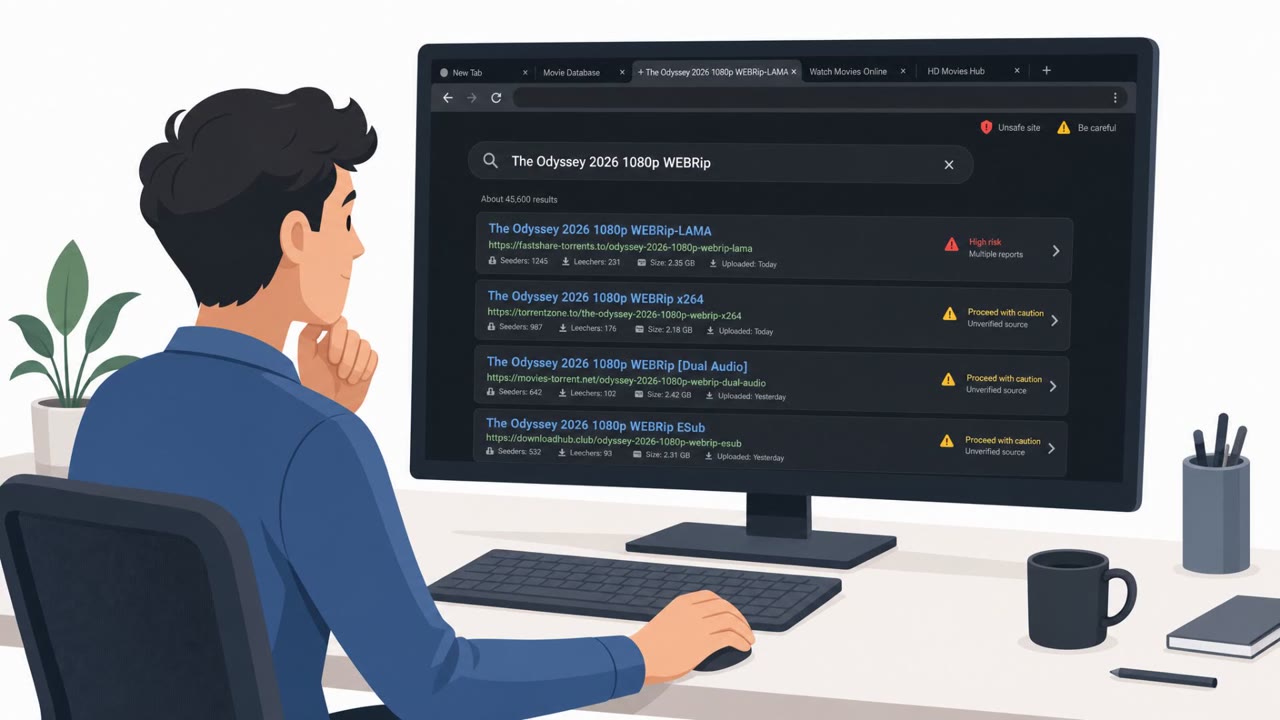
The second trick offered what looked like a movie download, listed with seeder and leecher counts to appear legitimate, but the file was named "The Odyssey 2026 1080p WEBRip-LAMA.exe" and was identified by Windows as an application, not a video. The file also displayed the orange traffic cone icon associated with VLC Media Player, borrowing a trusted visual cue despite being unrelated to it.
Why it succeeded
Both scams worked by convincing someone to take an action, either clicking a fake warning button or running a file disguised as a movie, rather than by exploiting a flaw in software. This is what made the scams effective against ordinary users: the urgency of the piracy site paired with familiar visual cues (a browser warning style, a VLC icon) short-circuited normal caution. Since no vulnerability was involved, traditional security software has less to detect until the payload actually runs.
What to watch for
- Pop-ups on a webpage claiming a browser problem, especially ones pushing an urgent "fix it" click
- Movie or media downloads that end in .exe instead of formats like .mkv, .mp4, or .avi
- Icons or branding (such as a media player logo) attached to files that behave like installers rather than opening in a player
- Redirects after clicking a warning that lead to unrelated pages, extensions, or requests to call a support number
How to build resistance
Awareness training should reinforce that legitimate browser issues do not appear as in-page pop-ups demanding a click, and that video files should always open in a media player rather than execute like a program. Because these scams rely entirely on user action rather than a technical exploit, security software alone cannot reliably stop them. Building habits around checking file extensions, questioning urgent on-page prompts, and not trusting an icon as proof of a file's true nature are the most direct defenses against this pattern of attack.
Key findings
- Cloned piracy sites appeared “within hours of the film’s release,” targeting people searching for pirated copies.
- One scam used a fake in-page warning (“Browser Issue Detected”) with a “Fix It Now” button to route victims into malvertising redirects.
- Redirect destinations included “fake browser extensions, scareware urging a call to a fake support number, or additional malware redirects.”
- A second scam offered a supposed movie download that was actually a Windows executable: “The Odyssey 2026 1080p WEBRip-LAMA.exe”.
- The executable used social cues to look harmless (VLC-style cone icon) even though it was “a program, not a video.”
- The scams did not exploit vulnerabilities; they relied on “convincing someone to take an action.”
Who’s being targeted
- Commonly targeted roles: All employees, End users / general staff, Security awareness trainees.
- Affected industries: General public / Consumers, Media & Entertainment.
- Attack channels: website.
- Impersonated: Web browser warning / site access check, Torrent/piracy download listing for a new movie release.
Red flags to watch for
- Pop-up is part of the webpage, not a real browser/system alert
- Urgent “Fix It Now” style button to force a click
- Leads to unrelated outcomes like extensions, support numbers, or redirects
- Movie download ends with .exe (a program), not .mkv/.mp4/.avi
- File metadata/description is unrelated to video playback
- Uses a trusted-looking icon (VLC cone) to appear harmless
Frequently asked questions
How did scammers exploit The Odyssey's release?
Researchers found cloned piracy sites appeared within hours of the film's release, targeting people searching for pirated copies with fake pop-ups and disguised executable files.
What was the fake "Browser Issue Detected" pop-up?
It was a pop-up built into the webpage itself, not a real browser warning, that used a "Fix It Now" button to send visitors through a malvertising network.
How was the malicious movie file disguised?
A file listed as a movie download actually ended in .exe and used the orange traffic cone icon associated with VLC Media Player to appear harmless, even though it was a program rather than a video.
Did these scams exploit software vulnerabilities?
No. Both scams relied on convincing someone to take an action, either clicking a fake warning or running a disguised executable, rather than exploiting a software flaw.
Read the video transcript
Within hours of Christopher Nolan’s The Odyssey dropping, cloned piracy sites popped up to trap people hunting for free streams. On these clones, a fake in-page warning pops up: 'Browser Issue Detected' with a big 'Fix It Now' button. It’s not your browser, it's just part of the webpage, and clicking it fires you into malvertising, fake extensions, and scareware support numbers. Another trap: a so-called movie download named 'The Odyssey 2026 1080p WEBRip-LAMA.exe' with a VLC-style cone icon. Windows labels it as an application. That’s not a video, that’s a program, and it can be a trojan or ransomware waiting to run. Here’s the move: if a 'movie' is an .exe or a page shouts 'Browser Issue Detected' with a Fix button, back out and close it, do not click, do not run it.