
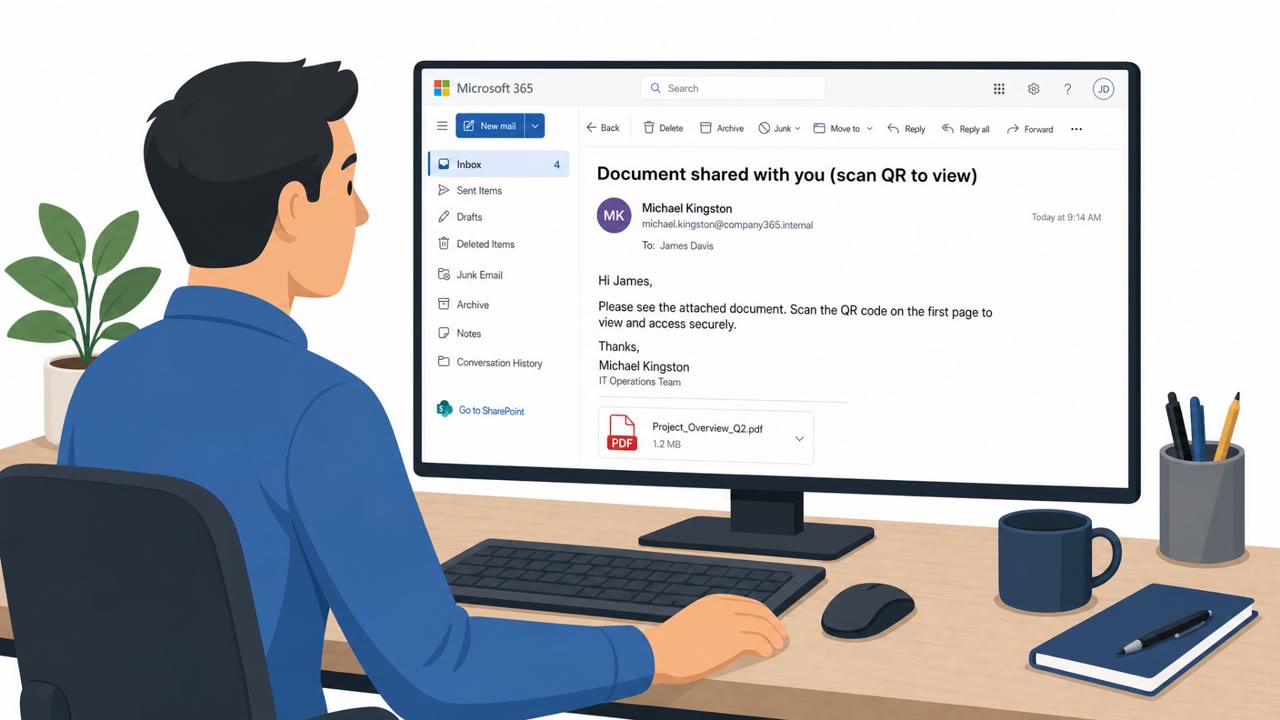
QR-PDF Phishing Hits M365, MFA Bypass Surges
Cisco Talos Incident Response reports that phishing drove initial access in over half of Q2 2026 cases, often using QR codes in PDF attachments and trusted…
July 28, 2026
Researchers documented a real phishing-as-a-service platform called Forg365, sold via Telegram, that helps attackers take over Microsoft 365 accounts using convincing document-themed lures. It uses device-code phishing and adversary-in-the-middle methods to get access, and adds tooling (including a cookie-refresh browser extension) that can let attackers keep access even after a password reset.
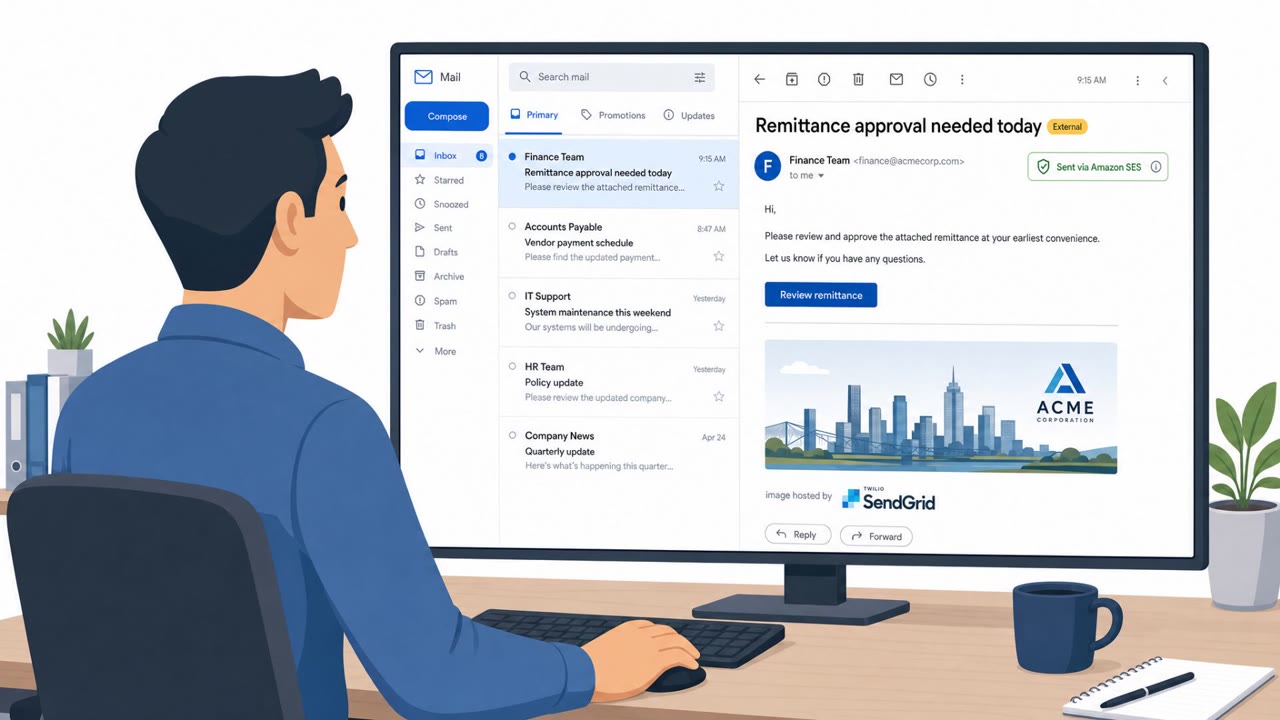
The campaign began with an email built around a business-document and remittance-approval pretext, a theme designed to create urgency for finance and accounts payable staff. The message relied on legitimate cloud and email services before routing recipients through several redirects, eventually reaching either a device-code phishing page or an adversary-in-the-middle flow. Forg365, the underlying phishing-as-a-service platform, classified visitors before deciding which page to show, and suspicious visitors were diverted to a benign decoy page to help conceal the phishing flow from researchers and automated security tools.
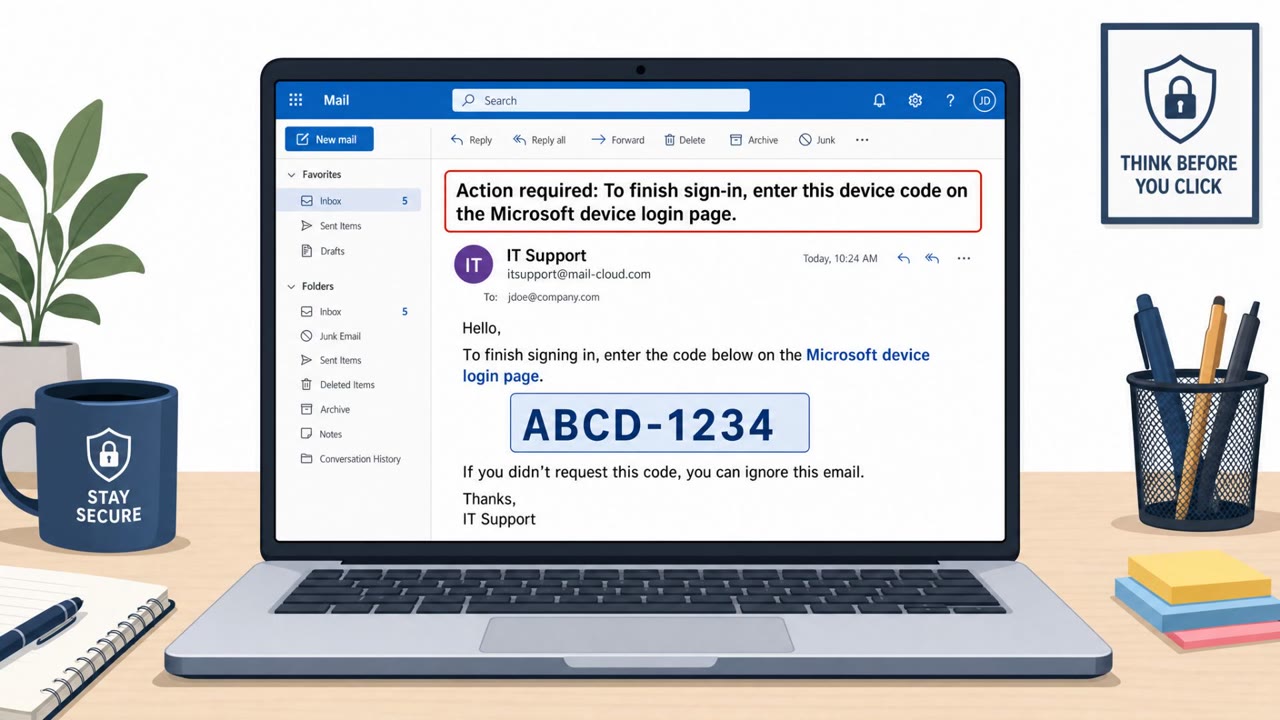
In the device-code variant, the victim is directed to a legitimate Microsoft authentication process and persuaded to enter a code that authorizes a session controlled by the attacker. Because the flow uses genuine Microsoft infrastructure, the request can appear credible even to attentive users. A companion browser extension, described in the reporting as ForgCookie, helps attackers generate or refresh Microsoft SSO cookies, which means access can persist after a password reset.
Several factors made this approach effective:
Defenders and employees should treat the following as red flags:
Organizations can reduce risk with a mix of awareness and technical response steps. Staff should be trained to treat unexpected document or signature emails as high-risk and verify requests through a known channel before clicking, and to stop and report any prompt asking them to enter a Microsoft device code. On the response side, security teams should revoke active refresh tokens and terminate existing sessions after a suspected compromise, review OAuth permissions, and audit mailbox forwarding rules, delegated access, and newly registered devices, since these changes could let attackers monitor communications or retain access after remediation.
Mirage safely runs attacks like this one against your own team, so you find out what happens before a real adversary does.
Forg365 is a phishing-as-a-service platform distributed via Telegram that lowers the technical skill required to compromise Microsoft 365 accounts using convincing document-themed lures.
A victim is directed to a legitimate Microsoft authentication process and persuaded to enter a device code, which authorizes a session that is actually controlled by the attacker.
Not necessarily. A companion browser extension can generate or refresh Microsoft SSO cookies, so access can persist even after a password reset unless refresh tokens are revoked and sessions terminated.
Teams should revoke active refresh tokens, terminate existing sessions, review OAuth permissions, and audit mailbox forwarding rules, delegated access, and newly registered devices.
You get an email: “Remittance approval required, document ready for review.” Looks like DocuSign, routes to Microsoft 365. Normal, right? Behind that email might be Forg365, a phishing-as-a-service sold on Telegram. It bounces you through redirects, then lands you on a real Microsoft page asking you to enter a device code to approve the document. Here’s the trap: that code authorizes a session Forg365 controls. They can relay your Microsoft 365 login, grab your session cookies, and even use tools like the ForgCookie extension to stay in your account after a password reset. If any email about a document or remittance tells you to enter a Microsoft device code, stop. Don’t type it in, report the message to security immediately.
Cisco Talos Incident Response reports that phishing drove initial access in over half of Q2 2026 cases, often using QR codes in PDF attachments and trusted…
Researchers report an active phishing-as-a-service operation, Forg365, that targets Microsoft 365 users with document/payment-themed lures and techniques that…
Attackers trick employees into entering a short “device code” on a real Microsoft sign-in page (microsoft.com/devicelogin), causing Microsoft 365 to issue…
This article describes real-world “device code phishing” campaigns where victims are tricked into approving an OAuth device login, granting attackers access…
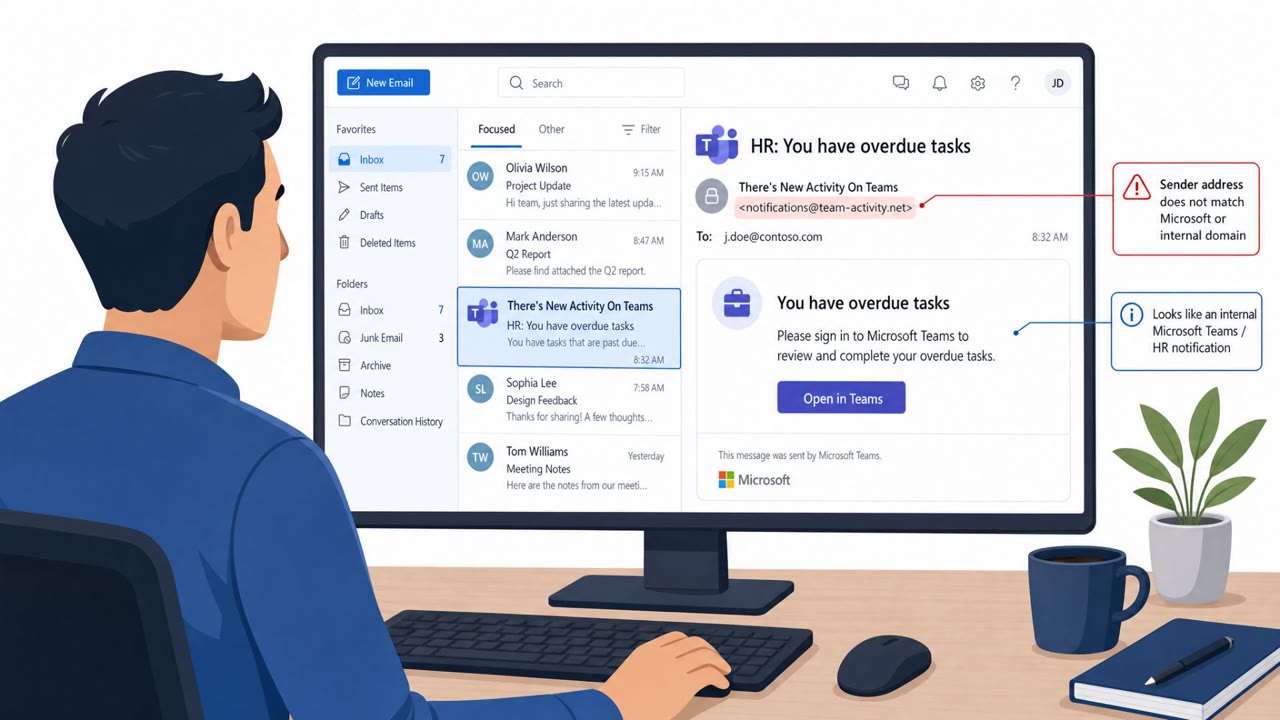
Attackers sent emails that looked like Microsoft Teams/HR notifications and pushed users through Microsoft’s real sign-in and OAuth consent screens. When…
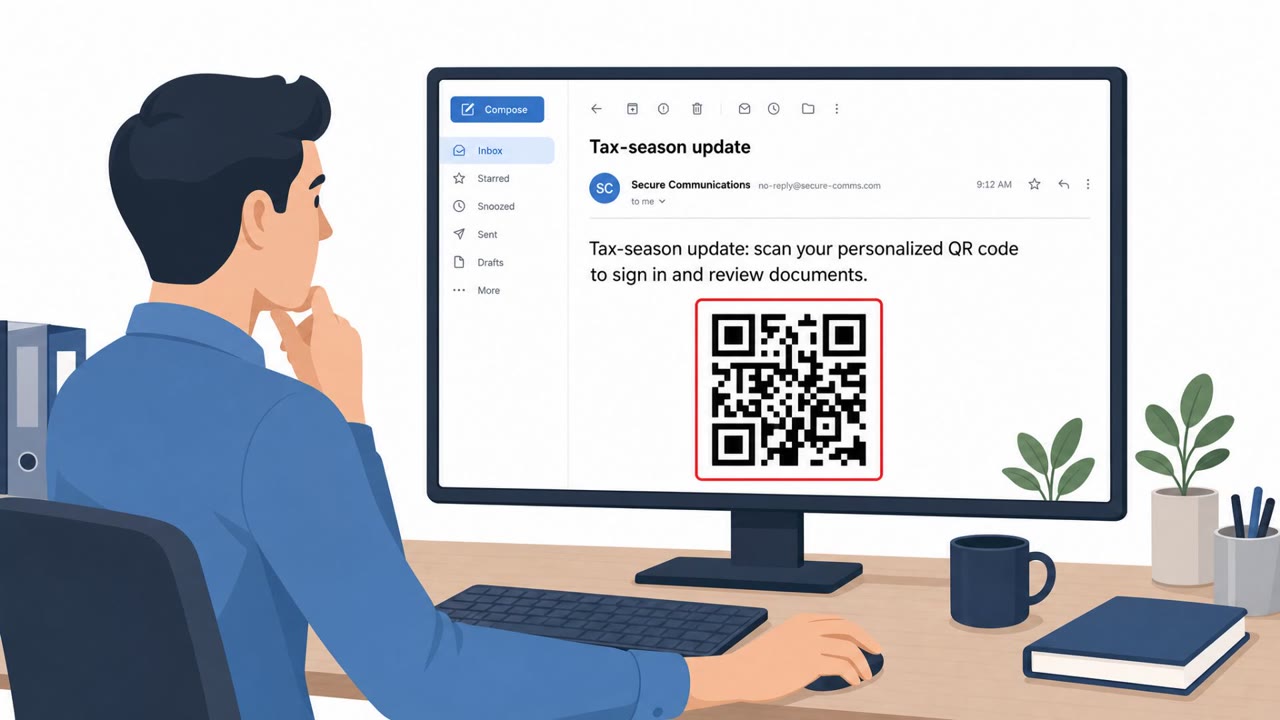
Authorities dismantled “Kratos,” a phishing-as-a-service platform used at scale to steal Microsoft account credentials and even bypass MFA by stealing session…