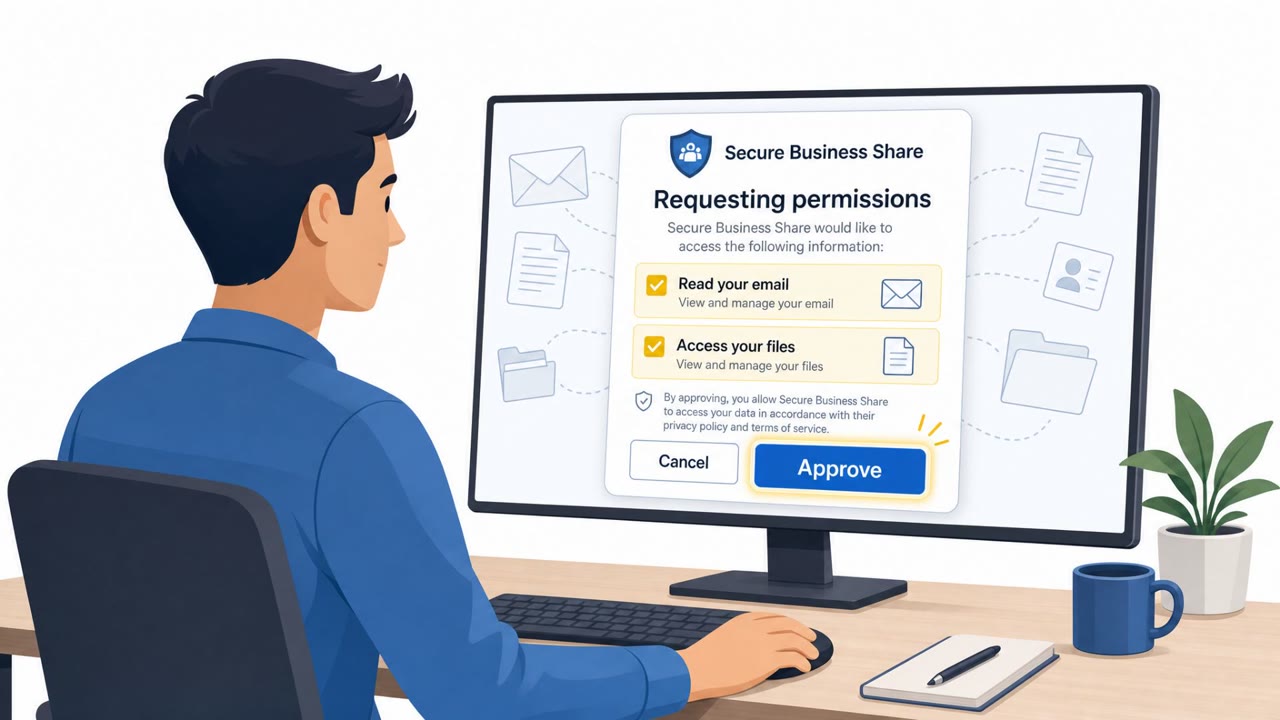
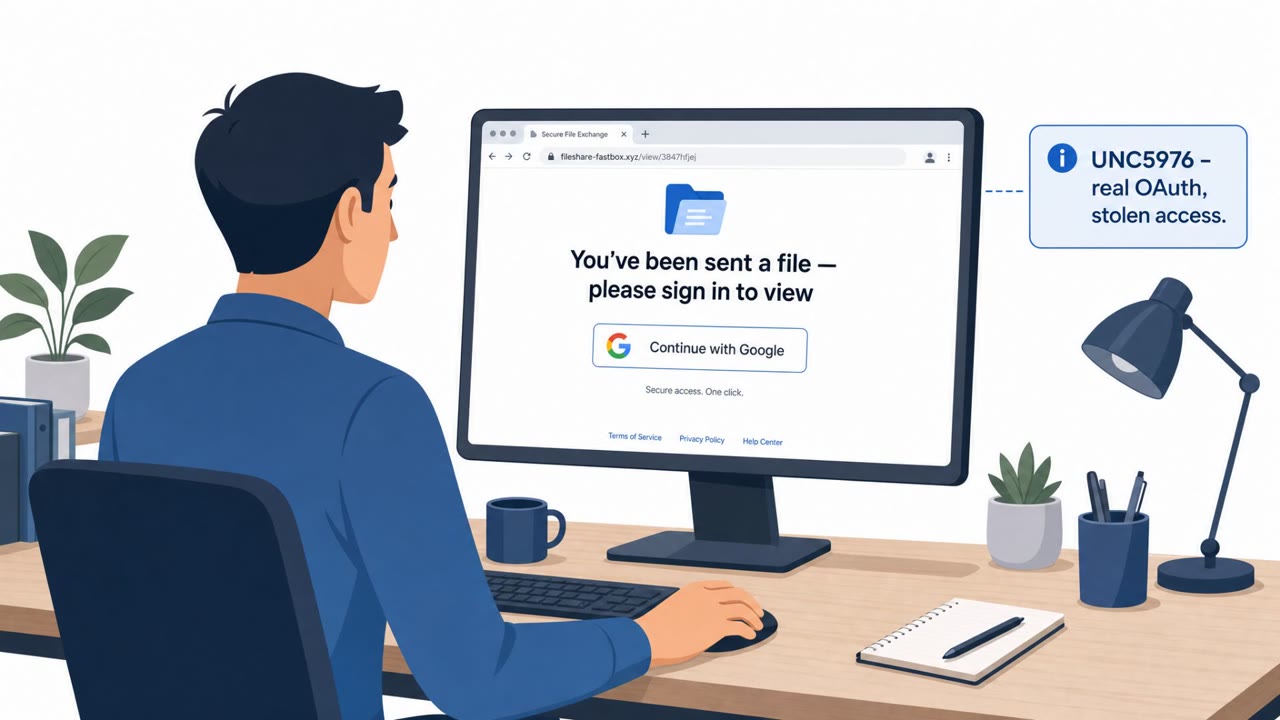
Attackers sent emails that looked like Microsoft Teams/HR notifications and pushed users through Microsoft’s real sign-in and OAuth consent screens. When victims approved the requested permissions, the attackers obtained an authorization token and could access Microsoft 365 data like Outlook, SharePoint, and OneDrive. The compromised mailbox could also be used as a launchpad for business email compromise (BEC).
How the attack worked
This campaign impersonated Microsoft Teams and Planner notifications, framing the email as if a company's HR department had sent messages through Teams. The sender display name read "There's New Activity On Teams," and the body referenced overdue tasks to create a sense of urgency. Instead of directing victims to a fake login page, the attackers routed them through Microsoft's real OAuth authorization flow. Once a user signed in, they were presented with a legitimate-looking prompt to "Approve permissions" or "Accept on behalf of your organization." Approving that request handed the attacker a valid authorization token without ever exposing a password.
Why it succeeded
Using Microsoft's own sign-in and consent screens removed one of the most reliable red flags defenders rely on: a suspicious or spoofed login page. Because the URLs and screens were authentic, technical inspection alone would not have revealed the malicious intent. The urgency created by referencing "overdue tasks" added pressure, and the HR/Teams framing made the message feel routine and internal rather than external and suspicious. The campaign reached users across manufacturing, legal, and healthcare organizations, suggesting a broad, opportunistic targeting approach rather than a narrowly tailored one.
What to watch for
- Unexpected consent or permission prompts tied to a routine-seeming Teams or Planner notification
- Sender display names that reference internal systems (like "Teams" or "HR") but do not match the actual sending address or domain
- Messages that create urgency around overdue tasks or pending approvals
- Requests to "Approve permissions" or "Accept on behalf of your organization" that were not initiated by the user
Building resistance
Once an attacker obtains an OAuth authorization token, they can access Microsoft 365 data such as Outlook, SharePoint, and OneDrive, and a compromised mailbox can be reused for business email compromise. Because this method does not require stealing a password, awareness needs to extend beyond password hygiene:
- Open Teams, Planner, or other applications directly through the official app rather than clicking links in an email
- Verify that the sender name, sender address, and sending domain are consistent before acting on a message
- Treat unexpected permission or consent requests as a signal to pause and verify, even when the underlying page looks legitimate
- Hover over links before clicking and confirm the destination matches the service referenced in the message
These habits are especially relevant for finance, HR, executive assistants, and IT helpdesk or identity teams, who are frequently targeted because of the access and approvals tied to their roles.
Key findings
- Campaign impersonated Microsoft Teams notifications and HR messages to pressure users into clicking.
- Instead of a fake login page, the attack used Microsoft’s legitimate OAuth authorization flow to appear trustworthy.
- Victims were prompted to grant app permissions (including org-wide consent), which resulted in an attacker receiving an authorization token.
- The campaign targeted users at 120 organizations across manufacturing, legal, and healthcare.
- Compromised mailboxes could be used for data theft and as a springboard for BEC.
Who’s being targeted
- Commonly targeted roles: All employees, Finance, HR, Executive assistants, IT helpdesk / identity team.
- Affected industries: Manufacturing, Legal services, Healthcare.
- Attack channels: email, website.
- Impersonated: Company HR department / Microsoft Teams notification, Microsoft OAuth sign-in / consent flow (legitimate screens used for malicious intent).
Red flags to watch for
- Email pressures action by referencing “overdue tasks”
- Sender identity is inconsistent (looks internal but display name suggests Teams system alert)
- Unexpected OAuth consent prompt asking to “Approve permissions”
- Unexpected redirect after consent to non-corporate/unknown infrastructure
- Consent prompt is not expected for a routine Teams/HR notification
- Approving access may grant broad mailbox and file access
Frequently asked questions
How did this Teams phishing attack work?
Attackers sent emails disguised as Microsoft Teams and Planner notifications from a company's HR department, then routed victims through Microsoft's legitimate OAuth authorization flow to request permissions.
Why was this attack effective even though it used real Microsoft pages?
Because the sign-in and consent screens were Microsoft's actual pages rather than fake login clones, the request looked trustworthy while the attacker still received an authorization token upon approval.
What could attackers do after gaining access?
With a valid authorization token, attackers could access Microsoft 365 data such as Outlook, SharePoint, and OneDrive, and use the compromised mailbox as a launchpad for business email compromise.
Which industries were targeted?
The campaign targeted users at 120 organizations in manufacturing, legal services, and healthcare.
Read the video transcript
You get an email: sender name says “There’s New Activity On Teams,” and HR supposedly pinged you about overdue tasks. You click, and here’s the sneaky part: it sends you to Microsoft’s real sign-in and OAuth consent screens, asking to “Approve permissions” or even “Accept on behalf of your organization.” If you approve, you’ve basically handed an attacker an authorization token, so they can quietly read your Outlook, SharePoint, and OneDrive, and even use your mailbox for business email compromise. So if an email about Teams or HR tasks pushes urgency and then pops an unexpected Microsoft “Approve permissions” screen, stop, close it, and open Teams or Planner directly yourself to check.