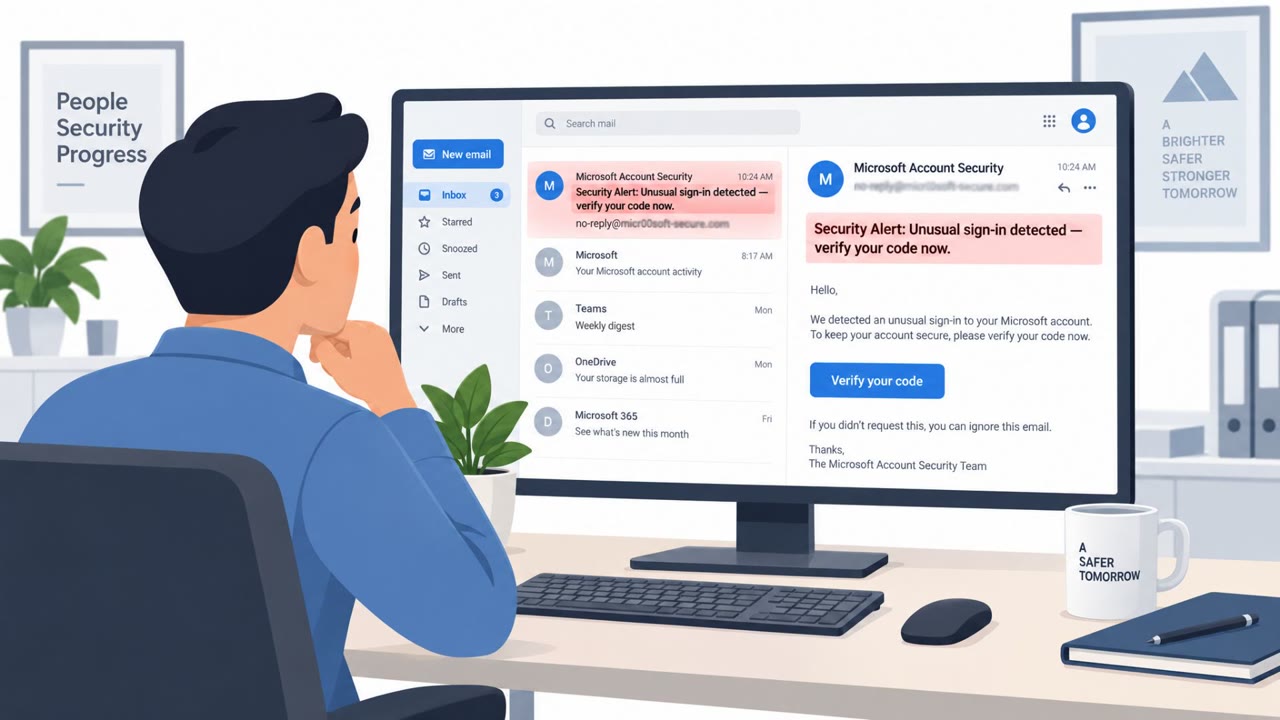
Cisco Talos Incident Response reports that phishing drove initial access in over half of Q2 2026 cases, often using QR codes in PDF attachments and trusted cloud hosting to evade email defenses. Attackers frequently bypassed multi-factor authentication using adversary-in-the-middle proxies, session-token theft, and device-code (OAuth) phishing, enabling mailbox takeover, internal re-phishing, and in some cases ransomware follow-on activity.
How the attack worked
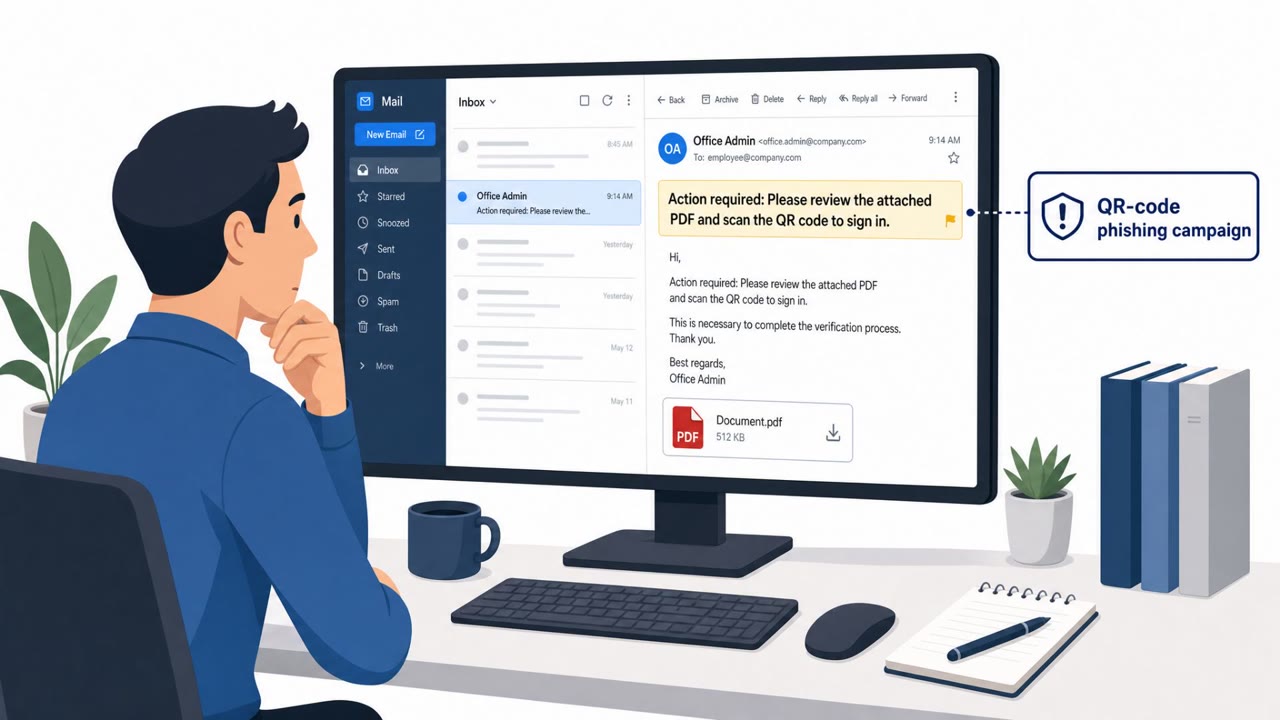
Cisco Talos incident response data for Q2 2026 shows phishing as the leading initial access method, present in more than half of engagements where the access vector was known. One persistent campaign used auto-generated, victim-tailored PDF documents containing QR codes that pointed to adversary-controlled Microsoft 365 credential harvesting pages. Because the malicious link is embedded as an image inside a QR code rather than plain text, many email security gateways failed to flag it. Once a mailbox was compromised, attackers used it to send additional phishing emails to internal contact lists, extending the attack's reach through trusted internal relationships.
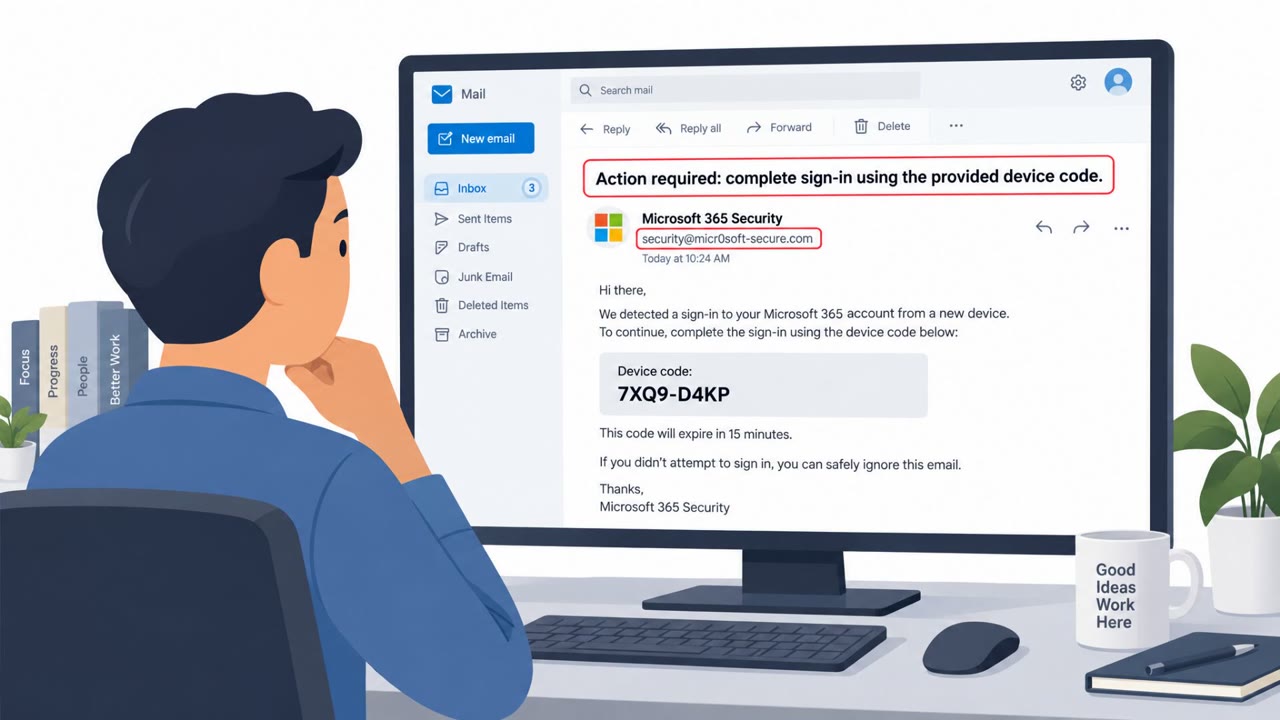
A second technique involved device-code phishing, where victims are prompted to complete a Microsoft OAuth device authorization flow. This lets attackers obtain valid access tokens without stealing a password at all, a method associated with a phishing-as-a-service platform Talos calls ARToken.
Why it succeeded
Several factors let these techniques succeed:
- QR codes in PDFs sidestep link-scanning defenses built for plain-text URLs
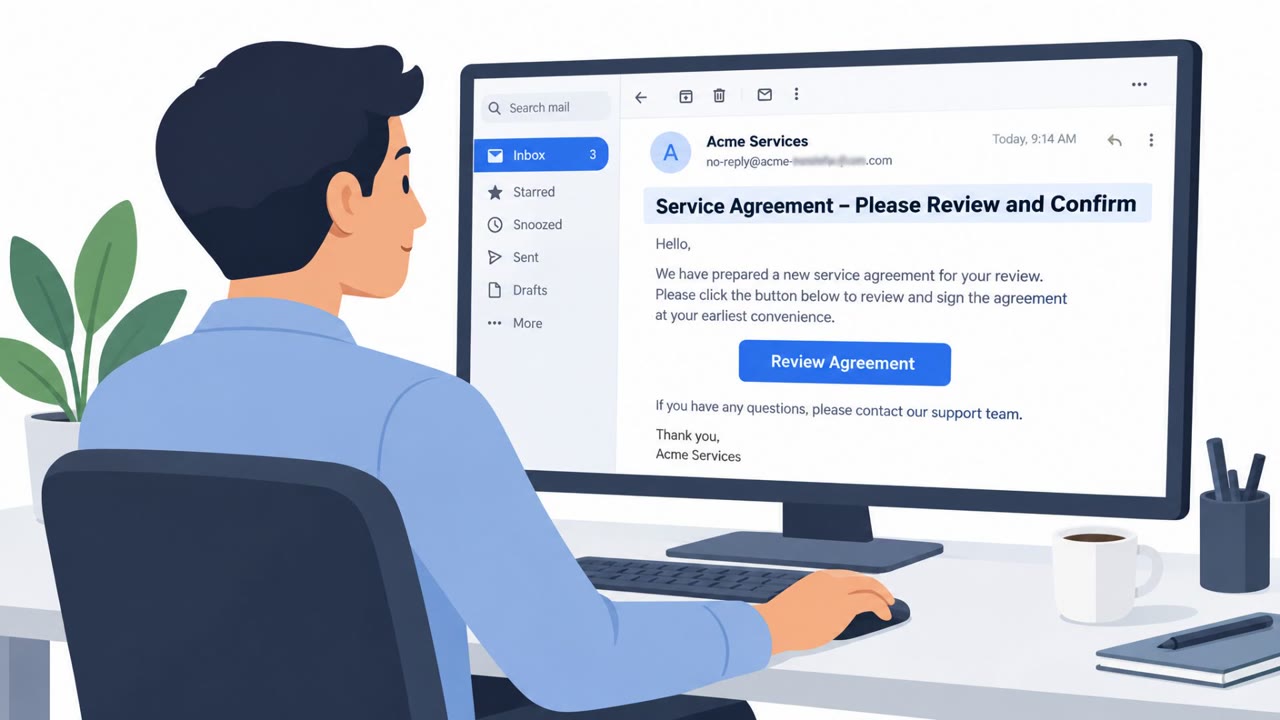
- Attackers weaponized trusted infrastructure like SharePoint and Microsoft 365 to blend in with legitimate traffic
- Authentication abuse, including AiTM proxies, session-token theft, MFA fatigue, and attacker device self-enrollment, was present in a large majority of engagements
- Unlimited outbound email thresholds allowed compromised accounts to send thousands of phishing messages before detection
What to watch for
Defenders should treat the following as warning signs:
- A PDF attachment containing a QR code as the primary way to reach a login page
- Unusual requests to complete a “device code” sign-in for routine business tasks
- A sudden spike in outbound email volume from a single mailbox
- New inbox rules or unexpected SharePoint file staging appearing after a suspected compromise
Building resistance
Organizations can reduce exposure by treating QR codes in email attachments as untrusted links that require the same scrutiny as any URL, and by considering policies that block or flag PDF attachments containing QR codes. Because authentication abuse is now common, transitioning from push- and SMS-based MFA to phishing-resistant methods such as FIDO2/WebAuthn and hardware security keys reduces the value of stolen sessions and tokens. Monitoring for anomalous inbox rule creation, SharePoint staging, and outbound email spikes helps catch mailbox takeover early, limiting how far an internal re-phishing campaign can spread before it is contained.
These findings apply broadly across employees, finance teams, executives, and IT and identity administrators, since the initial lure relies on ordinary document-sharing and sign-in workflows rather than technical exploitation.
Key findings
- Phishing was the top initial access method in Q2 2026 Talos IR engagements, exceeding half of cases where initial access was known.
- A persistent QR-code phishing campaign used auto-generated, victim-tailored PDFs to send users to Microsoft 365 credential-harvesting pages, then spread using internal contact lists.
- Authentication abuse rose sharply (65% of engagements), including AiTM proxies, session-token theft, MFA fatigue, and attacker self-enrollment of devices.
- Talos observed ARToken (linked to EvilTokens) enabling device-code phishing and token-based persistence and post-compromise operations against Microsoft 365.
- Ransomware operators increasingly abused legitimate remote monitoring/management tools (e.g., trojanized MeshAgent and Zoho Assist) to blend in and retain access.
Who’s being targeted
- Commonly targeted roles: All employees, Executives, Finance, IT Helpdesk / Identity team, Email administrators, Microsoft 365 administrators.
- Affected industries: Healthcare, Public Administration (local government), Manufacturing.
- Attack channels: email, website.
- Impersonated: Microsoft 365 / SharePoint document workflow, Trusted vendor (using Microsoft sign-in/device code flow), Compromised internal user mailbox.
Red flags to watch for
- PDF attachment contains a QR code used as the primary link-out method
- Login page reached via QR code rather than normal Microsoft/SharePoint navigation
- Email appears to leverage internal trust (compromised mailbox / internal contacts)
- Unusual request to use a 'device code' sign-in flow for routine business activity
- Message impersonates a vendor while pushing the user into Microsoft authentication steps
- Access is sought through tokens/authorization rather than normal login context
- Sudden burst of outbound email volume from a single user
- Messages sent shortly after a suspected credential theft event
- Unexpected emails that rely on internal trust rather than clear business context
Frequently asked questions
How does QR-code PDF phishing bypass email security?
Attackers embed a QR code inside a PDF attachment rather than a clickable link, so the malicious destination is hidden from text-based email scanners until the recipient scans it with a phone.
Can attackers bypass MFA without stealing a password?
Yes. Talos observed device-code phishing that abuses the OAuth device authorization flow, letting attackers obtain valid access tokens without ever capturing the victim's password.
What happens after a mailbox is compromised in these attacks?
Attackers often create inbox rules for defense evasion, stage malicious documents on SharePoint, and send large volumes of phishing emails from the compromised account to internal and external contacts.
What MFA method best resists these attacks?
Talos IR recommends moving from push- and SMS-based MFA to phishing-resistant methods such as FIDO2/WebAuthn and hardware security keys.
Read the video transcript
You get an email: “Document shared with you (scan QR to view).” Looks like SharePoint, from a coworker, PDF attached. You open the PDF, no link, just a big QR code. You scan it on your phone, land on a Microsoft 365 login, and sign in. That’s the trap: it’s a QR-PDF phish stealing your M365 session, not just your password. Behind the scenes, tools like ARToken use that sign-in to grab tokens, bypass MFA, and turn your mailbox into a launchpad, auto-sending more QR PDFs from your real account and staging files in SharePoint. Aha moment: a QR code in a PDF is just a hidden link. If a PDF tells you to scan a QR and sign in to Microsoft, stop. Close it, and go to office.com or your normal M365 app instead.