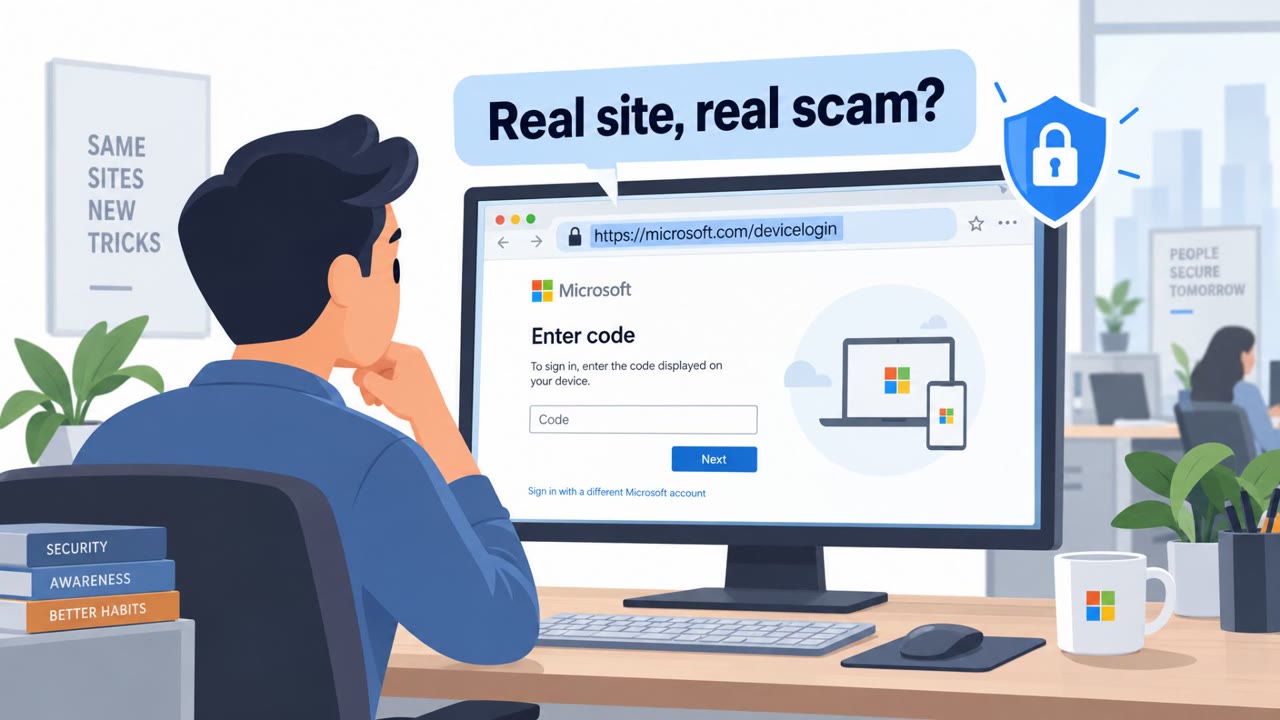
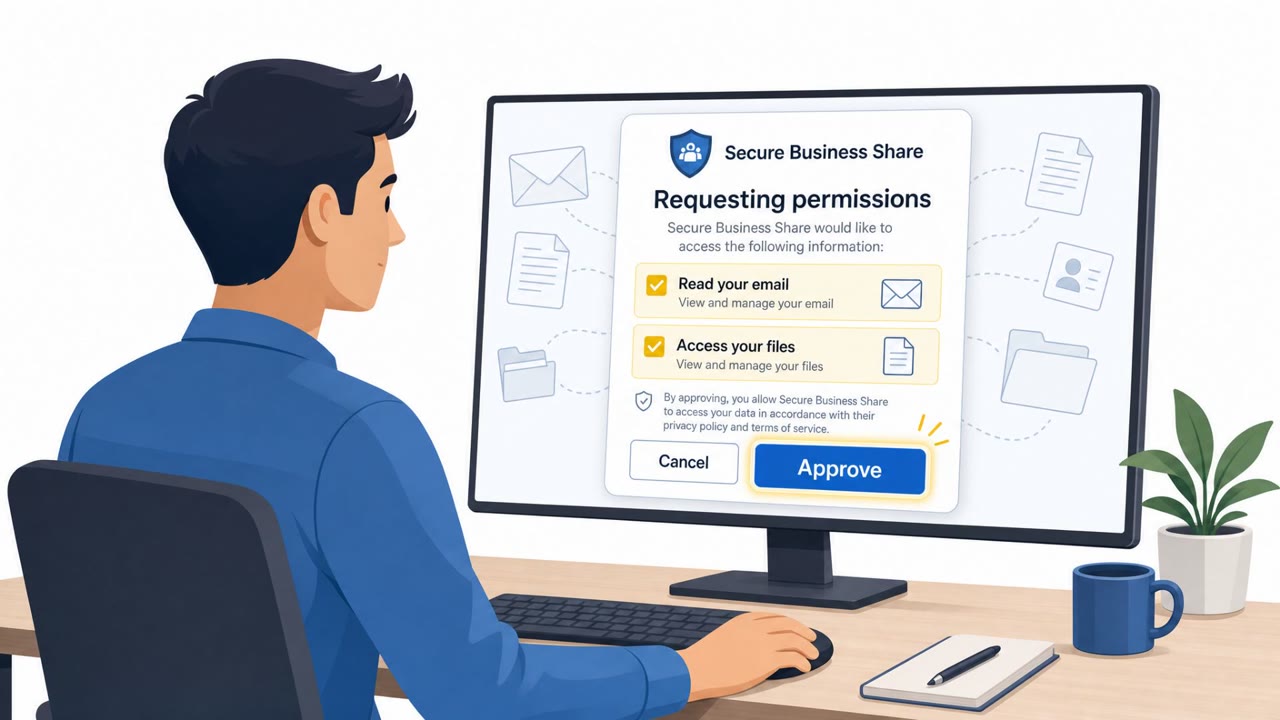
Attackers trick employees into entering a short “device code” on a real Microsoft sign-in page (microsoft.com/devicelogin), causing Microsoft 365 to issue login tokens directly to the attacker. Because the victim completes a legitimate MFA-approved sign-in on a legitimate Microsoft URL, the activity can look normal and may bypass some Conditional Access patterns. The result is persistent access via refresh tokens, often leading to mailbox access, inbox rule tampering, and business email compromise (BEC).
How the attack worked
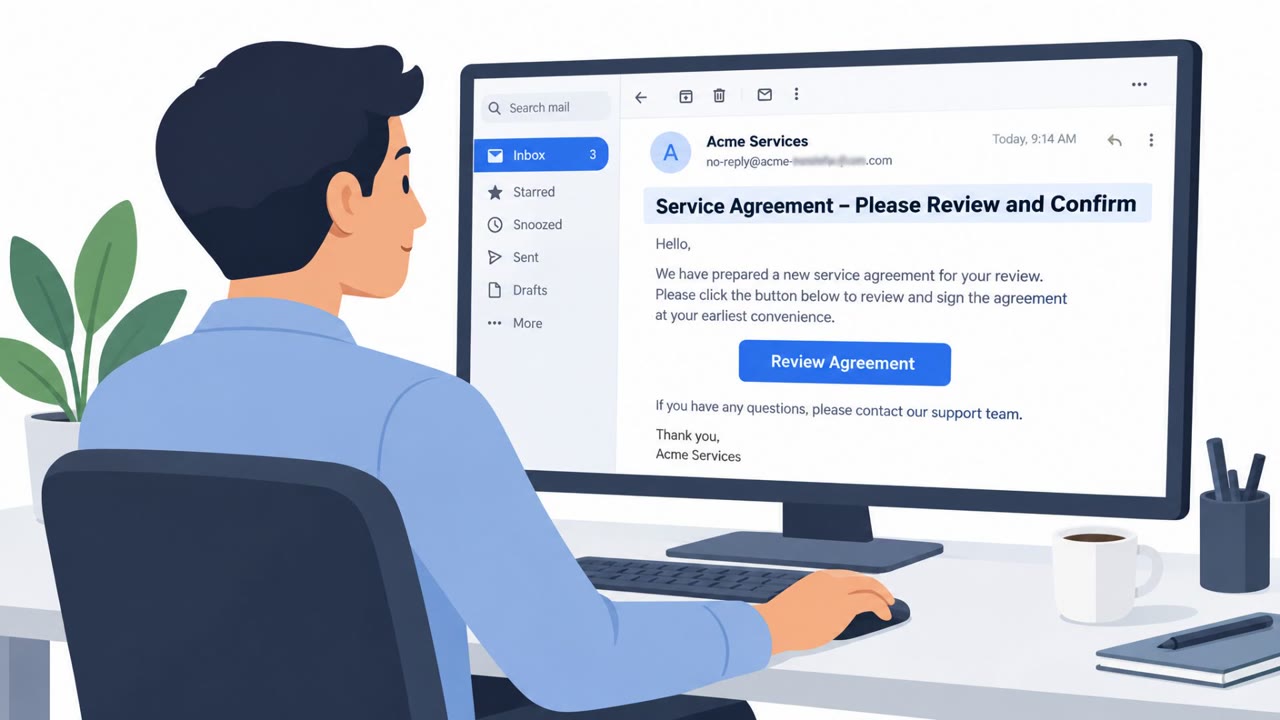
This attack abuses a legitimate Microsoft 365 sign-in mechanism called the device code flow, which is normally used to authenticate devices that lack a browser, such as smart TVs or command-line tools. In this scenario, an attacker initiates the device code flow themselves and generates a code. They then craft an email, often framed as a shared document notification, that pressures the recipient to visit a lookalike site and eventually enter that code at the real microsoft.com/devicelogin page. Because the user is entering the code on Microsoft's own domain and approving a legitimate MFA prompt, Entra ID issues authentication tokens, including refresh tokens, directly to the attacker's polling client rather than to the victim's own session.
Why it succeeded
The core reason this technique works is that every visible signal looks normal to the victim. The MFA prompt is real, the login page is Microsoft's actual domain, and the sign-in itself completes successfully. There is no fake login page to spot and no obviously spoofed domain to flag. The victim believes they are simply confirming access to a shared document, when in reality they are handing over a token that grants the attacker ongoing access. Refresh tokens obtained this way can persist for an extended period, allowing continued access without triggering another MFA challenge.
What to watch for
- Any unsolicited request to enter a device code at microsoft.com/devicelogin, especially when you did not personally initiate a sign-in on another device.
- Emails using urgency language such as warning of consequences if a step is not completed immediately.
- A "document shared" workflow that requires an unusual extra step, like entering a code into a separate login page, rather than a normal access link.
- Sign-in log entries showing the authentication protocol as Device Code, particularly when followed shortly by inbox rule creation or changes.
How to build resistance
Organizations should train employees to treat device code requests as inherently suspicious unless they personally started the device sign-in process. Incident responders need to understand that a password reset alone does not revoke refresh tokens, so token revocation must be treated as its own deliberate response step. Security operations teams should build monitoring around the Device Code authentication protocol in Entra sign-in logs and correlate those events with subsequent mailbox rule changes, since this combination is described as one of the highest-fidelity indicators of follow-on business email compromise activity.
Key findings
- Victims are directed to a real Microsoft page (microsoft.com/devicelogin) and approve legitimate MFA prompts, which reduces suspicion.
- The attacker initiates the device-code flow and convinces the user to enter the attacker’s code; tokens are then issued to the attacker’s session.
- Refresh tokens are the main prize because they can persist (described as up to ~90 days sliding) and allow continued access without re-triggering MFA.
- A password reset alone does not revoke refresh tokens; explicit token revocation is required.
- Defenders can hunt for “Authentication Protocol = Device Code” in Entra sign-in logs and look for location/IP mismatches between the user’s sign-in and subsequent token use.
- Follow-on BEC activity commonly includes mailbox access, inbox rule creation/modification, and document access in OneDrive/SharePoint.
Who’s being targeted
- Commonly targeted roles: All employees, Executives, Finance/AP, IT helpdesk, Identity & access management (IAM) / Microsoft 365 admins, Security operations (SOC).
- Affected industries: Any organization using Microsoft 365 / Entra ID, Organizations targeted for business email compromise (BEC).
- Attack channels: email, website.
- Impersonated: Internal colleague / document-sharing service (e.g., DocuSign) directing user to Microsoft device login.
Red flags to watch for
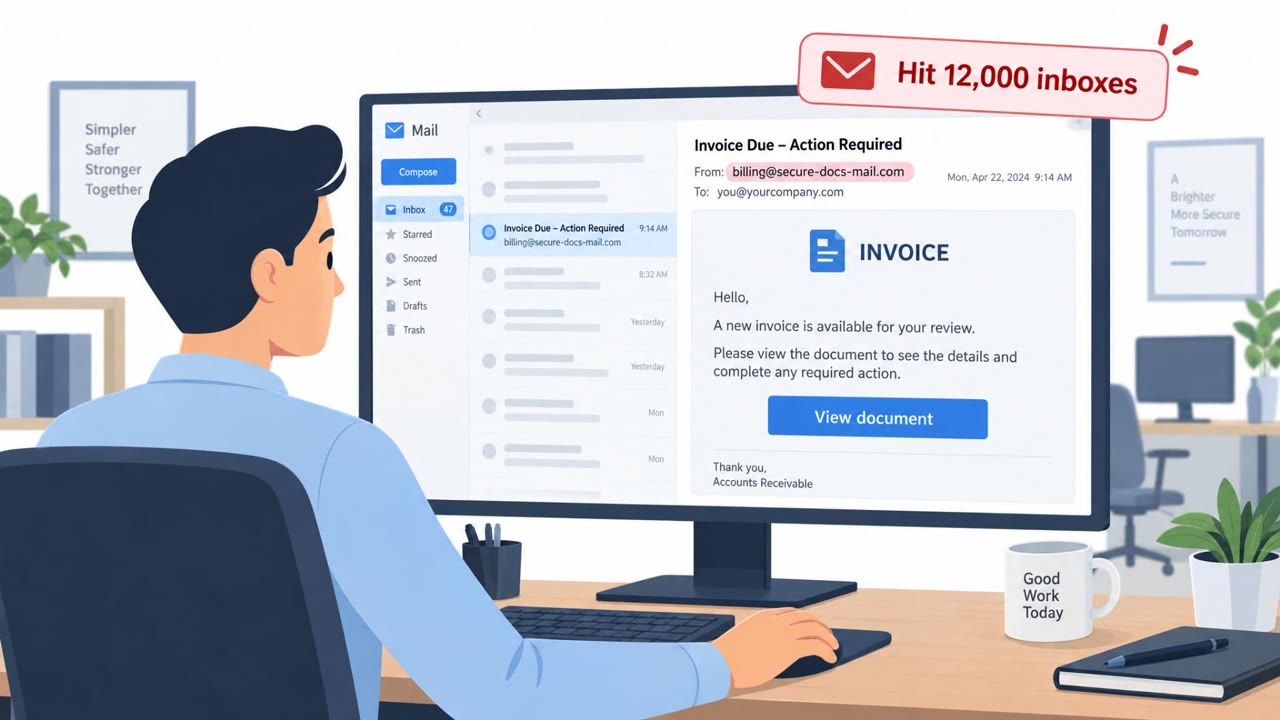
- Email pressures urgency and consequences ("If you do not complete this step...")
- User is asked to enter a code that was provided by a third party (the email/website) into Microsoft’s login page
- The “document shared” workflow requires an unusual extra step (device code entry) rather than a normal document access path
Frequently asked questions
What is device code phishing in Microsoft 365?
It is an attack where a victim is tricked into entering an attacker-supplied code at the real microsoft.com/devicelogin page, causing Microsoft 365 to issue login tokens to the attacker's session instead of the user's own device.
Why does this attack bypass user suspicion?
The victim completes a genuine sign-in on a legitimate Microsoft URL and approves a real MFA prompt, so from the user's perspective nothing looks wrong.
Does resetting a password stop this attack?
No, a password reset alone does not revoke an active refresh token; explicit token revocation is a separate step defenders must take.
How can defenders detect device code phishing?
Defenders can look for sign-ins where the authentication protocol is Device Code in Entra sign-in logs, and correlate these with subsequent mailbox rule changes or location mismatches.
Read the video transcript
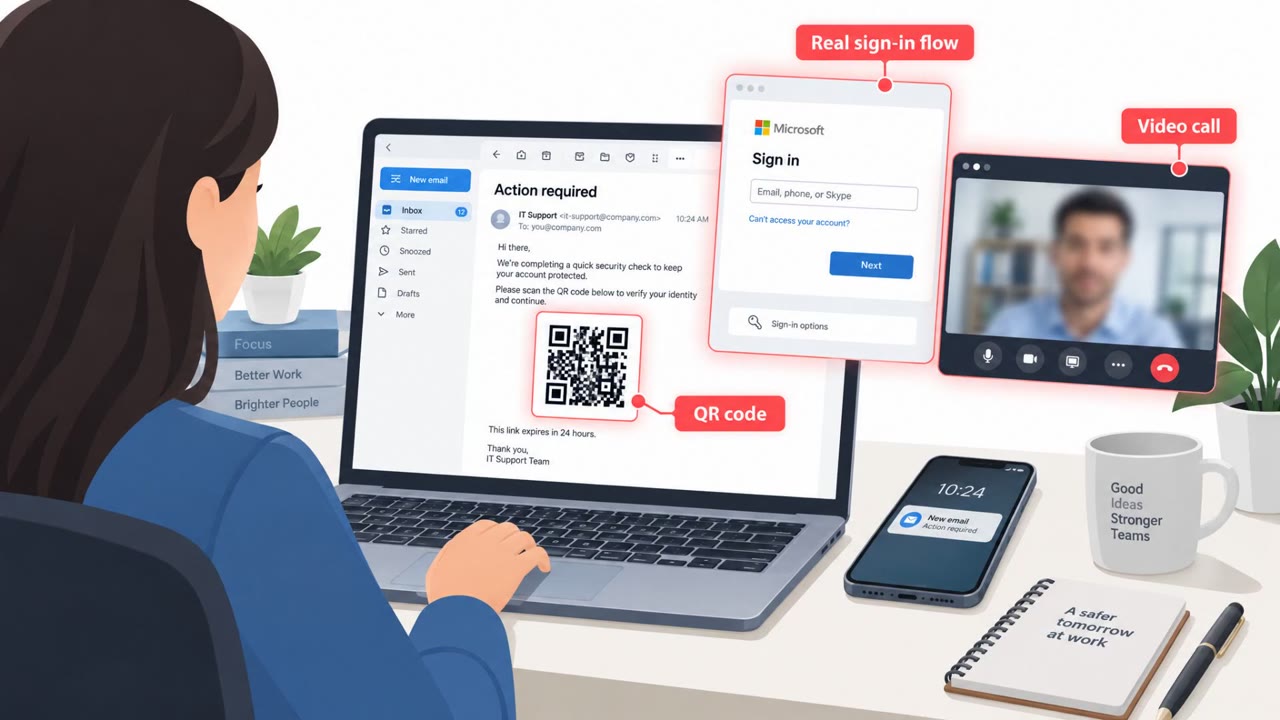
You get an email: "Action required: A document has been shared with you." Looks internal, looks urgent. You click, land on a lookalike document site, and it tells you: go to microsoft.com slash devicelogin, enter THIS short code, then approve the MFA. That’s the trap. Because you’re on a real Microsoft page and the MFA prompt is real, it feels safe. But when you type in their code, Entra hands long‑lived refresh tokens to THEIR session, letting them read your mailbox and change inbox rules for weeks. Here’s the rule: if YOU didn’t just start a sign-in on a TV, app, or device yourself, treat any email or site telling you to enter a device code at microsoft.com slash devicelogin as phishing and report it immediately.