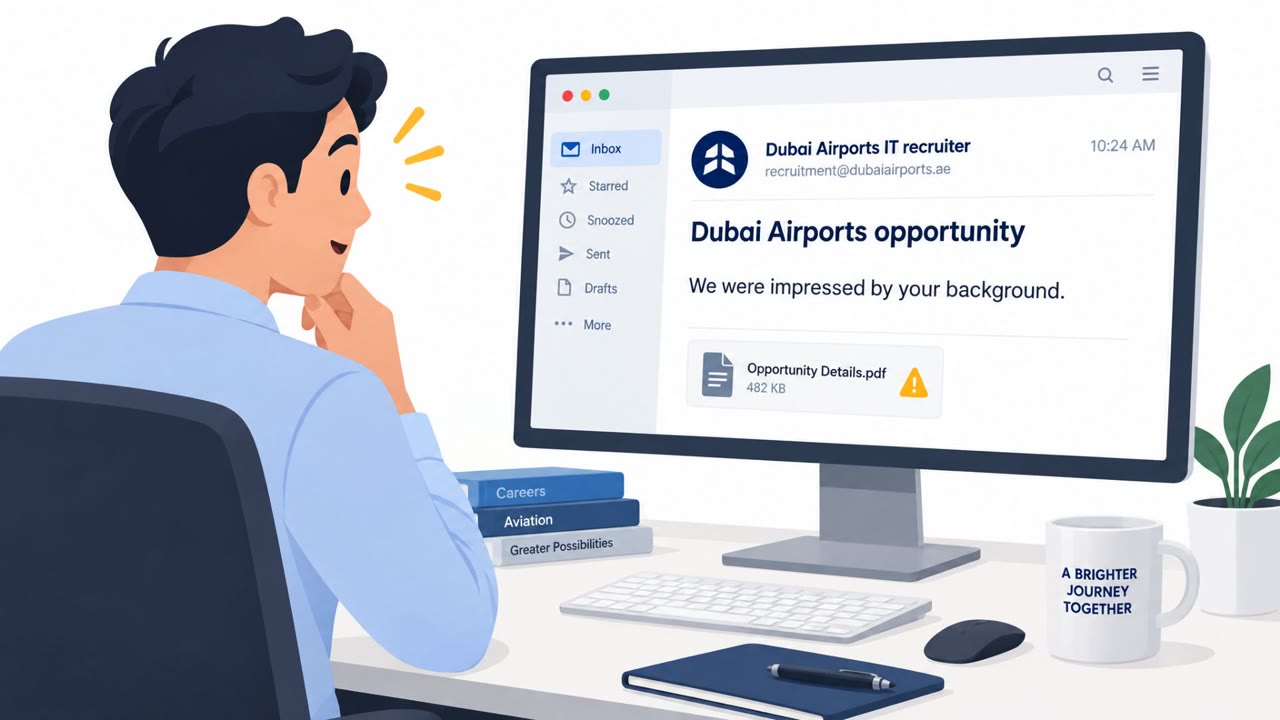
Researchers observed a real phishing campaign using a kit called GhostCode that abuses Microsoft’s legitimate “device code” sign-in flow to steal authentication tokens. Victims are socially engineered to open an NDA-themed HTML file and then enter a device code on Microsoft’s login page, unintentionally authorizing an attacker-controlled device. The stolen tokens are then used to register devices and maintain persistent access to the victim’s Microsoft 365 environment.
Key findings
- GhostCode abuses Microsoft’s OAuth 2.0 device authorization grant flow (device-code phishing) to obtain authentication tokens tied to an attacker-controlled device.
- The observed campaign used a multi-step social-engineering workflow: initial outreach via a web contact form posing as procurement, then an NDA-themed HTML lure that leads to a device-code phishing page.
- After successful authentication, attackers automated rapid post-login actions (API calls) to register multiple devices and enroll one into Intune for persistence.
- Intune enrollment may survive token revocation; the attacker-created device can remain until explicitly removed.
- Attackers used evasion tactics such as obfuscated HTML, encrypted redirects, bot checks, and Cloudflare Turnstile to hinder security tooling.
Who’s being targeted
- Commonly targeted roles: All employees (Microsoft 365 users), Procurement, Sales, Legal, IT Helpdesk, Identity & Access Management (Entra ID/Azure AD) admins, Security Operations.
- Affected industries: Any organization using Microsoft 365.
- Attack channels: website, email.
- Impersonated: Procurement officer.
Awareness takeaways
- Treat requests to enter a "device code" as high risk unless you personally initiated a device sign-in; verify with IT/security before proceeding.
- Be suspicious of NDAs (or other documents) sent as HTML files, do not open them; request a PDF via known business channels.
- Identity/security teams should watch for rapid device registrations and automation patterns immediately after device-code authentication.
- If an attacker enrolls a device into Intune, removing tokens may not be enough, explicitly review and remove unknown devices from Entra ID/Intune.
Red flags to watch for
- Unexpected NDA delivered as an HTML file
- Being instructed to enter a device code to access a document
- A login/MFA flow that is described as authorizing a "device" rather than you accessing a normal business app
Read the video transcript
You get a legit-looking procurement inquiry on your website, then an NDA to review. Normal day, right? But this is GhostCode. That HTML NDA quietly sends you to a Microsoft page asking you to enter a device code to view the document. You sign in and pass MFA like normal, but here’s the twist: you just approved an attacker-controlled device. They grab your tokens, register devices, even enroll one into Intune that can survive token revocation. Aha moment: NDAs do not need a device code. If you’re ever told to enter a Microsoft device code just to open a document, stop and call IT before you touch it.