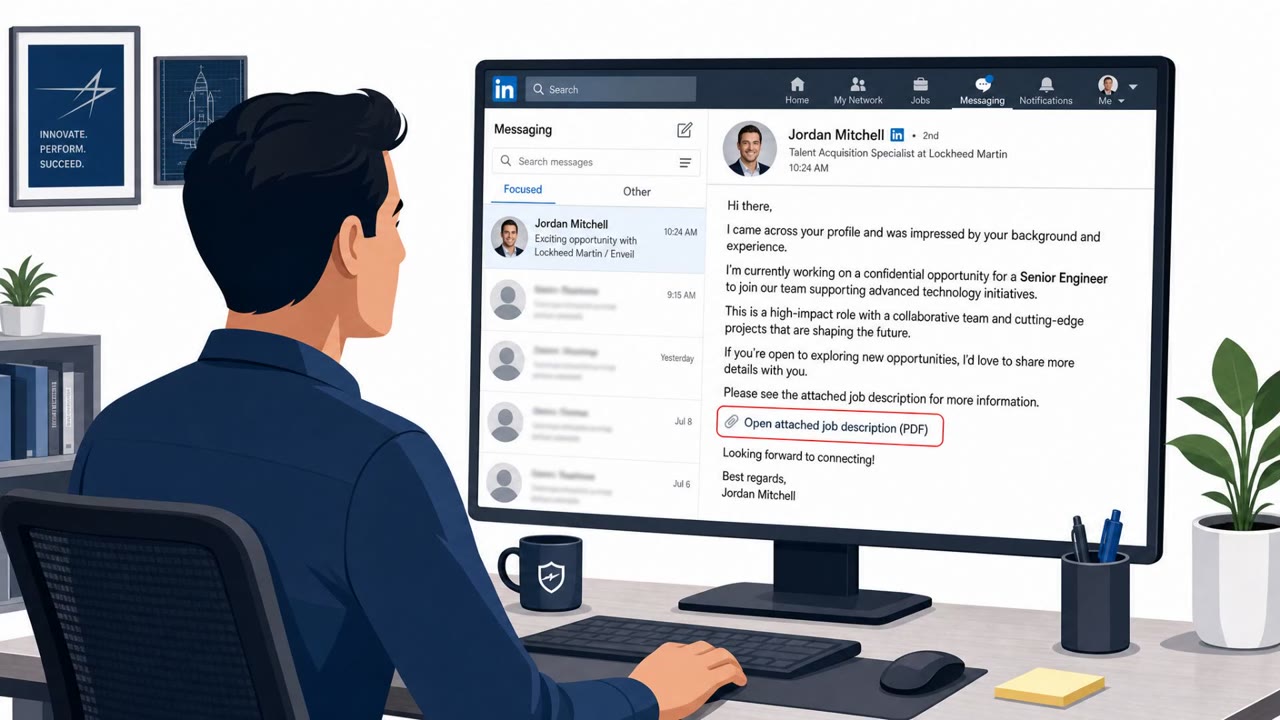
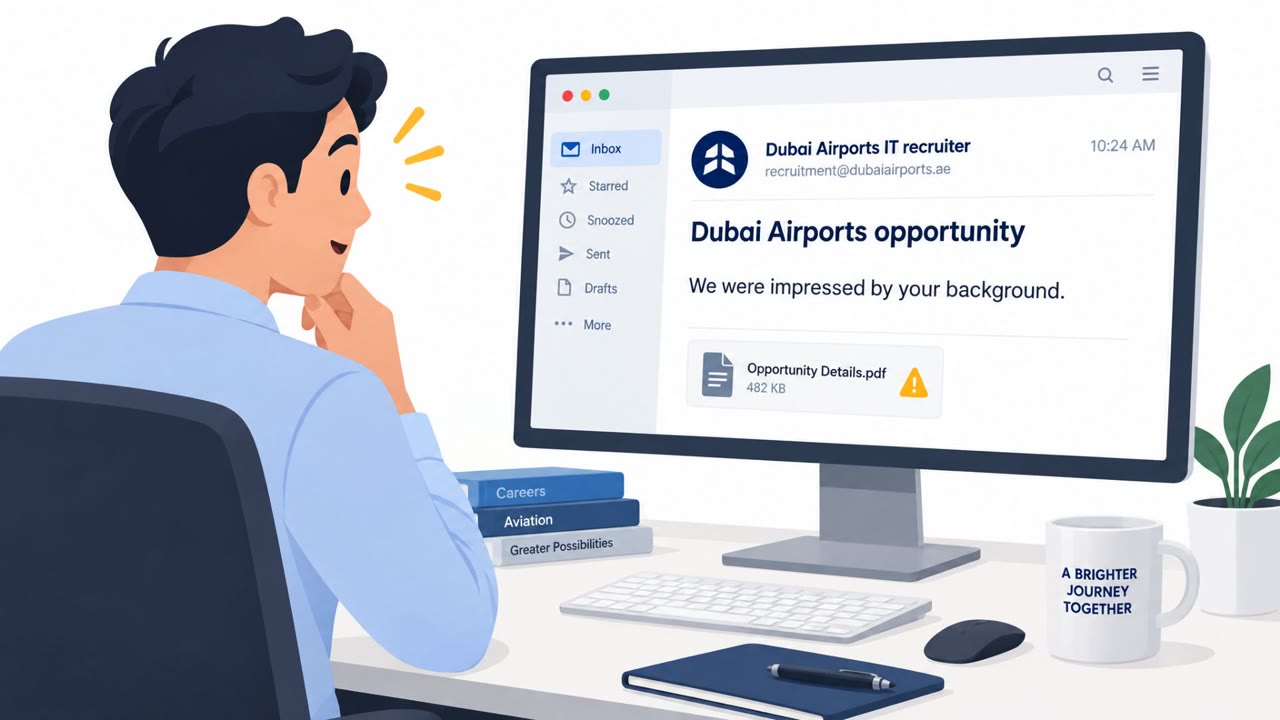
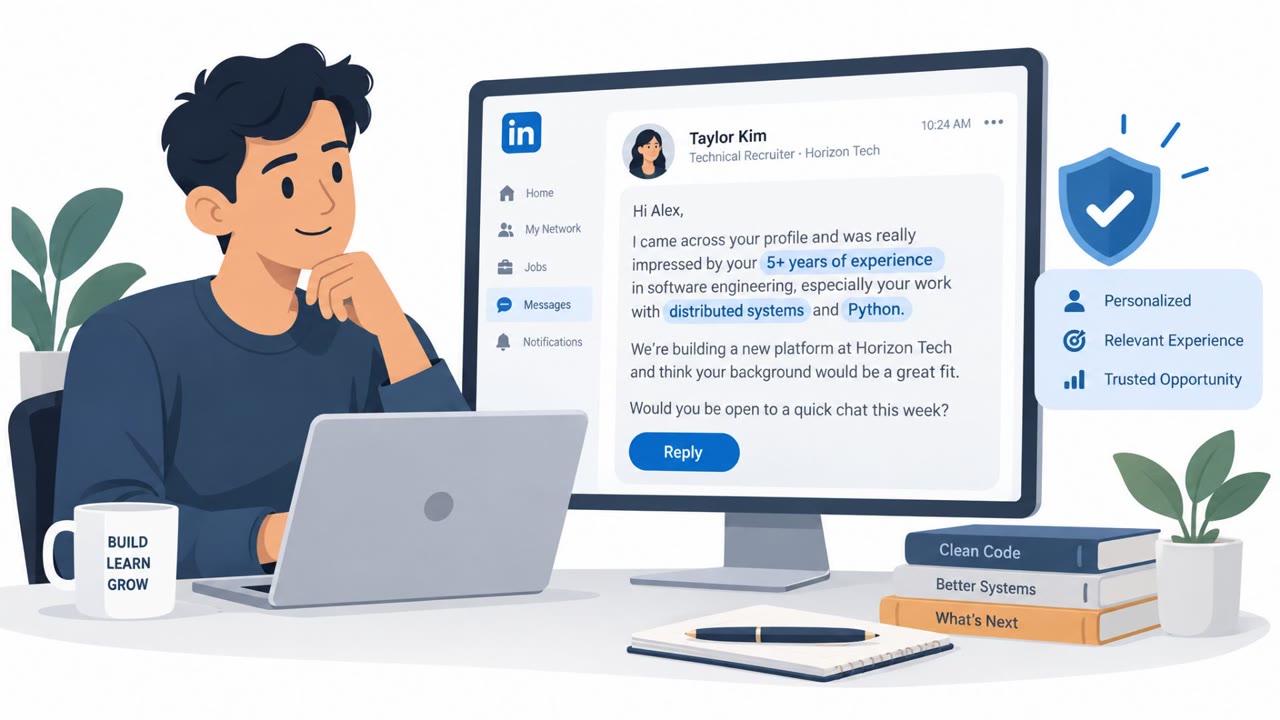
Researchers observed real campaigns where a fake “AI crypto trading agent” website tricked victims into downloading malware that silently replaces browser wallet extensions and steals the wallet password when it’s typed. The same reporting also describes invoice emails using QR codes to push victims onto their phones and then onto a fake OneDrive-style login page to steal Microsoft credentials.
Key findings
- HP observed the campaign activity “between April and June 2026.”
- A fake AI trading-agent site (“tradingclaw[.]pro”) delivered a ZIP whose executable appears legitimate (Microsoft-signed) to bypass trust checks, then installs a stealer.
- The malware targets users of “seven browser wallet extensions, among them MetaMask, Coinbase Wallet and Phantom.”
- The stealer replaces the victim’s wallet extension with a malicious copy that “sends the wallet password to the attacker.”
- Separate campaigns used invoice PDFs with a QR code (“quishing”) to move victims to a phone, then through redirects to a page “resembling OneDrive” that requests Microsoft credentials.
- The QR workflow leverages a “fake email security scanner” and a “Cloudflare Turnstile check” before credential theft.
- HP also describes multiple loader delivery methods (HTML smuggling, search lookalike domains, steganography in images) associated with stealing credentials and system data.
Who’s being targeted
- Commonly targeted roles: Finance / Accounts Payable, All employees (anti-phishing training), Employees using Microsoft 365, Users who manage cryptocurrency wallets, IT/Security helpdesk (to reinforce ‘verify before install/scan’ guidance).
- Affected industries: Cryptocurrency/consumer finance, Any business receiving invoice emails (accounts payable/finance), General corporate Microsoft 365 users.
- Attack channels: website, email, smishing.
- Impersonated: A legitimate-sounding AI assistant / trading bot vendor, Invoice sender / accounts receivable, then a Microsoft/OneDrive-style sign-in page.
Awareness takeaways
- Treat ‘AI tool/agent’ downloads from search results or ads as untrusted; only install from verified sources and approved app stores/portals.
- A familiar-looking wallet unlock screen (or branded login page) is not proof it’s legitimate, verify extensions and login URLs before entering passwords.
- Be suspicious of invoices that require scanning a QR code to view details; use known vendor contact paths and view invoices via established systems.
- Remember that phones often have fewer protections than work PCs; don’t assume a link is safe just because it opens on mobile.
Red flags to watch for
- Unknown domain offering a ‘too-good-to-be-true’ trading bot download
- Installer distributed as a ZIP with an unexpected executable
- Pressure to run software obtained from search results/ads without verification
- Invoice content is blurred and requires scanning a QR code to view
- QR scan leads through multiple redirects and ‘security checks’ before showing the document
- Credential request appears after QR scan on a mobile browser (harder to validate URLs)
Read the video transcript
Imagine installing an ‘AI crypto trading agent’… and it quietly steals your MetaMask or Coinbase Wallet password. HP saw this between April and June 2026: tradingclaw[.]pro gives you a ZIP. Inside, “Trading Agent.exe” looks Microsoft‑signed, but installs malware that swaps your wallet extension and sends your unlock password out the moment you type it. Same play with invoices: a PDF shows a blurred bill and a QR code. You scan it, bounce through a fake email security scanner and a Cloudflare Turnstile check, then land on a OneDrive‑lookalike page that quietly steals your Microsoft login. Here’s the move: if a site or invoice pushes you to install an ‘AI agent’ or scan a QR to log in, stop and go through our approved app store or vendor portal instead, never from ads, random sites, or QR codes.