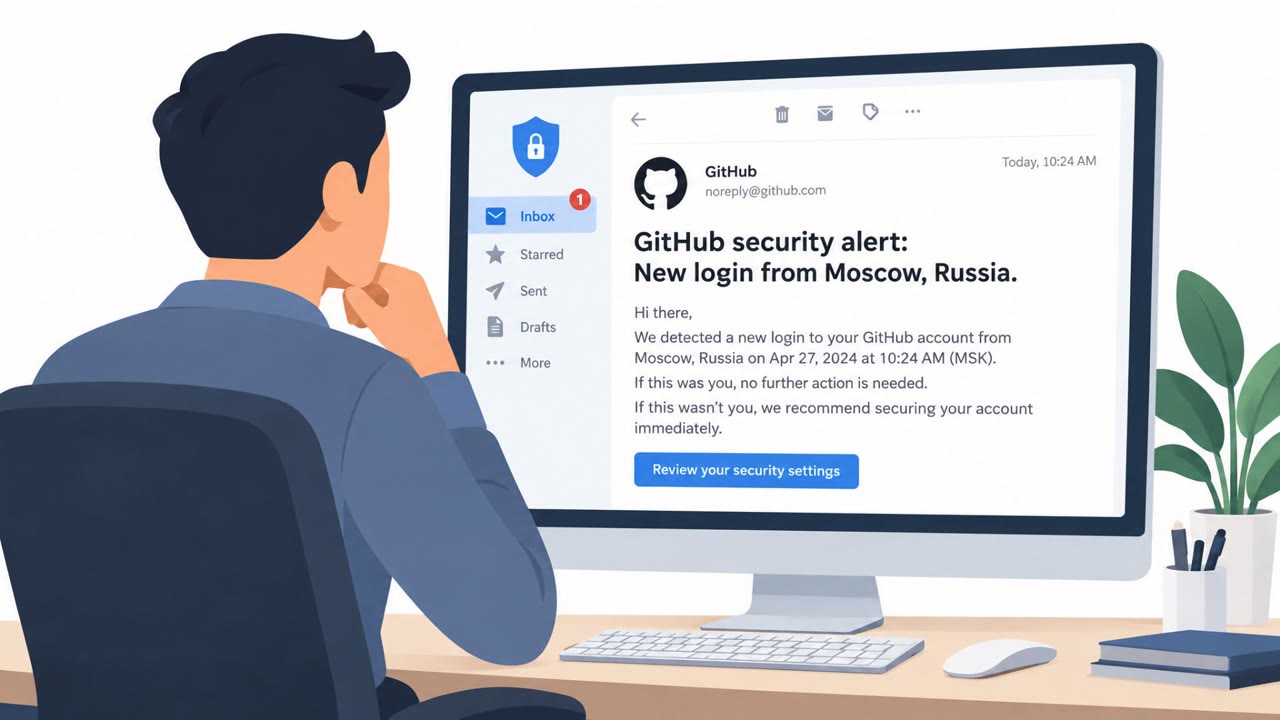
The article describes how attackers can trick users into approving a legitimate GitHub device-code sign-in request that the attacker initiated. In a controlled simulation, that approval gave an attacker access to private repositories, synced Copilot CLI sessions, saved agent memory, and, when enabled, remote control of an active coding session. The article also cites real device-code phishing campaigns, including EvilTokens and Storm-2372.
How the attack worked
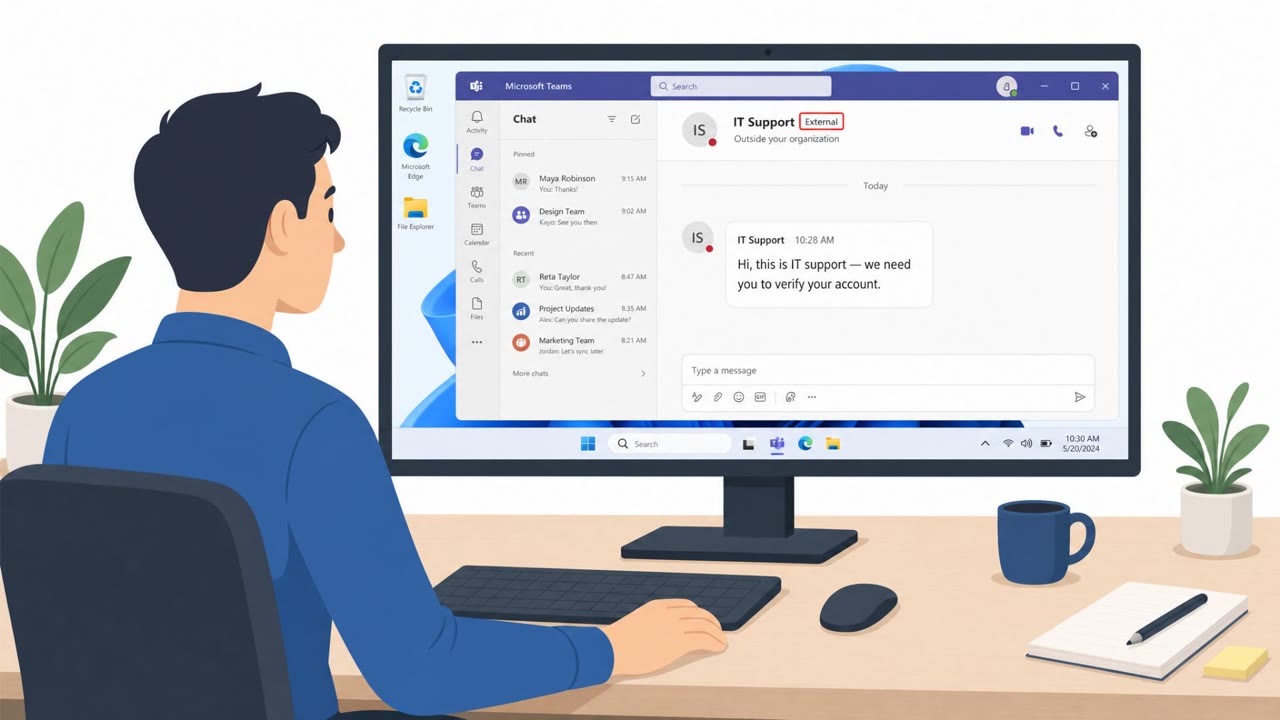
This attack abuses GitHub's device-code sign-in flow, a legitimate mechanism meant for devices without a browser. An attacker starts the sign-in process themselves, generates a device code, and then sends that code along with the genuine GitHub verification link to a target. The pretext is often framed as an IT request or a Copilot license check, something a developer would not question twice. If the recipient opens the real GitHub page, signs in, and approves the code, the attacker, not the recipient, ends up with the authorized session.
Why it succeeded
The core reason this works is that every visible signal looks correct. The user signs in on the actual GitHub site, not a lookalike page, and the verification screen is not spoofed in any way. A familiar, trusted domain therefore cannot tell the user whether the sign-in request was theirs to begin with. In a controlled simulation, an approved authorization was shown to enable access to private repositories available to the victim account, and where enabled, attackers could read cloud-synced Copilot CLI sessions, add misleading entries to Copilot Memory, and, if an active session was online with remote control enabled, steer that session within local permission and approval limits.
What to watch for
- A sign-in or verification request you did not personally start.
- A device code supplied to you by someone else rather than one you generated yourself.
- Messages framed as an IT request or a Copilot license check that ask you to verify GitHub access.
- Any unexpected request to activate Copilot or confirm GitHub access, even when the link points to github.com.
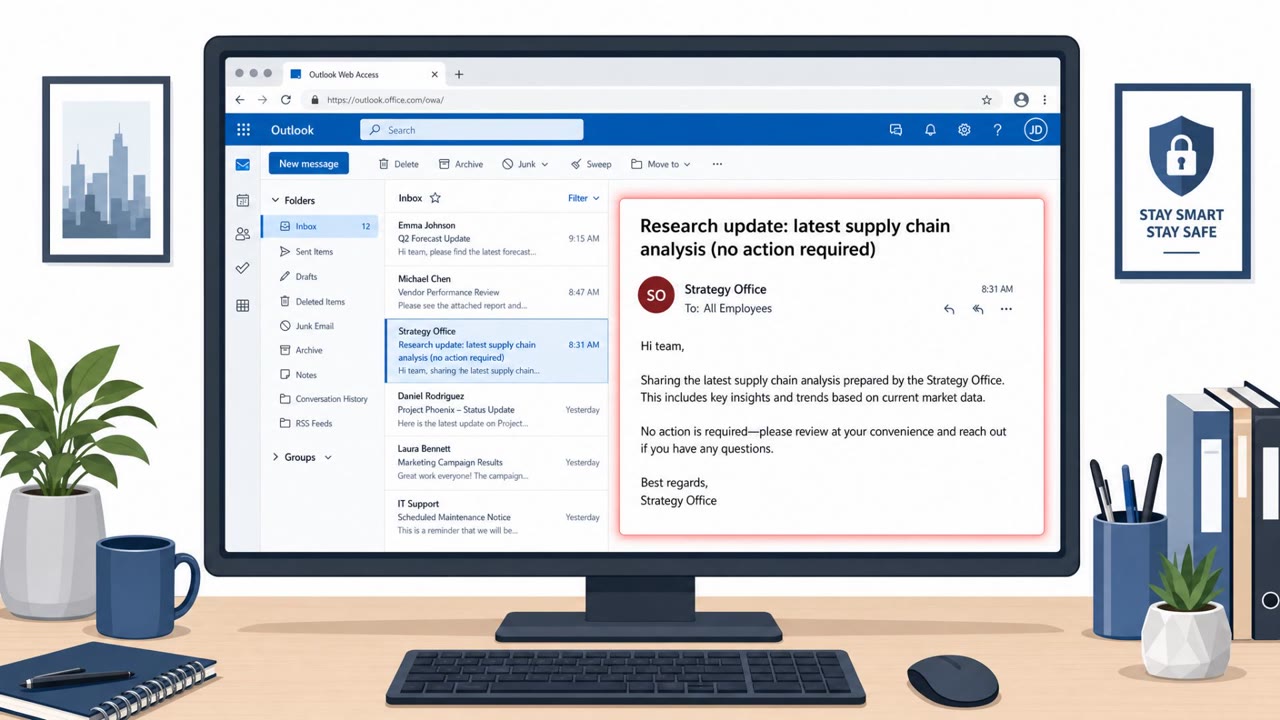
Microsoft notes it has developed detections for suspected Copilot CLI device-code phishing delivered through email and Microsoft Teams, and that real campaigns using this technique, including EvilTokens and Storm-2372, have been observed.
How to build resistance
- Only enter a device code for a sign-in that you personally initiated. Never approve a code someone else sent you.
- Remember that GitHub's own verification page warns against using a code supplied by another person.
- Treat any unsolicited request to verify GitHub or activate Copilot as a phishing attempt and report it rather than completing it.
- If a suspicious approval already occurred, review and revoke unexpected OAuth authorizations in GitHub account settings, confirm that access is blocked, and investigate potentially affected repositories, sessions, and saved memory.
Because each individual step, a message, a click, and an authorization, can look unremarkable on its own, organizations that rely on GitHub Copilot CLI and other AI coding agents should pair technical detections with developer awareness of this device-code approval pattern.
Key findings
- Attackers can initiate a legitimate GitHub OAuth device-code request and persuade a victim to approve it.
- The GitHub verification page can be genuine, so a github.com address does not prove that the sign-in request is safe.
- In the controlled lab, an approved authorization enabled access to private repositories available to the victim account.
- Where enabled, attackers could read cloud-synced Copilot CLI sessions and add misleading Copilot Memory entries.
- If remote control was enabled and an active session was online, the attacker could steer that session within local permission and approval limits.
- Microsoft developed detections for suspected Copilot CLI device-code phishing delivered through email and Microsoft Teams.
Who’s being targeted
- Commonly targeted roles: Software developers, Engineering leaders, GitHub organization administrators, GitHub Copilot administrators, IT support teams, Security operations teams.
- Affected industries: Software development, Technology, Organizations using GitHub Enterprise Cloud, Organizations using AI coding agents.
- Attack channels: email.
- Impersonated: Internal IT support or GitHub Copilot licensing team.
Red flags to watch for
- The recipient did not initiate a GitHub or Copilot sign-in.
- The sender supplied the device code instead of the user generating it during their own sign-in.
- A legitimate github.com verification page cannot confirm who initiated the authorization request.
Frequently asked questions
What is GitHub device code phishing?
It is an attack where someone initiates a real GitHub OAuth device-code sign-in and tricks a victim into approving it, which hands the attacker the resulting access since the GitHub verification page itself can be genuine.
Can a legitimate github.com page still be part of a phishing attack?
Yes, the verification page can be entirely real, so the domain alone does not prove the sign-in request is safe. A familiar domain cannot tell a user whether they initiated the request.
What can an attacker access after an approved device code?
In a controlled simulation, approval enabled access to private repositories, cloud-synced Copilot CLI sessions, saved Copilot Memory entries, and in some cases remote steering of an active coding session within local permission limits.
What should someone do if they suspect they approved a malicious device code?
Review and revoke unexpected OAuth authorizations in GitHub account settings, confirm access is blocked, and investigate potentially affected repositories, sessions, and saved memory.
Read the video transcript
A real GitHub page can still be a phishing trap. An email posing as IT says, 'Activate Copilot: enter this code at the GitHub verification link.' You open the genuine page, sign in, and approve a request someone else started. That's the twist: github.com proves the page is real, not who started the sign-in. Approval could expose private repos and synced Copilot CLI sessions, even saved agent memory. If someone sends you a GitHub device code, don't approve it. Report that request to security.