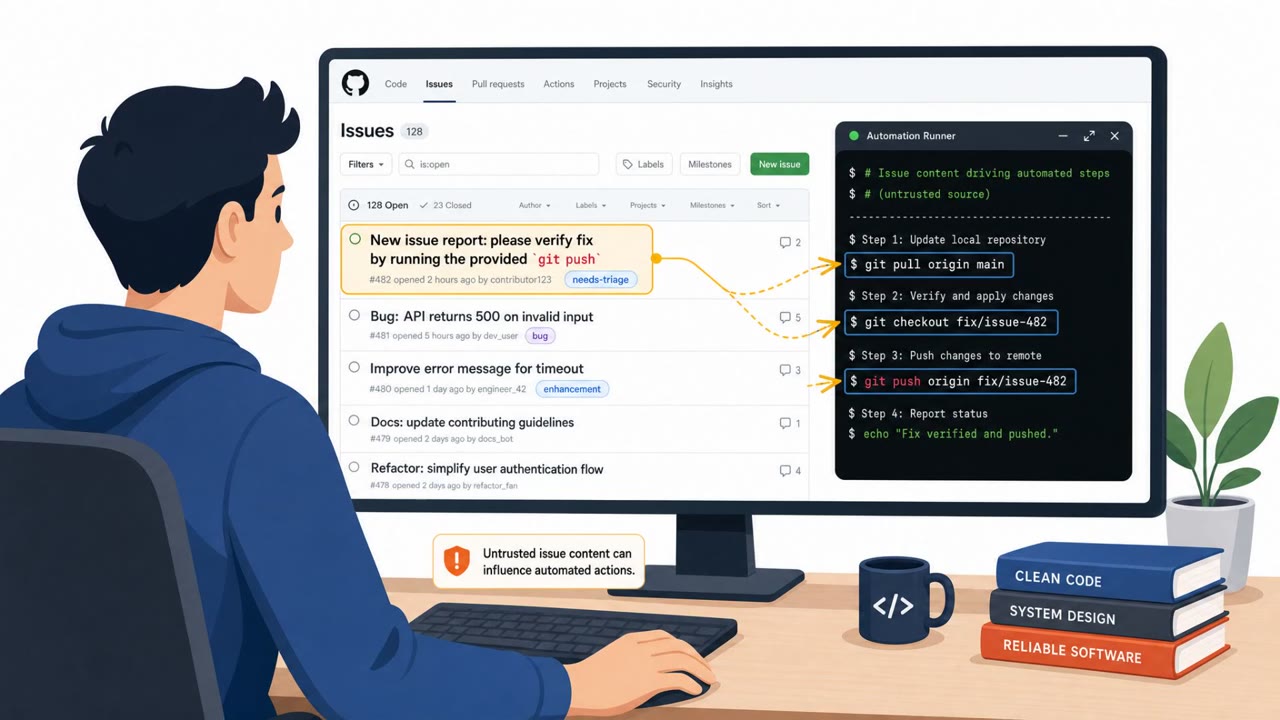
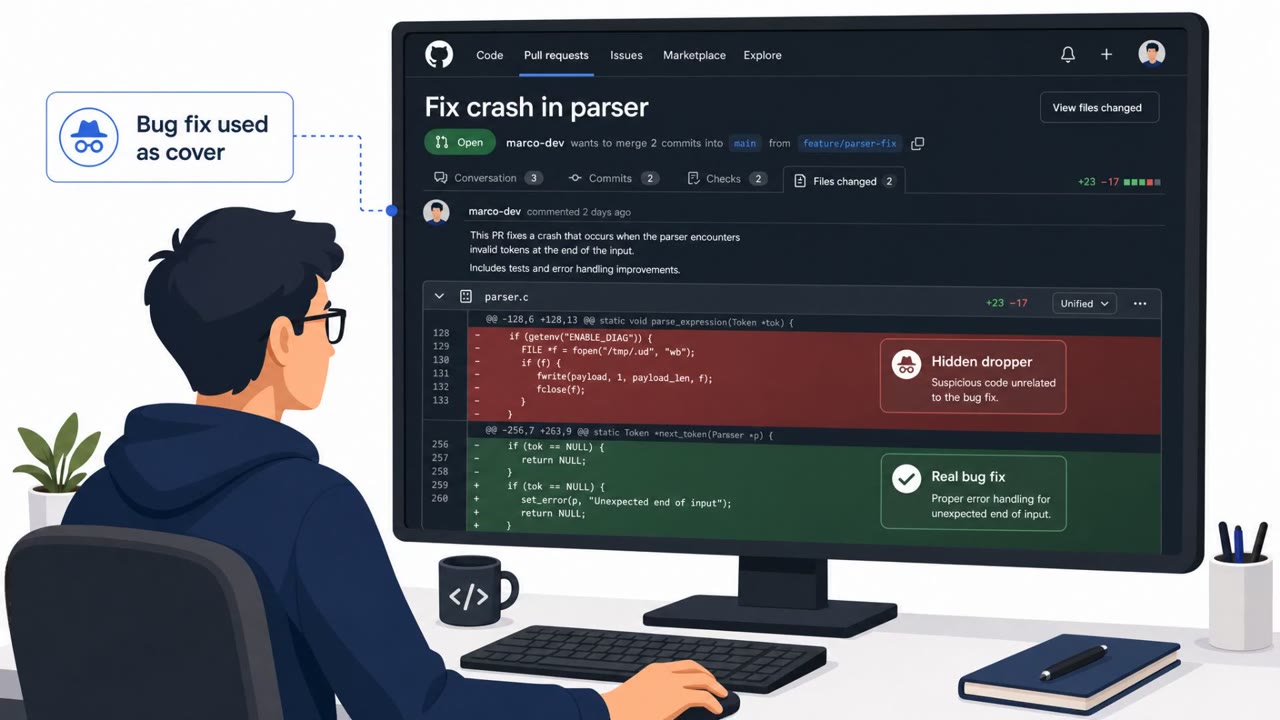
Security researchers showed that simply opening a GitHub issue could trigger default CI workflows in popular coding-agent projects and lead to code execution or secret exposure. The weaknesses were not in the AI models themselves, but in the surrounding automation (“harness”) that allowed untrusted issue content and files to influence what ran in CI. Google and Anthropic have patches available; OpenAI changed its repository workflow and guidance.
Key findings
- A GitHub issue from an account with no repo privileges was enough to reach CI runners for Anthropic and Google repos, and to affect the next agent run for OpenAI’s repo.
- Gemini CLI’s CVE-2026-12537 was described as an OS command injection via a crafted .gemini/.env file, enabling host command execution in headless CI before the sandbox starts; fixed in Gemini CLI 0.39.1 and run-gemini-cli 0.1.22.
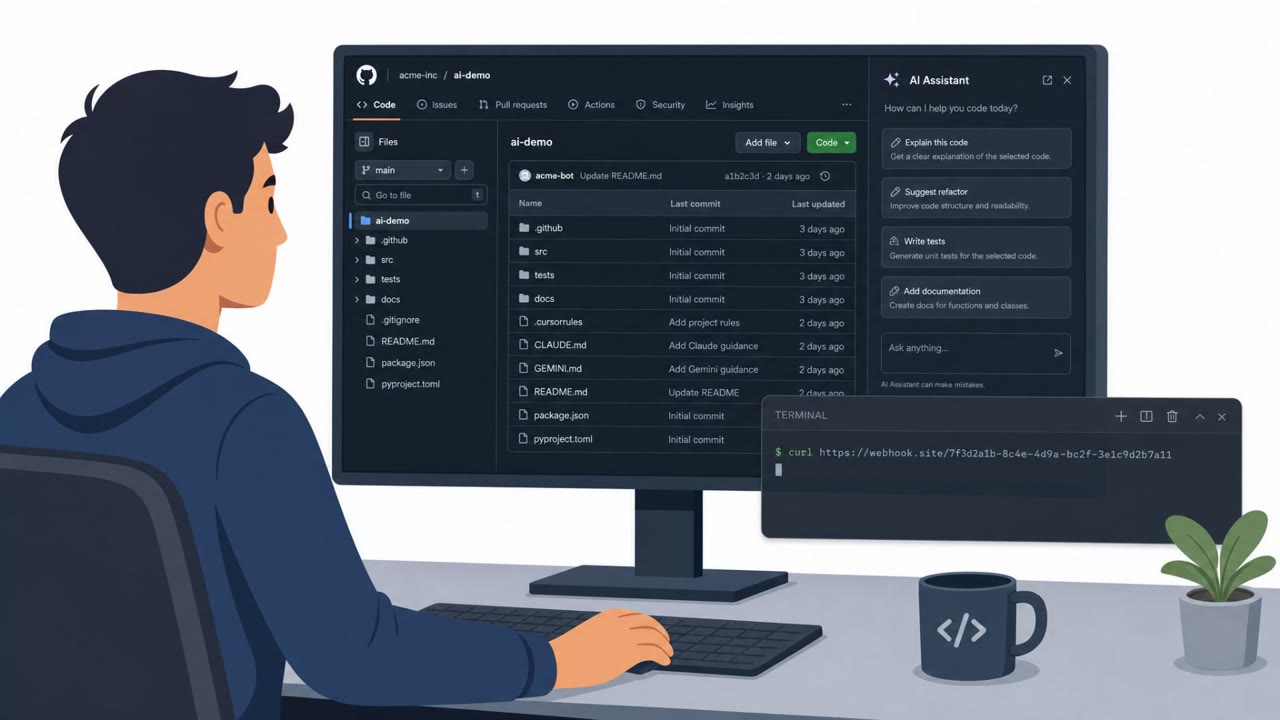
- Claude Code’s CVE-2026-54316 used Hugging Face’s public download counter as an exfiltration channel to leak an API key “one character at a time”; fixed in 2.1.163.
- OpenAI’s Codex issue was addressed through workflow changes (separating passes into different jobs, drop-sudo, read-only sandbox) and updated guidance about treating repo instruction files as untrusted input.
- The recurring problem across the cases was the surrounding automation (“harness”), where one component treated input as safe and later components executed it with higher privileges.
Who’s being targeted
- Commonly targeted roles: Developers, DevOps / CI-CD engineers, Open-source maintainers, Engineering leadership.
- Affected industries: Software development, AI/ML tooling, DevOps / CI-CD operations, Open-source maintainers.
- Attack channels: github.
- Impersonated: External contributor / bug reporter, External contributor / issue reporter triggering CI, External contributor filing a GitHub issue that triggers the agent workflow.
Awareness takeaways
- Treat GitHub issues (and any outsider-triggered events) as untrusted input, and avoid running privileged CI steps or exposing secrets on those triggers.
- Don’t rely on “allowlists” or safety checks that only run at setup time, ensure enforcement also happens at runtime, especially when commands can be auto-approved.
- Assume repo instruction files and agent context files are part of the attack surface; isolate steps and prevent earlier steps from leaving files for later privileged actions.
- Patch quickly and standardize versions for developer tools used in CI (coding agents, CLIs, actions), since default configurations can be exploitable.
Red flags to watch for
- An untrusted user can trigger workflows that run with access to secrets or elevated permissions
- Workflows read instruction/config files from the repo that can be modified within the same job/run
- “Auto-approve” or permissive modes (e.g., YOLO) allow commands without a second check
- CI runs can be triggered by outsiders (issues) while still running sensitive steps
- Configuration files like .gemini/.env are accepted from untrusted contexts
- “--yolo”/auto-approval modes remove human review and runtime enforcement
- Multiple automation passes share one workspace/checkout in the same job
- Instruction files (AGENTS.md / repo instructions) are writable during the run
- Validation steps between passes can fail open or be bypassed
Read the video transcript
Imagine this: someone with zero access opens a GitHub issue… and it runs code on your CI. Researchers showed this on real coding-agent repos from Google, Anthropic, and OpenAI. A default workflow read attacker files like .gemini and .env, then CI executed them with secrets and elevated permissions. One Gemini CLI bug, CVE-2026-12537, let a crafted .gemini/.env file inject OS commands on the CI host before the sandbox even started. Another, in Claude Code, leaked an API key one character at a time using a Hugging Face download counter. Here’s the move: if a GitHub issue or other outsider event can trigger CI, never let that workflow touch secrets or run privileged steps. Treat every issue-triggered run as hostile by default.