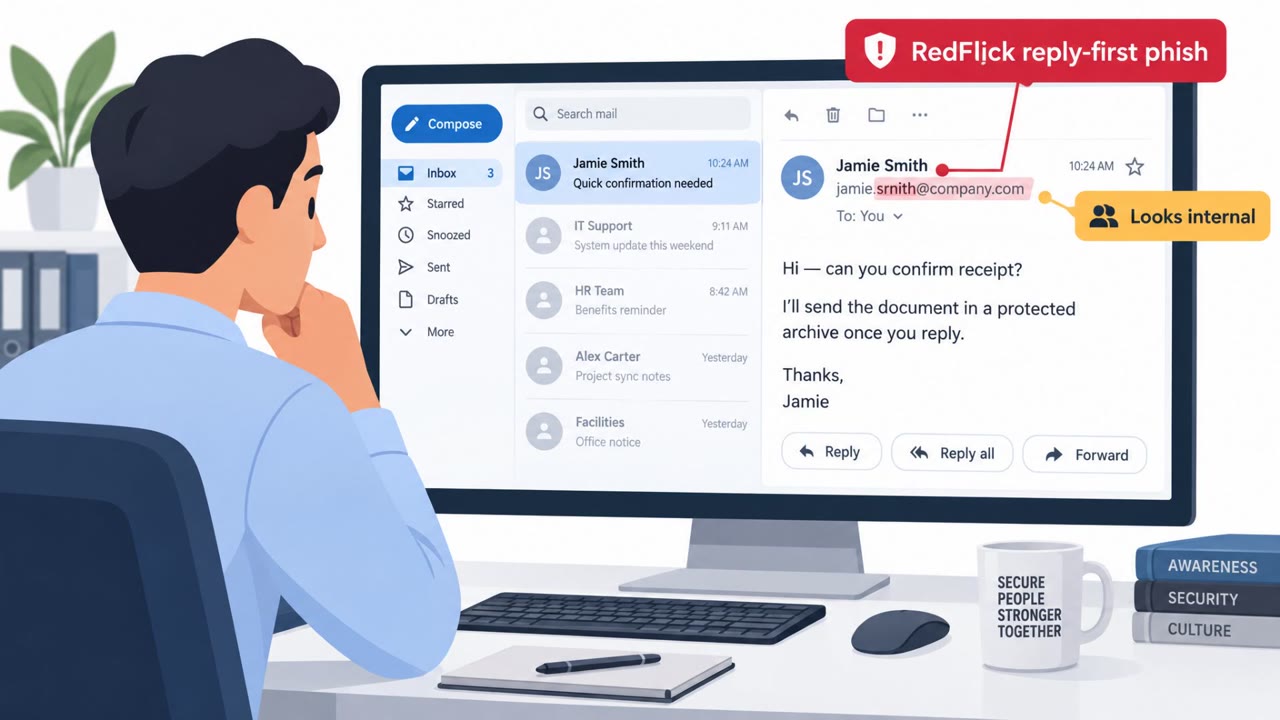
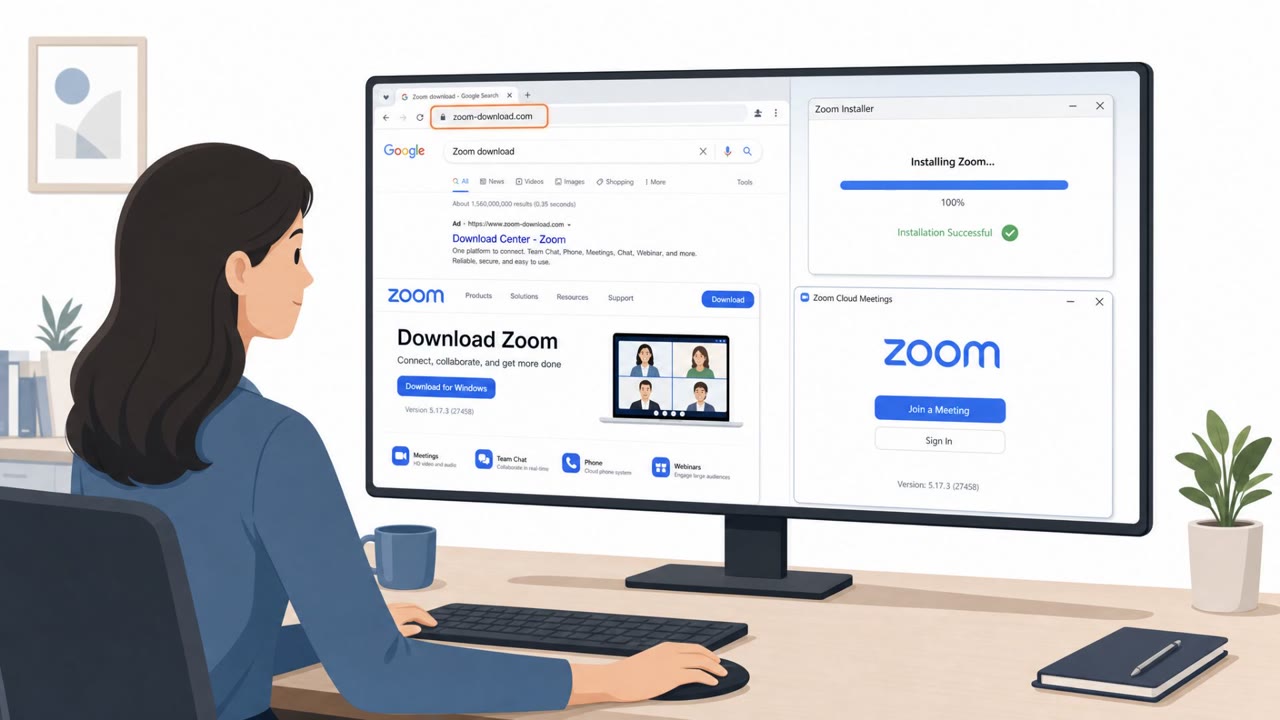
AhnLab reports that many APT attacks targeting organizations in South Korea in July 2026 started with spear‑phishing emails that delivered malicious Windows shortcut (LNK) files disguised as legitimate documents (including resumes). When opened, the LNK runs scripts that install backdoors/infostealers, set up stealthy scheduled tasks (e.g., fake OneDrive or browser updates), and exfiltrate system information to services like Dropbox or via attacker-controlled channels.
Key findings
- Most APT attacks observed were delivered via spear phishing, with LNK (Windows shortcut) files being the most common payload format in July 2026.
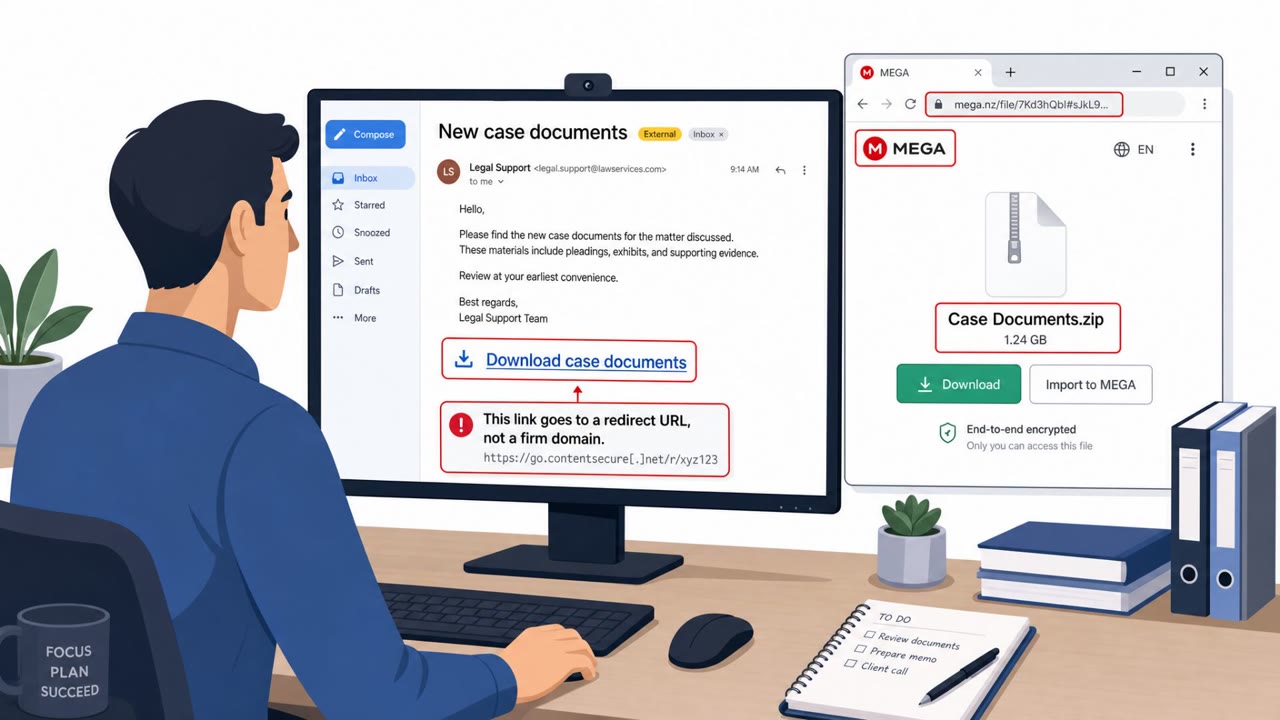
- Multiple variants used embedded PowerShell/CMD/JavaScript/VBS/BAT inside LNK files to run malware, drop decoy documents, and fetch additional payloads from public services (GitHub, Google Drive, Dropbox).
- Persistence commonly relied on Windows Task Scheduler entries disguised as legitimate software updates (e.g., OneDrive or browser updates).
- Observed tooling included infostealers, keyloggers, backdoors (including XenoRAT-type), and techniques like DLL side-loading and in-memory loading (e.g., via regsvr32).
- Exfiltration and command/control were performed via cloud/platform channels (e.g., Dropbox, PubNub) and attacker-controlled URLs.
Who’s being targeted
- Commonly targeted roles: All Employees, HR/Recruiting, Finance, Executive Assistants, IT/Security Operations.
- Affected industries: Unspecified (multiple sectors in South Korea).
- Attack channels: email.
- Impersonated: External job applicant or business contact, Business contact sending a work document.
Awareness takeaways
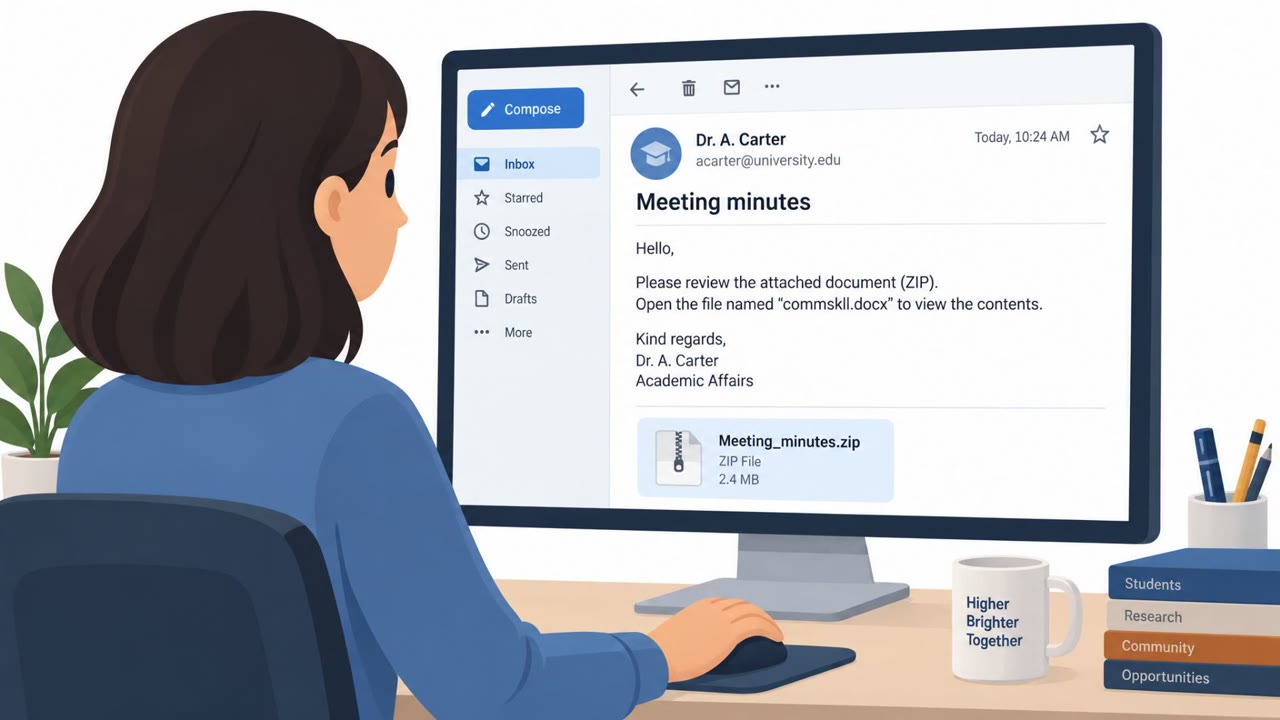
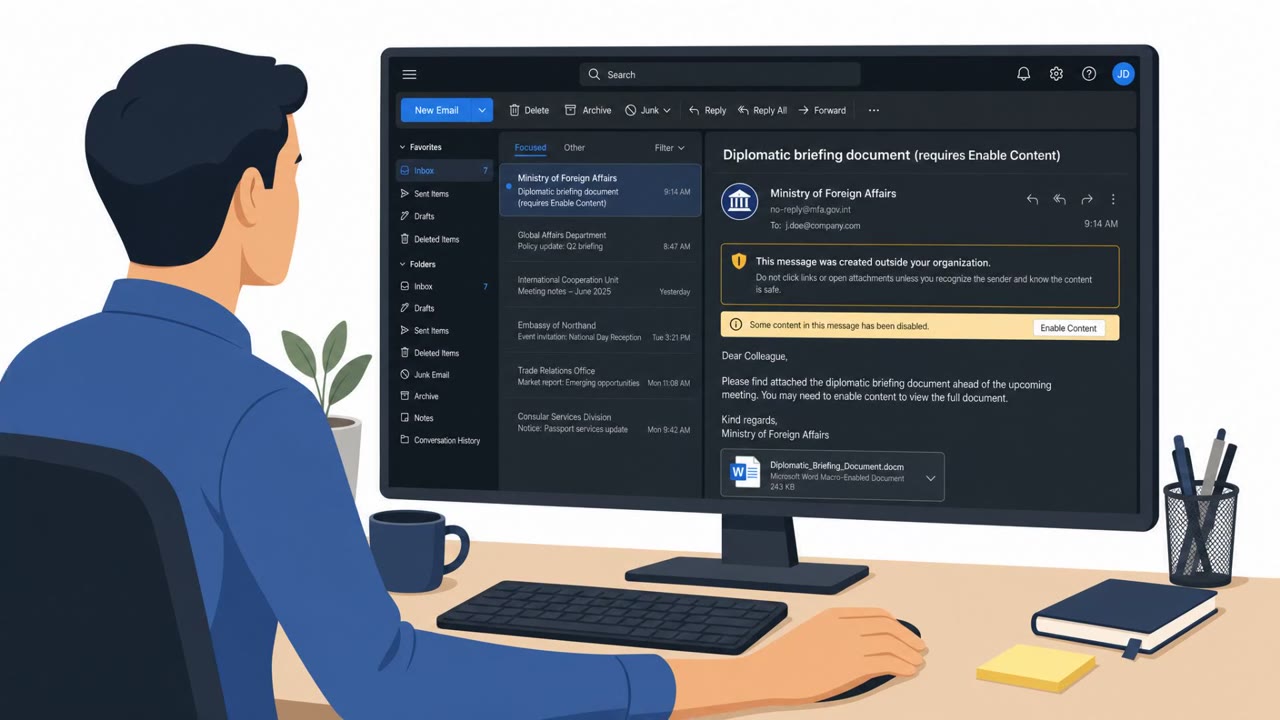
- Treat unexpected “document” attachments, especially shortcut (LNK) files, as high risk and report them.
- Verify the sender’s identity using a trusted method before opening attachments from new or unusual contacts.
- Be alert to messages crafted to match your work interests (e.g., work requests, resumes) because that is a common lure.
- Keep systems updated (OS/browser/security tools) to reduce the chance that a single click turns into a lasting compromise.
Red flags to watch for
- Attachment is a Windows shortcut (LNK) instead of a normal PDF/DOCX
- File appears to be a document but behaves like a program when opened
- Unexpected request to open an attachment from an unknown sender
- A “document” attachment triggers scripts (PowerShell/CMD) rather than opening normally
- System creates a new scheduled task labeled like an update (e.g., OneDrive/browser update)
- Decoy document opens but background activity continues (downloads/exfiltration)
Read the video transcript
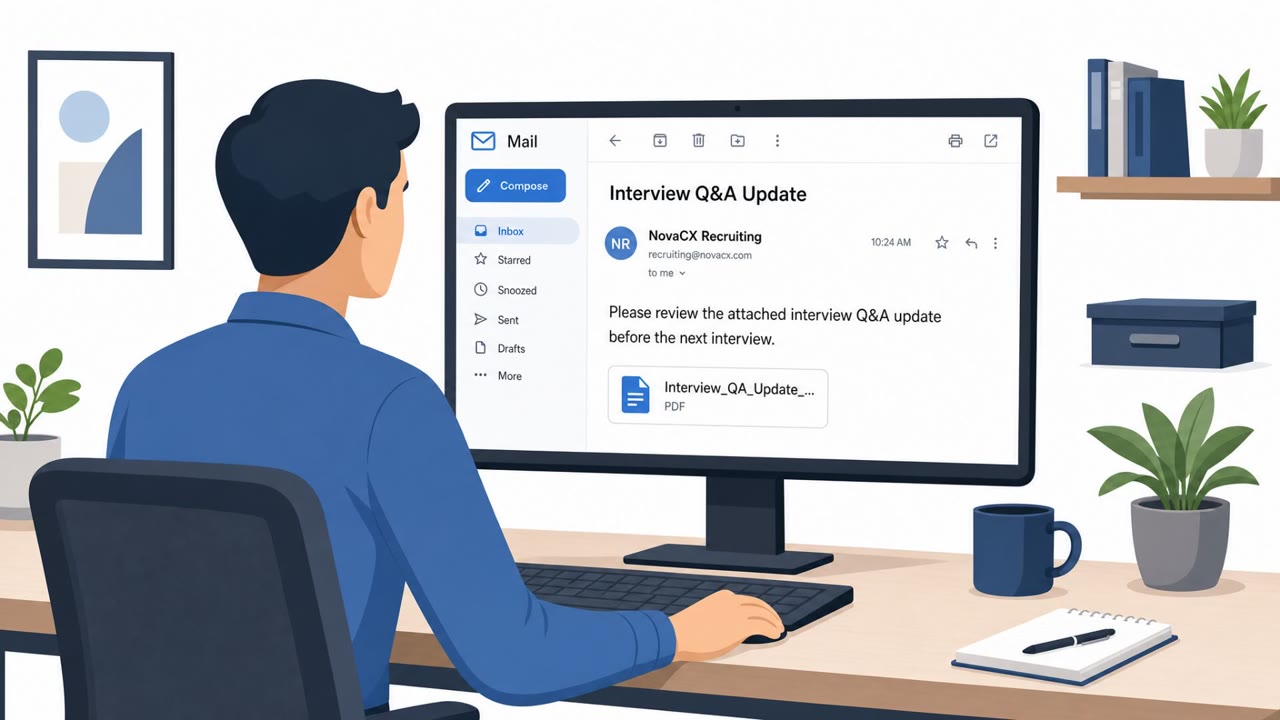
Imagine this lands in your inbox: "Please review the attached resume." Looks normal… until you check the file type. That .lnk is a Windows shortcut. In recent Korea APT cases, opening it quietly ran PowerShell and CMD, dropped a decoy resume, and installed backdoors that talk out to Dropbox and other cloud services. Here’s the sneaky part: it even registers a fake OneDrive or browser "update" in Task Scheduler so it keeps running long after you close the decoy file. Your move: if an unexpected "document" is actually a .lnk shortcut, don’t open it, report it to security right away and let them handle it.