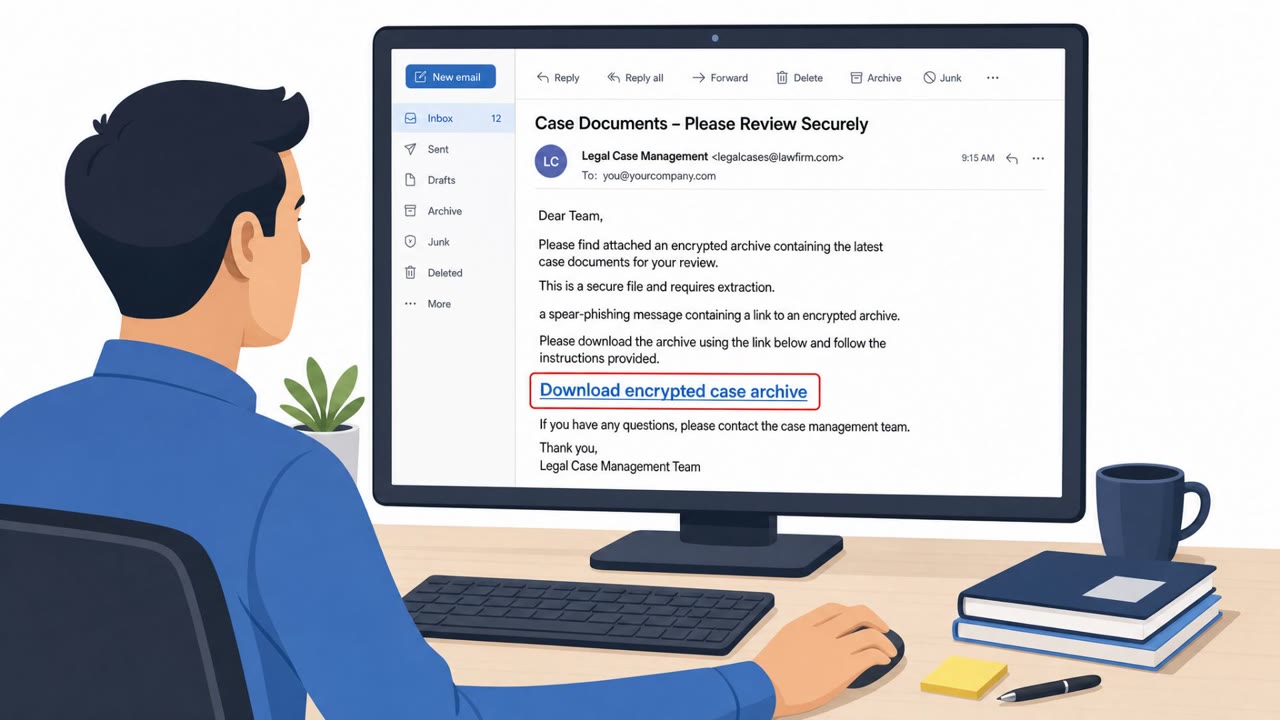
Microsoft reports real-world Star Blizzard phishing campaigns where victims who engage with an initial email receive a follow-up message containing a password-protected ZIP/RAR attachment. The attachment chain hides a malicious shortcut disguised as a PDF, opening a decoy file while quietly downloading and installing additional malware. Targets included Ukrainian individuals and institutions plus NGOs, think tanks, governments, and financial institutions supporting Ukraine.
How the Attack Worked
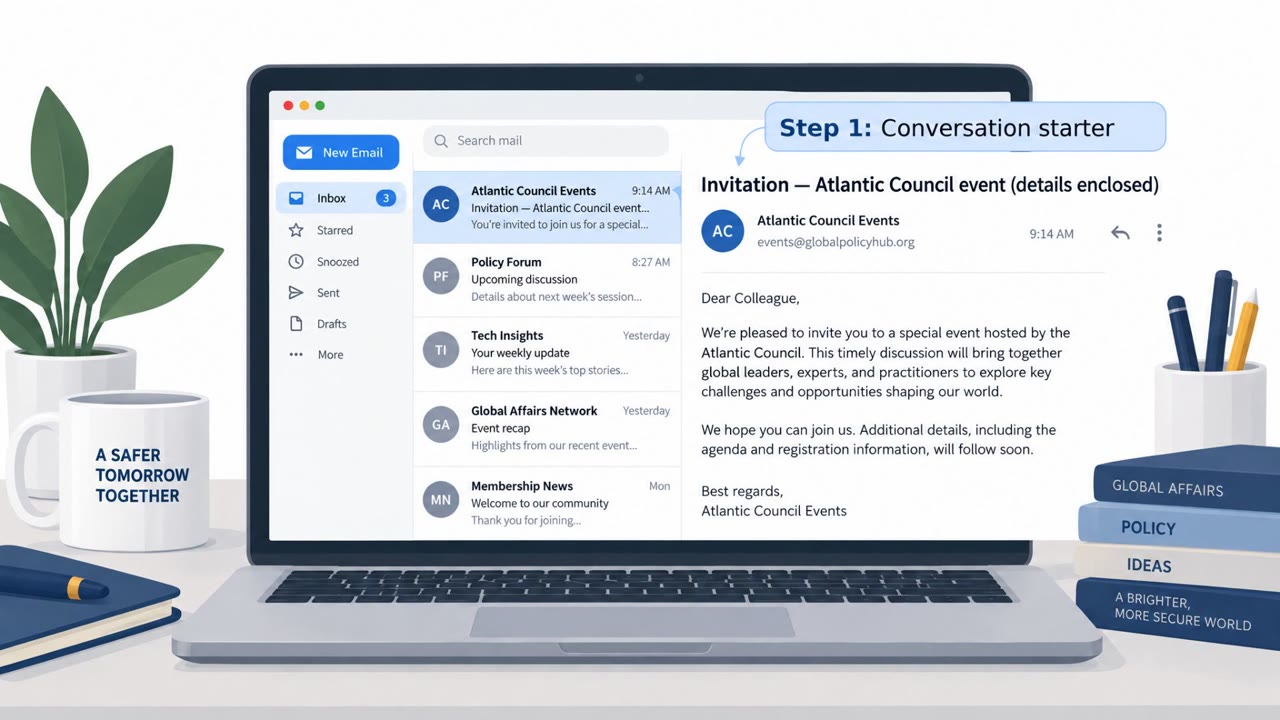
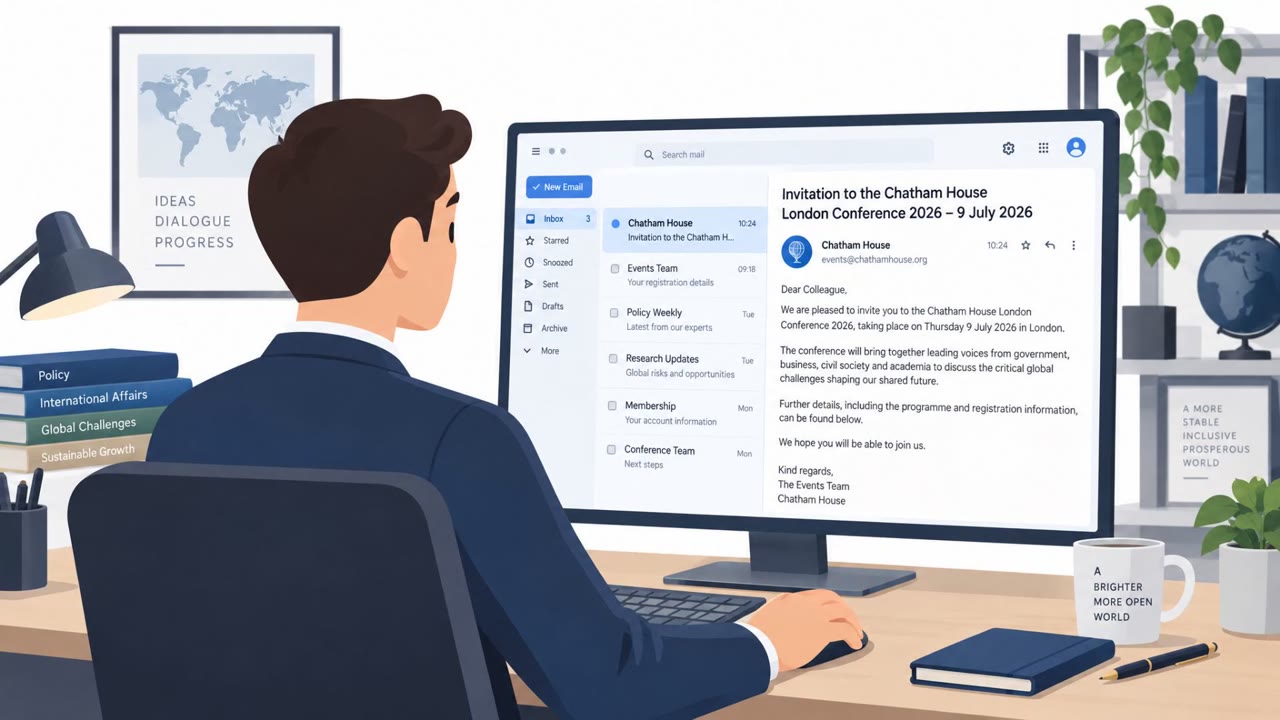
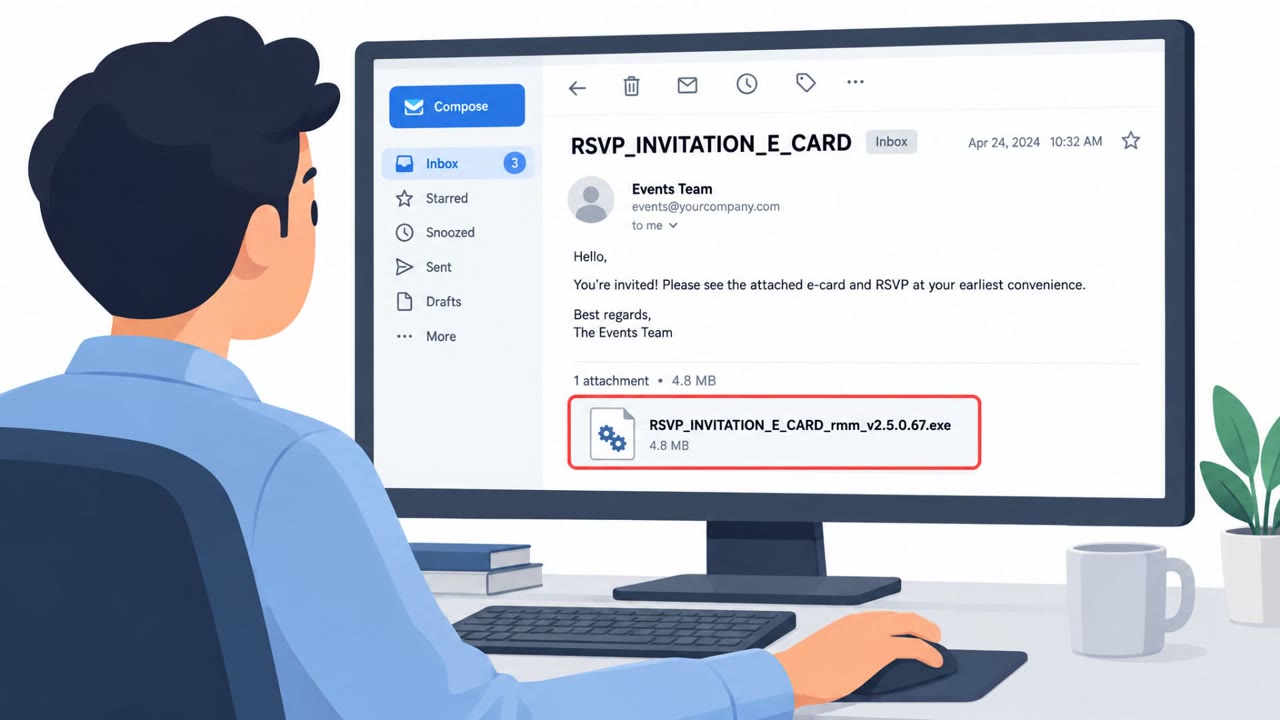
Star Blizzard's phishing operation relied on a staged, reply-first workflow rather than a single malicious email. The initial message was crafted to look like it came from inside the target organization, or from Ukrainian authorities or a reputable think tank or NGO, and simply asked the recipient to confirm receipt or engage in conversation. Only after the target replied did the attacker send a second email containing a password-protected ZIP or RAR archive. That archive held the actual payload: a VHDX container with a shortcut file disguised as a PDF. Clicking the fake PDF opened a decoy document while quietly executing a background script. Later variants of the chain fetched an MSI installer and used scheduled tasks for persistence, with some campaigns in July using a multistage PowerShell execution chain triggered by the malicious shortcut.
Why It Succeeded
The two-step delivery model is effective because it defeats automated scanning: security tools analyzing the first email see nothing malicious, since the actual archive only arrives after a human has replied and demonstrated engagement. The password-protected archive adds another layer of evasion, since scanners generally cannot inspect encrypted file contents. Spoofing an internal sender or a trusted Ukrainian authority or NGO also lowers suspicion, since recipients are primed to expect legitimate correspondence from those sources.
What to Watch For
- Emails that ask for a simple reply or confirmation before any attachment is sent
- A follow-up message containing a password-protected ZIP or RAR archive
- A "document" delivered as a VHDX container rather than a standard PDF or Office file
- A file that looks like a PDF but is actually a shortcut (LNK) that opens a decoy while running something in the background
- Internal-looking emails with unusual or unexpected attachment types
How to Build Resistance
Organizations supporting Ukraine, including governments, NGOs, think tanks, financial institutions, and academic groups, should train staff to treat "reply-first" emails with caution, since the real payload often only appears after engagement. Staff should verify password-protected archives through a separate trusted channel before opening them, and should never open unfamiliar container formats like VHDX. Reporting unusual attachment types to security teams, rather than opening them to "check quickly," closes off the critical step where the RedFlick chain executes its background script and begins the malware installation process.
Key findings
- Star Blizzard ran phishing campaigns that only delivered the malware after the victim replied to the initial email (two-step workflow).
- The follow-up email included a password-protected RAR/ZIP archive used to evade scanning and deliver the payload.
- Campaigns used a VHDX container holding a malicious LNK disguised as a PDF; clicking it opened a decoy while executing a background script.
- The chain fetched an MSI installer and used scheduled tasks for persistence; later variants used PowerShell in a multistage chain.
- Targets included Ukrainian individuals/institutions and international NGOs, think tanks, governments, and financial institutions supporting Ukraine.
- The actor created accounts on compromised websites and sent tens to hundreds of phishing emails per campaign.
Who’s being targeted
- Commonly targeted roles: Executive leadership, Executive assistants, Finance, Government affairs / policy, NGO program teams, Researchers / analysts, All staff in organizations supporting Ukraine.
- Affected industries: Government, Nonprofits/NGOs, Think tanks, Financial services, Academia, Defense.
- Attack channels: email.
- Impersonated: Ukrainian authorities or a reputable think tank/NGO (or an internal sender within the target organization), Internal colleague within the organization (email crafted to look internal).
Red flags to watch for
- Sender waits for a reply before sending the real attachment (staged delivery).
- Password-protected ZIP/RAR used to bypass email scanning.
- Unexpected “document” arrives as an archive rather than a normal PDF/Office file.
- “PDF” is actually a shortcut file (LNK) disguised as a document.
- Unusual attachment type (VHDX container) for a routine document share.
- Document opens a decoy while something else runs in the background.
Frequently asked questions
What makes Star Blizzard's phishing campaign a two-step attack?
The attacker only sends the malicious attachment after the target replies to an initial, seemingly harmless email, which helps the payload evade automated scanning that only sees the first message.
Why do these emails use password-protected ZIP or RAR files?
Password-protected archives prevent email security scanners from inspecting the contents, letting the malicious file bypass automated detection before a human opens it.
What is the VHDX trap mentioned in the RedFlick chain?
Star Blizzard attached a Virtual Hard Disk (VHDX) container holding a shortcut file disguised as a PDF; clicking it opens a decoy document while quietly running a background script that installs malware.
Who were the main targets of this campaign?
Targets included Ukrainian individuals and institutions, plus NGOs, think tanks, governments, and financial institutions supporting Ukraine.
Read the video transcript
You get an email that looks internal: “Hi, can you confirm receipt? I’ll send the document in a protected archive once you reply.” This is Star Blizzard’s RedFlick trick: once you reply, they send a password‑protected ZIP or RAR that our scanners can’t see into, holding a VHDX file with a fake PDF inside. Click that “PDF” and it opens a harmless-looking decoy, while in the background it pulls down an MSI installer or PowerShell chain and sets scheduled tasks to stay on your machine. If any “internal” email makes you reply first, then sends a password‑protected ZIP or a weird VHDX “document,” stop and report it to security, don’t open it.