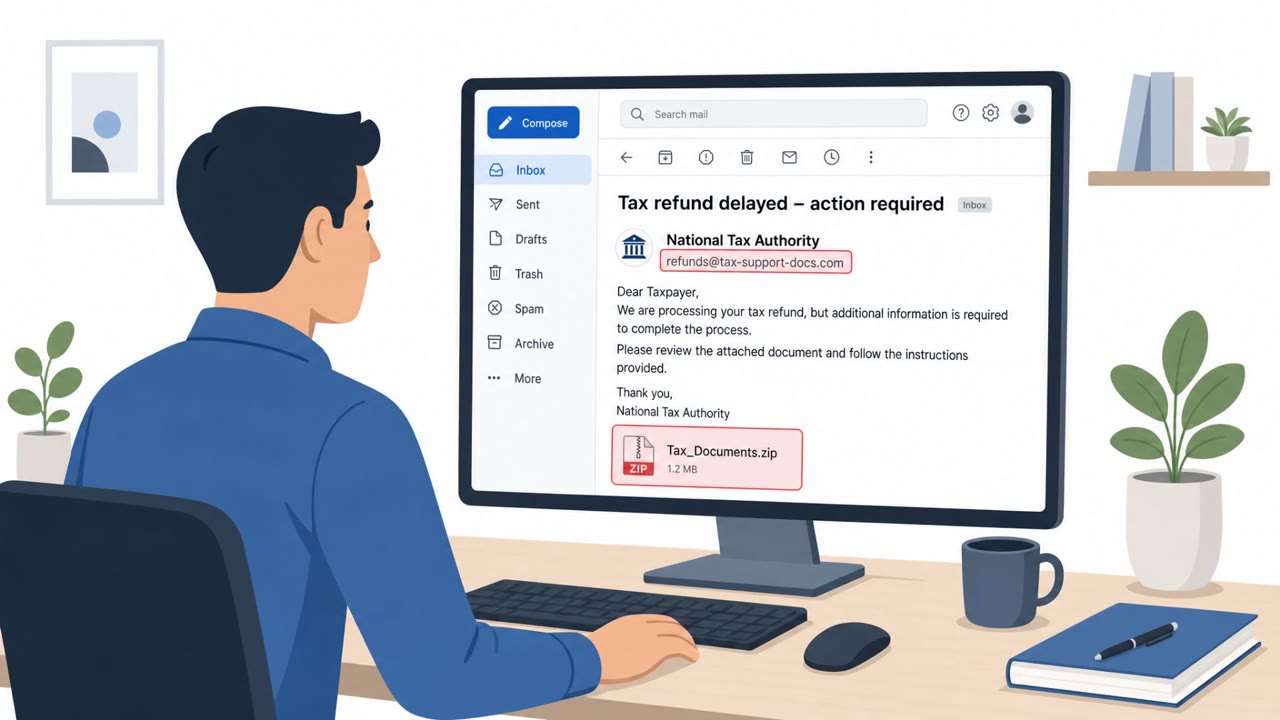
Pakistan-linked APT group SideCopy expanded from targeting Indian government entities to targeting Indian academic institutions using spear-phishing. The emails deliver a weaponized ZIP containing a fake “document” shortcut that launches mshta.exe to pull down and run malware, ultimately installing the ReverseRAT remote access trojan for data theft and remote control.
Key findings
- SideCopy is using spear-phishing to target academic institutions in India, expanding beyond prior focus on government/defense.
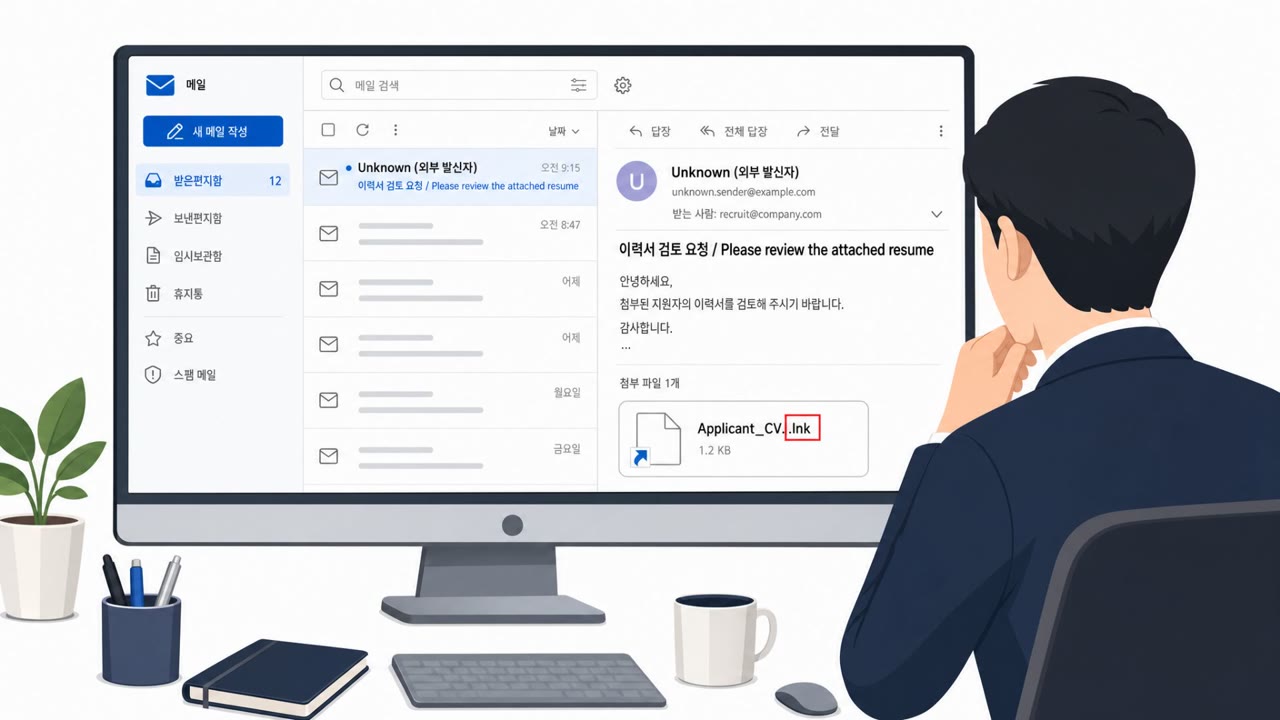
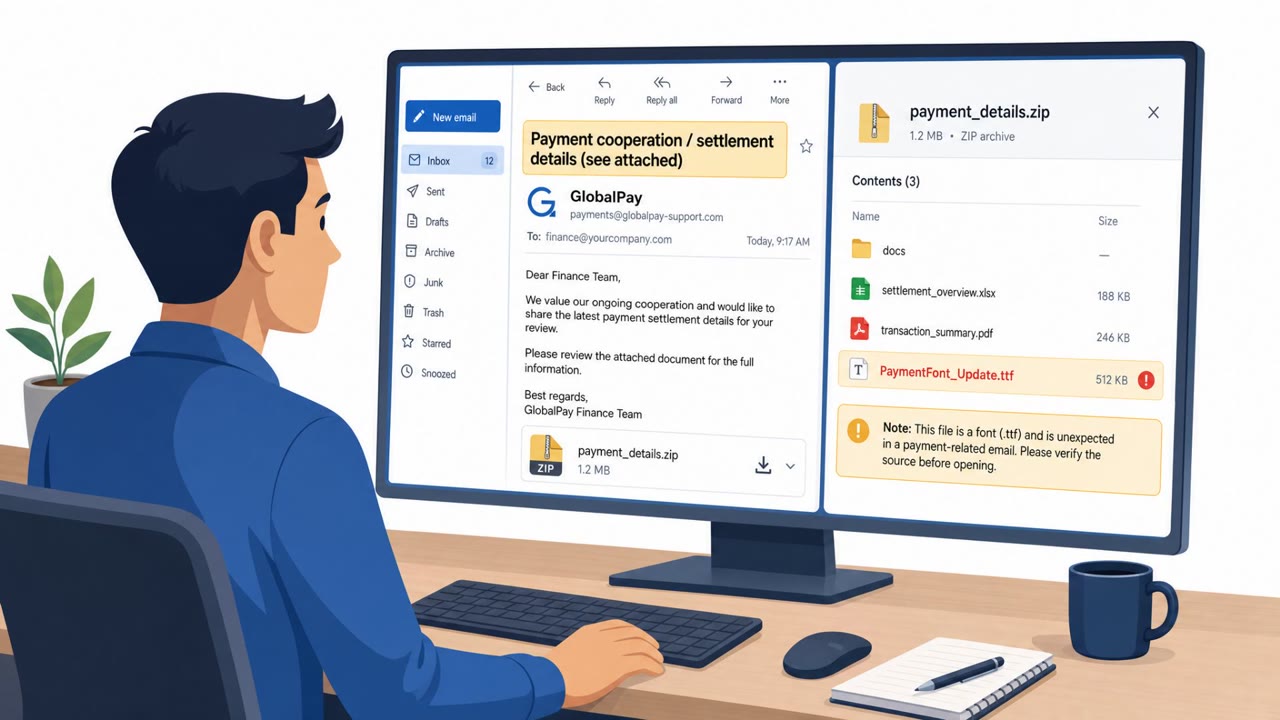
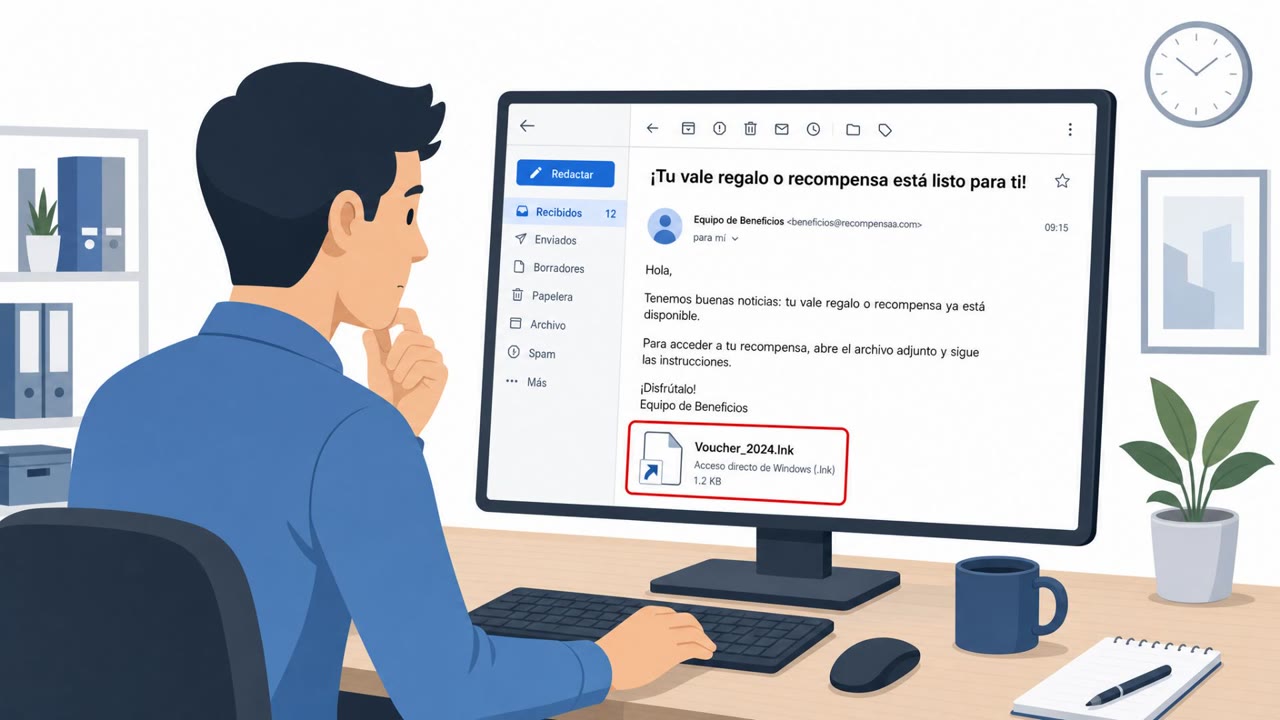
- The lure is a weaponized ZIP archive containing a Windows shortcut (LNK) disguised as a document (spoofed PDF icon + .DOCX extension).
- The attack abuses mshta.exe to execute a downloaded HTA script and load payloads primarily in memory to evade detection.
- ReverseRAT is used for data theft and remote access (screenshots, passwords, clipboard, command execution, persistence).
- Observed infrastructure included docsportal[.]in and dns.educationportals[.]biz (port 5863), resolving to 45.61.157[.]22.
Who’s being targeted
- Commonly targeted roles: Faculty, Researchers, University administration, IT helpdesk / desktop support, Security awareness training audiences in higher education.
- Affected industries: Higher education, Academic research, Government (historical targeting), Defense (historical targeting).
- Attack channels: email, website.
- Impersonated: Academic/administrative contact (unspecified in article), Document portal / internal docs site (implied by attacker domain naming).
Awareness takeaways
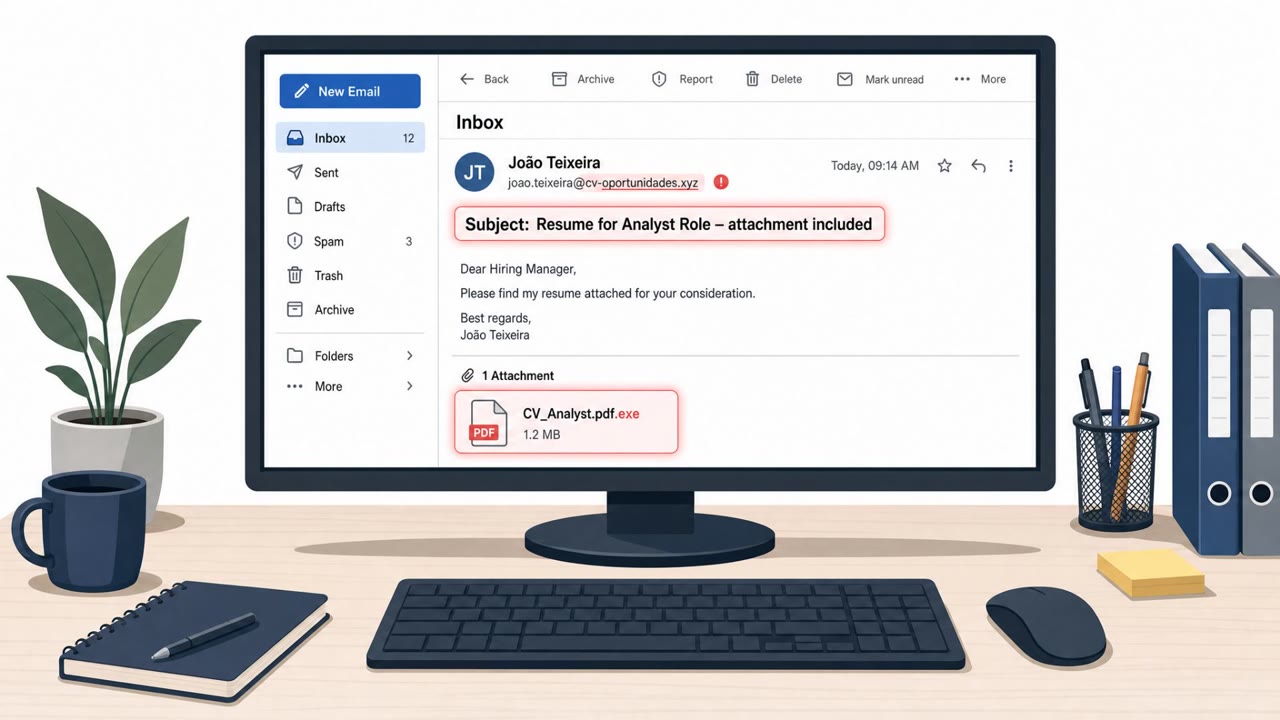
- Treat ZIP-delivered ‘documents’ as high risk, especially when the filename contains double extensions like .docx.lnk.
- If a document requires running scripts or Windows utilities (like mshta.exe), stop and report it, documents shouldn’t need that to view content.
- Be cautious of ‘portal’/‘education’ domains that look legitimate but are not official; verify links through known university channels.
Red flags to watch for
- A “document” file name that includes multiple extensions (e.g., .docx.lnk)
- ZIP attachment used for a simple document share
- File icon/extension mismatch (spoofed PDF icon but not a real PDF)
- Unexpected ‘portal’ domain not matching the university’s real domain
- Opening the attachment triggers a background download
- Use of Windows scripting components (mshta.exe) for a document workflow
Read the video transcript
You get an email: “Please review the attached document (ZIP). Open commskll.docx to view.” Looks routine, right? But inside that ZIP, SideCopy hides a fake document: commskll.docx.lnk, with a spoofed PDF icon. Double-click it, and it quietly launches mshta.exe, pulling malware from docsportal.in to install ReverseRAT. Here’s the giveaway: real documents don’t need ZIPs, double extensions like .docx.lnk, or to fire up tools like mshta.exe or weird portals like docsportal.in or dns.educationportals.biz in the background. If you see a ZIP-delivered ‘document’ with a double extension like .docx.lnk, stop. Don’t open it, forward it to IT security and delete the email.