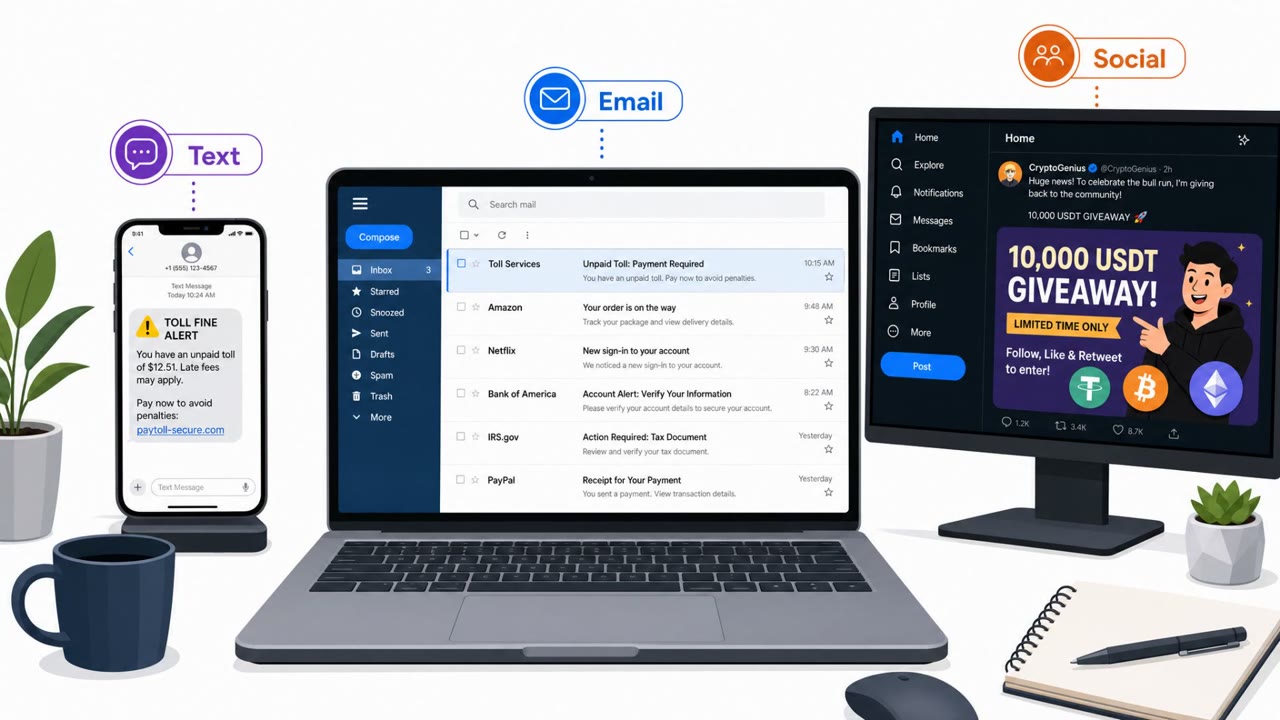
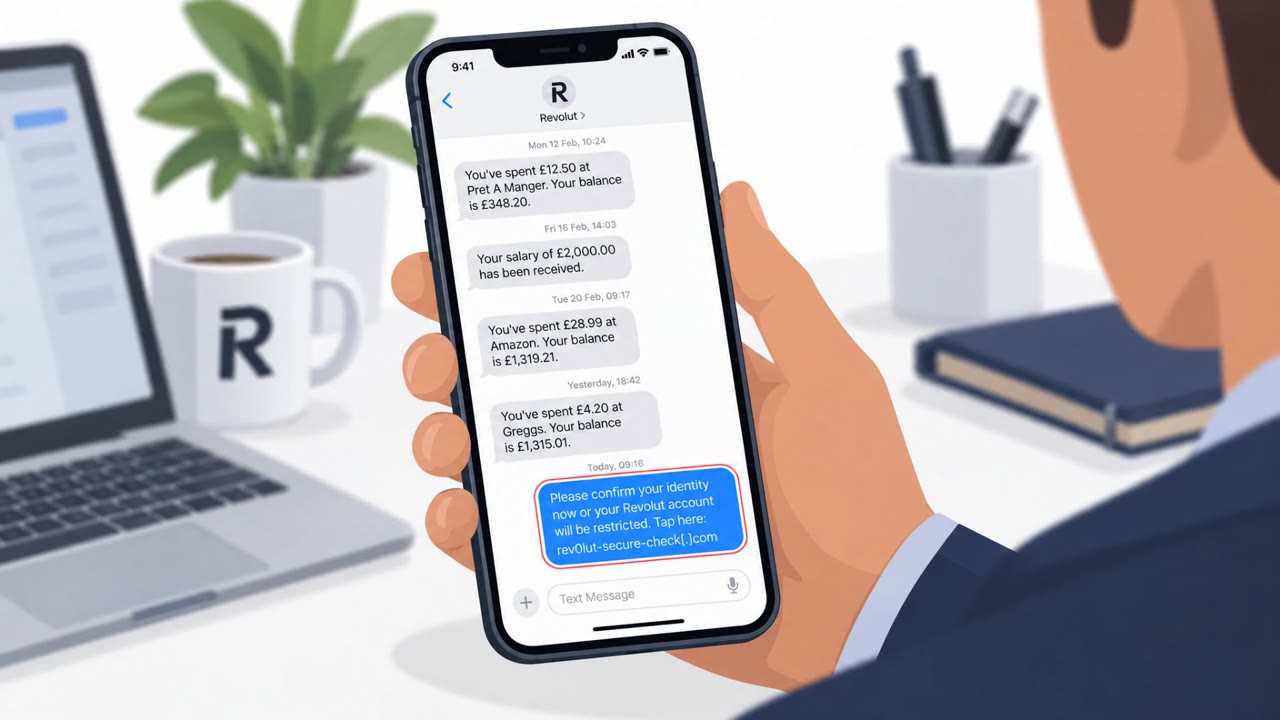
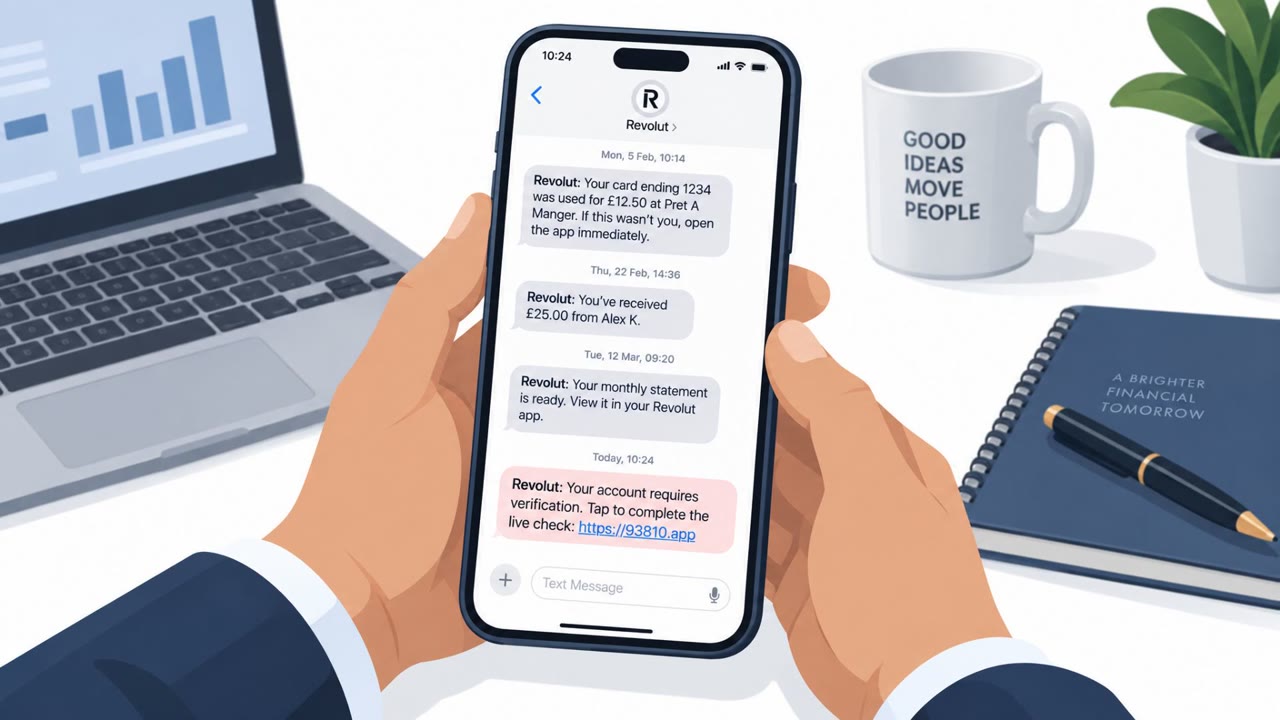
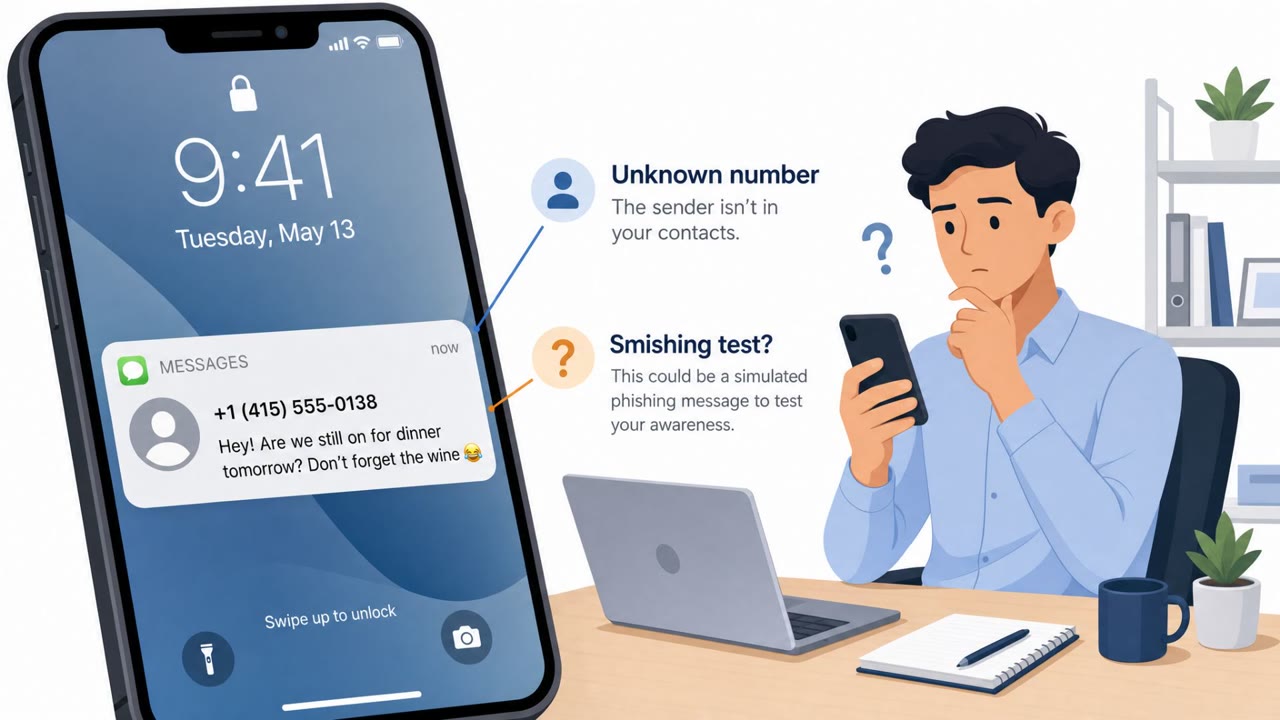
People are receiving iMessage texts that look like a buyer asking about a Facebook Marketplace item, but the attached listing is fake and shows the recipient’s own name as the seller. The personalization is designed to trigger a quick reply (“That isn’t me”), which confirms the phone number is active and may lead to follow-on scams or account takeover attempts.
How the Attack Worked
The scam arrives as an iMessage text asking “Is this still available for purchase?” with a fabricated Facebook Marketplace listing attached. When the recipient taps the image, they notice something odd: the seller's name listed on the item is their own name, even though they never posted anything for sale. This mismatch is the hook. It is designed to provoke a quick, almost automatic reply along the lines of “That isn't me.”
That reply is the actual goal of the scam. Replying to a phishing text confirms to the sender that the phone number is live and monitored, which makes the number more valuable for follow-on fraud or account takeover attempts.
Why It Succeeded
The attack works because it uses what the source describes as a conversation lure, a personalization technique that adds legitimacy to a message and gives the recipient an additional reason to engage. Seeing your own name attached to a listing you did not create combines curiosity, concern about your reputation, and the instinct to correct an apparent mistake. That combination of psychological triggers is likely effective precisely because it feels urgent and personal rather than like a generic spam text.
The personalization also suggests the attacker already had a name and phone number pairing, which could come from any number of data breaches. This lowers the bar for the scam since the attacker does not need to guess who they are targeting.
What to Watch For
- An unsolicited text from an unknown sender asking about a purchase you never listed
- An attached listing that claims you are the seller
- Any profile picture or name mismatch on the supposed listing
- Pressure to quickly reply to “correct” the listing
How to Build Resistance
- Don't reply to unexpected texts from strangers, even to correct them, since replying confirms your number is active
- Treat personalized messages that use your name or identity as a red flag rather than reassurance
- If you're concerned your account is being misused, open Facebook directly and review Marketplace activity, recent logins, messages, email addresses, phone numbers, and recovery settings instead of using any links or numbers from the text
- Be mindful that breached data combining your name and phone number can be reused to craft convincing lures, and consider limiting what personal information you share publicly
This scam targets all employees who use mobile messaging, including executives, HR, finance, and customer support or sales staff who handle high volumes of inbound messages, since any of them could plausibly receive an unexpected buyer inquiry.
Key findings
- The lure arrives via iMessage and includes a fabricated Facebook Marketplace listing attached to the text.
- The fake listing uses the recipient’s name as the “seller,” a “conversation lure” meant to increase credibility and provoke a reply.
- Replying confirms the number is live, increasing its value to scammers and potentially enabling follow-on fraud or account takeover attempts.
- The scam likely relies on breached data (name + phone number) and can be scaled using automation/AI agents.
Who’s being targeted
- Commonly targeted roles: All employees, Executives, HR, Finance, Customer Support/Sales (high inbound messaging volume).
- Affected industries: Consumers/General public, Social media and online marketplaces.
- Attack channels: smishing.
- Impersonated: A Facebook Marketplace buyer (posing as an interested purchaser).
Red flags to watch for
- Unsolicited text from an unknown sender asking about a purchase
- Attached listing claims you are the seller even though you didn’t post it
- Profile picture/name mismatch on the supposed listing
Frequently asked questions
How does the Marketplace text scam work?
An iMessage text asks if an item is still available and attaches a fabricated Marketplace listing that shows the recipient's own name as the seller, prompting a quick corrective reply.
Why is replying to this text risky?
Replying, even to say the listing isn't yours, confirms to the scammer that your phone number is active, which increases its value for follow-on scams or account takeover attempts.
Where does the attacker get my name and phone number?
The combination of name and phone number likely comes from data breaches, which attackers use to build a personalized fake listing.
What should I do if I think my Marketplace account is compromised?
Open Facebook directly and check Marketplace activity, recent logins, messages, emails, phone numbers, and recovery settings rather than clicking links in messages.
Read the video transcript
You get an iMessage from a random number: “Is this still available for purchase?” with a Facebook Marketplace screenshot attached. You tap it, and the listing shows your full name as the seller, even though you never posted it. That’s a conversation lure: it’s designed to make you fire back, “That isn’t me.” But the moment you reply, even just to correct them, you’re telling scammers this is a live number they can target with more phishing and account takeover attempts. If you’re worried it’s really your account, ignore the text and open Facebook or Marketplace yourself to check, never reply to the message.