Outage Alerts Used to Steal Microsoft 365 Logins

CSO Online · Medium sophistication
Last updated November 17, 2026

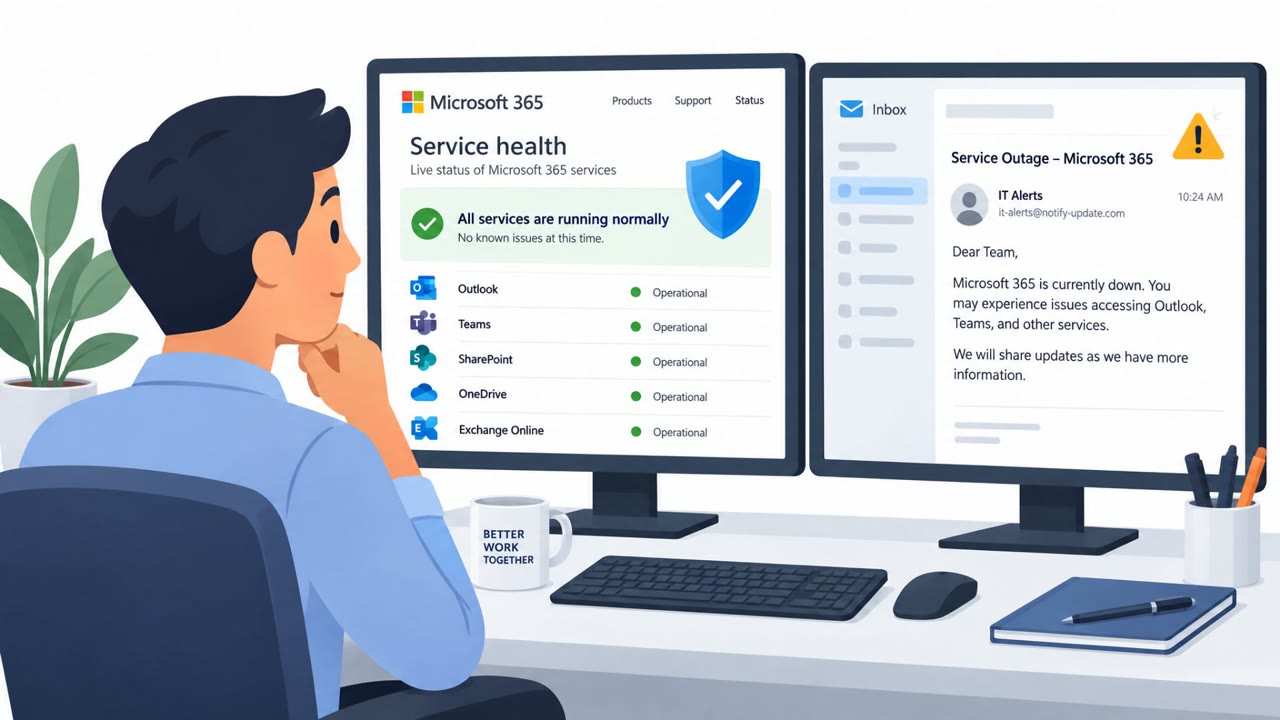
Attackers exploited a real Microsoft 365 outage by sending fake service-health alerts that warned employees their held email would be deleted within 24 hours. The messages pushed recipients to click “RESTORE MESSAGES,” leading through tracking links to a non-Microsoft website intended to capture credentials. Microsoft detected and blocked or quarantined campaign messages, but reported no confirmed account compromise.

Key findings

  • A high-volume phishing campaign impersonated Microsoft 365 service-health notifications shortly after a genuine Microsoft service outage.
  • The lure claimed messages held during the November 12 Exchange Online disruption would be permanently deleted within 24 hours unless the recipient restored them.
  • Emails used randomized “Outage – <random token>” subject lines, organization-style display-name prefixes, recipient-specific tracking links, and a hidden fake email conversation to evade filtering.
  • Victims were directed to click a “RESTORE MESSAGES” button, which routed through tracking links to reallifeaccounting[.]com/themelist0.html.
  • Microsoft stated that it had not observed evidence of account compromise, and Defender for Office 365 blocked or quarantined detected messages.

Who’s being targeted

  • Commonly targeted roles: All employees, Microsoft 365 users, Finance staff, Healthcare staff, Government employees, Education staff, IT support and service desk teams, Security operations teams.
  • Affected industries: Information and Media, Finance and Insurance, Healthcare, Government, Educational Services.
  • Attack channels: email, website.
  • Impersonated: Microsoft 365 service health notification.

Awareness takeaways

  • Do not use recovery links in unexpected outage emails; independently check Microsoft 365 service status and use normal company support channels instead.
  • Treat urgent claims that email or files will be deleted as a warning sign, especially during a real technology outage.
  • Check the actual sender domain and destination before clicking, because convincing branding and display names can hide an unrelated sender or website.
  • Report suspicious service-restoration messages promptly so security teams can remove similar emails and investigate anyone who clicked.

Red flags to watch for

  • The recovery link leads to a non-Microsoft domain.
  • The message uses a short deadline and threat of permanent deletion to create urgency.
  • The sender domain is unrelated to Microsoft, such as moments-notice[.]com, planetmaison[.]com, or newbooker[.]com.
Try Mirage

Mirage safely runs attacks like this one against your own team, so you find out what happens before a real adversary does.

Get a demo
Read the video transcript

The Microsoft 365 outage was real. This recovery email wasn’t. Subject: ‘Outage’ plus random characters. It says email held during the November 12 Exchange Online disruption will be deleted in 24 hours. Big button: ‘RESTORE MESSAGES.’ Here’s the tell: the sender is moments-notice dot com, not Microsoft. That button goes through tracking links to reallifeaccounting dot com, where it asks for your login. Got an outage recovery email? Skip its button. Open your company’s normal Microsoft 365 support page yourself.

Similar attacks

M365 Outage Lure Drives Credential Phishing

M365 Outage Lure Drives Credential Phishing

Attackers exploited a real Microsoft 365 outage with fake service-health emails that warned recipients their held messages would be deleted within 24 hours. The emails impersonated Microsoft notifications and pushed users to click a “RESTORE MESSAGES” link leading to credential-phishing sites.…

November 17, 2026
Phishers Exploit Microsoft 365 Outage Alerts

Phishers Exploit Microsoft 365 Outage Alerts

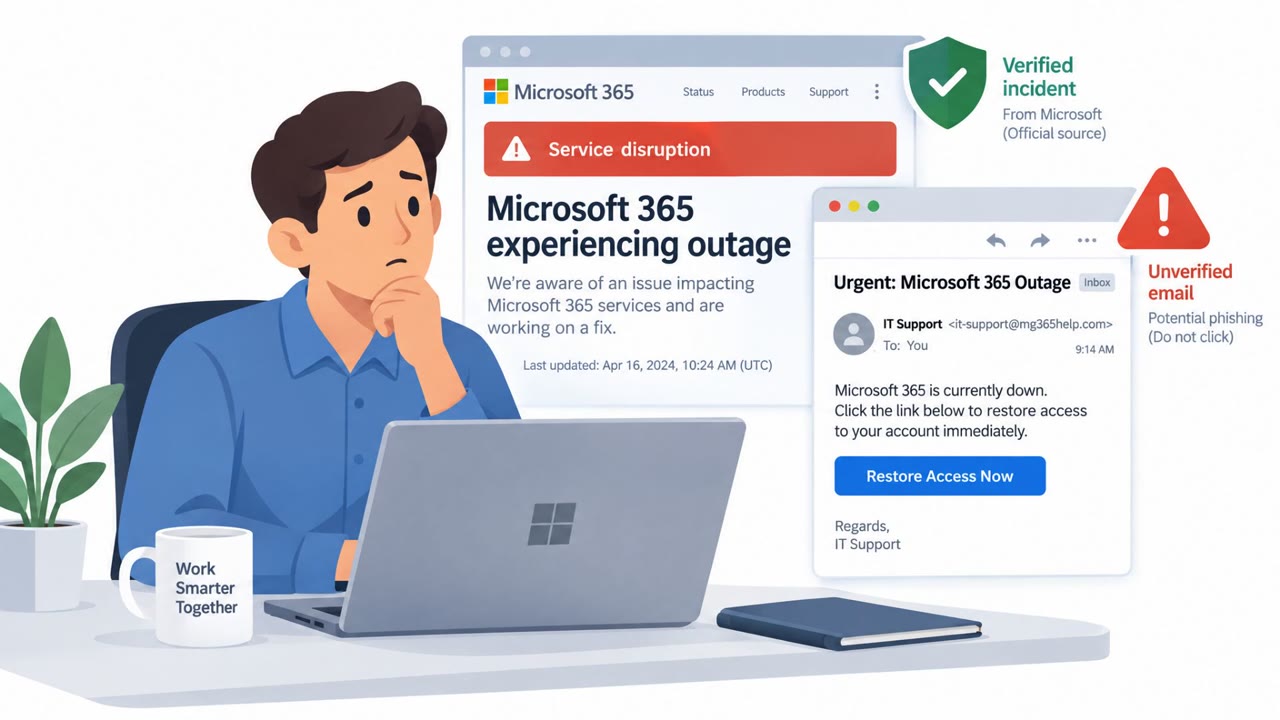
Attackers exploited a real Microsoft 365 outage by sending fake service-health emails that appeared to be Microsoft notifications. The messages warned recipients that emails delayed during the outage would be deleted within 24 hours unless they clicked a link, likely to steal credentials.

November 16, 2026
Stolen Faces Fuel North Korean Meeting Scams

Stolen Faces Fuel North Korean Meeting Scams

North Korean operators behind “FaceStealer” hijacked accounts and used recordings of real people in fake Zoom and Microsoft Teams meetings. They used the familiar faces of trusted contacts to convince targets to install supposed fixes for technical problems, enabling malware installation, account…

November 14, 2026
North Korea Scales AI-Powered Job Scams

North Korea Scales AI-Powered Job Scams

Microsoft reports that North Korean threat actors are using AI to make job scams, fake recruiter outreach, fraudulent worker identities, and targeted phishing campaigns faster and more convincing. One group posed as recruiters for a spoofed AI blockchain company and scheduled software-engineer…

October 29, 2026
Fake Meetings and Listings Trap Victims

Fake Meetings and Listings Trap Victims

This weekly roundup describes several real-world social-engineering attacks with practical lures that can be used in awareness training. Attackers used a fake Teams scheduler to capture a sign-in approval, fake Zillow pages to persuade apartment hunters to run a copied command, and fake Zoom or…

November 15, 2026
AI Slop Weakens TA4903 Phishing Lures

AI Slop Weakens TA4903 Phishing Lures

Proofpoint says the BEC and phishing group TA4903 has used AI-generated email lures and phishing websites while impersonating US government entities. Rather than making the campaign more convincing, AI use reportedly introduced mismatched email subjects and attachments, blank message bodies, and…

November 13, 2026