FortiGuard Labs reports an active phishing operation (“TTF Trap”) where emails posing as invoices, shipping documents, or business proposals deliver an archive that ultimately runs malware on Windows. The trick is a file ending in .ttf (TrueType font) that is actually a malicious script executed by a bundled interpreter, leading to credential-stealing and remote-access malware.
How the Attack Worked
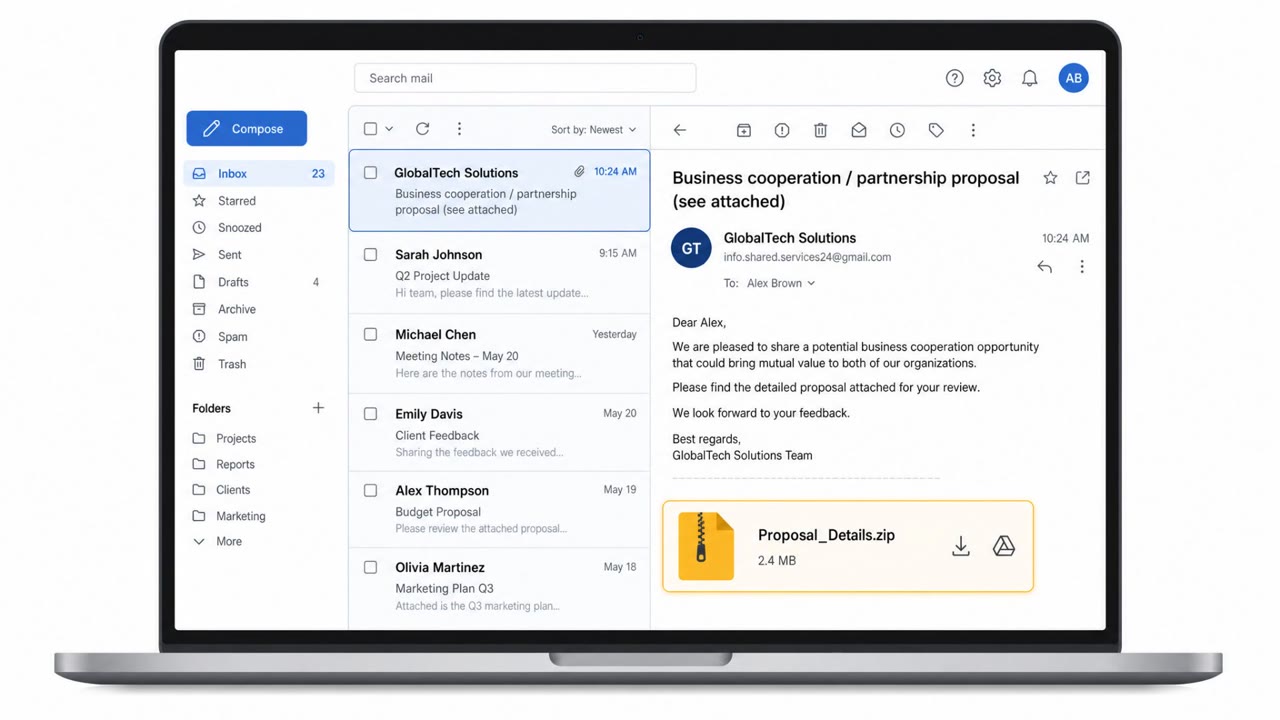
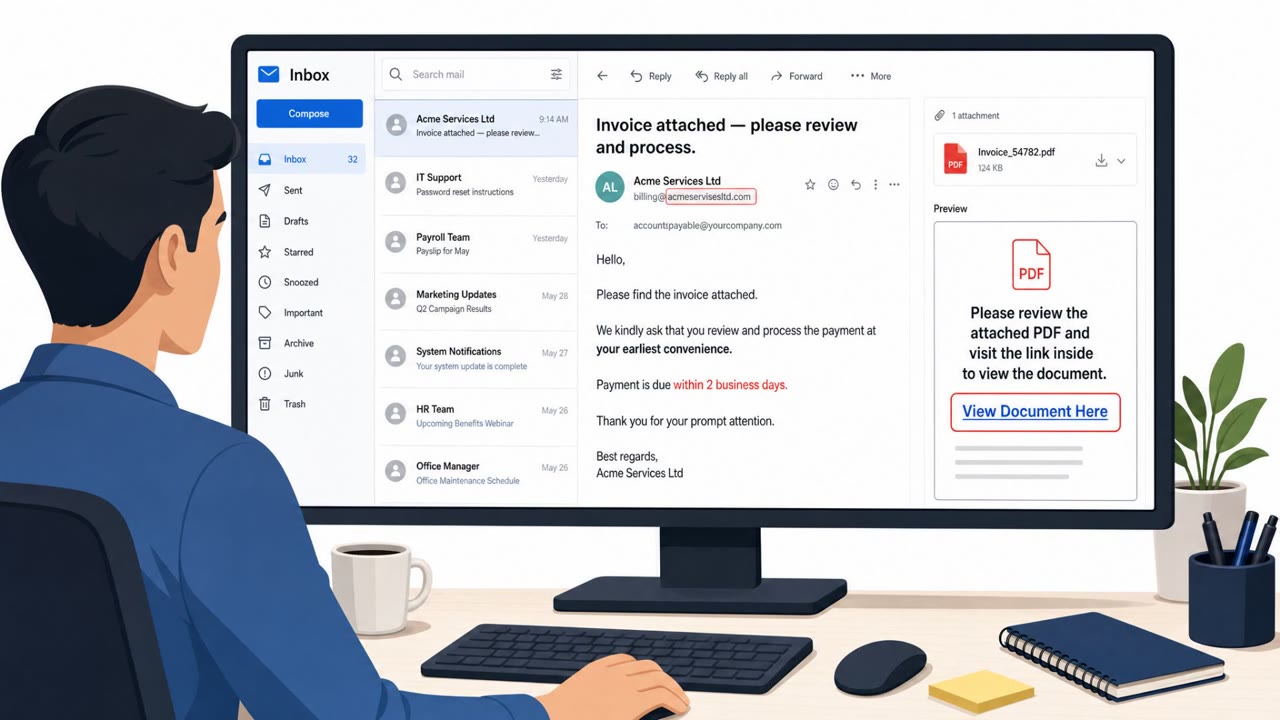
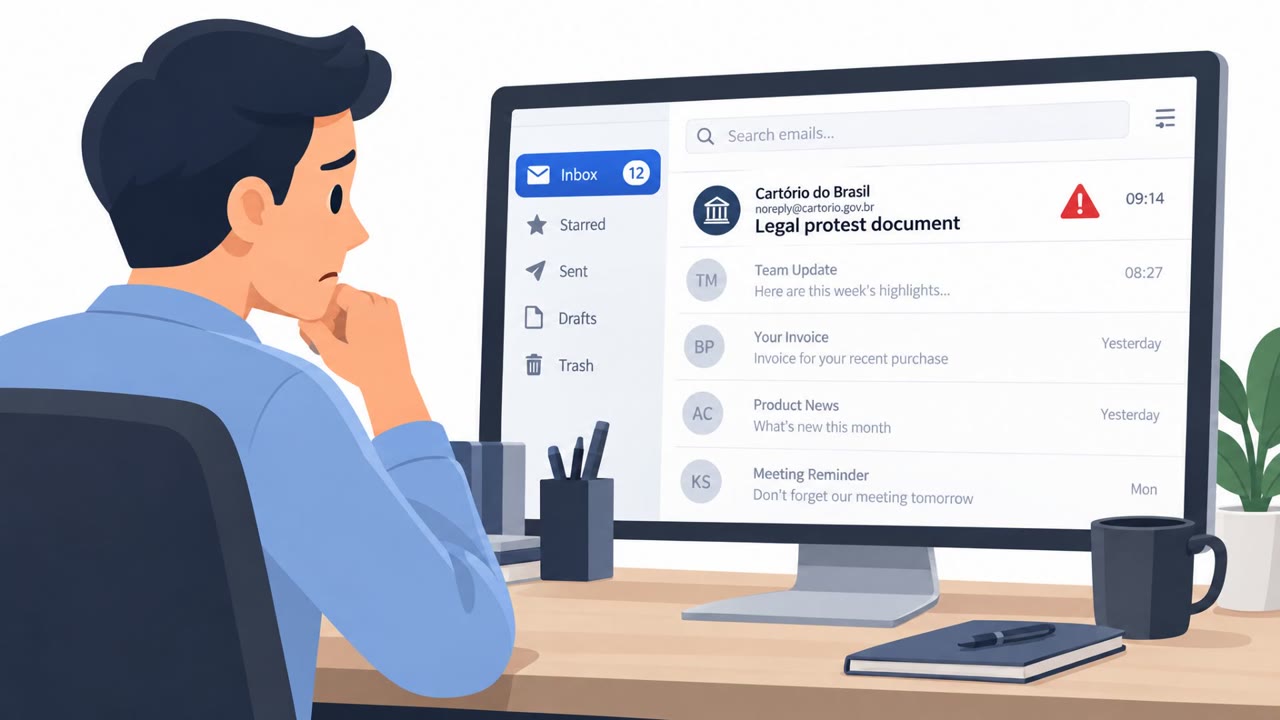
The TTF Trap campaign relies on phishing emails disguised as routine business communication such as invoices, shipping documents, payment requests, or business proposals. These messages impersonate established companies and are designed to create urgency so recipients act quickly without scrutiny. Some emails carry ZIP or RAR archive attachments directly, while others provide a link that downloads the archive.
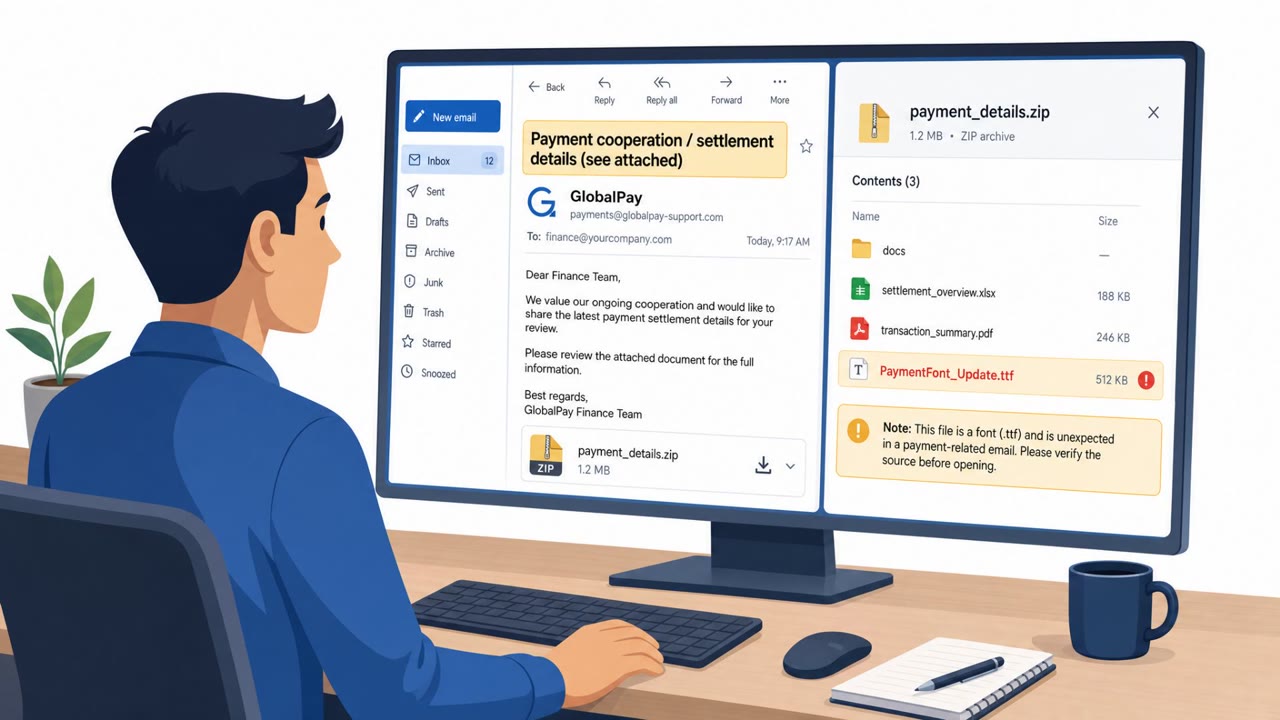
Inside the archive, the real danger is a file with a .ttf extension, normally associated with TrueType fonts. In this campaign, that file is not a font at all but a disguised Lua script. Opening the archive triggers an obfuscated JScript that establishes persistence through a scheduled task, then drops a legitimate interpreter such as AutoIt or LuaJIT alongside the disguised .ttf script. The loader executes shellcode in memory and may inject into a legitimate Windows process, such as colorcpl.exe, to reduce the chance of detection.
Why It Succeeded
The campaign succeeds by exploiting trust in ordinary business processes. Finance, accounts payable, procurement, and operations staff regularly handle invoices, orders, and shipping paperwork, making these pretexts unremarkable at first glance. The use of a familiar-seeming file extension like .ttf adds a layer of false reassurance, since employees are unlikely to associate a font file with executable danger. Combined with urgency cues pushing quick action on payment or shipping matters, the attack reduces the likelihood that a recipient pauses to verify.
What to Watch For
- Unexpected invoice, order, shipping, or payment-related emails from unfamiliar or unverified senders
- ZIP or RAR archive attachments accompanying routine business documents
- A .ttf file bundled inside a business archive, since fonts are not normally needed to read invoices or shipping documents
- Links that lead to downloading an archive instead of standard document sharing
- Messaging that pressures quick action, particularly around payments or order processing
Building Resistance
The final payloads observed in this campaign, including Agent Tesla, Remcos, XWorm, and Snake Keylogger variants, are used for credential theft, keystroke logging, and remote access, making early detection critical. Employees should verify unexpected orders, invoices, or shipping files with the supposed sender through a separate, known-good communication channel rather than acting on the email alone. File extensions cannot confirm what a file actually contains, so any archive requiring an interpreter or script to open unusual file types should be treated with suspicion. Reporting messages that create urgency around payment or document review, rather than acting on them immediately, helps limit the campaign's reach across finance, procurement, and operations teams.
Key findings
- Phishing emails pretend to be routine business messages (orders, invoices, shipping docs, payment requests, business proposals) and try to create urgency.
- Attackers hide a malicious Lua script behind a .ttf extension so it looks like a harmless font file.
- Some emails attach ZIP/RAR archives; others include a link that downloads the archive.
- Opening the archive runs an obfuscated JScript that establishes persistence (scheduled task) and drops a legitimate interpreter (AutoIt/LuaJIT) plus the disguised .ttf script.
- The loader executes shellcode in memory and may inject into a legitimate Windows process (colorcpl.exe) to reduce detection.
- Observed final payloads include Agent Tesla, Remcos, XWorm, and Snake Keylogger variants, tools used for credential theft, keystroke logging, and remote control.
Who’s being targeted
- Commonly targeted roles: All employees, Finance/Accounts Payable, Procurement/Supply Chain, Operations/Shipping & Receiving, Executive Assistants.
- Affected industries: Any organization using Windows, Finance/AP (invoice & payment processing), Procurement/Supply chain (orders & shipping documents), Sales/Business development (business proposals).
- Attack channels: email, website.
- Impersonated: An established company (vendor/shipper), An established company (vendor/partner).
Red flags to watch for
- Unexpected business request (invoice/shipping/payment) from a sender you weren’t expecting
- Archive attachment (ZIP/RAR) for routine business documents
- A .ttf file included in a business archive (fonts are not normally required to read invoices/shipping docs)
- Email pushes urgency to click/open quickly
- Link leads to a downloaded archive instead of normal document sharing
- Downloaded archive contains scripts or unusual file types (e.g., .js, .ttf used as a script)
Frequently asked questions
What is the TTF Trap phishing campaign?
TTF Trap is a phishing operation where emails posing as invoices, shipping documents, or business proposals deliver an archive containing a file with a .ttf extension that is actually a malicious Lua script, not a real font.
How does the fake font file lead to malware infection?
Opening the archive runs an obfuscated JScript that sets up persistence via a scheduled task, then drops a legitimate interpreter along with the disguised .ttf script, which executes shellcode in memory and can inject into a legitimate Windows process.
What malware is delivered through this campaign?
Observed final payloads include Agent Tesla, Remcos, XWorm, and Snake Keylogger variants, which are used for credential theft, keystroke logging, and remote control.
How can employees spot this type of attack?
Watch for unexpected invoice, order, or shipping-related emails that push urgency, especially those with ZIP or RAR attachments or download links, and treat any unusual file type inside a business archive, such as a .ttf file, as suspicious.
Read the video transcript
You get an email: “Invoice / Shipping Documents – Urgent Action Required.” ZIP attached, looks routine, right? This is the “TTF Trap.” Inside that ZIP is a fake font file ending in .ttf that’s actually a hidden script, dropping tools like Agent Tesla and Remcos to steal passwords and watch every keystroke. Here’s the aha: fonts are almost never needed to read invoices. If an invoice ZIP or download link includes a .ttf file, that’s a giant red flag, especially when the email feels urgent and unexpected. If you see a ZIP or download link for an invoice or shipping doc that includes a .ttf file, stop and report it to Security, don’t open the archive.