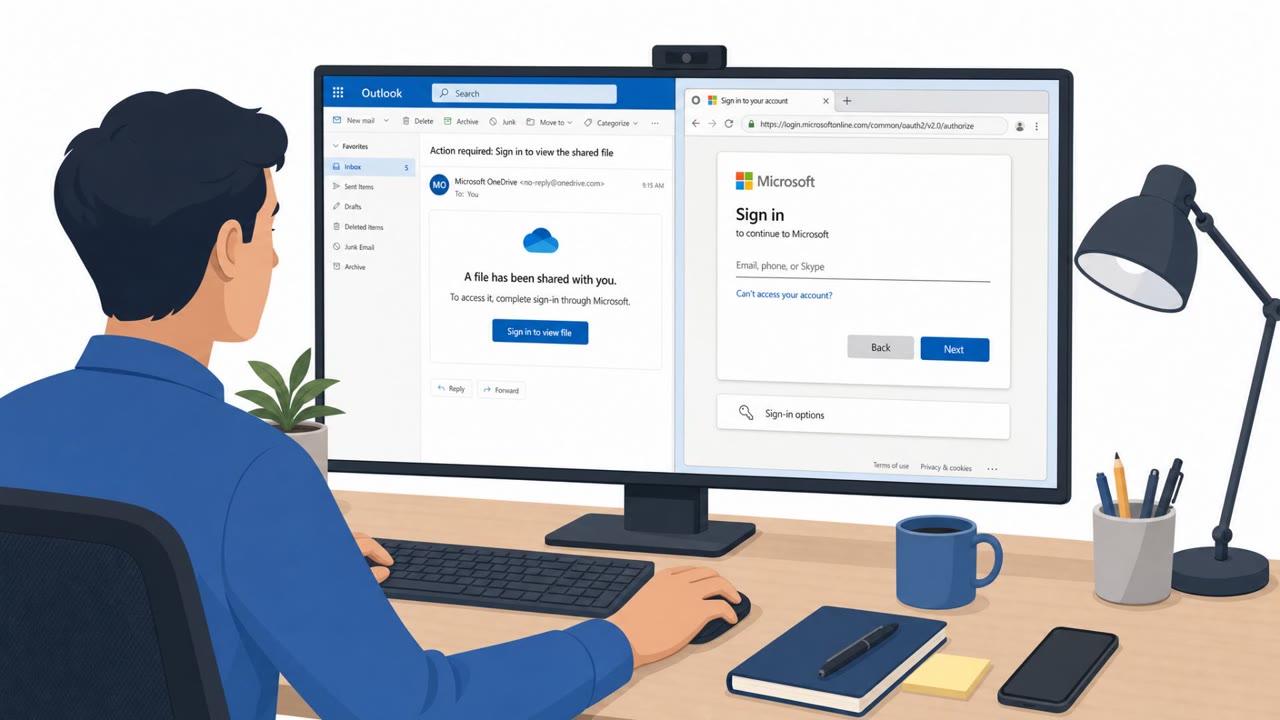
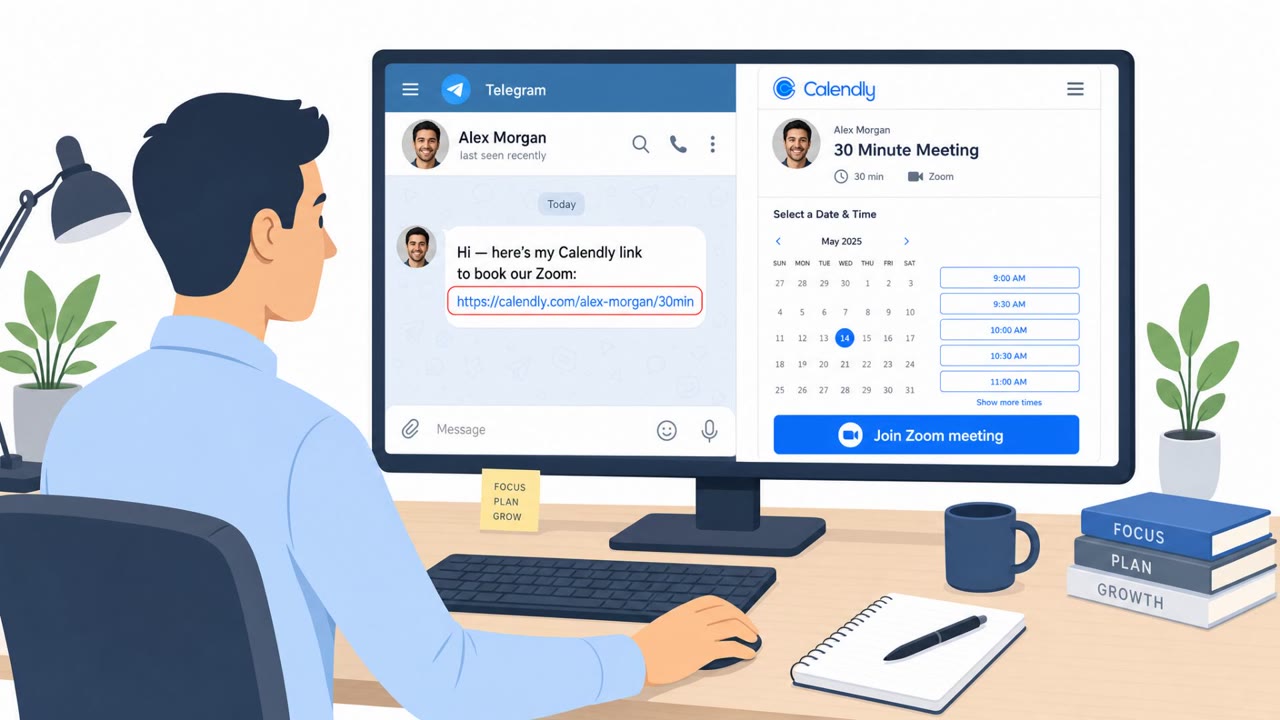
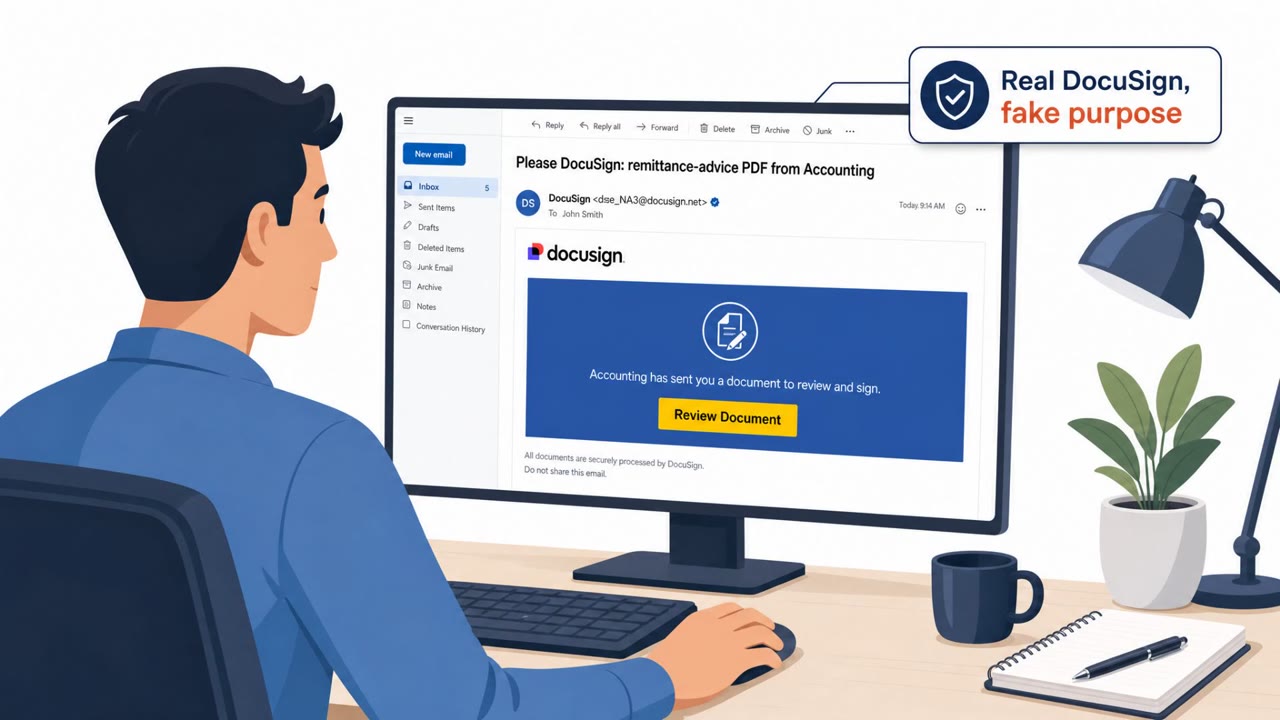
A phishing kit dubbed N0va is targeting organizations in North America and Europe by impersonating familiar business services (like Microsoft Teams/SharePoint and DocuSign) and pushing victims through legitimate sign-in flows. By capturing authentication tokens rather than dropping obvious malware, attackers can gain access to corporate email, files, and cloud applications tied to the victim’s account.
Key findings
- N0va targets organizations in North America and Europe across multiple sectors (including government, technology, consulting, and healthcare).
- The lures impersonate widely used business platforms (Teams, SharePoint, OneDrive, DocuSign, Google Drive, Dropbox, Zoom, Adobe Sign).
- The workflow abuses legitimate authentication, enabling token capture and subsequent SSO access rather than relying on obvious malware.
- A characteristic URL/request pattern was highlighted: "/api/verification/init?session=*&flow=*prompt_profile=".
Who’s being targeted
- Commonly targeted roles: All employees, Executives, Finance, IT / Helpdesk, Cloud application users (Microsoft 365 / SSO users).
- Affected industries: Government, Technology, Consulting / Professional Services, Healthcare, Other sectors in North America and Europe.
- Attack channels: email, website.
- Impersonated: Microsoft Teams / SharePoint / OneDrive (trusted collaboration services), A trusted cloud business platform (Microsoft-themed lure referenced).
Awareness takeaways
- Treat unexpected “document shared” and “sign-in required” messages as high risk, even when the brand (Teams/SharePoint/DocuSign) looks correct.
- Train employees to be cautious of authentication prompts initiated from email links, because attackers may abuse legitimate sign-in flows to capture access.
- Emphasize rapid reporting: one stolen account can cascade into wider business impact if it goes unnoticed.
Red flags to watch for
- Unexpected collaboration/document notification you weren’t expecting
- Sign-in flow or redirect behavior feels unusual even if the branding looks familiar
- Pressure to authenticate immediately to view a file or message
- Authentication prompts triggered by an email/link rather than your normal app workflow
- A verification step that doesn’t match typical company login processes
- Links leading to unfamiliar domains or unusual URL structures
Read the video transcript
You get this email: “A file was shared with you in Microsoft Teams, sign in to view.” Looks totally normal, right? Behind that button might be N0va, a phishing kit that abuses real Microsoft and Google sign-in screens. You click, you see the usual company SSO, you log in, and N0va quietly grabs your access tokens. Here’s the trap: the login is real, the brand is real, Teams, SharePoint, DocuSign, Google Drive, Dropbox, Zoom, but the path there is wrong. It started from an email or website you weren’t expecting, and the redirects feel off. If a “document shared” or “sign-in required” email feels even slightly off, don’t log in from that link, open the app yourself and check there, then report the email to security.