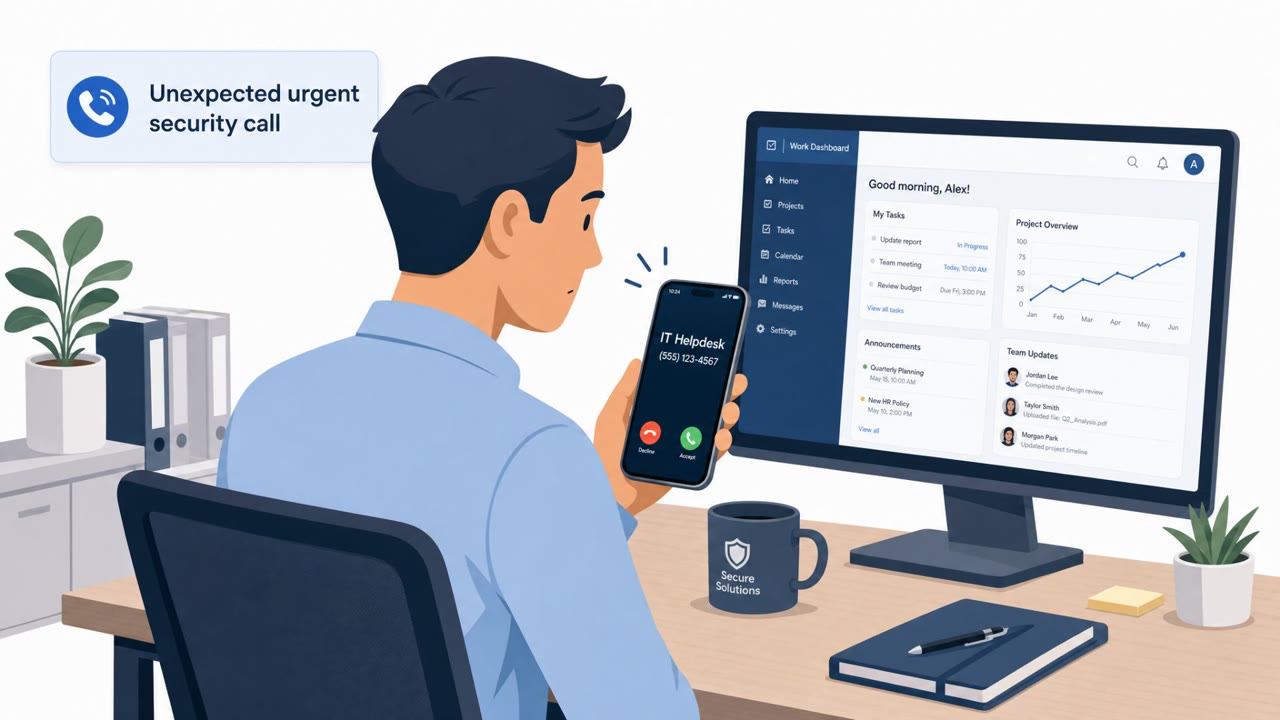
Microsoft reports an active campaign where attackers pose as IT helpdesk staff and pressure employees to “update or enroll” passkeys, MFA, or SSO. Victims are pushed to either a fake Microsoft sign-in page (AiTM phishing) or a real Microsoft device-code flow, resulting in attackers gaining persistent access to Microsoft 365 accounts and data.
Key findings
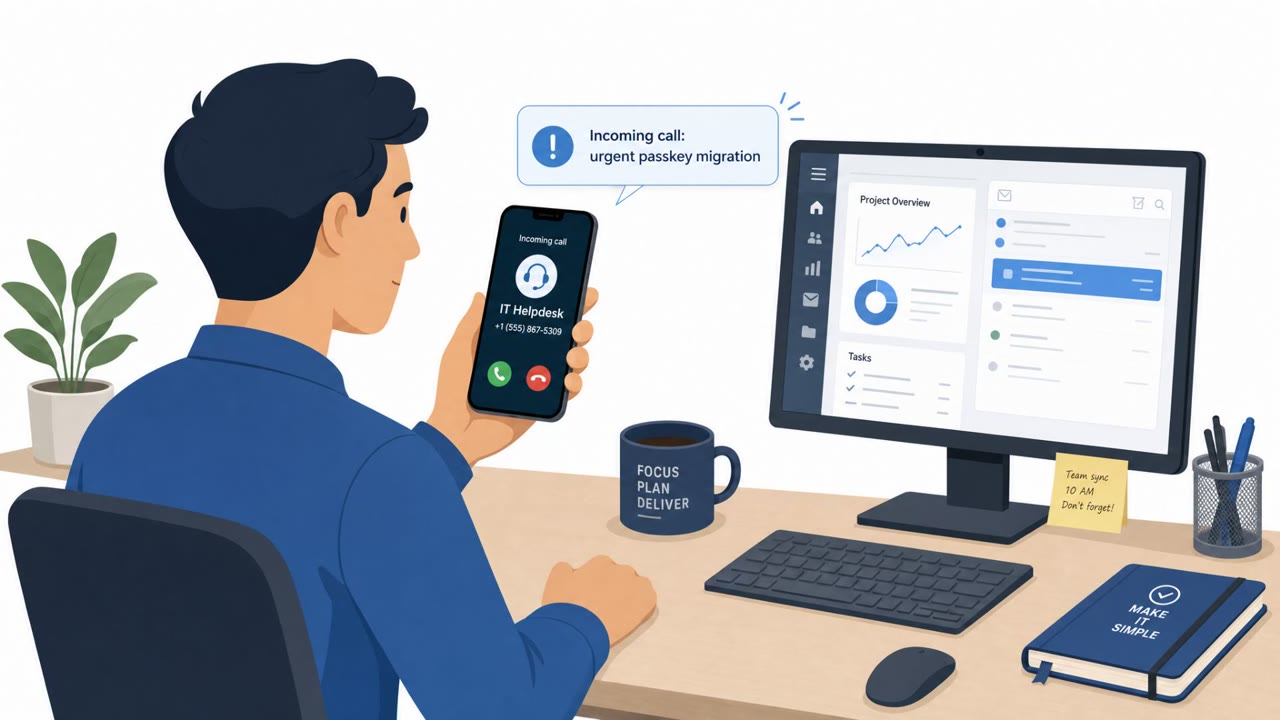
- Attackers impersonate IT helpdesk staff and use “passkey” updates as the lure.
- Victims are routed to either adversary-in-the-middle (AiTM) phishing pages (to capture credentials/session tokens) or Microsoft device-code flows (to authorize an attacker-controlled client).
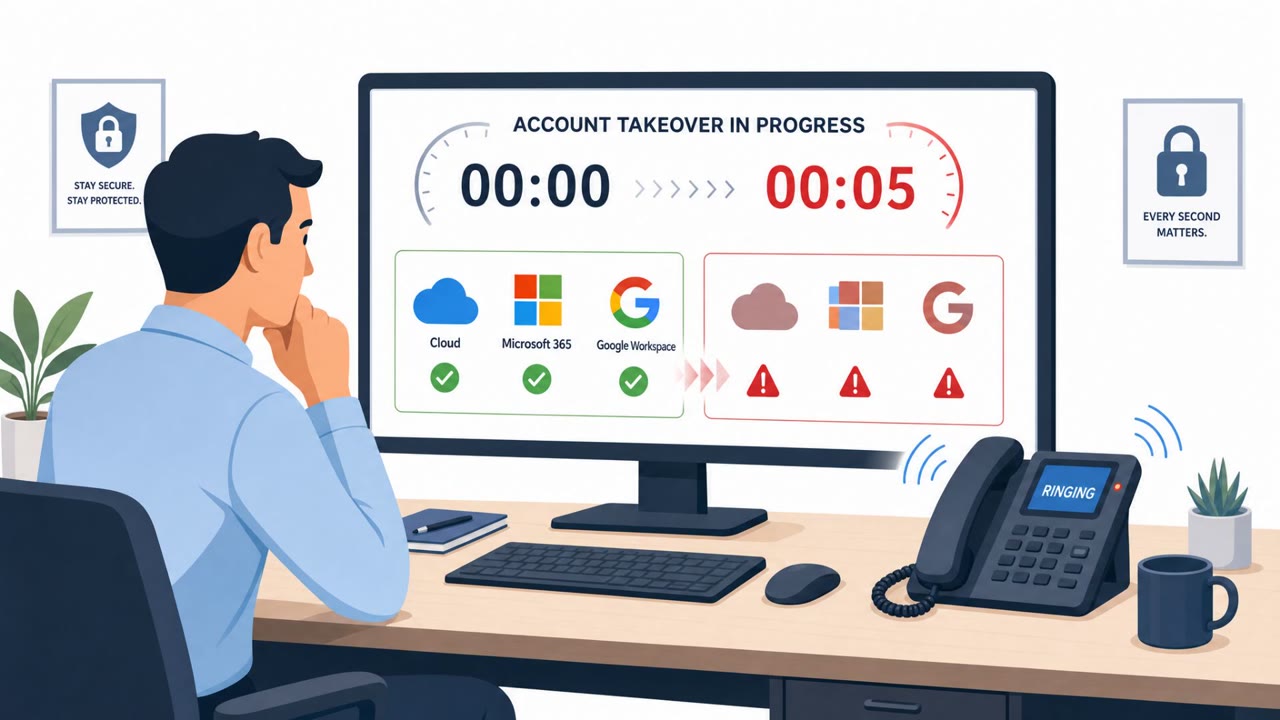
- After compromise, attackers register their own MFA/authentication methods (phone, authenticator apps, software OTP) to maintain persistent access.
- Attackers enumerate the tenant using Microsoft Graph and then access SharePoint/OneDrive files and Exchange Online email at a controlled pace to blend in.
- Attackers sometimes send passkey-themed messages from already-compromised accounts via Microsoft Teams to appear as a trusted colleague.
Who’s being targeted
- Commonly targeted roles: All employees, IT helpdesk, Identity and access management (IAM) team, Microsoft 365 administrators, Security operations (SOC).
- Affected industries: Any organization using Microsoft 365.
- Attack channels: vishing, website, teams.
- Impersonated: Organization IT helpdesk, Trusted colleague (via compromised Teams account).
Awareness takeaways
- Treat urgent “passkey/MFA/SSO update” requests as suspicious and verify through official IT channels before clicking links or following instructions.
- Never enter a device code unless you personally initiated the login on your own device; device-code prompts can authorize attackers.
- Be cautious of passkey-themed requests arriving via Teams, even if they appear to come from a colleague, because attackers may be using compromised internal accounts.
- If an account is compromised, attackers may add their own MFA methods for persistence; new MFA/authenticator registrations should be treated as a major warning sign.
Red flags to watch for
- Unsolicited urgent request tied to “avoid disruption” pressure
- Link leads to a lookalike Microsoft sign-in page
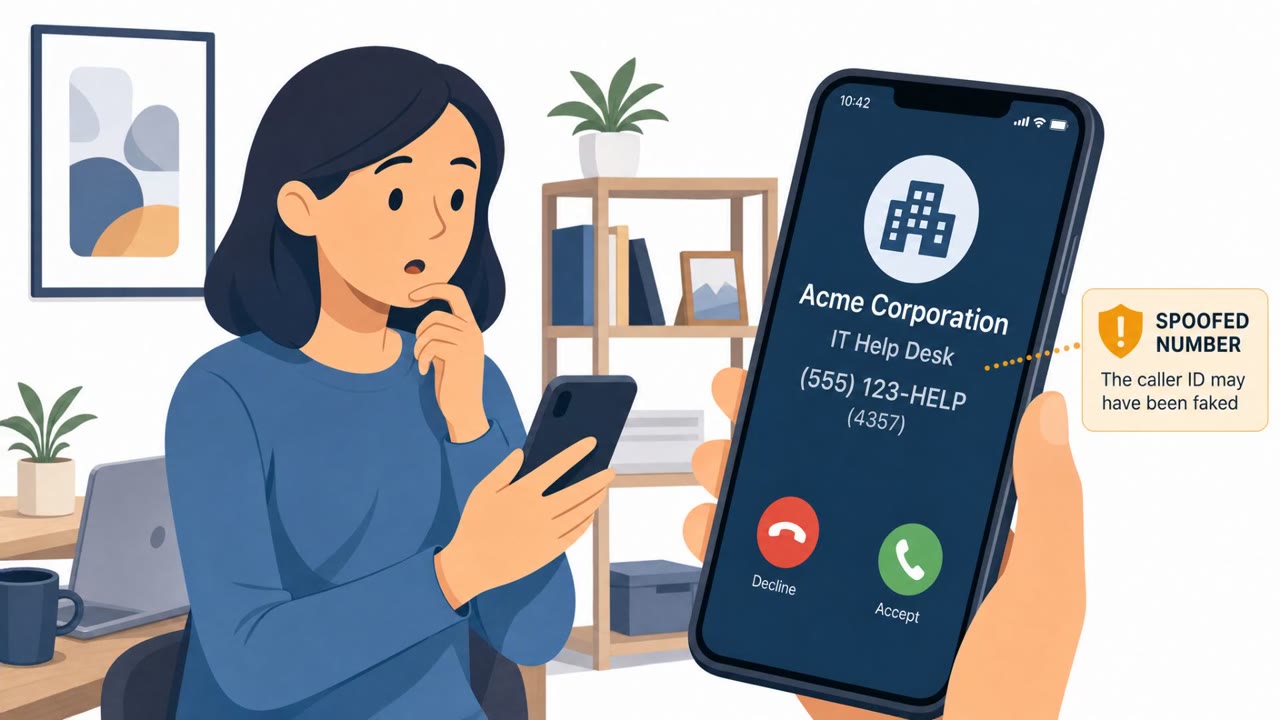
- Request comes to a personal mobile number rather than official IT channels
- Helpdesk asks user to enter a device code they did not request
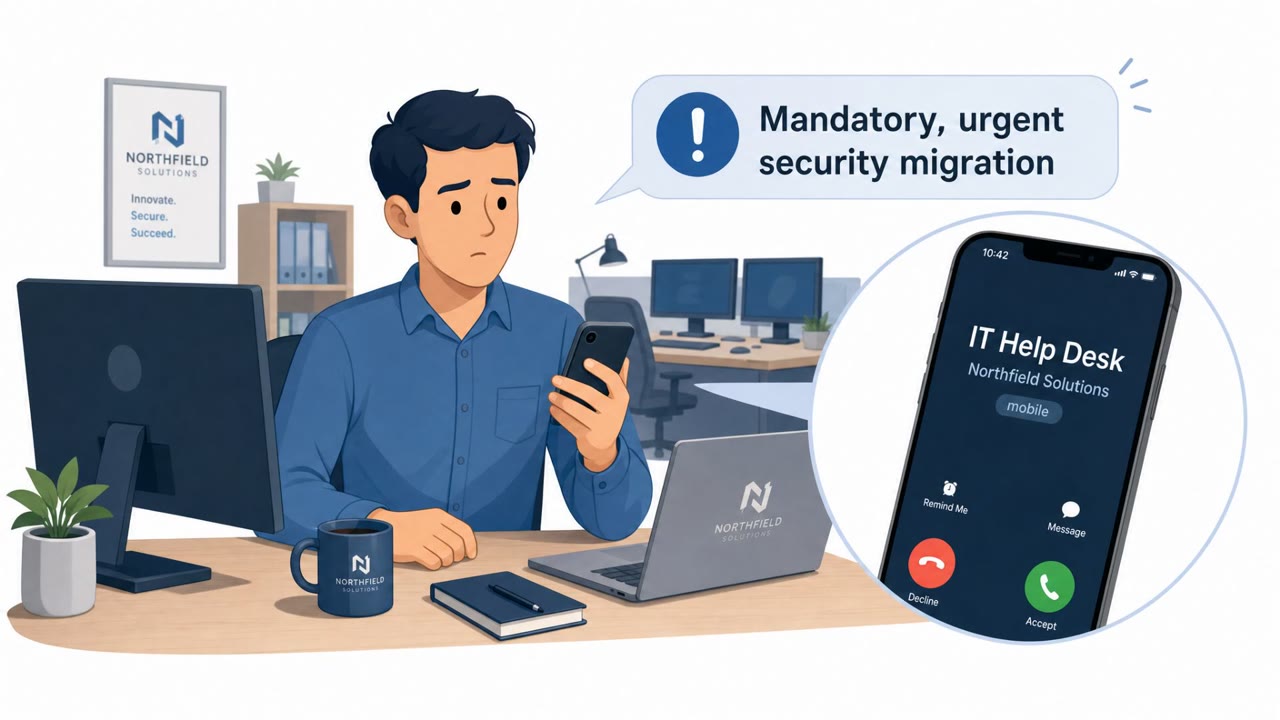
- User is told it’s urgent and must be done immediately
- The flow authorizes a client the user did not initiate
- Unexpected security/process change request delivered via chat
- Colleague is relaying an IT action instead of directing to official IT portal/process
- Pressure/urgency language about outages or disruption
Read the video transcript
You get a call on your personal phone: “Hi, this is the IT helpdesk, you must update your passkey or MFA right now to avoid disruption.” They send you a link that opens what looks exactly like a Microsoft sign-in page, or they say, “Type this code into Microsoft to finish your passkey update.” Either way, they’re hijacking your Microsoft 365 session. Once you sign in or enter that device code, they add their own MFA methods, then quietly search your Microsoft 365, SharePoint, OneDrive, email, at a slow pace so it looks normal. You might even get a similar passkey message in Teams from a coworker they already compromised. Your move: any urgent passkey, MFA, or SSO update request, phone, text, email, or Teams, hang up, ignore the link, and contact IT through our official helpdesk channel to confirm before you do anything.