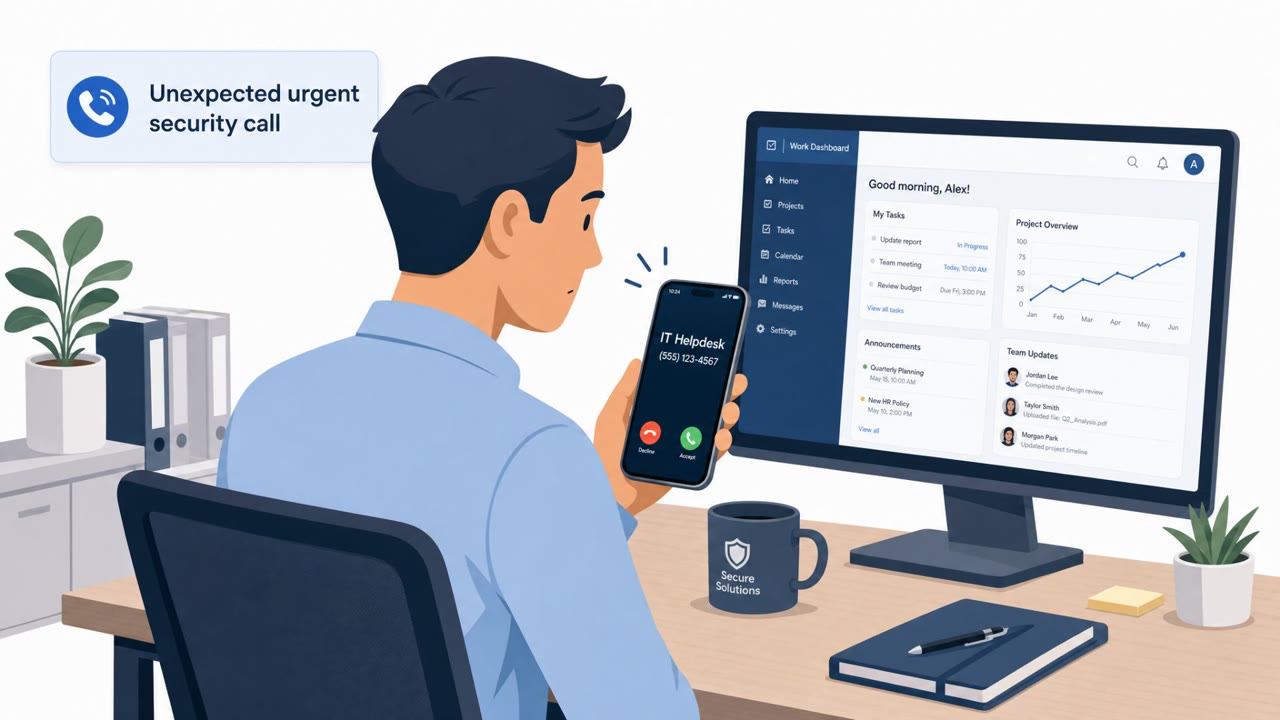
UNC6671 is running real-world voice phishing (vishing) campaigns where callers impersonate IT help desk staff and create urgency around “mandatory” security changes. Victims are pushed to spoofed login pages that capture passwords and MFA codes, enabling attackers to access and steal data from SaaS systems like Microsoft 365 and Okta.
How the Attack Worked
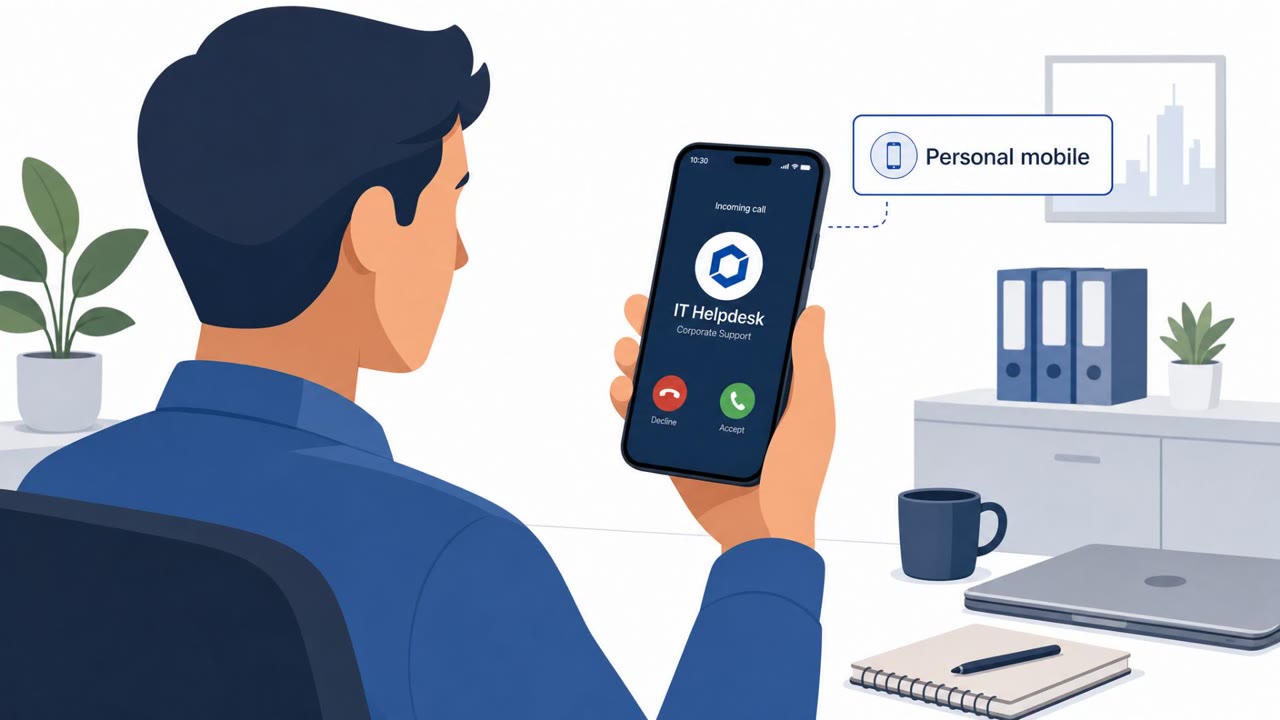
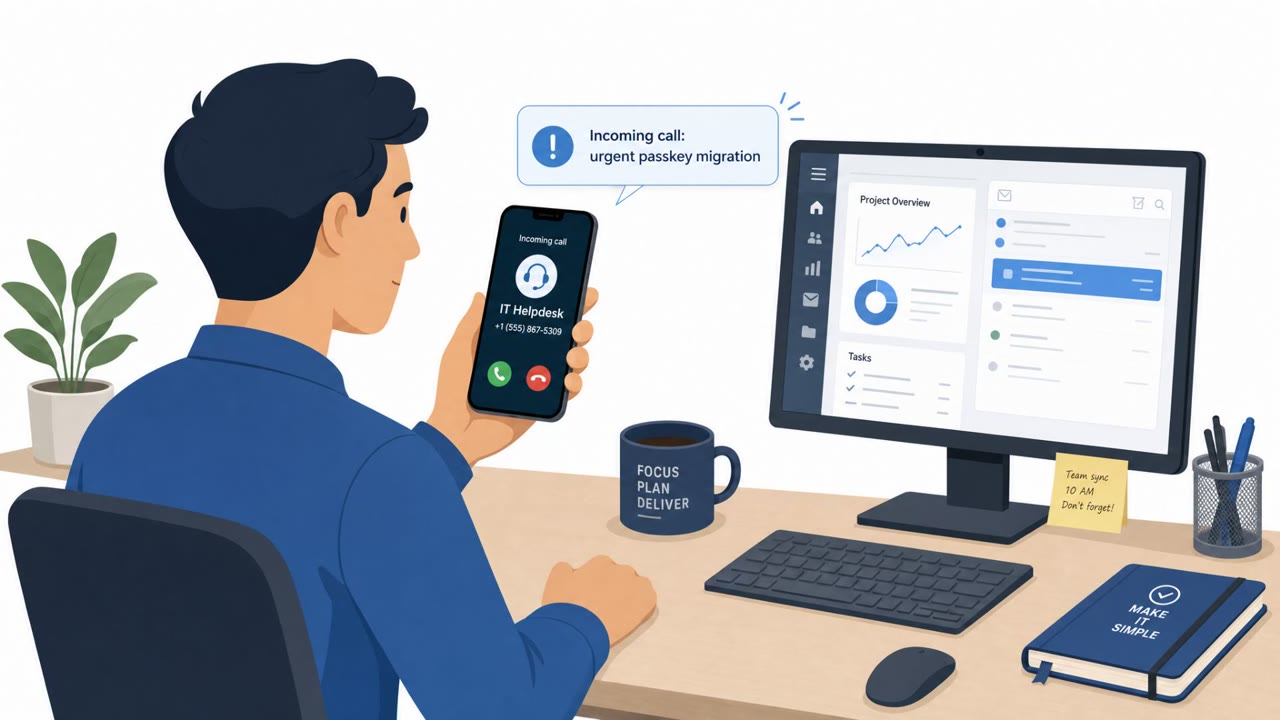
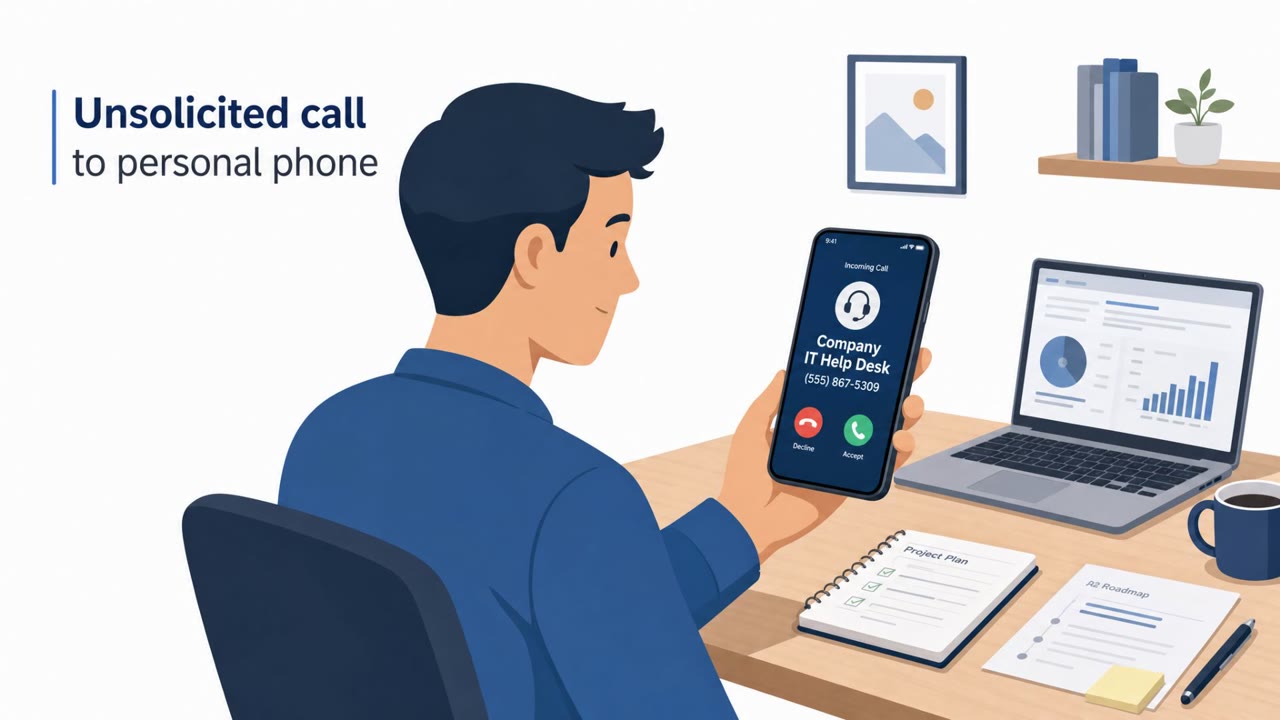
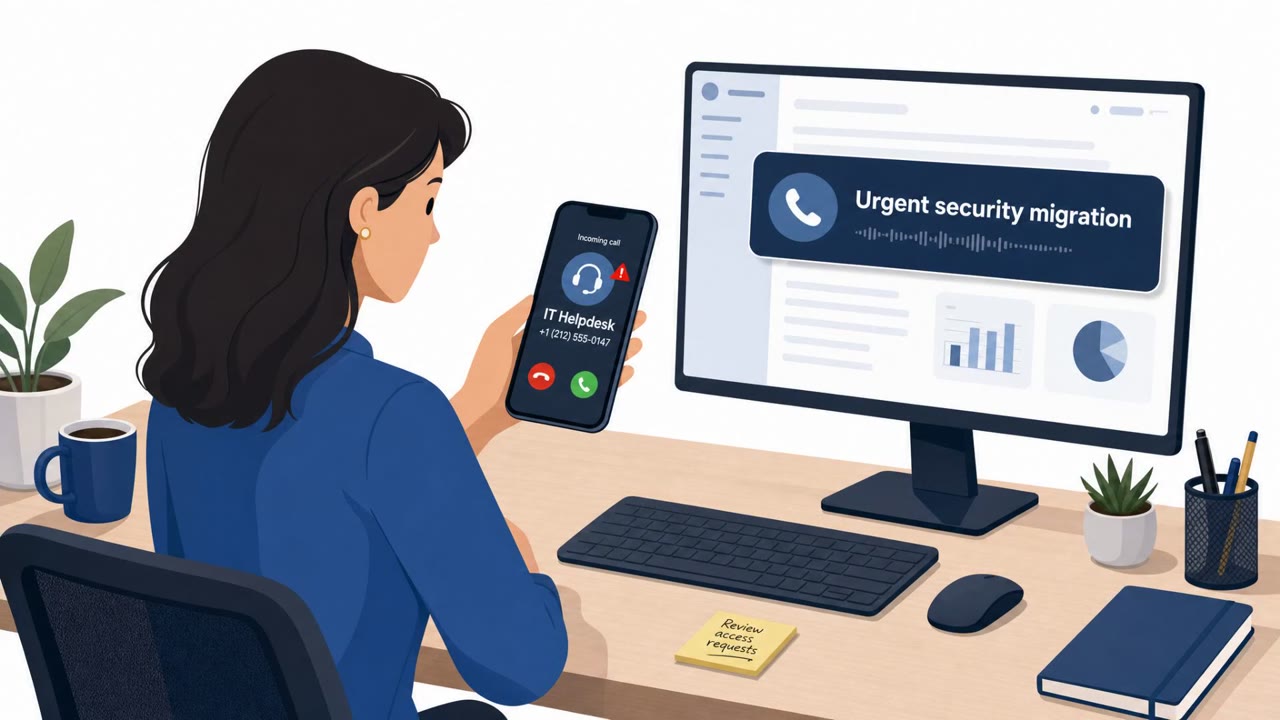
UNC6671 runs voice phishing campaigns that begin with a phone call rather than an email. Callers impersonate IT help desk staff and tell employees they must complete a mandatory, urgent security migration or resolve an account issue. Many calls go directly to personal mobile numbers, and in some cases the caller spoofs the legitimate help desk phone number to appear more credible. The employee is then directed to a login page that looks like a normal SSO or SaaS portal, such as one associated with Okta or Microsoft 365.
That page is not the real site. It is adversary-in-the-middle infrastructure that captures the username, password, and MFA code as they are entered, and passes them through in real time. Once the attacker has that identity-provider access, it can serve as a gateway into many connected SaaS applications, enabling rapid data theft.
Why It Succeeded
The pretext relies entirely on social pressure rather than a software flaw. Employees are told the change is mandatory and urgent, which discourages them from pausing to verify the request through normal channels. Calling personal phones, sometimes with a spoofed help desk number, adds a layer of apparent legitimacy that catches people off guard outside their usual work routine. Because the credential capture happens on a live, AitM-backed page, even MFA codes get intercepted, defeating a control that many organizations rely on as a strong safeguard.
What to Watch For
- An unsolicited call to a personal phone from someone claiming to be IT or the help desk
- Pressure to act immediately on a “mandatory” migration, account issue, or security update
- A caller who refuses to be routed through the official service desk and insists on handling the request directly
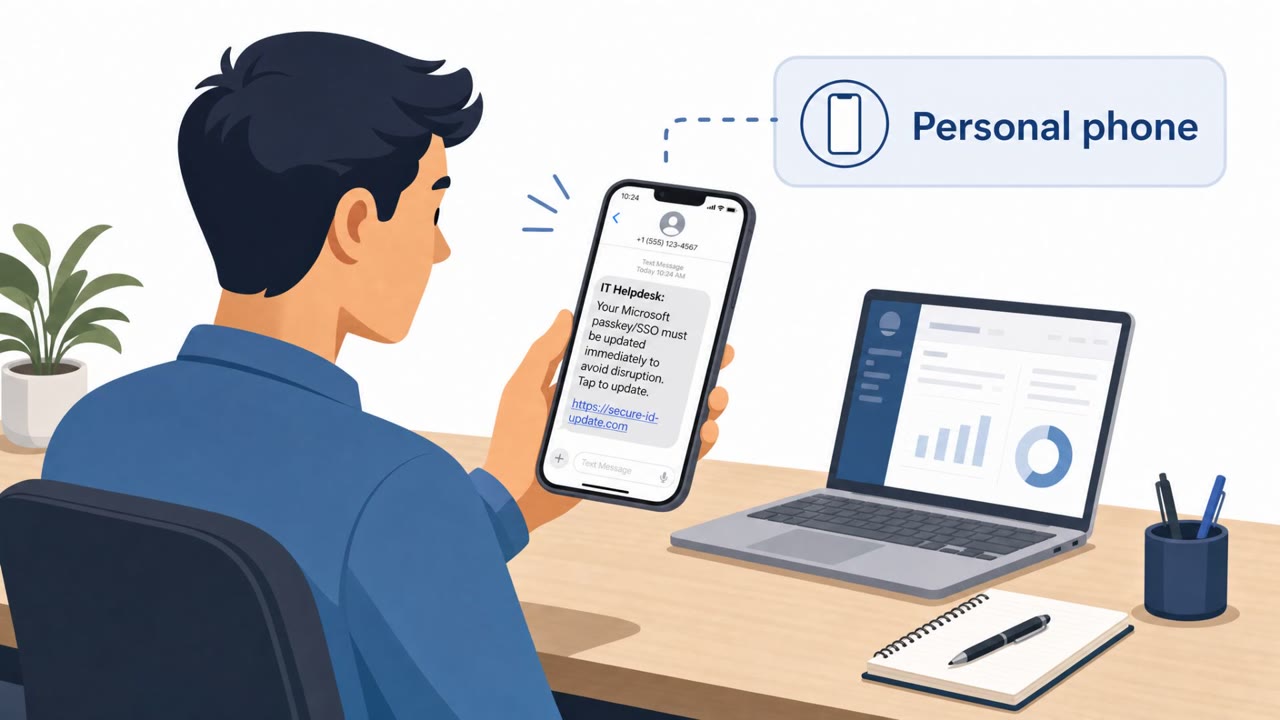
- A login link that does not match the organization's known SSO or SaaS domain, sometimes using unusual subdomains on unfamiliar root domains
Building Resistance
Employees should treat unexpected “IT help desk” calls as suspicious by default, especially when received on a personal device, and should verify the request by contacting the official internal service desk through a known number or portal rather than using any link or number the caller provides. No one should enter a password or MFA code on a page reached through a phone call; instead, navigate to the SaaS or SSO site directly. Because this technique targets people rather than infrastructure, phishing-resistant MFA is one of the more durable defenses, since it removes the value of a stolen password and one-time code alone. Reinforcing these habits across all employees, not just IT and finance staff, reduces the chance that a single urgent-sounding call leads to a compromised identity-provider account.
Key findings
- UNC6671 targets employees with vishing calls while impersonating IT help desk staff and pushing “mandatory, urgent security migrations.”
- Attackers often call employees on personal mobile numbers and may spoof legitimate help desk phone numbers.
- Victims are directed to fake login portals using adversary-in-the-middle (AitM) infrastructure to capture credentials and MFA tokens in real time.
- Stolen identity-provider access (e.g., Okta / Microsoft Entra ID / Microsoft 365) is used as a gateway into many SaaS apps, enabling rapid data theft and extortion.
- Threat actor infrastructure includes victim-specific subdomains on generic root domains (examples given: passkeyhelpdesk[.]com, setupsso[.]com, idokta[.]com).
- Defensive evasion includes using compromised email accounts to initiate password resets and deleting password reset confirmations/security alerts.
Who’s being targeted
- Commonly targeted roles: All employees, Finance, Legal, Professional services staff, IT help desk / Identity & Access Management (IAM) teams, Executives and administrative assistants.
- Affected industries: Financial services, Private equity, Professional services, Legal services, Technology, Transportation, Hospitality, Manufacturing, Real estate, Healthcare, Insurance.
- Attack channels: vishing, website.
- Impersonated: IT help desk staff, Internal Service Desk / Help Desk, IT (help desk) calling from a spoofed help desk number.
Red flags to watch for
- Unexpected urgent migration request via an unsolicited phone call
- Caller pressures employee to act quickly rather than using normal IT ticket channels
- Link leads to a non-corporate domain (spoofed login portal)
- Caller refuses to route through the official Service Desk
- Caller insists they were “specifically routed” to the employee directly
- Okta login page is reached via an unusual link and blocked by security controls
- Inbound call to a personal phone from a number that appears to be the help desk
- Request to authenticate on a site not matching the company’s official SSO domain
- Theme of urgent account/security updates used to rush compliance
Frequently asked questions
How does the UNC6671 vishing attack work?
Callers impersonate IT help desk staff, often calling personal mobile numbers and sometimes spoofing the real help desk number, and push employees toward a fake login page under the pretext of a mandatory security migration or account issue.
What happens if a victim logs in on the fake page?
The fake page uses adversary-in-the-middle infrastructure to capture the entered credentials and MFA token in real time, giving the attacker live access to the account.
Why is this attack considered effective?
It relies on urgency and impersonation of a trusted internal function rather than a technical vulnerability, so it can bypass normal security controls if employees comply with the call.
How can organizations reduce risk from this type of attack?
Train employees to verify unsolicited IT calls through the official service desk channel, avoid entering credentials or MFA codes after being directed there by phone, and move toward phishing-resistant MFA.
Read the video transcript
Imagine this: your personal phone rings. "IT Help Desk here, we’re doing a mandatory, urgent security migration right now." This is UNC6671. They vish employees, spoof help desk numbers, then push you to sites like passkeyhelpdesk.com or setupsso.com to "finish the migration" and log in with Okta or Microsoft 365 plus your MFA code. Here’s the trap: they refuse to go through our normal service desk, insist you were "specifically routed," and rush you to click their link. The page looks like Okta, but the URL is some random domain, your password and MFA go straight to them. Your move: if anyone calls you about migrations or tickets and then tells you where to log in, hang up and contact our official service desk yourself from the portal or published number.