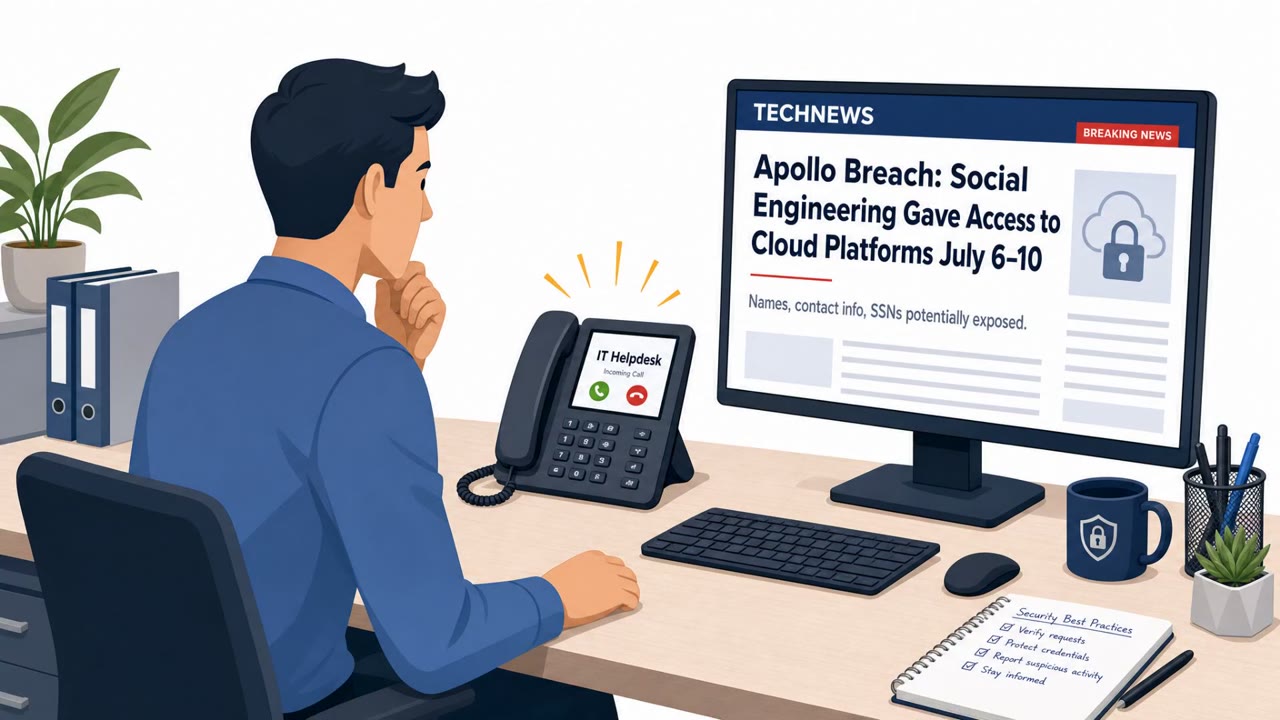
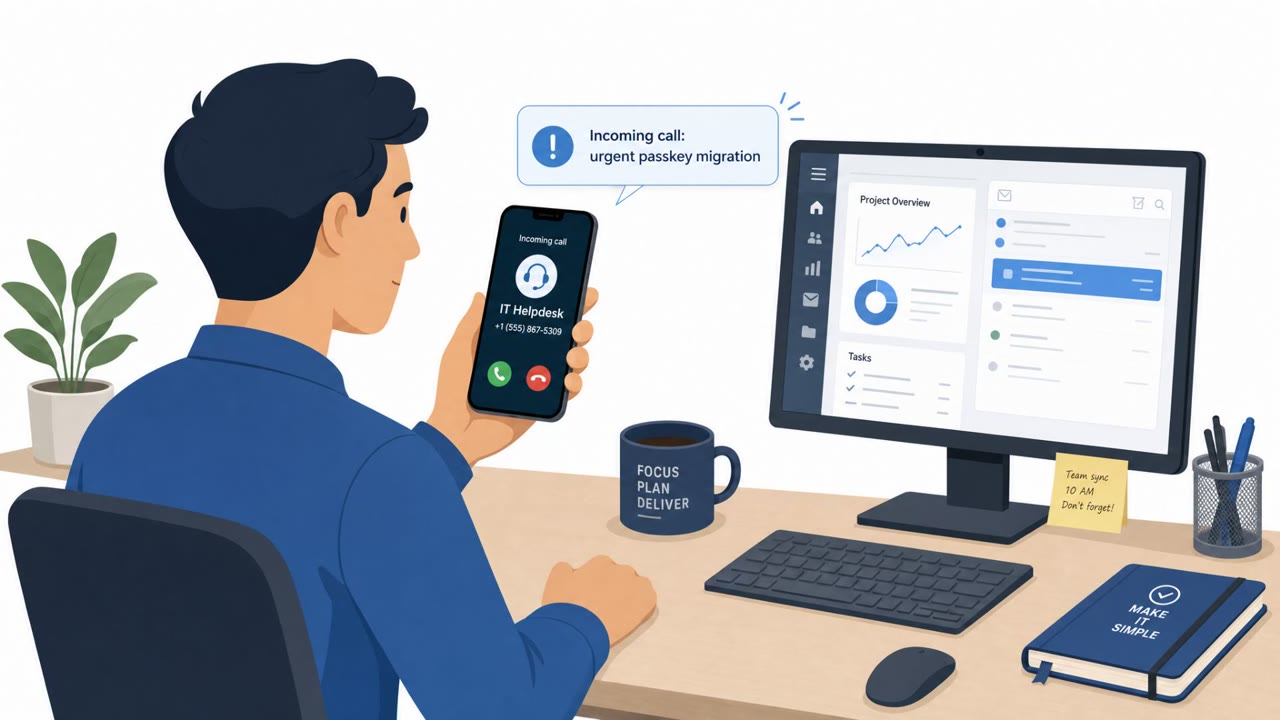
A criminal group tracked as UNC6671 called employees while pretending to be their company IT helpdesk, creating urgency around “mandatory” security changes. Victims were directed to lookalike login pages to “enable passkeys” or “update MFA,” allowing attackers to steal passwords and capture one-time MFA codes live during the call, then quickly take over accounts and steal data for extortion.
Key findings
- UNC6671 used voice phishing calls pretending to be IT helpdesk staff to push “urgent” security migrations.
- Attackers directed employees to lookalike credential-harvesting websites to “enable FIDO2 passkeys” or “update” MFA enrollment.
- They captured the victim’s password and then obtained the second-factor passcode “live over the phone” to hijack accounts before the call ended.
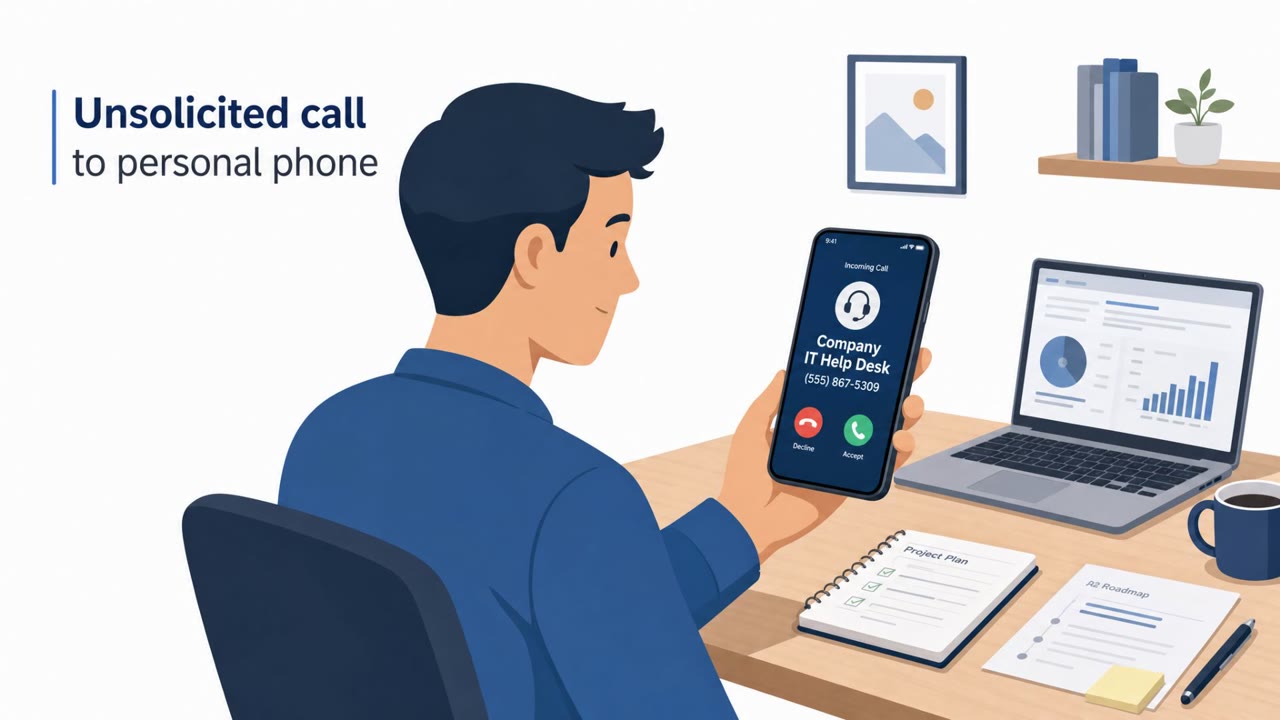
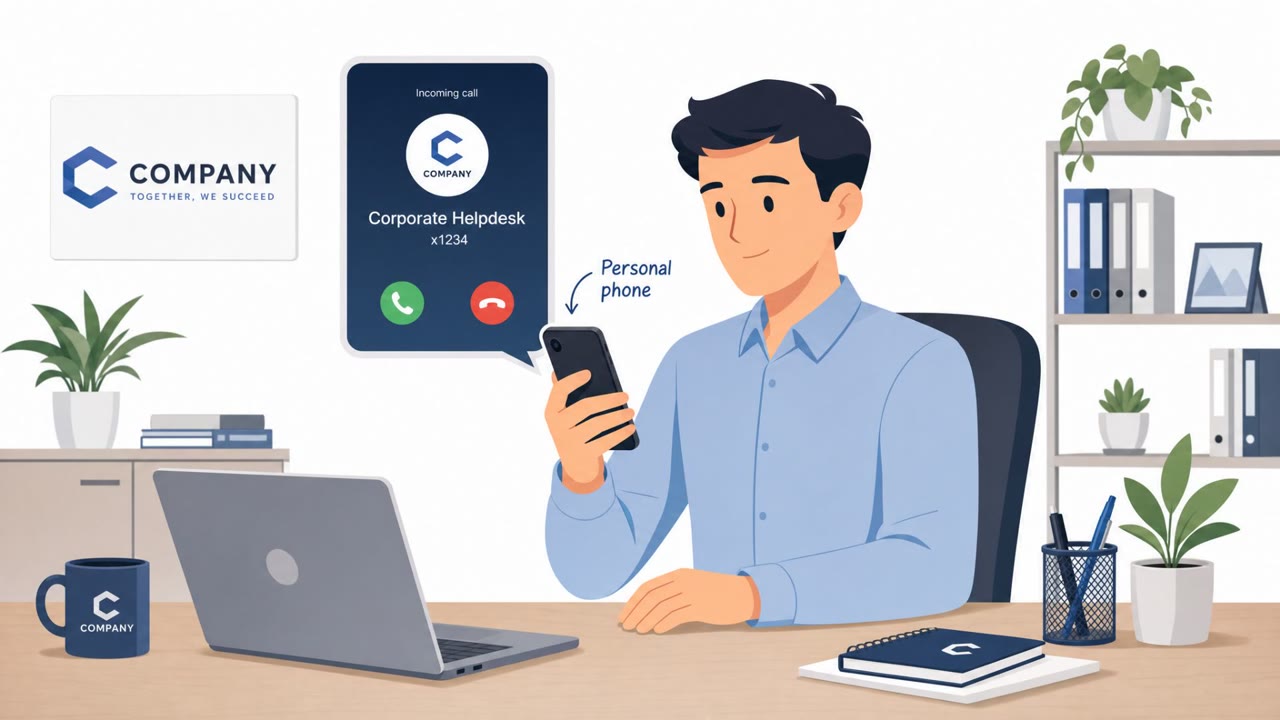
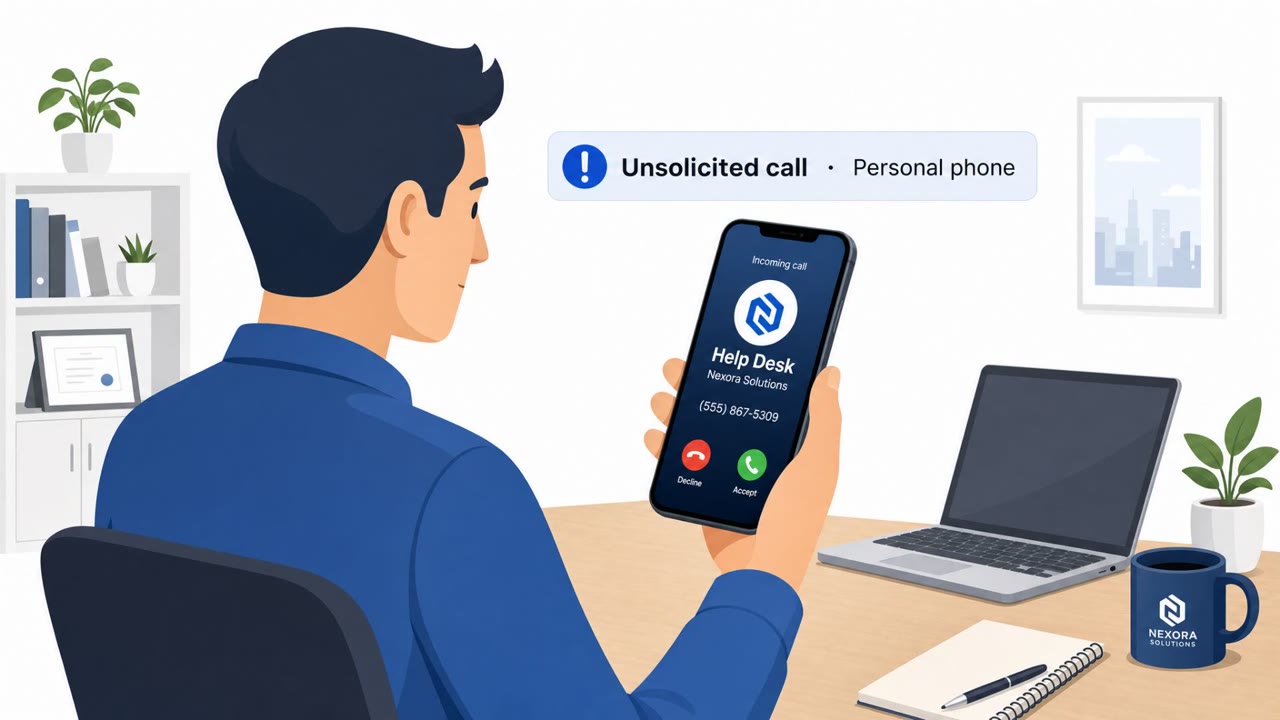
- Attackers sometimes called personal mobile numbers and spoofed legitimate helpdesk phone numbers to appear credible.
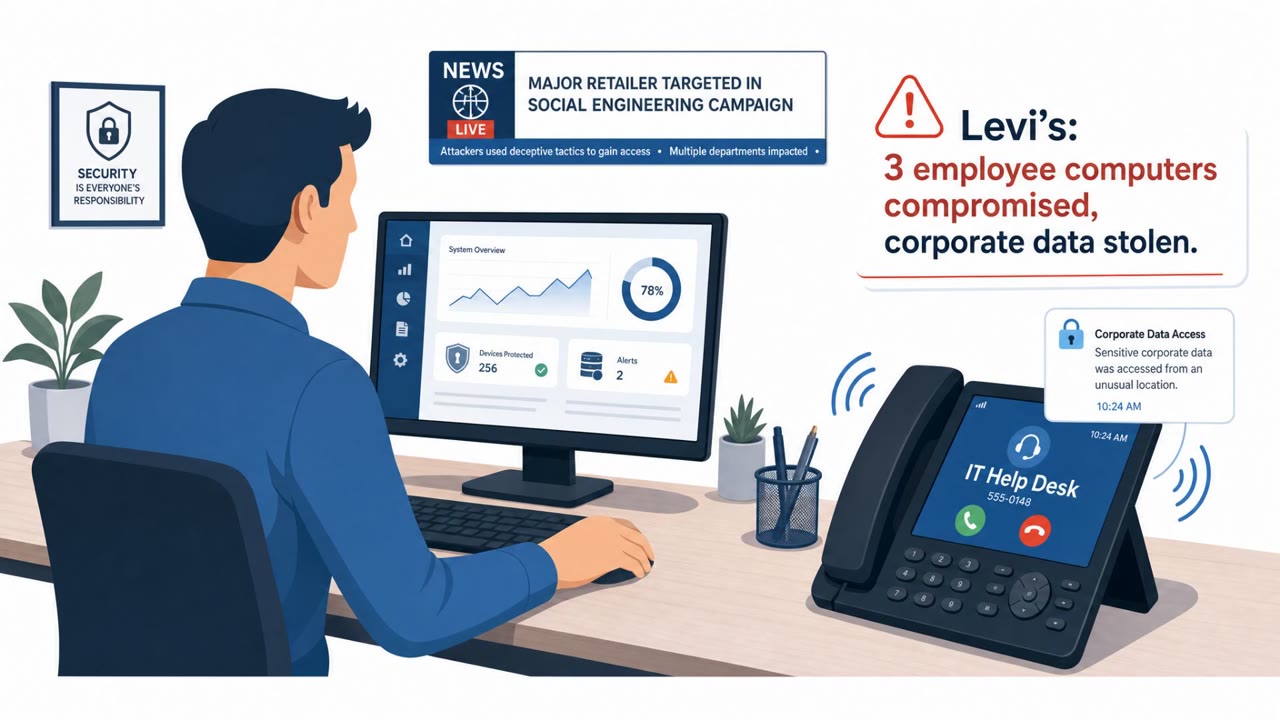
- Post-compromise activity included stealing data from enterprise cloud services (e.g., Microsoft 365 and Okta) and hiding activity by deleting security alerts/password reset notifications.
- Google/GTIG linked the activity to extortion operations rebranding across names including Redact, Pink, Helix, Falcon, and BlackFile; ransoms were commonly $1–$3 million with frequent negotiated discounts.
Who’s being targeted
- Commonly targeted roles: All employees, Executives, Finance and treasury, Private equity deal/operations teams, IT helpdesk and IT support, Identity and access management (IAM) teams, Microsoft 365 and Okta administrators.
- Affected industries: Financial services, Private equity, Investment management, Financial market infrastructure/exchanges, Law firms, Technology, Retail/apparel, Real estate/online marketplaces.
- Attack channels: vishing, website.
- Impersonated: Company IT helpdesk, Legitimate corporate helpdesk (number spoofing).
Awareness takeaways
- Treat urgent “IT security migration” calls as suspicious and verify using a known internal method (e.g., open a ticket or call back using the official directory number).
- Never provide MFA codes or approve prompts while someone is on the phone with you; IT should not need your one-time code.
- Watch for lookalike login URLs, especially subdomains designed to resemble SSO/passkey tooling, and only use approved bookmarks/portals.
- Assume cloud accounts are the prize: report suspicious helpdesk calls immediately so security can check Microsoft 365/Okta sign-ins and containment actions.
Red flags to watch for
- Caller creates urgency and claims a “mandatory” security migration
- Caller uses (or spoofs) the helpdesk number but asks you to log in via a new/unfamiliar web address
- You are asked to read out or type an MFA code while still on the phone
- Helpdesk contacts your personal phone unexpectedly for an “urgent” change
- Caller ID appears to be the helpdesk (possible spoofing)
- Any request to share authentication codes or to complete a login while the caller waits
Read the video transcript
Imagine this: your phone lights up with the IT helpdesk number, and they say, “We need to urgently enable your passkey right now.” Groups like UNC6671 use these vishing calls to walk you to a fake login like company.createssopasskey.com, then ask you to log in and read them your MFA code while they stay on the line. Here’s the trap: the moment you type your password and say that one-time code out loud, they hijack your Microsoft 365 or Okta account before the call even ends and quietly delete the alerts. Your move: if “IT” calls and wants you to log in or share a code, hang up and call the helpdesk back using the official directory number, never give an MFA code to anyone on a live call.