Researchers describe a phishing workflow where an attacker logs into a victim’s Google account using stolen password + authenticator code, then quickly enrolls a new passkey to keep access even if the password is changed. The trick relies on victims choosing a weaker sign-in fallback (one-time code) instead of using an existing passkey. The article provides a step-by-step attacker workflow that can be turned into a realistic awareness simulation focused on “credential enrollment after phishing.”
Key findings
- A phishing toolkit (iAuthFlow v2) is marketed for $10,000 and includes demos showing how to capture a victim’s login and MFA code in real time and establish a legitimate session.
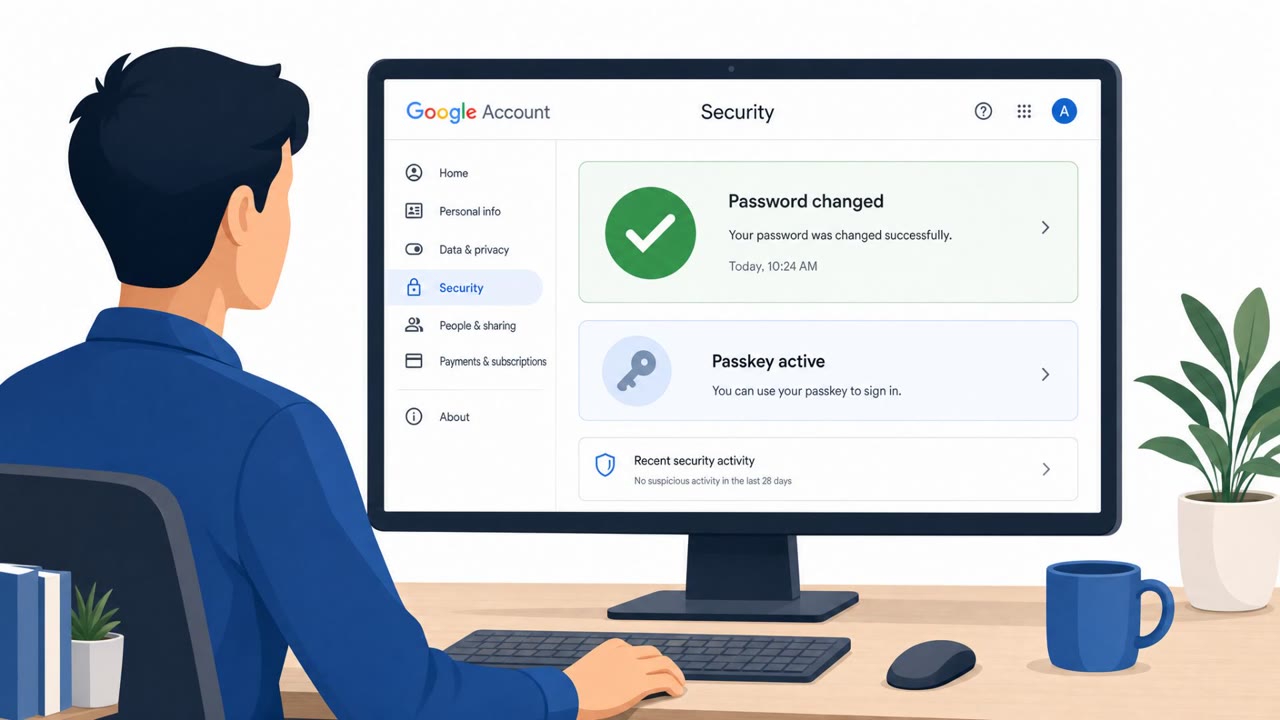
- After the attacker gets an authenticated session, they navigate to passkey settings and register a new passkey, creating persistence even after a password change.
- The attack succeeds when users choose a weaker fallback method (authenticator app code) instead of signing in with an existing passkey.
- The seller claims versions that target other major identity providers/services (Microsoft, iCloud, LinkedIn), suggesting the pattern may generalize beyond Google.
- Google notes a potential waiting period (up to 7 days) for newly enrolled passkeys, and that suspicious authentication methods may be restricted or alerted on.
Who’s being targeted
- Commonly targeted roles: All employees, Executives, Finance teams, IT / Identity & Access Management (IAM) admins, Helpdesk / Service desk.
- Affected industries: Technology / online services, Any organization using Google Workspace or Google Accounts, Enterprises using Microsoft, iCloud, or LinkedIn accounts (as advertised targets).
- Attack channels: website.
- Impersonated: Google sign-in.
Awareness takeaways
- Treat one-time codes as phishable; prefer passkeys/security keys and avoid “fallback” sign-in options unless you initiated the login on a known, trusted page.
- Watch for (and act on) alerts about new sign-in methods/passkeys being added, this can indicate an attacker has created a new credential to keep access.
- Add monitoring and policy controls around credential enrollment (especially passkey registration) after sign-in, because attackers may enroll a new method within seconds of a phish.
Red flags to watch for
- Lookalike sign-in page (user is not on the real Google authentication page)
- Being asked to use a one-time code instead of a passkey (weaker fallback path)
- Unusual “verification” hold screen while something happens in the background
Read the video transcript
Imagine this: you fall for a fake Google login once… and they quietly add their own passkey to your account. With kits like iAuthFlow v2, a fake page that looks like Google relays your email, password, and authenticator-app code to a real browser. While you stare at a “verification” hold screen, it logs in as you, opens Passkey settings, and registers its own passkey in about six seconds. The twist: this only worked because the user picked the weaker fallback, typing a one-time code, instead of using an existing passkey. Even if they later change the password, that attacker-added passkey can still unlock the account until it’s removed or blocked. Your move: if a login asks for a one-time code instead of your usual passkey, stop and sign in by opening google.com yourself, and if you ever see a "new passkey added" alert you don’t recognize, go to your Google Security settings and delete it immediately.