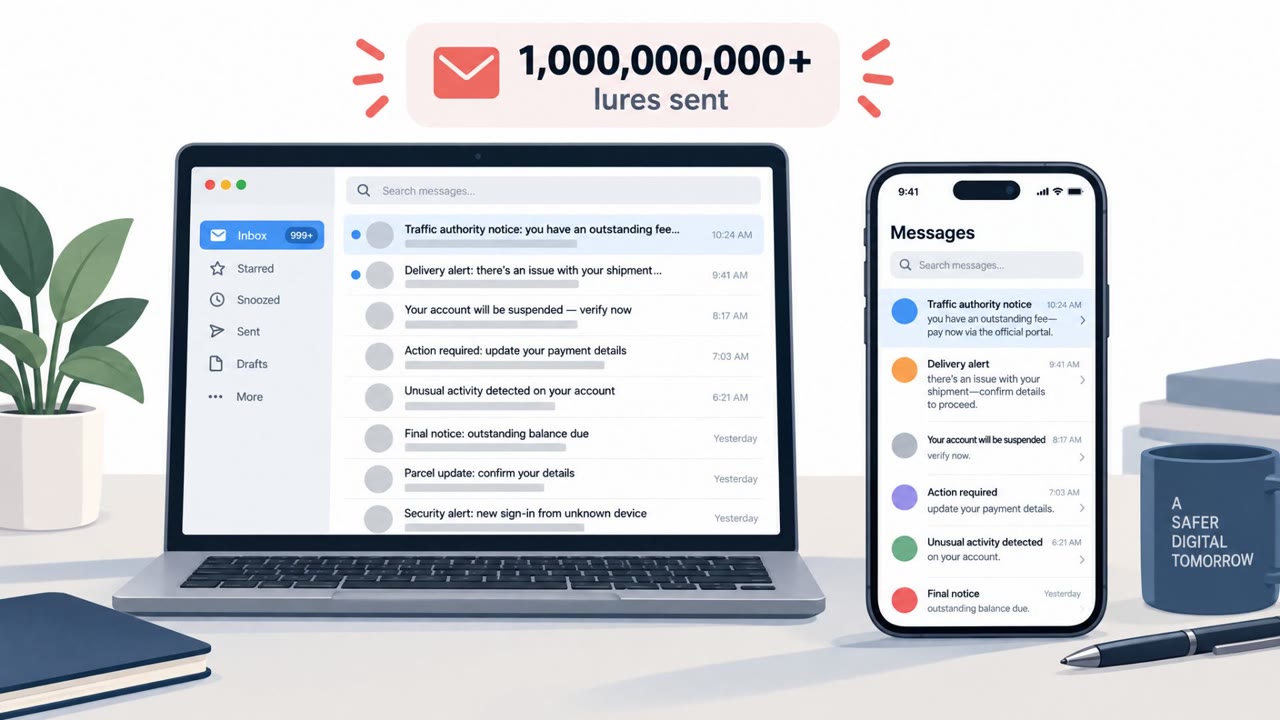
Microsoft says it used a U.S. court order to seize and redirect domains tied to three Chinese-run phishing platforms that helped send hundreds of millions of scam messages worldwide. The platforms provided ready-made fake pages and messages impersonating trusted organizations, mainly to steal Microsoft 365 and other login credentials, personal data, and banking information.
How the attack worked
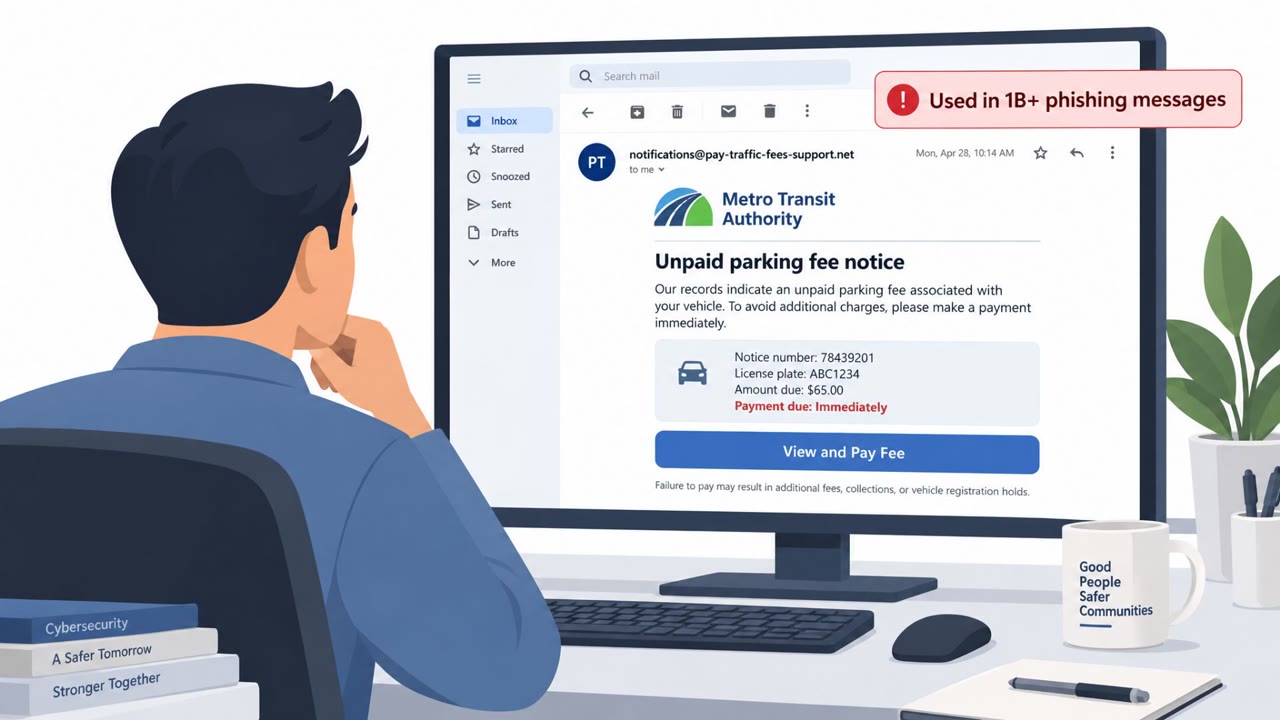
Microsoft says three phishing-as-a-service platforms, referred to as YAM Store, CoGUI, and Iron Man, allowed attackers to operate at global scale. Microsoft estimates these platforms were tied to more than 750 million messages targeting Microsoft customers alone since January. Iron Man reportedly functioned as a phishing-kit-as-a-service operation, offering more than 2,300 pre-built lure pages impersonating trusted services such as postal companies, traffic fine offices, tax agencies, banks, and telecoms. YAM Store allegedly operated as an initial access broker marketplace, selling infrastructure built on compromised or fraudulently obtained cloud environments from providers like Microsoft and Google.
A key technique across these campaigns involved buying expired domains that once belonged to real companies, then rebuilding those sites to look like the legitimate originals. This gave phishing pages an air of authenticity that made them harder for both automated filters and human recipients to flag as suspicious.
Why it succeeded
These platforms succeeded because they lowered the technical barrier to running convincing phishing campaigns. Instead of building lure pages from scratch, less skilled attackers could rent or buy ready-made kits tailored to specific brands, industries, and countries. Combining expired-domain reuse with polished lure pages impersonating trusted institutions made messages feel routine and low-risk to click, which is exactly what toll scam texts and fake delivery emails rely on.
What to watch for
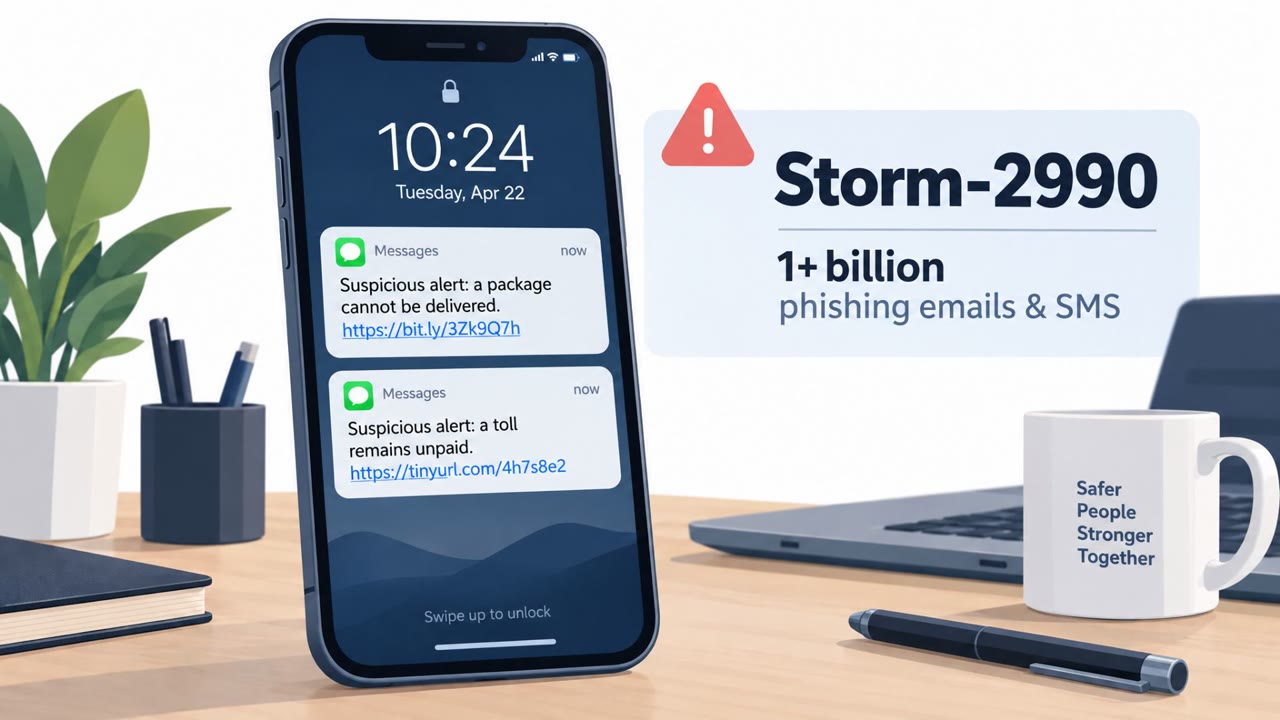
- Unexpected delivery notifications urging immediate action, such as “Delivery attempt failed, reschedule now”
- Toll, traffic fine, or tax messages demanding fast payment to avoid a penalty
- Links that lead to domains not matching the real organization, including ones that may be reused expired domains
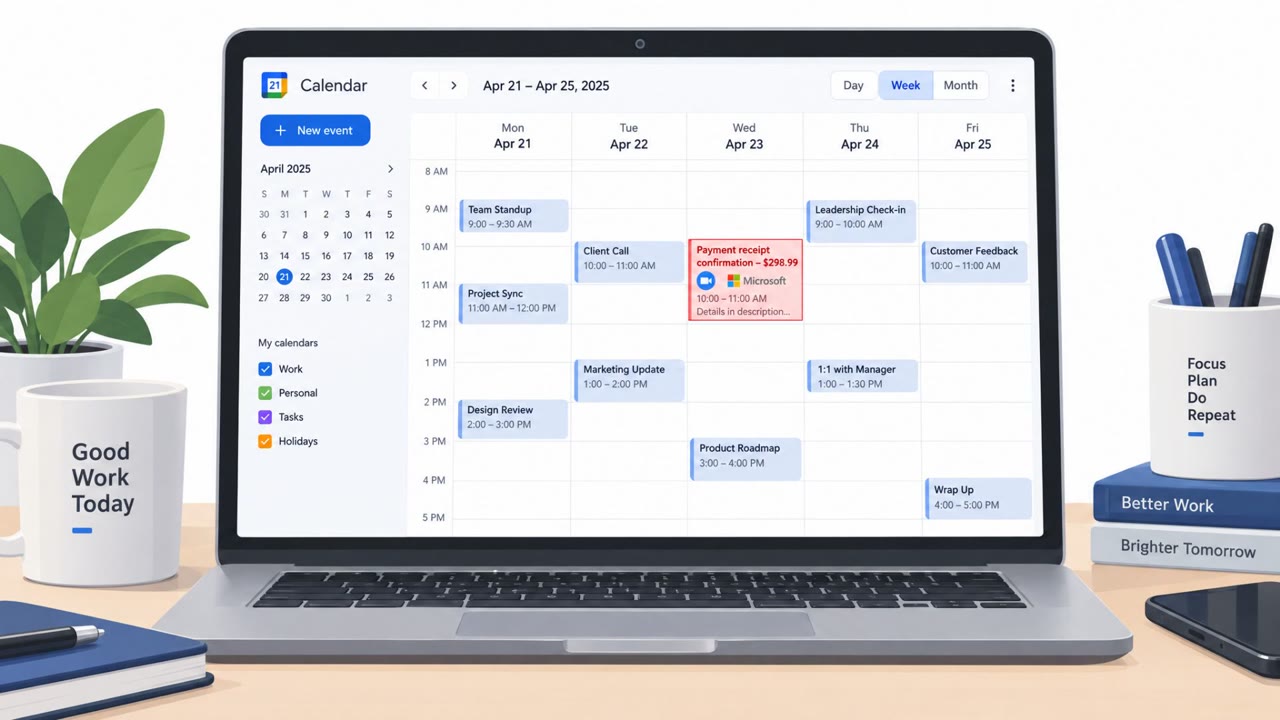
- Login prompts asking for Microsoft 365 or other work credentials to complete an unrelated task, like paying a fine or rescheduling a package
The goal in most of these cases is to steal credentials, personal information, banking data, and other login details, which can then be resold or used for further access.
Building resistance
- Treat unexpected delivery, toll, or fine messages as suspicious and avoid clicking embedded links. Go directly to the official site or app instead.
- Check the exact web address before entering any login details, since lookalike and expired-domain sites are a documented tactic in these campaigns.
- Flag and report any page that asks for Microsoft 365 credentials to complete an unrelated action, such as shipping or bill payment.
- Remind finance, executive, and customer support teams specifically, since they are common targets for urgent-sounding lures tied to payments or account access.
These same patterns, urgency, brand impersonation, and credential harvesting through unrelated workflows, appear repeatedly across phishing and smishing campaigns regardless of the specific platform behind them.
Key findings
- Microsoft says three platforms (YAM Store, CoGUI, Iron Man) enabled phishing at global scale, including “more than 750 million messages targeting Microsoft customers alone” since January.
- Iron Man allegedly offered “more than 2,300 pre-built lure pages impersonating trusted services like postal companies, traffic fine offices, tax agencies, banks, telecoms and more.”
- YAM Store allegedly functioned as an initial access broker marketplace selling “infrastructure using compromised or fraudulently obtained environments in providers like Microsoft and Google.”
- Attackers reportedly bought expired domains of real companies and rebuilt lookalike sites to steal Microsoft 365 credentials and resell access.
Who’s being targeted
- Commonly targeted roles: All employees, Finance, Executives, Customer support/helpdesk, Healthcare staff (highly targeted sector).
- Affected industries: Consumers, Healthcare, Financial services, Government/public sector (impersonated agencies), Education and non-profits (abused account types).
- Attack channels: email, website, smishing.
- Impersonated: Postal/delivery company, Traffic fine office / toll service / tax agency.
Red flags to watch for
- Unexpected delivery notice pushing you to click immediately
- Link goes to a domain that doesn’t match the real delivery company (often an expired/repurposed domain)
- Login prompt that asks for Microsoft 365 credentials unrelated to shipping
- Threatening/urgent language about penalties or deadlines
- A link to a generic or unfamiliar domain rather than an official government site
- Payment page also asks for unrelated account logins (e.g., Microsoft credentials)
Frequently asked questions
What did Microsoft do about these phishing platforms?
Microsoft used a U.S. court order to seize and redirect domains tied to three phishing platforms that it says helped send hundreds of millions of scam messages worldwide.
What is Iron Man in this context?
Iron Man is described as a phishing-kit-as-a-service operation offering more than 2,300 pre-built lure pages impersonating postal companies, traffic fine offices, tax agencies, banks, and telecoms.
What were attackers mainly trying to steal?
The goal was mostly to steal Microsoft 365 and other login credentials, personal data, and banking information.
How did attackers make fake sites look legitimate?
They reportedly bought domains that real companies had let expire and rebuilt them to look like legitimate platforms.
Read the video transcript
Microsoft just took down three giant phishing platforms that blasted over 750 million fake messages at Microsoft customers this year. One, called Iron Man, sold over 2,300 ready-made fake pages: postal companies, toll and traffic fine offices, tax agencies, banks, any excuse to get you to a lookalike site and grab your Microsoft 365 login. Here’s the trick: you get an email, 'Delivery attempt failed, reschedule now,' or a text, 'Unpaid toll, pay today.' The link goes to a site that looks legit, often on an expired company domain they rebought, but the page suddenly wants your Microsoft 365 password to ship a package or pay a fine. If a delivery, toll, or fine page asks for your Microsoft 365 login, stop, don’t enter anything. Close it, then go to the official site or app yourself and check from there.