This weekly roundup includes multiple real-world social-engineering and phishing-style operations, including fake recruiter outreach pushing malicious Android apps, phishing emails that trick users into installing remote management tools, and vishing that reportedly led to compromised Okta accounts. These lures can be turned into practical security-awareness simulations for employees in recruiting, finance, IT/help desk, and general staff.
Key findings
- Scammers posed as recruiters and pushed job seekers to sideload malicious Android “interview” apps with high-control permissions.
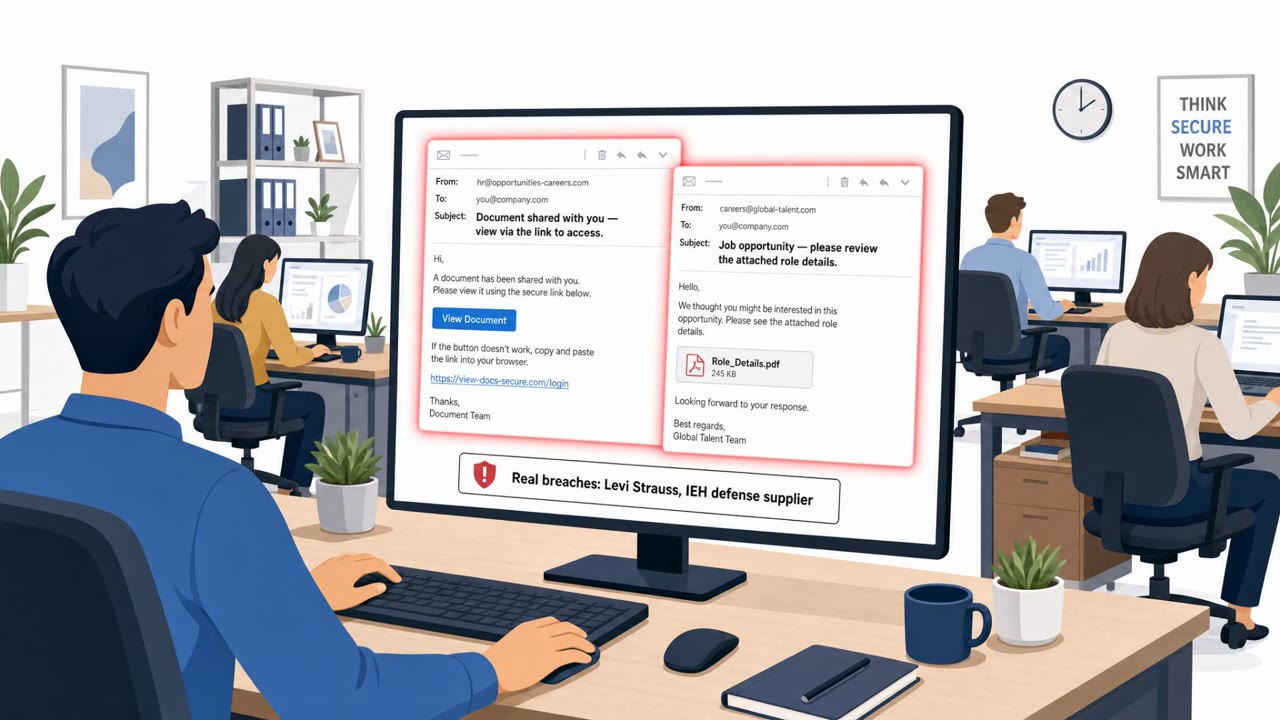
- A large phishing campaign used fake tax documents, invoices, and other business lures to get victims onto remote monitoring/management (RMM) tools.
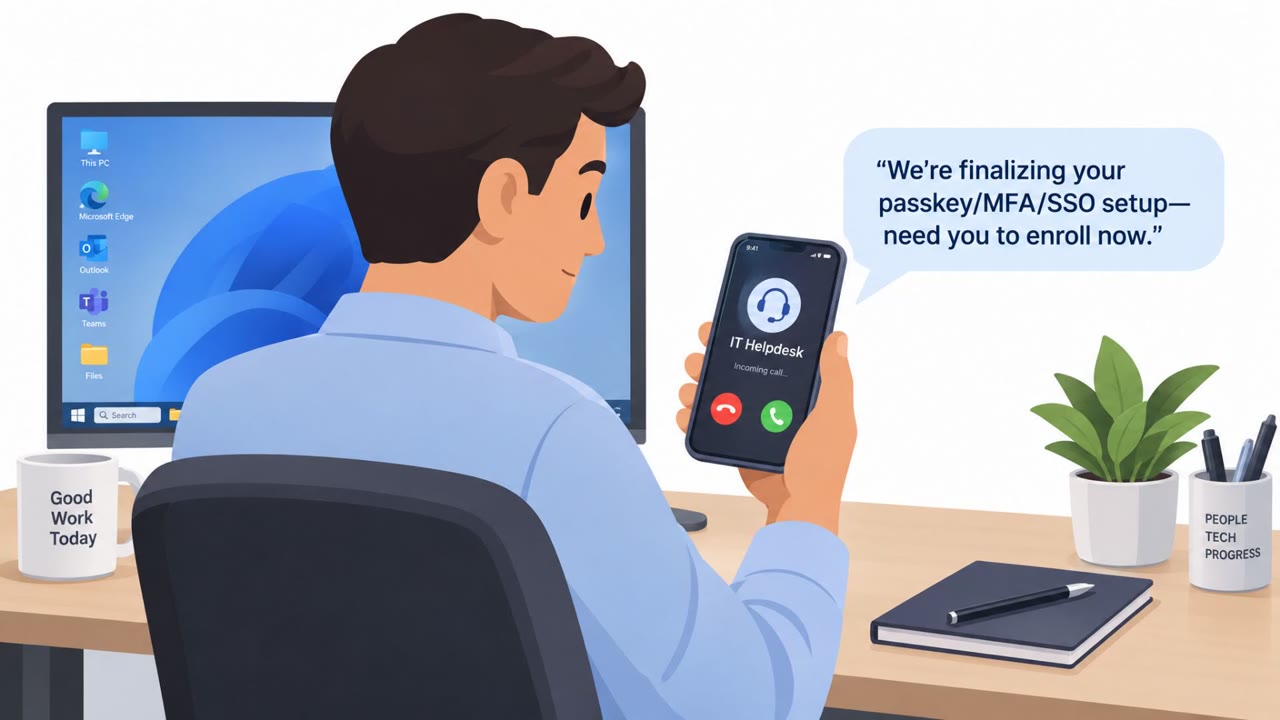
- A major breach claim described voice-based social engineering (vishing) used to compromise employee Okta accounts and expand access to third-party systems.
Who’s being targeted
- Commonly targeted roles: All Employees, Finance / Accounts Payable, HR / Recruiting, IT Service Desk / Identity & Access Management.
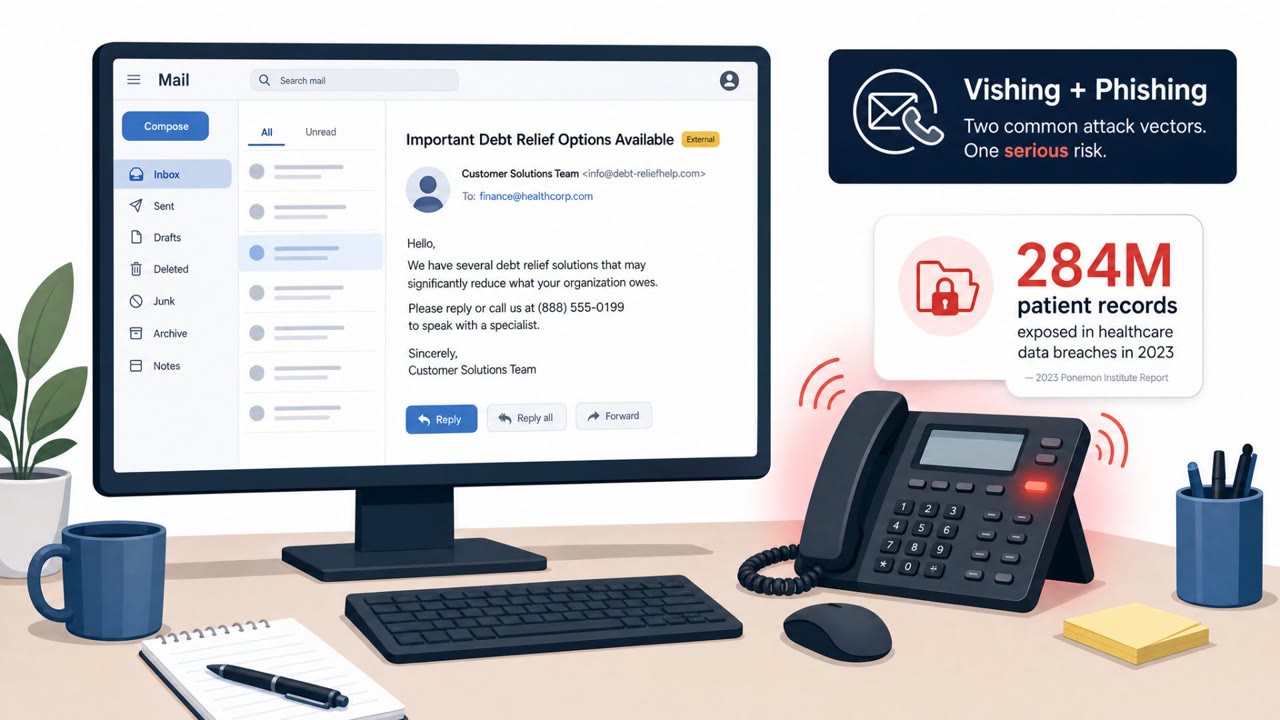
- Affected industries: Multiple / cross-industry, Healthcare, Recruiting / job seekers, General business (finance and operations), Technology / SaaS identity and CRM.
- Attack channels: email, website, vishing.
- Impersonated: Recruiter / hiring team (posed as an Indeed recruiter), Vendor / tax agency / business contact, IT help desk / identity support.
Awareness takeaways
- Treat unexpected “recruiter” app installs as suspicious, never sideload apps for work-related processes.
- Be cautious with invoice/tax-document emails, especially if they lead to remote access tools or “support sessions.”
- Harden help-desk and identity verification steps to resist phone-based manipulation (vishing), and quickly revoke sessions if compromise is suspected.
Red flags to watch for
- Request to sideload an app instead of using official app stores
- Unusual request for high-control permissions (Accessibility/VPN)
- Recruiting process pushes software installation unexpectedly
- Unexpected tax/invoice message not tied to an existing process
- Instructions that involve installing remote access software
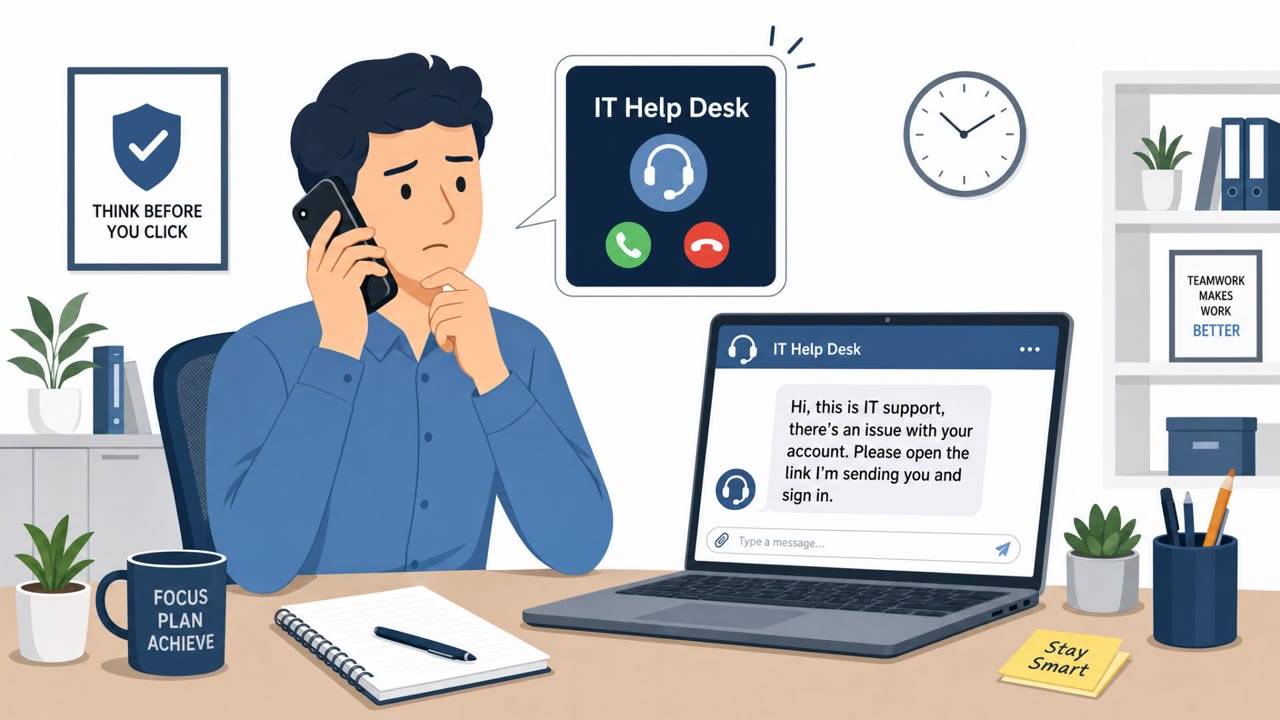
- Remote sessions that appear like IT admin activity but are not initiated by your IT team
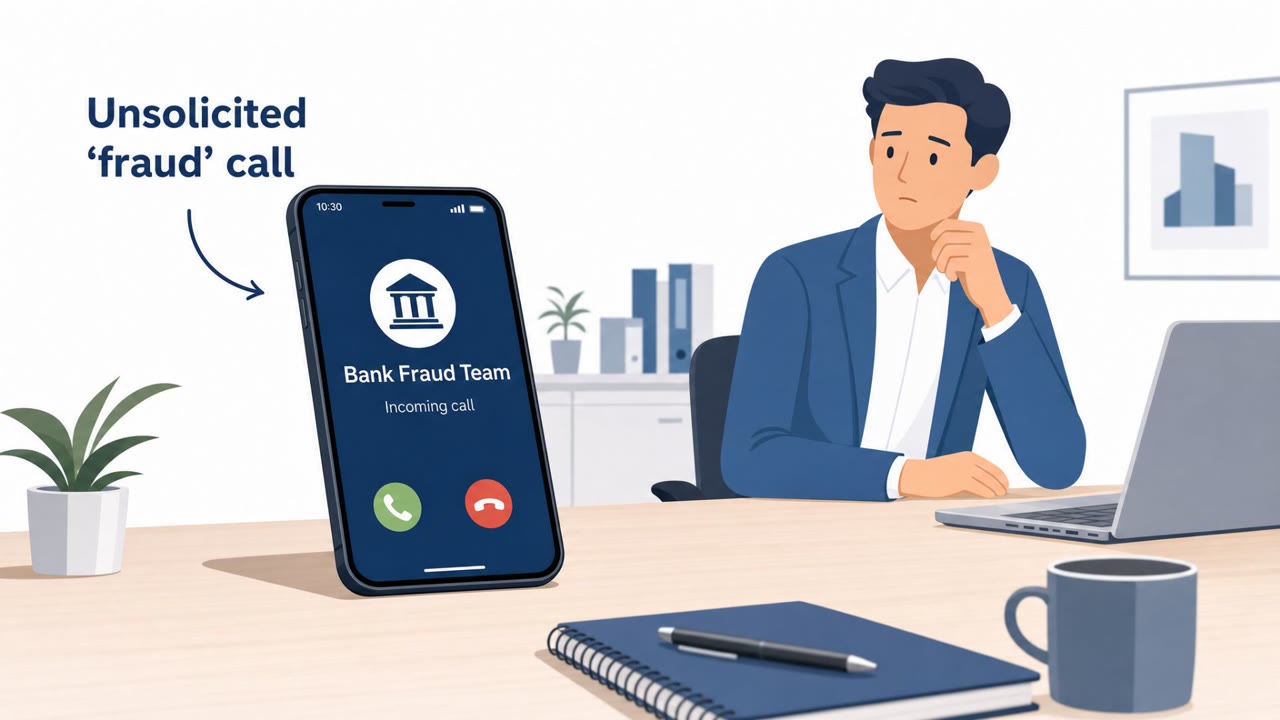
- Unsolicited call pressuring immediate action on identity/login issues
- Requests to bypass normal ticketing/verification steps
- Caller attempts to reroute authentication or recovery to new channels
Read the video transcript
You get an email from an 'Indeed recruiter' saying, "Please install our interview application to proceed with the next step." Sounds legit, right? But the link takes you to a website that makes you sideload an Android 'interview' app asking for Accessibility and VPN permissions. That’s not recruiting, that’s giving someone high‑control access to your phone. Same play with email: a 'tax document' or 'invoice attached, please review and process' that walks you into installing a remote monitoring tool for a so‑called support session. It looks like normal IT activity, but it isn’t our IT. Here’s the move: if any recruiter, invoice email, or phone call wants you to install an app or remote tool, stop and route it through our help desk, forward it to security and let us handle it.