
ShinyHunters-Linked Vishing Tricks Users into OAuth Consent
Microsoft reports multiple real-world campaigns (mid-2025 to mid-2026) where attackers used voice phishing and trusted SaaS integrations to gain access to…
July 14, 2026
Microsoft reports attackers linked to ShinyHunters spent a year getting into corporate Salesforce data without exploiting Salesforce bugs. One key method was vishing calls that persuaded employees to approve a malicious “connected app,” giving attackers ongoing API access that looked like normal activity. Microsoft also describes token theft from trusted vendors and misconfigured guest access as additional paths used in real incidents.
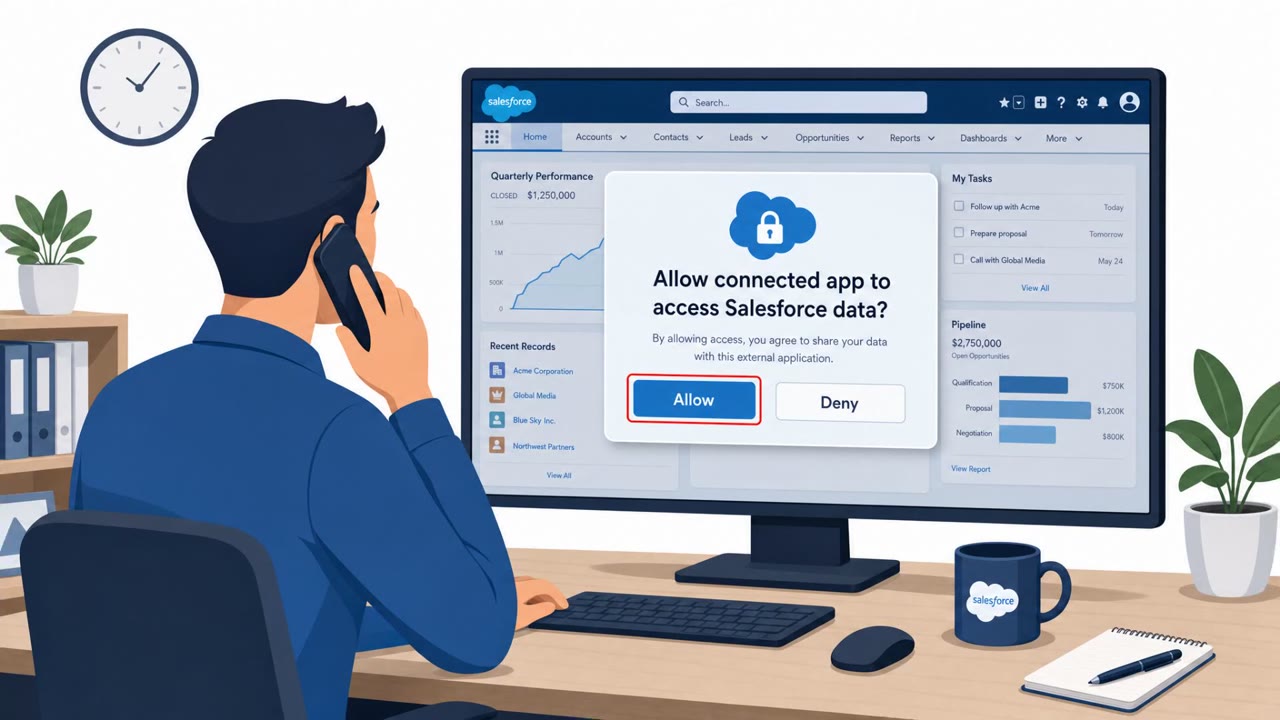
Attackers linked to ShinyHunters-style activity spent an extended period gaining access to corporate Salesforce data without exploiting any platform vulnerability. One of the primary methods involved vishing calls in which attackers impersonated internal IT support. During these calls, employees were talked through Salesforce's OAuth consent screen and guided to authorize a connected app disguised as the legitimate Data Loader tool. Once approval was granted, the malicious app could make API calls as that user, giving attackers persistent, password-free access to CRM records and a foothold for hunting credentials tied to other SaaS platforms.
This approach worked because it relied entirely on social engineering rather than technical exploitation. There was no malware and no stolen password to replay, only a phone call and a consent click. The attack also exploited a structural blind spot: when access originates from a real user who approved a connected app, or from an integration the organization already trusts, the resulting API traffic looks like ordinary business activity. Standard sign-in and authentication monitoring is built to catch anomalous logins, not authorized-looking app behavior, so this kind of access can persist without triggering alerts.
Microsoft's reporting also describes two additional real-world intrusion paths used alongside vishing. Stolen OAuth tokens from compromised vendor integrations allowed attackers to reuse already-approved access so it blended into normal automation. Separately, misconfigured Salesforce Experience Cloud guest access allowed unauthenticated data pulling from Aura endpoints, with pagination used to exceed standard query limits. Together, these paths show that trust in connected apps, tokens, and guest configurations can be leveraged without ever touching a core platform flaw.
Help desk and general staff should treat unexpected IT support calls with suspicion, hanging up and calling back through a known official number before acting. Training should emphasize that approving a connected app can be functionally equivalent to handing over account access. On the technical side, security teams should inventory connected apps regularly, remove unused ones, scope remaining apps to least privilege, and monitor post-access behavior such as API volume and query patterns rather than relying solely on sign-in alerts.
Mirage safely runs attacks like this one against your own team, so you find out what happens before a real adversary does.
Attackers posed as IT support in phone calls and walked employees through Salesforce's OAuth consent screen, convincing them to authorize a malicious connected app disguised as the Data Loader tool.
No. According to the findings, attackers entered environments without exploiting a single flaw in the platform, instead abusing trust in OAuth connected apps and integrations.
Because the access came from a real user who had approved a connected app or from an already-trusted integration, the resulting traffic looked like ordinary use and largely evaded sign-in and authentication alerts.
Regularly inventory connected apps, remove ones that are no longer used, and scope remaining apps to least privilege access.
“Hi, this is IT support. We need you to approve a Salesforce connected app, I’ll walk you through the OAuth screen now.” ShinyHunters-style crews used calls like this to live-walk staff through Salesforce’s OAuth consent screen, getting them to approve a fake “Data Loader” connected app that quietly had full API access. Once you click Allow, that app can act as you: pull Salesforce records, trawl CRM data, even pivot into other SaaS apps, no malware, no stolen password, just a consent click that looks like normal automation. If anyone calls asking you to approve a Salesforce connected app, hang up and call IT back on our official help desk number before you click anything.
Microsoft reports multiple real-world campaigns (mid-2025 to mid-2026) where attackers used voice phishing and trusted SaaS integrations to gain access to…
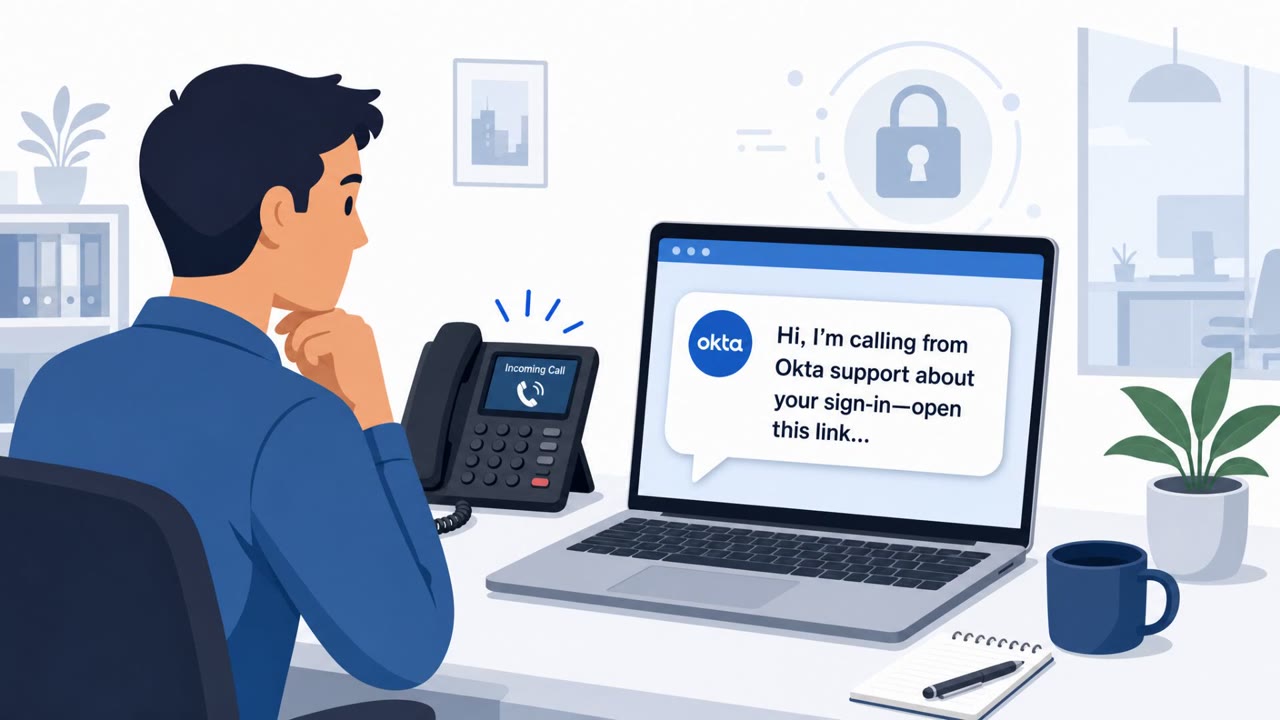
Okta says it gained an inside look at “Work Panel,” a polished SaaS-style dashboard that helps voice-phishing (vishing) crews rapidly set up fake login sites…
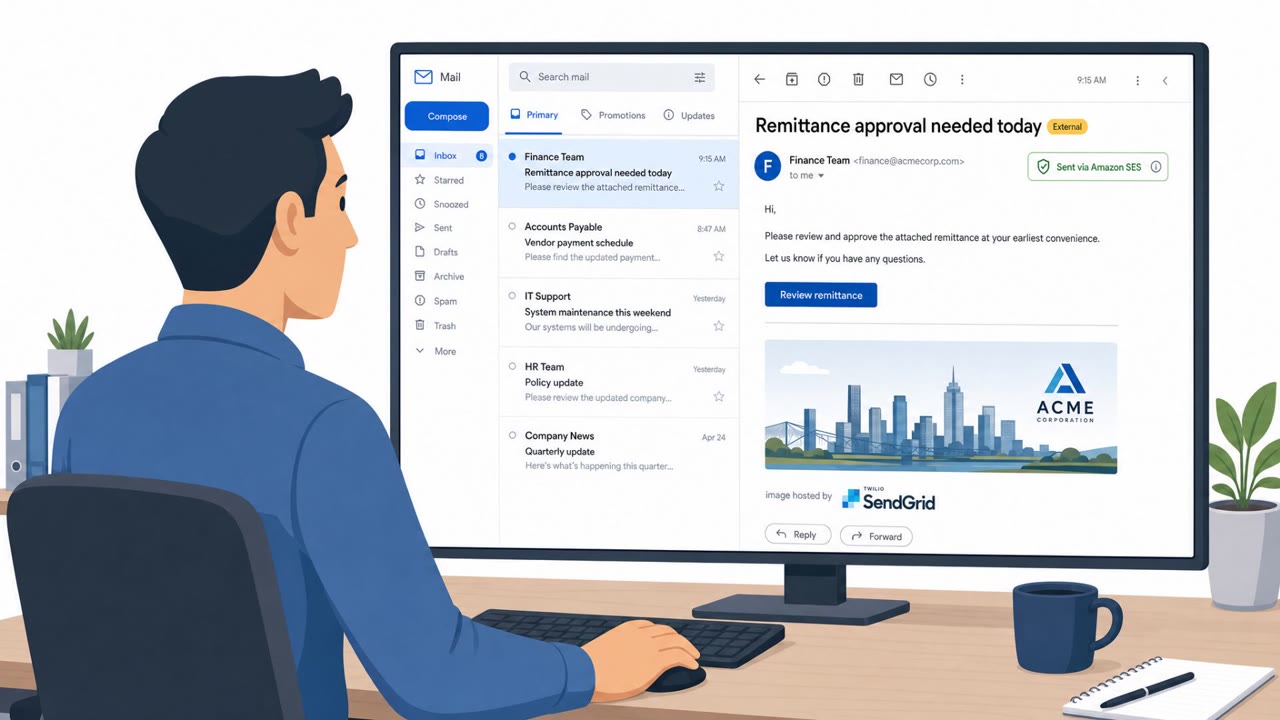
Researchers report an active phishing-as-a-service operation, Forg365, that targets Microsoft 365 users with document/payment-themed lures and techniques that…
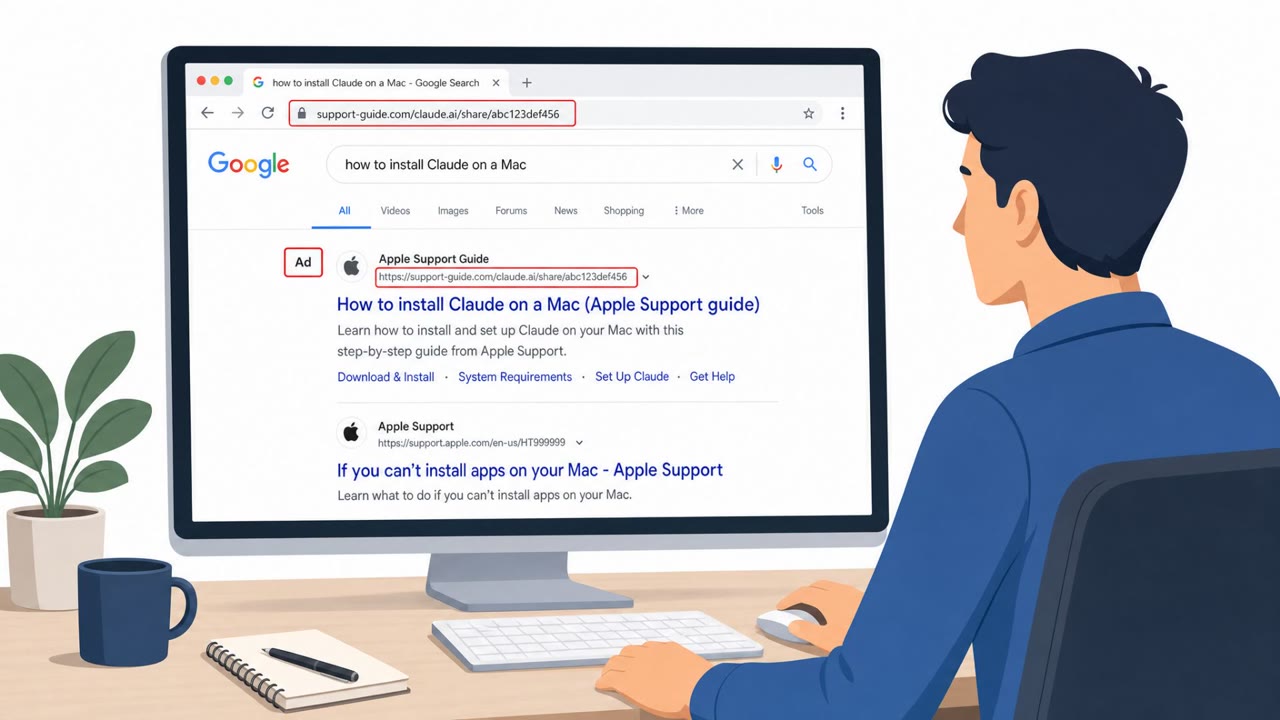
This bulletin describes multiple real-world social engineering campaigns where attackers trick people into trusting a familiar screen, like a search result…
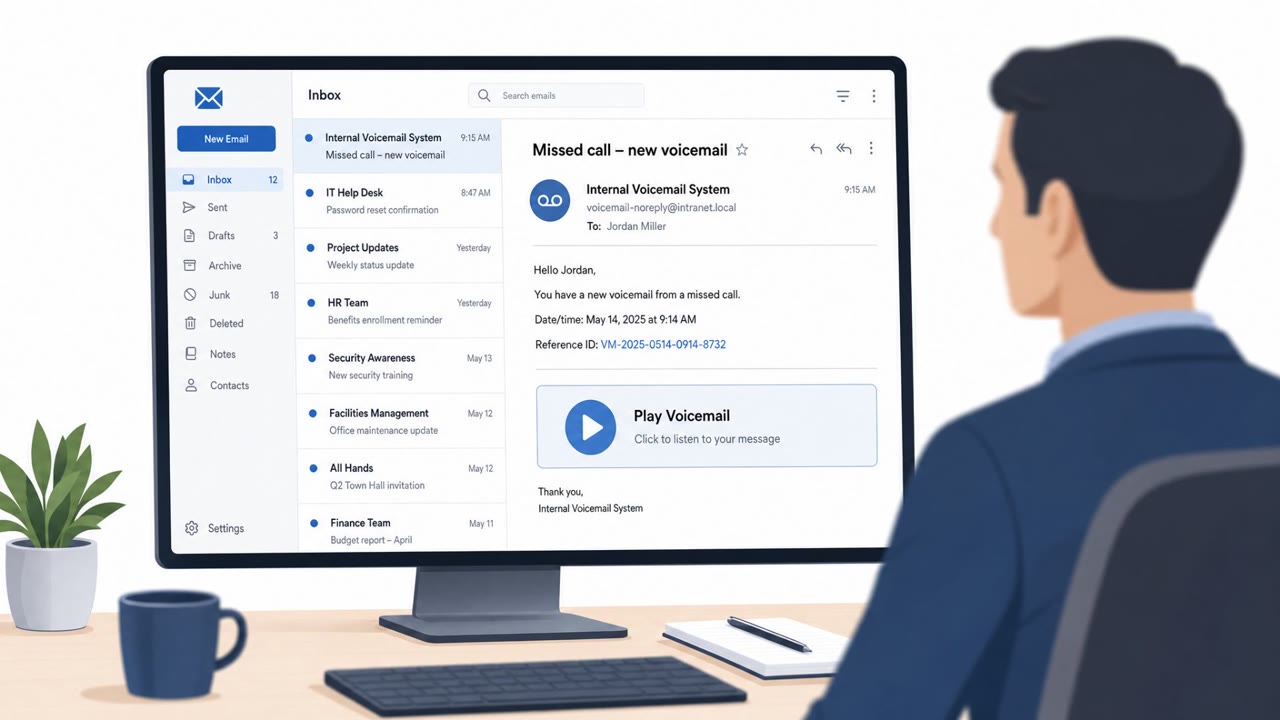
A voicemail-themed phishing campaign (“Kali365 Ringer”) targeted financial and insurance organizations using a missed-call notification and a Google Sites page…
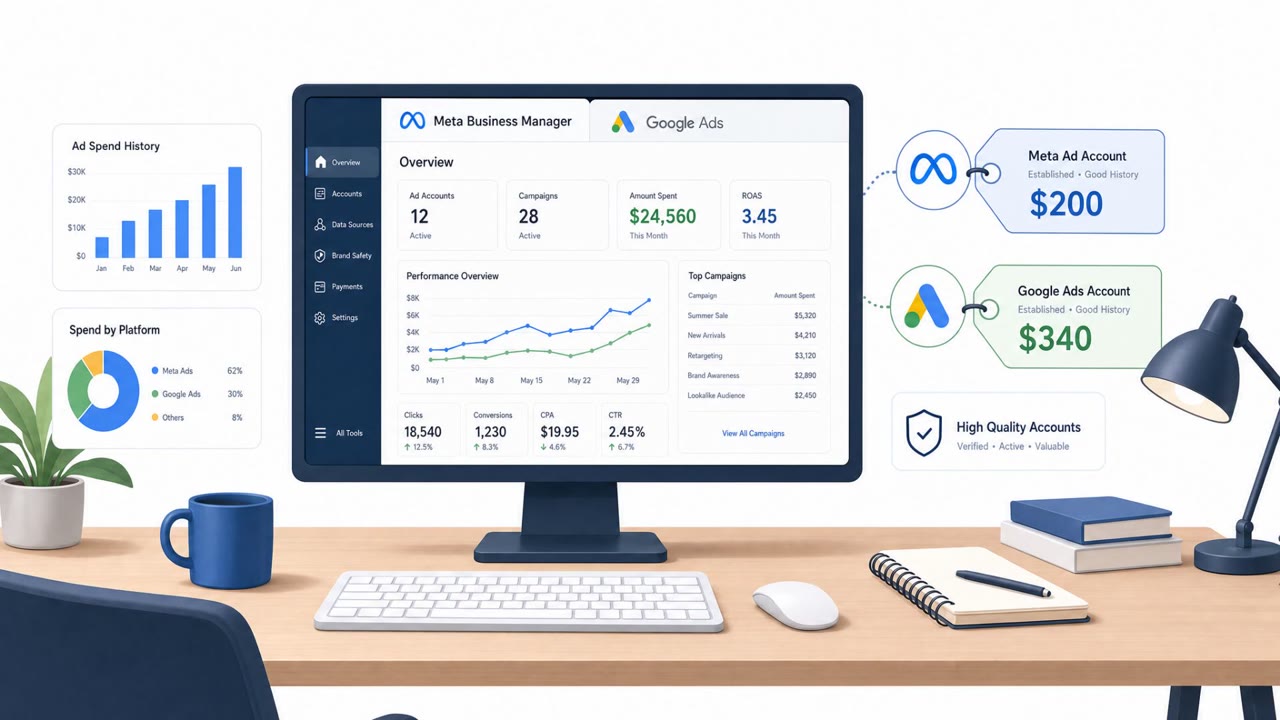
Criminal groups are stealing Meta Business Manager and Google Ads accounts using phishing that arrives through trusted platforms like Salesforce, Google…