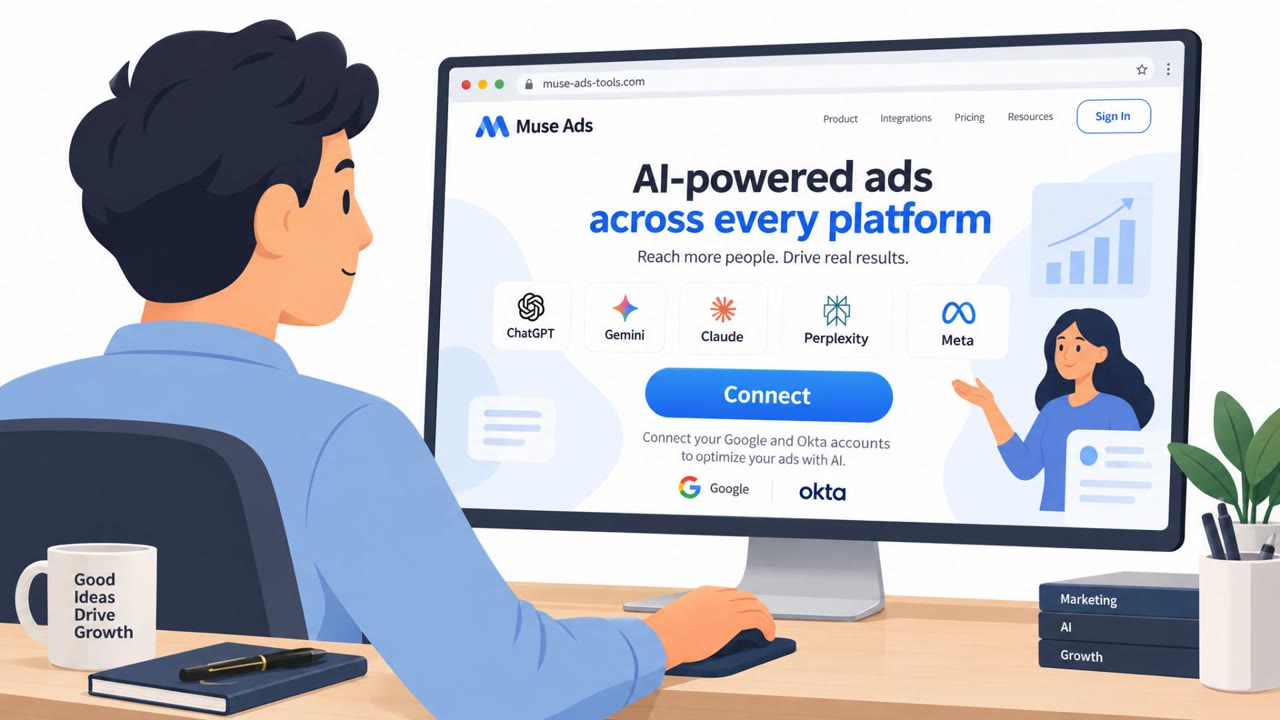
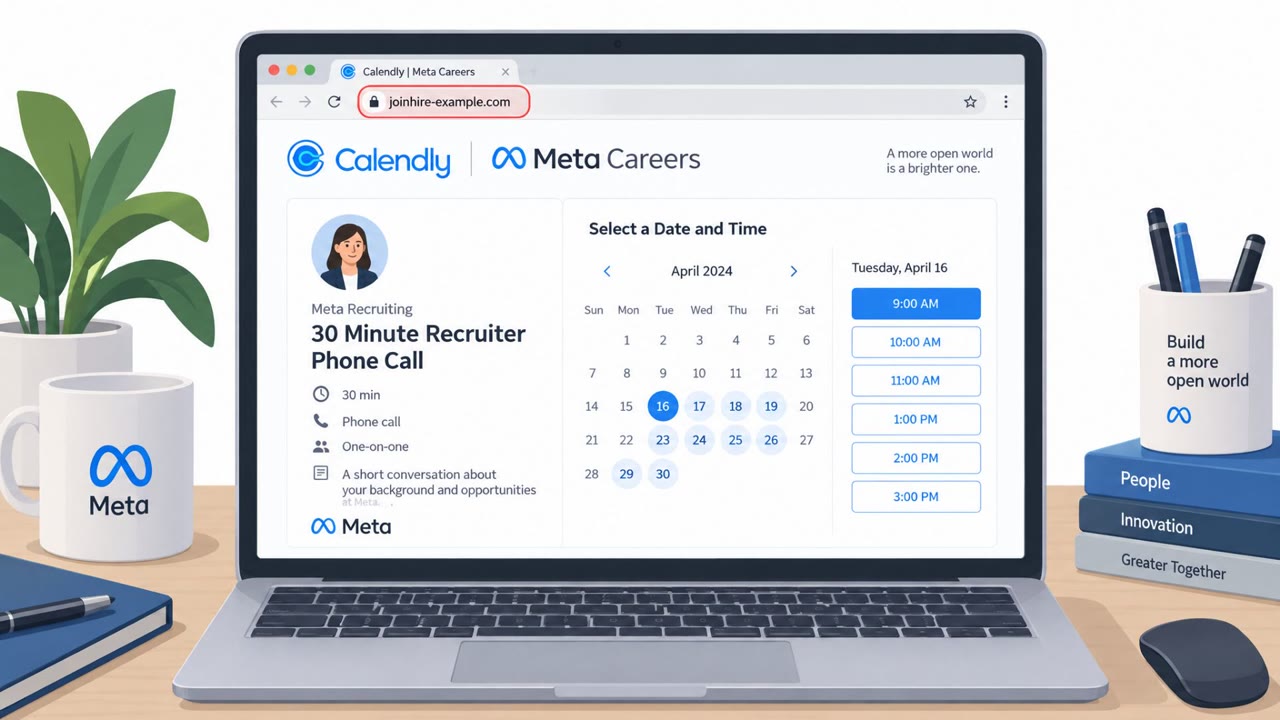
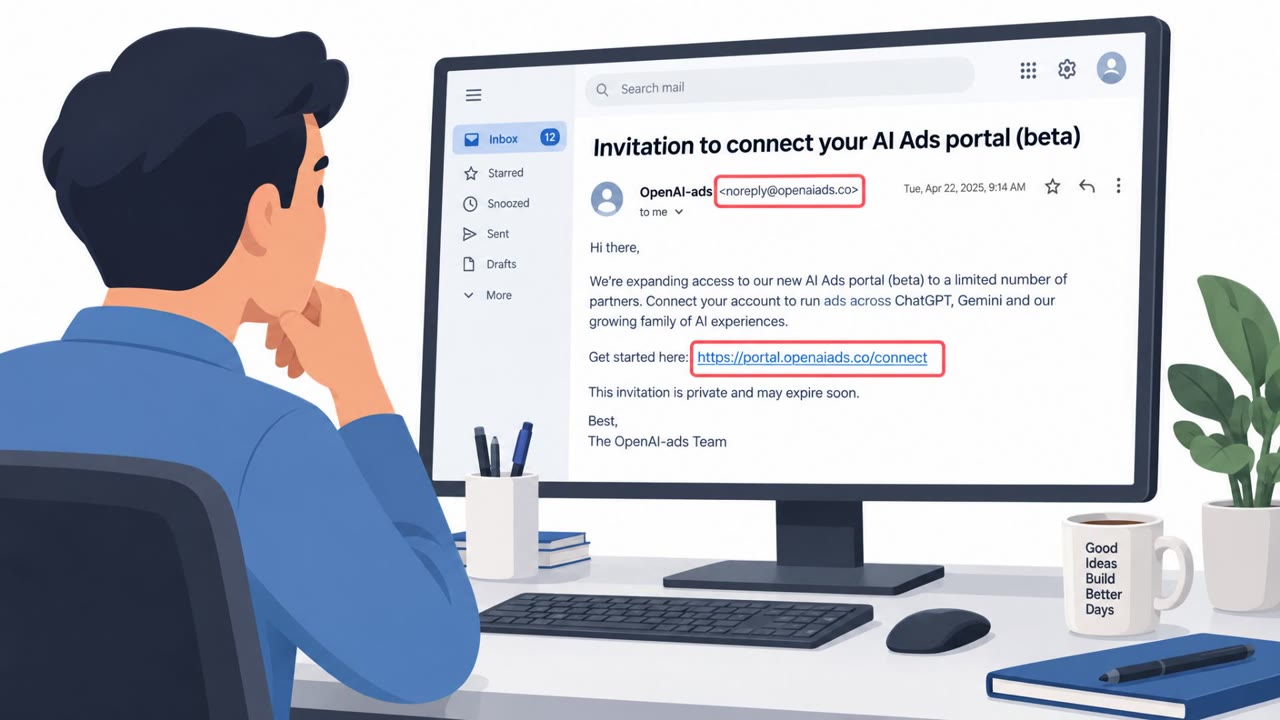
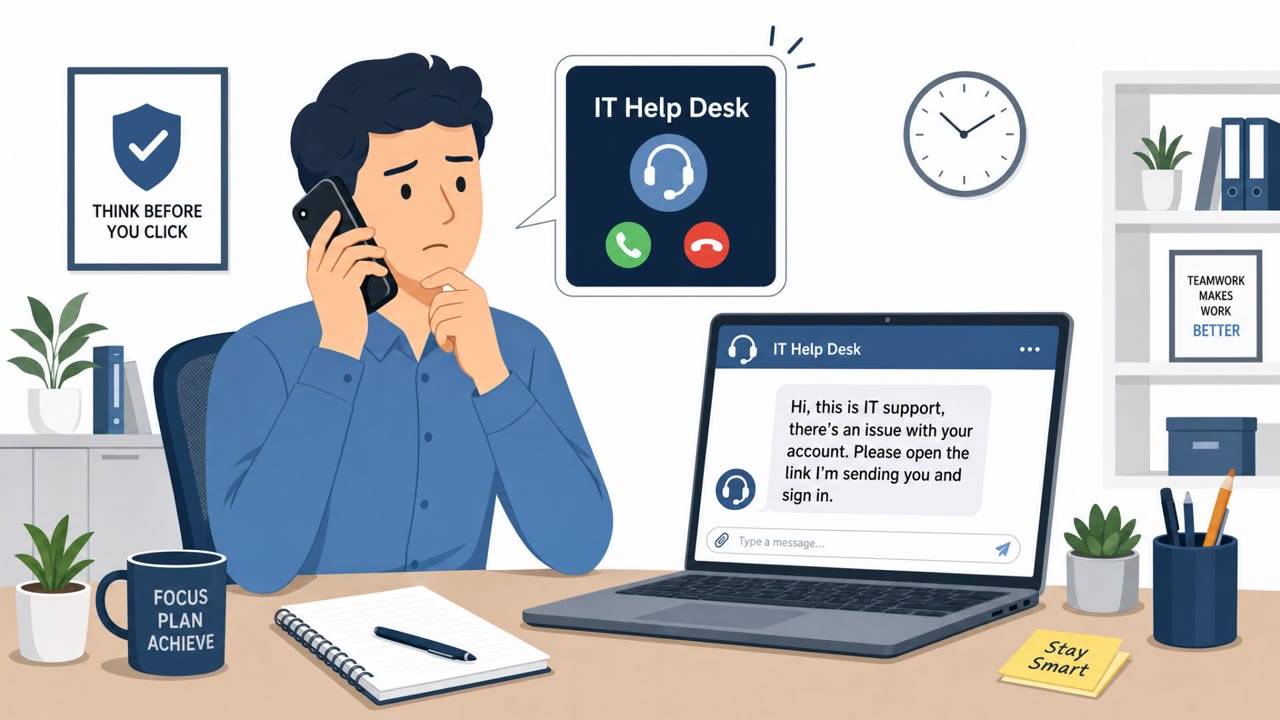
Criminal groups are stealing Meta Business Manager and Google Ads accounts using phishing that arrives through trusted platforms like Salesforce, Google Workspace mail-merge, and SharePoint links. The stolen accounts are valuable not just for the budget inside them, but because older accounts with real ad history can run scam ads more easily and sell for a premium. Once attackers get in, they often lock out the real owner by changing admin roles, making recovery slow and costly.
How the attack worked
Criminal groups are stealing Meta Business Manager and Google Ads accounts using phishing that arrives through trusted platforms rather than obviously malicious infrastructure. According to the findings, about one in three detections arrived through Salesforce infrastructure, and another quarter came through Google Workspace mail-merge tools and SharePoint-hosted links. A typical lure impersonates Meta Business Support or Google Ads, warning the recipient of an account issue and pushing them to click a link and sign in, which harvests their credentials.
Why it succeeded
The core reason this works is trust transference. Sending through Salesforce, Google Workspace, or SharePoint means the sending IP, domain, and authentication records like SPF and DKIM all pass checks that would normally reject an unknown domain. As the reporting puts it, threat actors have moved away from purpose-built malicious infrastructure and toward legitimate, high-reputation sending platforms that email security tools are configured to trust. Once the delivery problem is solved, the attacker's only remaining task is making the message content convincing enough to prompt a click.
What to watch for
- Account or security notices that arrive via a third-party platform (Salesforce, mail-merge tooling, SharePoint links) rather than a direct, expected notification
- Urgent language asking you to verify or restore access to a Meta or Google Ads account through an embedded link
- Requests to sign in from a link instead of navigating directly to the known platform
- Sudden appearance of unfamiliar admins or reduced permissions on an ad account, which attackers use to lock out the real owner
Why aged accounts are valuable
Beyond the ad spend sitting in a compromised account, attackers specifically prize accounts with real history because aged, active accounts can serve ads that pass platform safety checks more easily. This is why stolen Meta Business Manager accounts and high-risk-sector Google Ads accounts show up for sale, with pricing reflecting how established and trusted the account appears.
How to build resistance
- Treat notices from trusted-looking platforms with the same scrutiny as unknown senders, since attackers use them specifically to bypass reputation-based filtering
- Go directly to Meta Business Manager or Google Ads by typing the address or using a saved bookmark instead of clicking links in notices
- Limit the number of admins on ad accounts, review roles regularly, and watch for unauthorized admin additions
- Respond quickly if spend or access looks unfamiliar; stopping fraudulent spend can often happen within hours, but reclaiming ownership and rebuilding standing with the platform's review systems can take months
Key findings
- Stolen Meta Business Manager accounts reportedly sell for about $15–$340, and some Google Ads accounts (high-risk sectors) have been listed for $200–$270 on Telegram.
- Attackers value aged ad accounts because established spend history helps ads pass platform checks: “aged, active accounts can serve ads that pass platform safety checks.”
- Mimecast observed large-scale activity ("6.4 million detections" over four years), with the second half of 2025 reaching a new high (about 1.86 million).
- Phishing delivery often abuses trusted infrastructure: roughly one-third via Salesforce and another quarter via Google Workspace mail-merge tools and SharePoint-hosted links.
- After compromise, attackers may add themselves as admins and reduce the victim’s permissions, making account recovery slow (“can take months”).
Who’s being targeted
- Commonly targeted roles: Marketing, Digital Advertising, Social Media Managers, Business Administrators, IT / Identity & Access Management.
- Affected industries: Advertising and marketing, Any business running Meta or Google advertising campaigns, E-commerce and online services (common advertisers).
- Attack channels: email, website.
- Impersonated: Meta Business Support / Meta Business Manager, Google Ads / Google Support.
Red flags to watch for
- Email is sent via a third-party platform (e.g., Salesforce) rather than an expected Meta notification path
- Unexpected urgency to verify/restore access via a link
- Link destination is not clearly Meta-owned (may route through a hosted page)
- Notification arrives via mail-merge tooling (mass-sent look/format) but claims to be individualized support
- Uses a SharePoint-hosted link for a Google Ads issue
- Request to sign in from a link instead of using the known Google Ads portal directly
Frequently asked questions
Why do stolen ad accounts sell for money?
Aged, active accounts with real ad history can pass platform safety checks more easily, making them valuable for running scam ads. Stolen Meta Business Manager accounts have reportedly sold for about $15 to $340, and some Google Ads accounts for $200 to $270.
How do attackers deliver these phishing messages without getting flagged?
They send phishing through trusted platforms like Salesforce, Google Workspace mail-merge tools, and SharePoint-hosted links, since these services carry sending reputations that bypass reputation-based email filtering.
What happens after an attacker gets into an ad account?
Attackers often add themselves as admins and downgrade the legitimate owner's permissions, which can make reclaiming the account and rebuilding platform standing take months.
What should marketing and admin teams do to reduce this risk?
Avoid signing in through links in account notices, go directly to Meta or Google Ads instead, limit and regularly review who has admin access, and monitor for unfamiliar admin changes.
Read the video transcript
Your Meta Business or Google Ads account can sell for up to a few hundred dollars on Telegram, phishers want it more than your password vault. The trick: a “Meta Business account needs verification” email that really comes through Salesforce, or a “Google Ads alert” blasted via Google Workspace mail-merge with a SharePoint link. You click, sign in, they steal your ad account and quietly add themselves as admin. Here’s the aha: these emails sail past filters because they ride on trusted systems, Salesforce, Google Workspace, SharePoint, so SPF and DKIM all look perfect. The only giveaway is the path: Meta support should not be sending you through a random hosted link to sign in. If you get any Meta or Google Ads account alert, ignore the link. Type business.facebook.com or ads.google.com yourself or use your bookmark, and check for issues only inside the real dashboard.