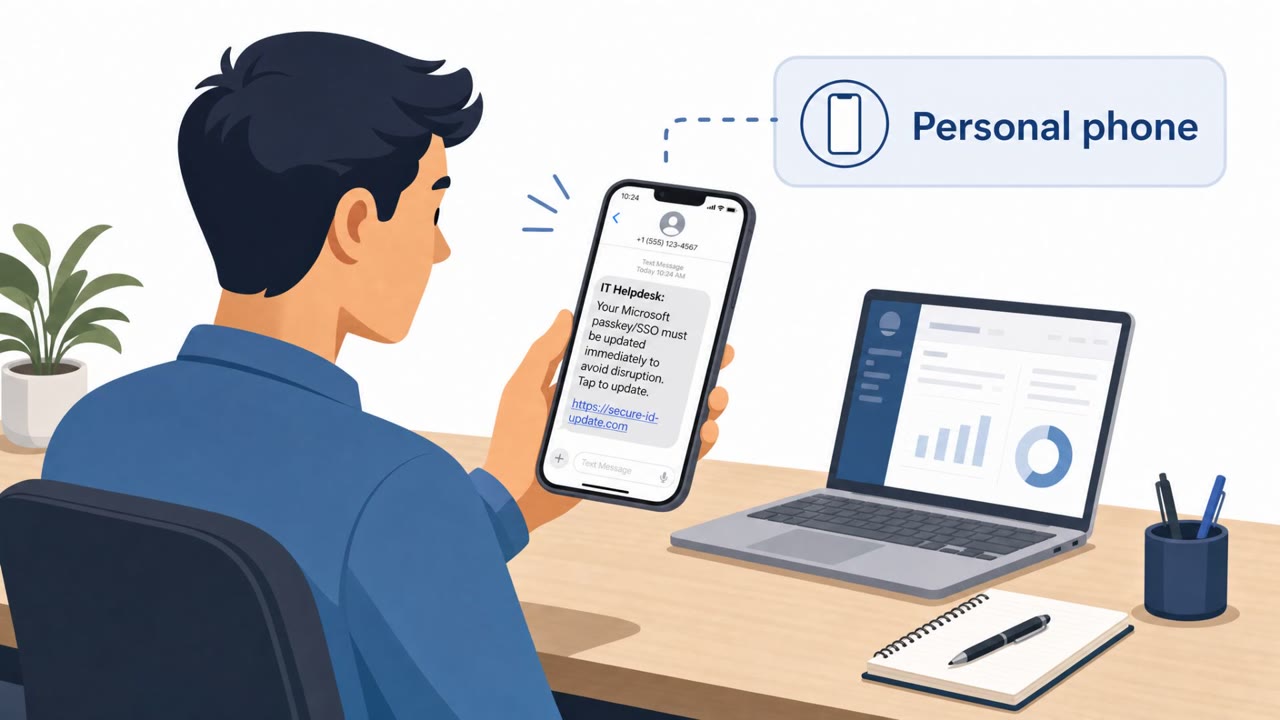
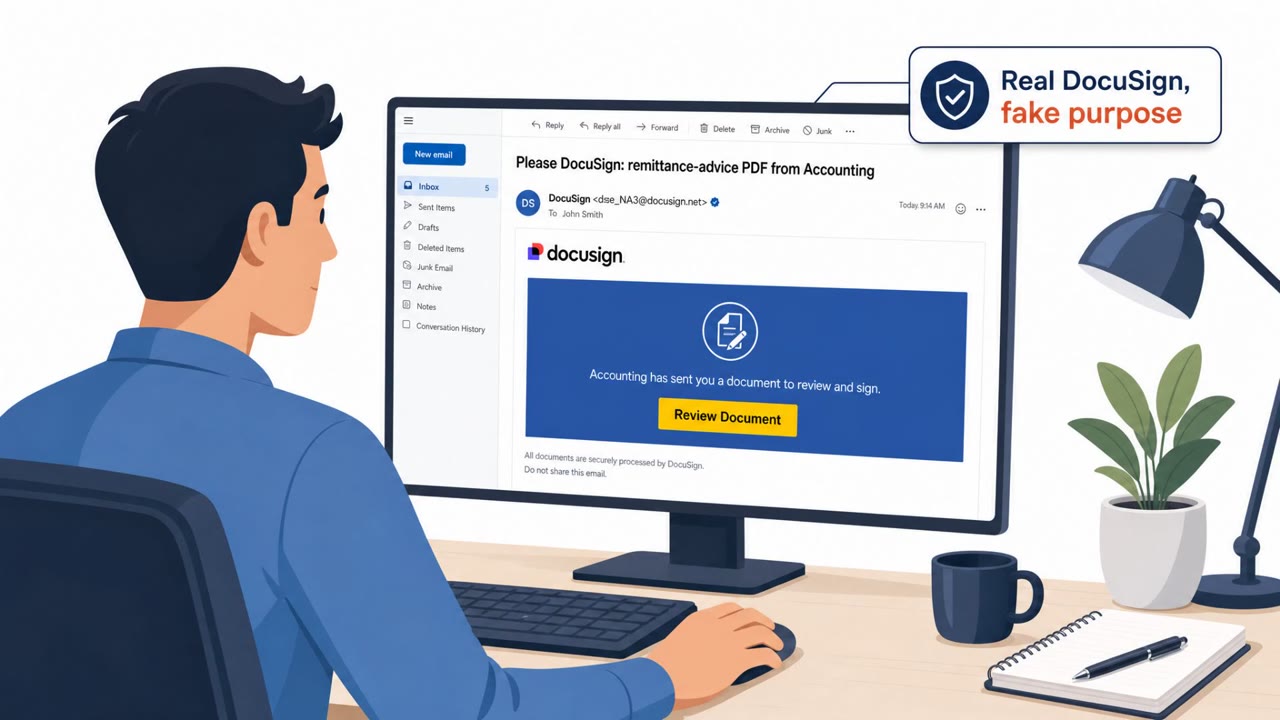
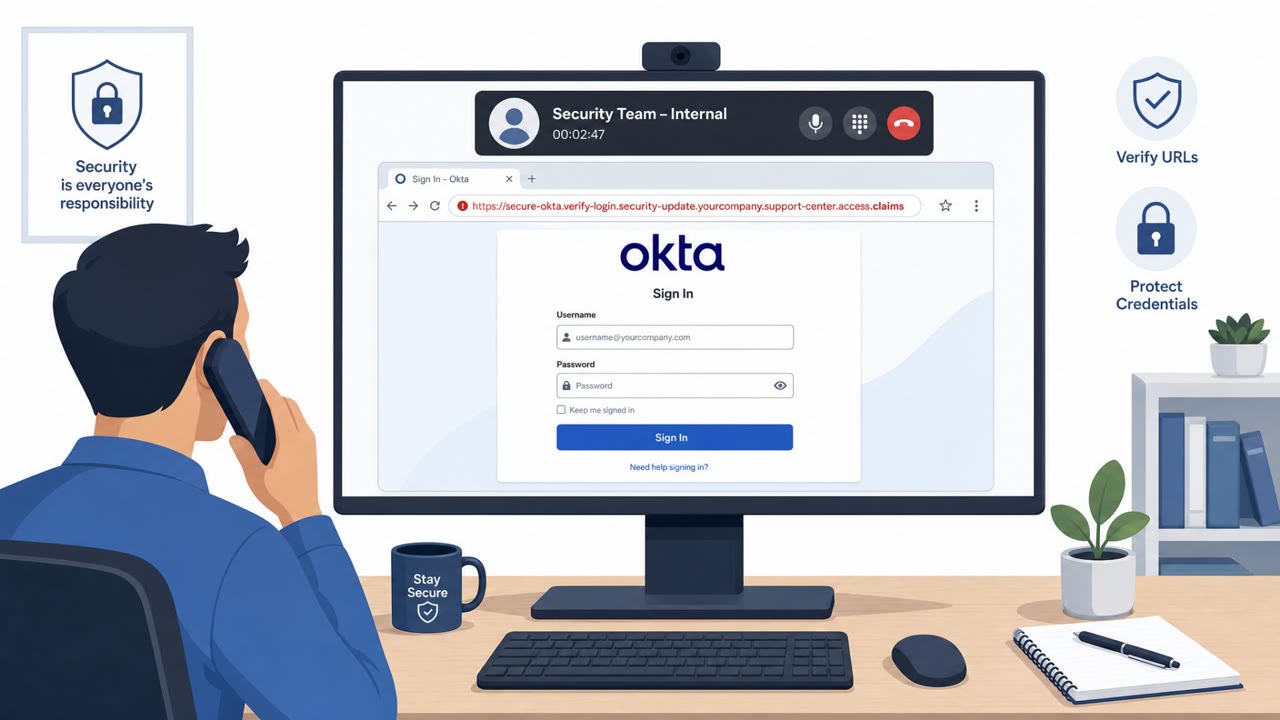
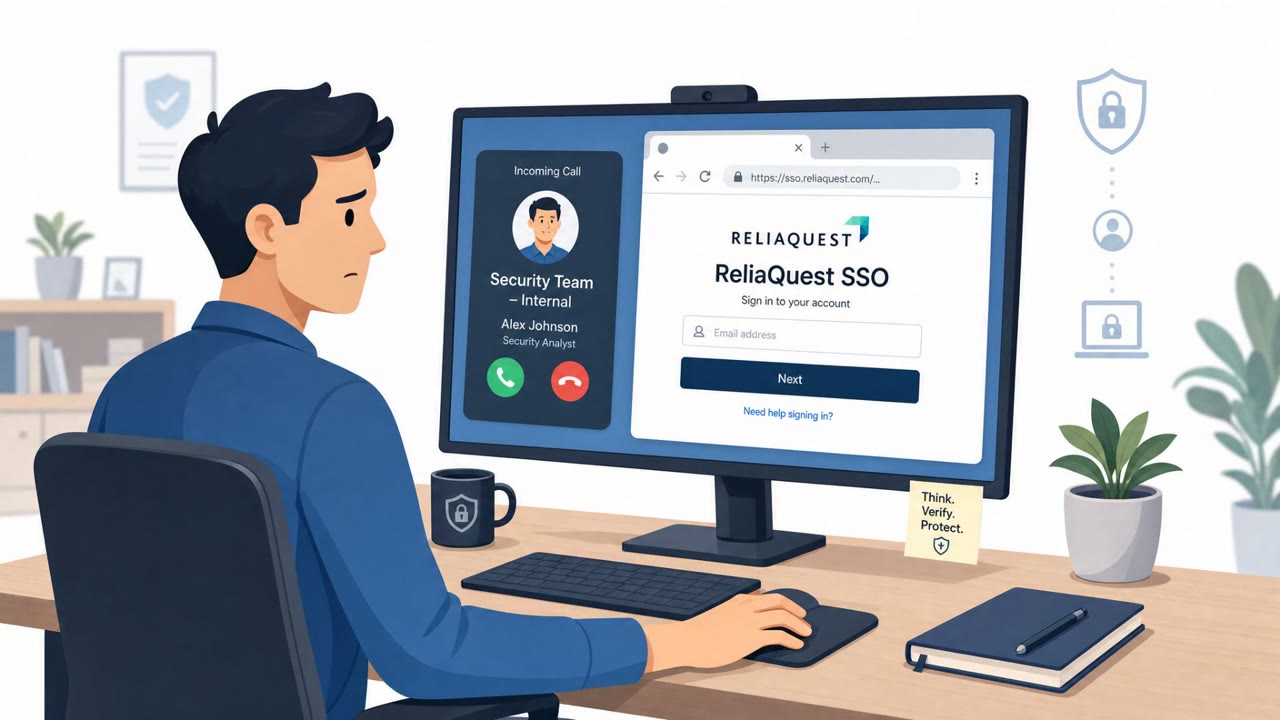
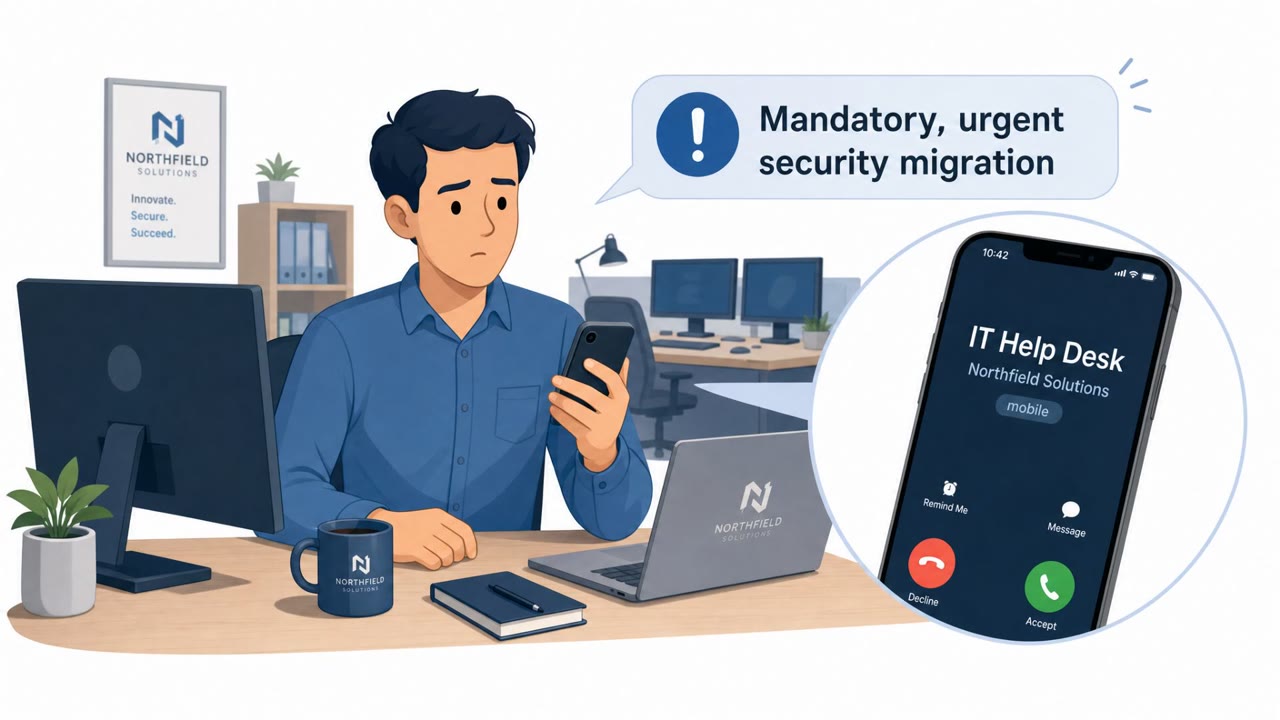
Okta says it gained an inside look at “Work Panel,” a polished SaaS-style dashboard that helps voice-phishing (vishing) crews rapidly set up fake login sites and guide victims through password and MFA capture. The tool clones brand look-and-feel for services like Okta and Microsoft 365, then lets a manager monitor victims in real time and push them through MFA prompts while a caller keeps them on the phone.
How the attack worked
Okta described a console called Work Panel that lets a vishing crew run coordinated phone-based attacks at scale. The tool automates domain registration, brand cloning, and hosting so a fake login page for Okta, Microsoft 365, or Salesforce can be stood up quickly and made to look like a real company tenant, complete with matching logos, colours, and domain details. A caller then contacts a target, often using details pulled from an integrated data-enrichment tool, and directs them to that page during the call.
While the caller keeps the victim on the phone, a separate manager monitors a real-time queue and uses a push button to advance the target through a fixed sequence: the phishing login page, a push notification screen, a number-matching prompt, and an authenticator code request. Captured usernames, passwords, and MFA codes appear directly in the manager's console and can be forwarded quickly through a Telegram bot, separating the caller's role from the data-capture role.
Why it succeeded
The workflow succeeds because it splits tasks between a caller who builds trust and urgency over the phone and a manager who handles the technical mechanics of credential and MFA capture. The victim experiences what feels like a single support interaction, but is actually being guided by two coordinated actors using a cloned, branded login flow. The use of enrichment data such as names, direct phone numbers, job titles, and LinkedIn profiles adds credibility, since the caller can reference accurate personal and organizational details.
What to watch for
- An unsolicited call instructing you to log in immediately to verify your account
- Being talked through MFA steps, such as approving a push notification, matching a number, or reading out an authenticator code, by someone on the phone
- A login link provided during the call rather than a bookmarked or company-approved URL
- A caller who already knows your name, title, or direct phone number, which does not guarantee legitimacy
Building resistance
Organizations and individuals can reduce exposure to this kind of attack by treating any phone-based request to complete a sign-in or approve an MFA prompt as suspicious by default. Employees should be encouraged to hang up and independently verify the request through an official internal channel rather than continuing to follow instructions from the caller. Because vishing has been linked to significant impact at large enterprises, including the Qantas incident referenced by Okta involving customer data affecting over five million people, awareness training should emphasize that vishing is a credible path to major data loss, not a minor nuisance call.
Key findings
- Okta describes a turnkey SaaS “operator console” that automates domain registration, brand cloning, and hosting for vishing campaigns targeting Okta, Microsoft 365, and Salesforce users.
- Work Panel integrates data-enrichment (RocketReach) to pull employee names, direct phone numbers, job titles, and LinkedIn profiles for a target domain.
- Attack workflow is coordinated: a manager watches a real-time queue and can “push” victims through password and MFA steps (push notification, number matching, authenticator code request) while the caller talks the victim through it.
- Captured usernames/passwords/MFA codes are shown in the console and can be forwarded quickly via a Telegram bot.
- Okta notes vishing is used by groups tied to “The Com,” including Scattered Spider and “Scattered Lapsus$ Hunters,” and cites Qantas being targeted via a Manila call centre with customer data theft impacting over five million people.
Who’s being targeted
- Commonly targeted roles: All staff, IT helpdesk/service desk, Customer support/call-centre teams, Executives and senior leaders.
- Affected industries: Airlines/Aviation, Information Technology (Identity providers/SaaS).
- Attack channels: vishing, website.
- Impersonated: Identity provider support (e.g., Okta or Microsoft 365 support).
Red flags to watch for
- Unsolicited phone call instructing you to log in immediately
- Being coached through MFA steps (number match or code) by someone on the phone
- Login page is accessed via a link provided during the call rather than your normal bookmarked/company-approved URL
Frequently asked questions
What is Work Panel?
Work Panel is a SaaS-style operator console described by Okta that automates domain registration, brand cloning, and site hosting for vishing campaigns targeting Okta, Microsoft 365, and Salesforce users.
How do attackers use Work Panel during a phone call?
A manager watches a real-time queue and uses a push button to advance targets through a fixed set of phishing pages, a push notification screen, a number-matching prompt, and an authenticator code request, while a caller talks the victim through each step on the phone.
How do attackers know who to call?
Work Panel integrates RocketReach data enrichment to pull employee names, direct phone numbers, job titles, and LinkedIn profiles for a target company domain.
Why is vishing considered a serious threat?
Okta notes vishing has been used by groups connected to The Com, including Scattered Spider, to target large enterprises, and cites Qantas being targeted with customer data theft affecting over five million people.
Read the video transcript
“Hi, I’m calling from Okta support about your sign-in, open this link and I’ll walk you through verification.” Sound familiar? Behind that call could be “Work Panel”, a SaaS console that spins up fake Okta and Microsoft 365 logins, pulls your name and direct number from RocketReach, and shows your password and MFA codes in real time. The caller talks you through a cloned Okta or Microsoft 365 page, then says, “Now approve the push” or “Read me the number-match code.” The page looks perfect, but you got there from their link, not your normal company login. Aha moment: real support will never coach you step-by-step through MFA on an unexpected call. If someone does, hang up and contact support through our official helpdesk, not the caller.