WhatsApp “Vote for My Friend” Scam Takes Over Accounts

Malwarebytes · Medium sophistication
Last updated August 4, 2026

A WhatsApp scam spreads through messages that ask you to “vote” for a friend in an online contest. The link leads to a WhatsApp-looking flow that tricks you into linking your account to a device controlled by the attacker. Once linked, the attacker can read messages and impersonate you to scam your contacts.

Key findings

  • Attackers use a familiar “vote for my friend/relative” request, often sent from a compromised contact, to drive quick clicks.
  • Links do not lead to real voting pages; they redirect into a WhatsApp-themed flow (sometimes using the legitimate wa.me domain) designed to trick victims into linking a device.
  • The scam abuses WhatsApp’s legitimate “Linked devices” feature to create a new session controlled by the attacker.
  • Some variants instruct victims to open WhatsApp > Connected/Linked Devices and enter a code supplied by the scammer.
  • After linking, attackers can read messages, send messages as the victim, and propagate the scam to the victim’s contacts.
  • Because it’s not a traditional login, there may be no password reset emails or obvious login alerts; the linked device appears as another session.

Who’s being targeted

  • Commonly targeted roles: All employees, Executives, Customer-facing teams, Anyone using WhatsApp for work.
  • Affected industries: General public / consumers, Any organization using WhatsApp for business communications.
  • Attack channels: whatsapp, website.
  • Impersonated: A known contact (whose account may already be compromised).

Awareness takeaways

  • Treat unexpected “vote/support” requests as suspicious, even when they come from someone you know, and verify via another channel.
  • Don’t click links that quickly lead to ‘verify/connect/link your WhatsApp’ steps; that’s a common setup for account takeover.
  • Only link devices (or scan QR codes / enter codes) when you initiated the action yourself.
  • Regularly review WhatsApp Linked Devices and log out anything you don’t recognize to stop silent takeovers.

Red flags to watch for

  • Unexpected request to vote/support that tries to create urgency and get a quick click
  • Link leads to a WhatsApp-looking page prompting you to “continue, verify, or connect”
  • Any prompt to link a device/session that you did not initiate
  • Being told to link a device or enter a code you didn’t request
  • “Verification” steps that are not initiated by you
  • Requests coming from a friend/contact that feel unusual or out of character
Try Mirage

Mirage safely runs attacks like this one against your own team, so you find out what happens before a real adversary does.

Get a demo
Read the video transcript

You get a WhatsApp from a friend: “Hey, can you vote for my cousin in this contest?” Looks harmless, right? But the link doesn’t go to a voting page. It jumps into a WhatsApp-looking wa.me flow that pushes you to ‘continue’ or ‘connect’ your WhatsApp. Some versions even tell you: “open WhatsApp, go to Connected or Linked Devices, and enter this code.” That quietly links the scammer’s device to your WhatsApp so they can read and send messages as you. If a contact asks you to vote and you see any ‘verify, connect, or link your WhatsApp’ step, stop. Message them back on a different channel to confirm before you touch anything.

Similar attacks

Revolut Users Hit With SMS Phish After Breach

Revolut Users Hit With SMS Phish After Breach

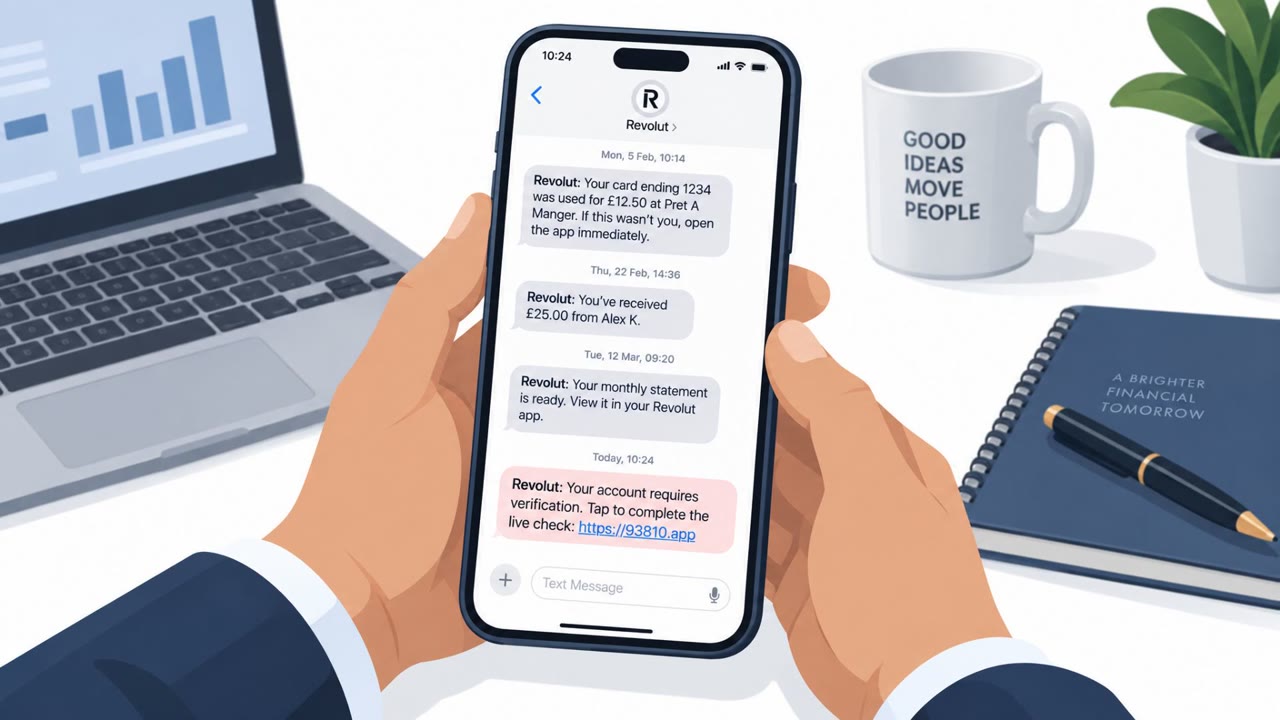
Days after Revolut disclosed that customer records were shared with an unauthorized party, some customers reported receiving phishing texts that appeared in the same SMS thread as real Revolut messages. The link led to a fake site that asked for camera access to mimic Revolut’s identity “liveness”…

September 17, 2026
Revolut Smishing Uses Fake Identity Check

Revolut Smishing Uses Fake Identity Check

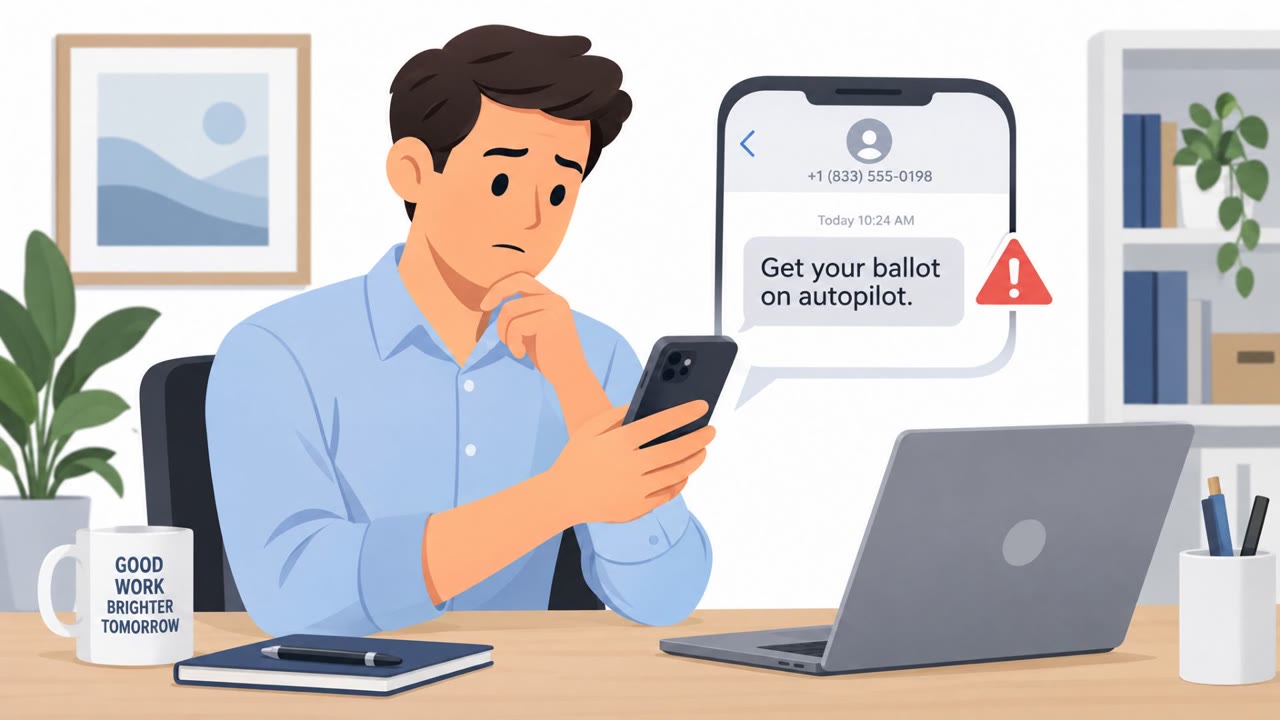
Following a Revolut data breach, scammers sent text messages that appeared to come from the same message thread as legitimate Revolut texts. The texts pushed victims to click a link for a fake identity “liveness check,” request camera access, and then capture passwords, information that could be…

September 21, 2026
RatHat Smishing Lure Pushes Android Sideloading

RatHat Smishing Lure Pushes Android Sideloading

Researchers described an Android Trojan (“RatHat”) that starts with scam texts or malicious ads and tricks people into installing a fake app from a bogus download page. After installation, it pressures victims to grant Accessibility permissions using fake excuses or incentives, then uses those…

September 18, 2026
Fake T-Mobile Points Expiry Texts Hit Phones

Fake T-Mobile Points Expiry Texts Hit Phones

A large phishing (smishing) campaign is sending messages that claim a T-Mobile customer’s rewards points are about to expire. The texts use urgency, made-up point balances, and lookalike “t-mobile.*.top” links to push people into clicking and entering sensitive information. Malwarebytes observed…

September 17, 2026
FBI Warns of Social Media Reset-Code Scams

FBI Warns of Social Media Reset-Code Scams

The FBI says criminals are using social engineering to take over social media accounts, steal explicit content, and sell or post it online along with victims’ personal information. Reported tactics include pretending to be a social media company representative, spamming victims with password-reset…

August 12, 2026
Fake Fortnite Rewards Lure Epic Login Theft

Fake Fortnite Rewards Lure Epic Login Theft

Scammers are setting up fake Fortnite “rewards,” “locker value,” and “competition” websites that funnel players to a fake Epic Games login page. The sites trick people into signing in so attackers can steal Epic usernames and passwords, then take over accounts for resale, fraud, or further scams. A…

July 31, 2026