Researchers described an Android Trojan (“RatHat”) that starts with scam texts or malicious ads and tricks people into installing a fake app from a bogus download page. After installation, it pressures victims to grant Accessibility permissions using fake excuses or incentives, then uses those privileges to steal banking logins, MFA/OTP codes, and even reconstruct device PINs.
Key findings
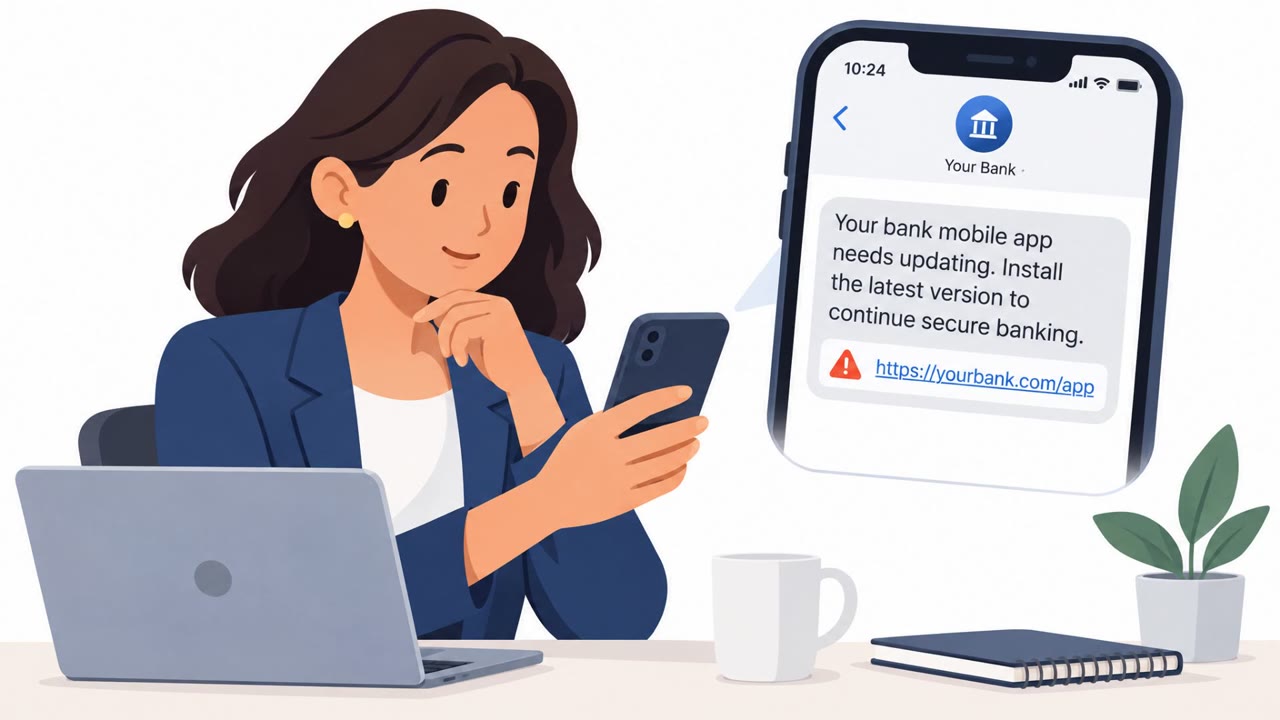
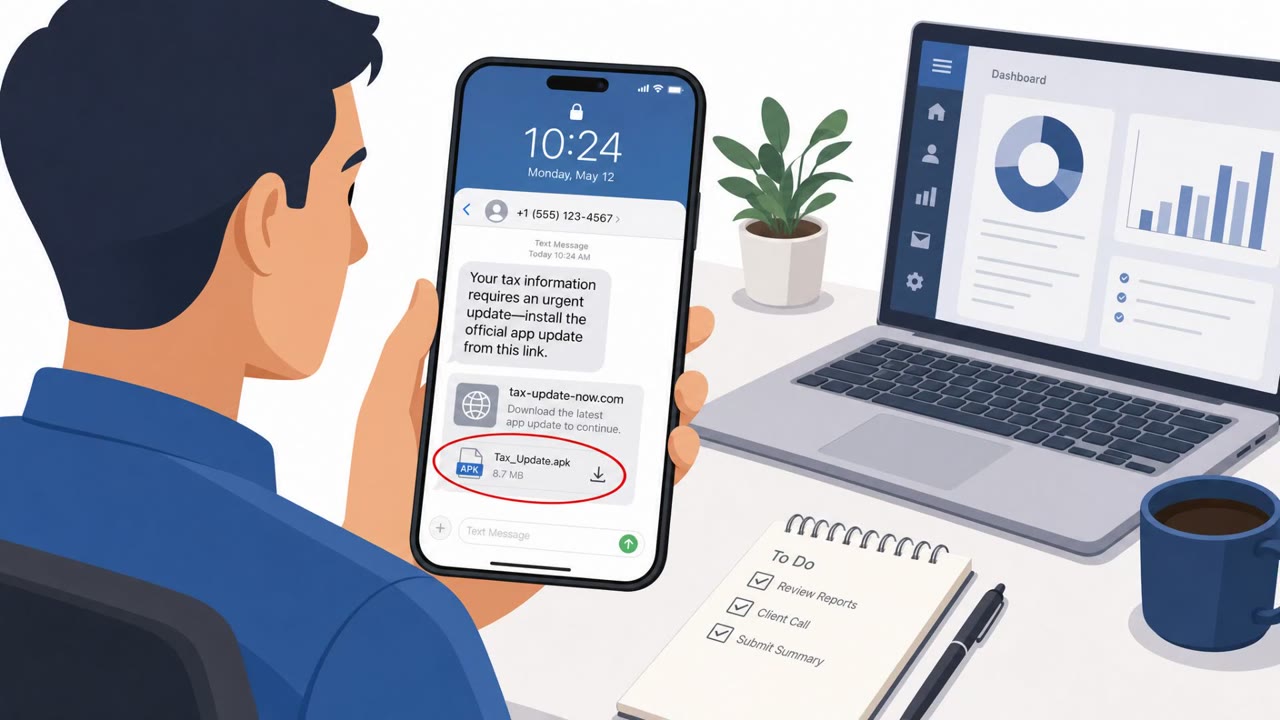
- Victims are lured by smishing texts and malicious ads to fake download pages that impersonate popular apps (e.g., streaming apps or Chrome) to get users to sideload a malicious APK.
- After installation, the malware pressures users to enable Android Accessibility Service using a fake “network restriction” excuse or a bogus financial incentive.
- With Accessibility enabled, it can navigate settings to enable Wireless Debugging and abuse Android Debug Bridge (ADB) for deeper control and persistence.
- The malware targets financial apps with overlays to capture credentials and can steal OTP/MFA codes.
- It can reconstruct PIN codes/unlock patterns by recording raw touch coordinates and matching them to known keypad layouts.
Who’s being targeted
- Commonly targeted roles: All employees (mobile device users), Finance, Executives, Customer support/helpdesk (to handle reports of smishing and fake app installs).
- Affected industries: Banking/Financial Services, Consumers (mobile banking users), Retail banking customers.
- Attack channels: smishing, website.
- Impersonated: A popular streaming app or a browser like Chrome, The newly installed app (fake streaming/browser app).
Awareness takeaways
- Do not install Android apps from links in texts/ads; use Google Play or trusted official stores only.
- Treat any request to enable Accessibility Service as high risk unless it is clearly needed for accessibility; stop and verify.
- Never enable Developer Options or Wireless Debugging at an app’s request; legitimate apps should not require this.
- Be cautious entering banking credentials or MFA/OTP codes if an app shows unexpected screens or overlays; stop and contact support through official channels.
Red flags to watch for
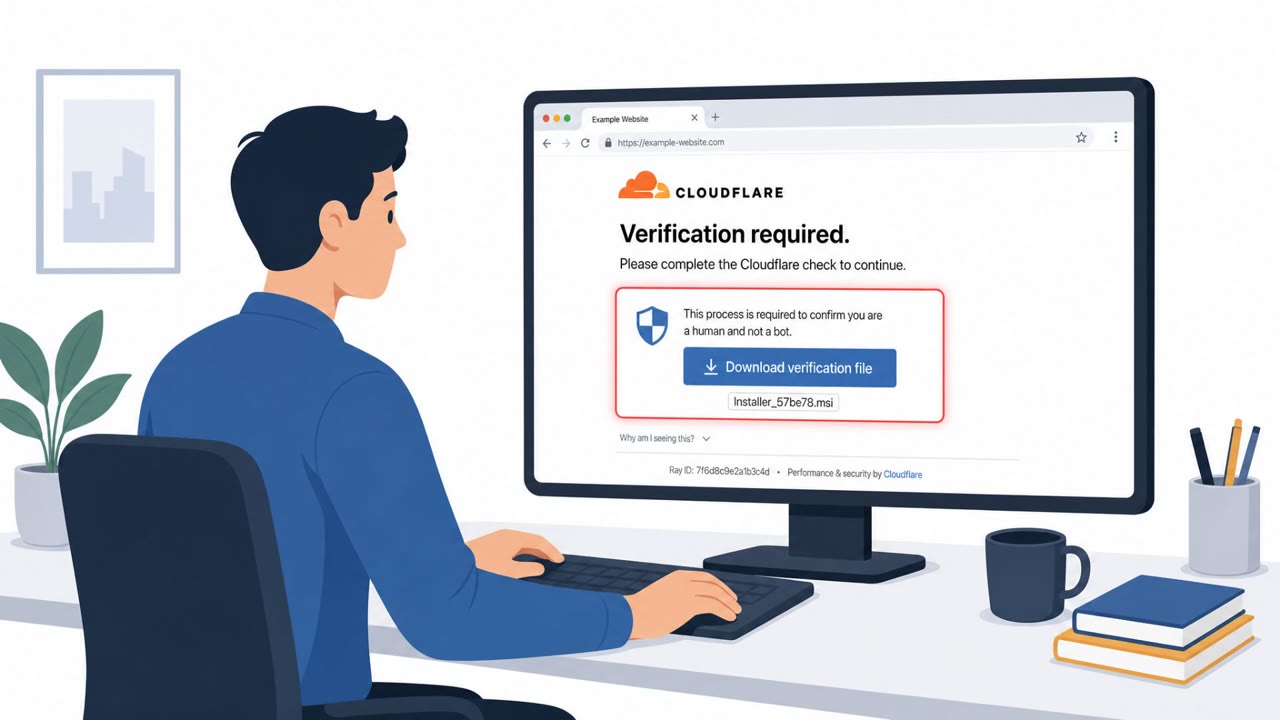
- Link leads to a non-official download page (not Google Play)
- Instructions to sideload an APK
- Brand impersonation (looks like Chrome/streaming app but is not from official store)
- Accessibility permission request unrelated to accessibility features
- Pressure/urgency or incentives to change security settings
- Unusual “fix” requiring powerful permissions
Read the video transcript
You get a text: “Update required – download the latest Chrome to keep browsing.” Looks legit, link included. You tap, land on a fake Chrome or streaming-app page that tells you to download an APK. That’s RatHat’s move: smishing you into sideloading a bogus app instead of using Google Play. After install, it pops up: “Enable Accessibility to fix a network restriction and get a reward.” That’s the trap. With Accessibility, RatHat can read your screen, grab banking logins and OTPs, even reconstruct your PIN from touch patterns. Here’s the rule: if a text or ad tells you to install or update an Android app, ignore the link, open Google Play yourself and get it only from there.