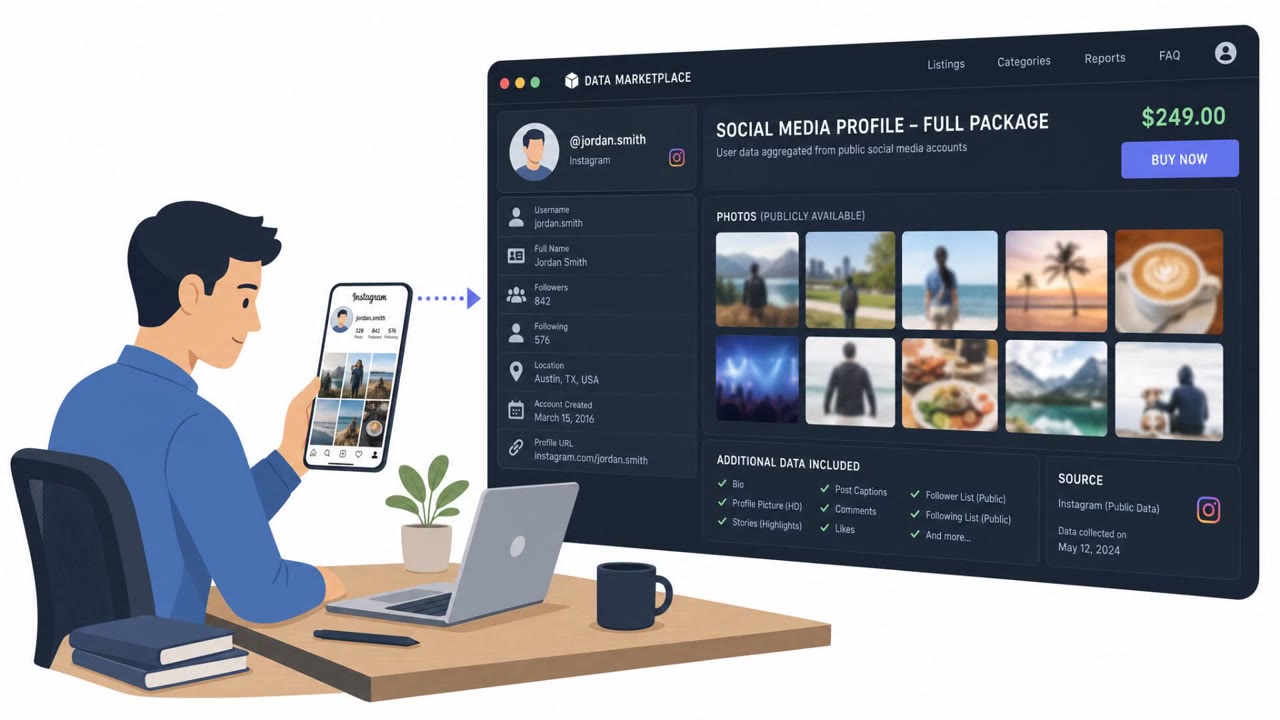
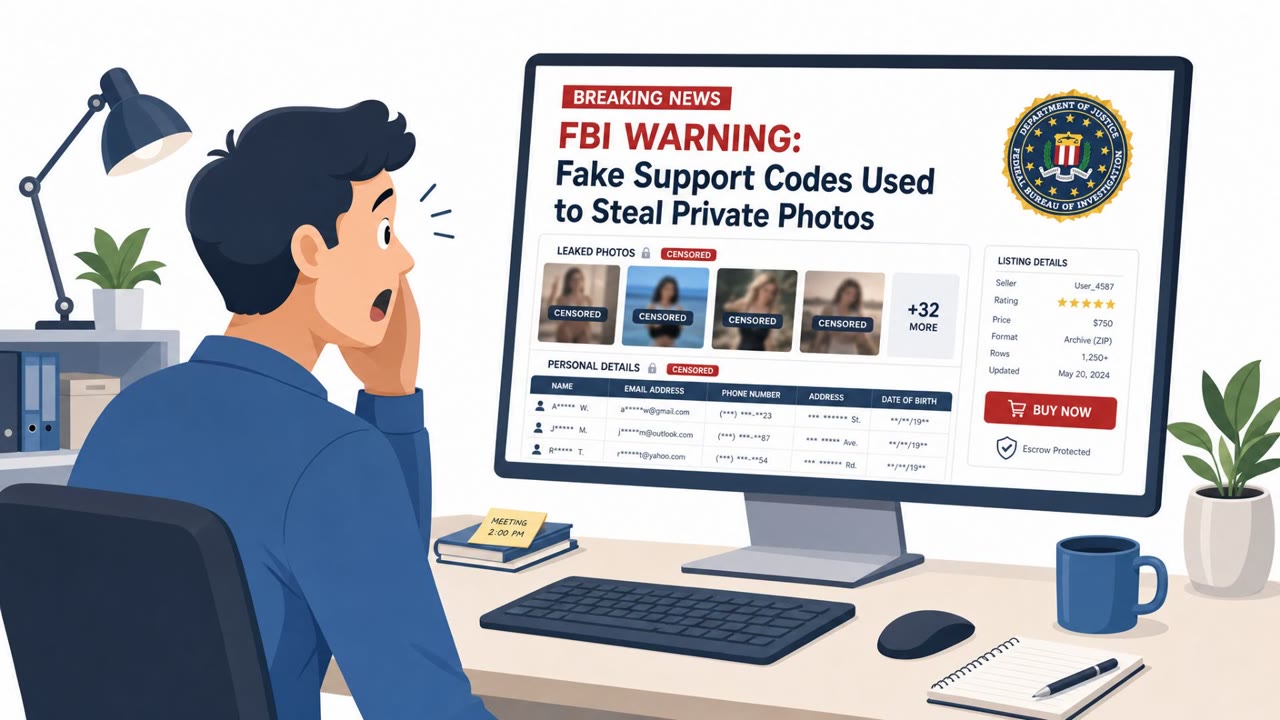
The FBI says criminals are using social engineering to take over social media accounts, steal explicit content, and sell or post it online along with victims’ personal information. Reported tactics include pretending to be a social media company representative, spamming victims with password-reset texts/codes, and using cloned login pages to steal credentials.
Key findings
- Hackers are breaking into social media accounts to steal explicit content and sell it on criminal marketplaces, sometimes posting personal information alongside it.
- Attackers may brute-force/guess passwords or PINs using leaked passwords and personal details (e.g., birthdays, names).
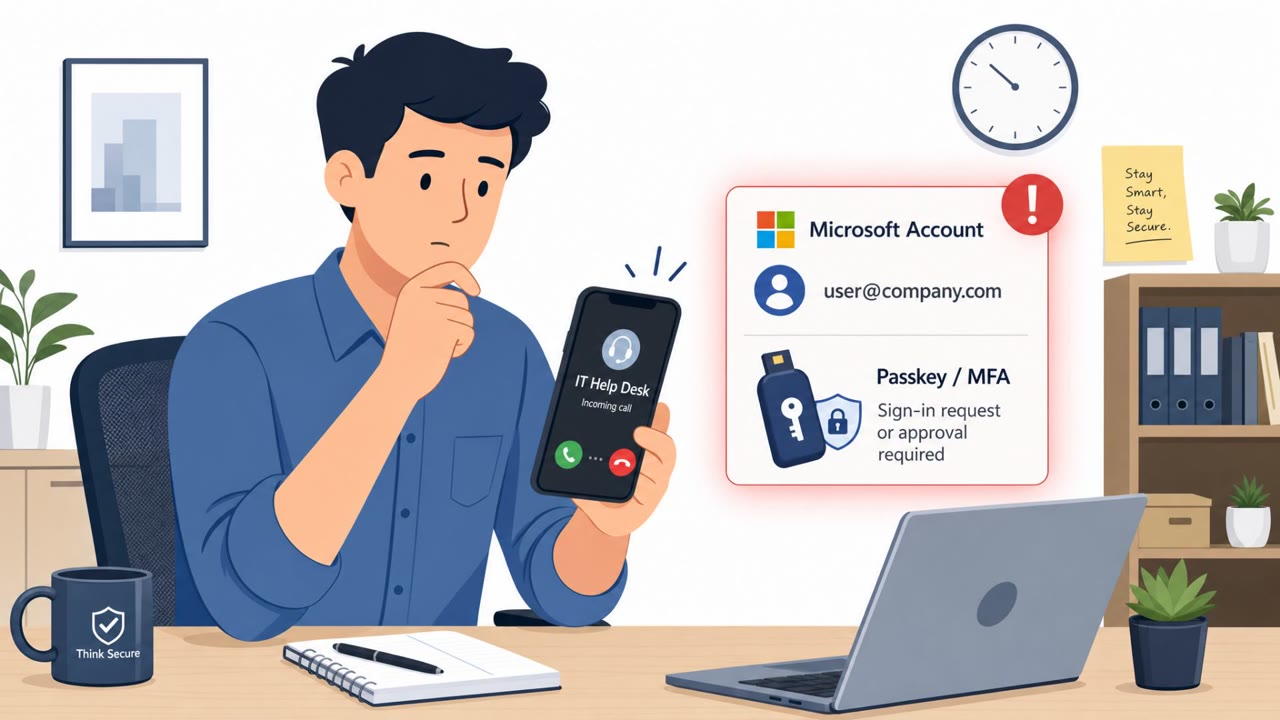
- Attackers impersonate social media company representatives and bombard victims with texts prompting password resets or sending reset codes they can use to take over the account.
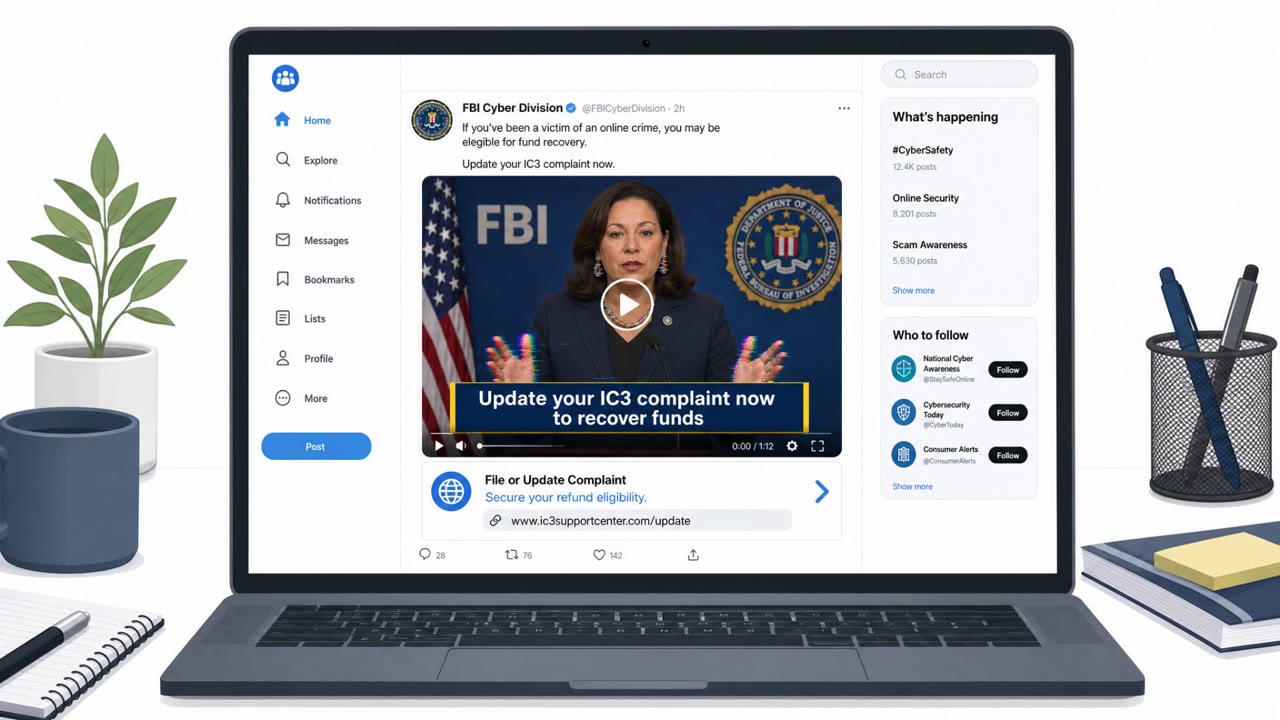
- Some incidents involve cloned social media login sites used to capture usernames/passwords.
- After theft, victims can face follow-on harm including harassment, sextortion, stalking, and attackers promoting stolen content via the victim’s own accounts.
Who’s being targeted
- Commonly targeted roles: All employees, Executives, Students/young adults, Social media managers, HR/People teams (employee support).
- Affected industries: Consumers/Individuals, Education (colleges and universities), Social media/Online platforms.
- Attack channels: smishing, website.
- Impersonated: Social media company representative (account security/support), Legitimate social media platform login page (lookalike site).
Awareness takeaways
- Never share password reset or verification codes, real support teams do not need them.
- Treat unexpected “your account was breached” messages as suspicious and verify through official, in-app or known-good support channels.
- Only log in through official apps/bookmarks; avoid signing in through links that could lead to cloned sites.
- Understand that account takeover can lead to repeat targeting (harassment, sextortion, stalking), so report quickly and preserve evidence.
Red flags to watch for
- Unsolicited security texts and urgency/pressure
- Requests to share a verification or reset code
- High-volume/bombarding messages pushing immediate action
- Login page is a lookalike/cloned site
- Unexpected verification prompt not initiated by the user
- Credentials requested after arriving from an untrusted link
Read the video transcript
Imagine waking up to find your private photos posted from your own account. That’s what these reset-code scams are doing. Here’s the trick: you get a text saying, 'Security Alert: Your account has been breached. Reply with the verification code we just sent to secure your account.' At the same time, a real reset code from your app pops up. If you reply with that code, they own your account. They may also push you to a cloned login page that says, 'Your account requires verification. Please sign in to restore access.' The page looks right, but the URL is wrong and you got there from a random link. Type your password there, and it’s sent straight to them. Aha moment: that reset code is a key, and anyone who has it can walk into your account. One rule: never share verification or reset codes with anyone, if someone asks for a code, it’s a scam.