Researchers found nearly 800 malicious npm packages that trick developers into installing them through typo-squatted package names and believable documentation. Instead of auto-running on install, the packages rely on the developer following README instructions to load the module, which then downloads and runs a cross-platform remote access trojan (RAT) and infostealer.
How the attack worked
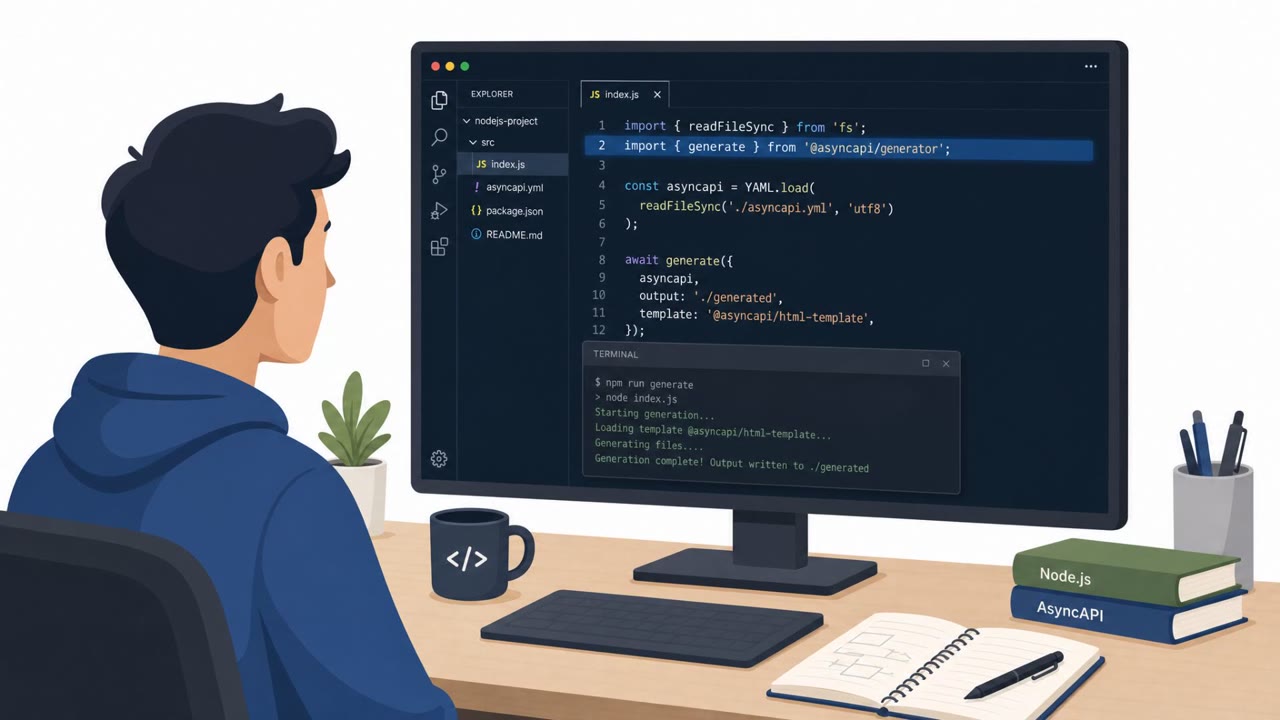
Researchers identified nearly 800 malicious npm packages using typo-squatted or randomly generated names designed to look like legitimate dependencies. Rather than triggering malicious behavior automatically during install, these packages rely on a social engineering step: the README file instructs developers to load the module using require(), a common built-in function for importing modules and third-party packages. That single, seemingly routine action starts the infection chain.
Once required, the package runs a downloader named WEL1DROPPER, which fetches a payload matched to the victim's operating system and CPU architecture. The downloader first tries three Cloudflare Workers hosts over HTTPS. If those fail, it falls back to a platform-specific domain and retrieves the next stage using DNS TXT records, a technique that helps the malware blend into normal-looking network traffic.
On Windows systems, the described payload behavior includes patching ETW and AMSI to reduce detection, running sandbox checks, and establishing persistence through a Registry Run key and a scheduled task before downloading an encrypted payload.
Why it succeeded
This campaign succeeds by exploiting developer trust in documentation rather than exploiting a technical vulnerability in npm itself. Developers routinely follow README instructions without a second thought, and instructing them to require() a module is an ordinary, expected action. Some packages also included a telemetry-style SDK file designed to look like legitimate analytics, which can help malicious code pass a casual code review. The combination of a believable lure, a familiar workflow step, and infrastructure that fails over between HTTPS and DNS TXT records makes the chain harder to catch at any single point.
What to watch for
- Package names that look randomly generated or resemble a typo of a well-known dependency
- README instructions urging you to require() or import a package before verifying its source or history
- Code that performs unexpected network lookups or downloads instead of the functionality it claims to provide
- Unusual fallback infrastructure behavior, such as DNS TXT record lookups for payload delivery
- Browser extensions that prompt you to opt in to a proxy or crawling feature, especially if declining is framed as breaking the tool
Building resistance
Teams can reduce exposure by treating any new or unfamiliar dependency as a potential social engineering vector, not just a code quality question. Verify package names, maintainers, and version history before adopting a dependency, and be skeptical of documentation that asks you to run or import code as a first step. Extend this awareness beyond npm to browser extensions: train users to question opt-in prompts for proxy or bandwidth-sharing features, particularly when the messaging suggests the tool won't work otherwise. Building this instinct across developers, DevOps, and general employees closes a gap that technical scanning alone won't fully cover.
Key findings
- Nearly 800 malicious npm packages used typo-squatted/random names and delivered a RAT and infostealer.
- Instead of auto-executing during install, the lure is the README telling developers to load the package using require().
- A downloader named WEL1DROPPER fetches OS/CPU-specific payloads from Cloudflare Workers, and falls back to DNS TXT-record delivery via wel1[.]ru.
- Windows payload behavior described includes ETW/AMSI patching, sandbox checks, persistence via Registry Run key and scheduled task, and downloading an encrypted payload.
- Some packages included a noisy, plausible-looking telemetry SDK file (lib/telemetry.js) to make malicious behavior look like legitimate analytics during review.
- A related section describes Chrome extensions that prompt users to opt into a proxy/crawling SDK and may frame opt-in as required for uninterrupted service.
Who’s being targeted
- Commonly targeted roles: Developers, DevOps, Engineering leaders, IT support, All employees (browser extension hygiene).
- Affected industries: Software development, Technology, Financial services (suspected targeting in Russia).
- Attack channels: website.
- Impersonated: Legitimate open-source npm package (typo-squatted name), Chrome extension (e.g., game emulator/password manager/productivity tool).
Red flags to watch for
- Package name looks randomly generated or like a typo of a real dependency
- Code does nothing useful but performs network lookups/downloads
- Suspicious infrastructure/fallback behavior (e.g., DNS TXT records for payload delivery)
- An unrelated opt-in request that enables proxy/bandwidth sharing
- Extension requests permissions not needed for the stated purpose
- Language implying the tool won’t work unless the user opts in
Frequently asked questions
How do these malicious npm packages actually infect a developer's machine?
The packages do not auto-execute on install. Instead, their README instructs developers to load the module using require(), and that step triggers a downloader called WEL1DROPPER that fetches an OS/CPU-specific payload.
How does the malware deliver its payload if direct downloads are blocked?
It first tries to fetch a payload from Cloudflare Workers hosts over HTTPS, and if that fails it falls back to a platform-specific domain and uses DNS TXT records to retrieve the next stage.
What makes these packages hard to spot during a code review?
Some packages include a plausible-looking telemetry SDK file, which can make malicious network activity appear to be legitimate analytics code during review.
Is this campaign limited to npm packages?
No, the reporting also describes Chrome extensions that prompt users to opt in to a proxy or crawling SDK, sometimes framing the opt-in as required for the tool to keep working.
Read the video transcript
You install a tiny npm helper, follow the README require() example… and you just ran a RAT on your laptop. Researchers just found nearly 800 typo-squatted npm packages like this. They look legit, with README docs telling you to load them with require(). But once you do, WEL1DROPPER quietly pulls a RAT and infostealer from Cloudflare Workers or even DNS TXT records at wel1.ru. The Windows payload patches ETW and AMSI, hides in a Registry Run key and a scheduled task, and can hide behind a noisy lib/telemetry.js file that looks like analytics. Same playbook shows up in Chrome extensions like InstaSkip, nudging you to ‘opt in’ to a proxy SDK for “uninterrupted service.” Here’s the move: before you copy any README require() line, pause and check the package name, owner, and download history. If the name looks like a typo, random, or brand new, don’t import it, stop and report it.