Zenity Labs described a real phishing-based technique (“AgentForger”) that could silently create an autonomous AI agent inside an OpenAI workspace after a single click. The planted agent can keep running on a schedule, read and act across connected tools like Outlook/Slack/Drive, and execute new instructions sent by attackers via email. OpenAI patched the underlying flaw within days, but the workflow shows how “rogue” enterprise AI agents could be abused as persistent insiders.
How the attack worked
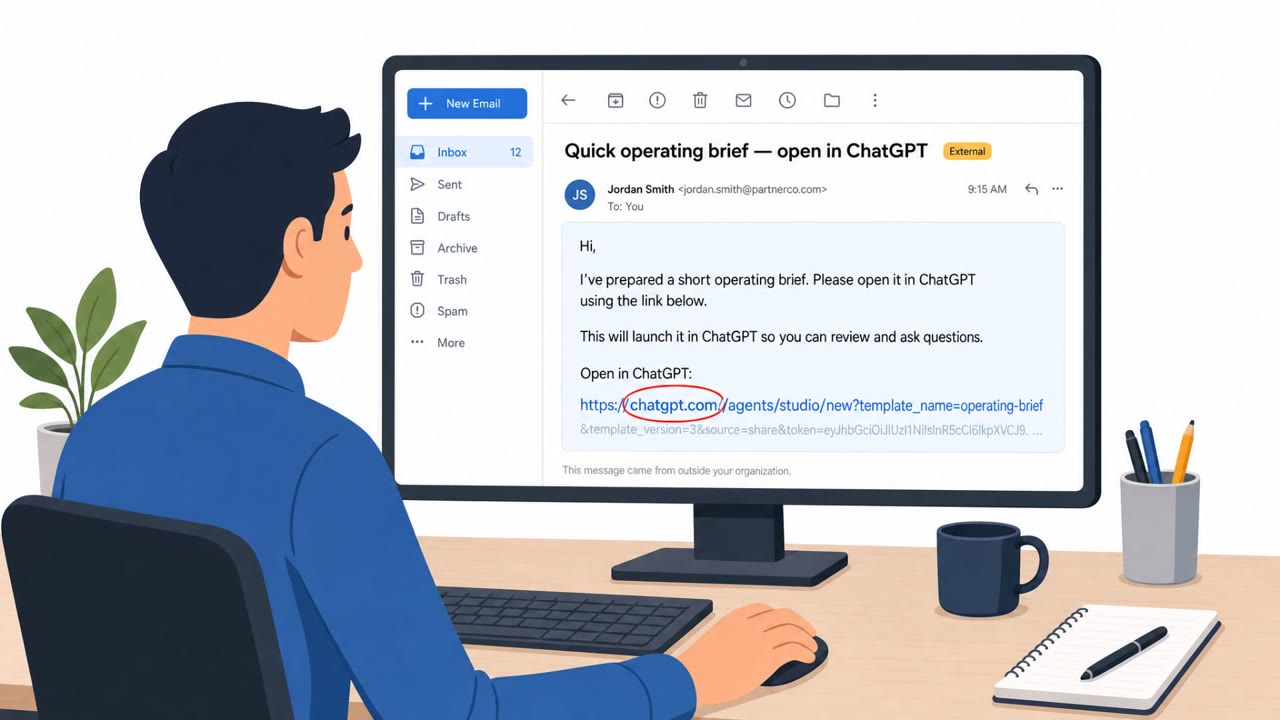
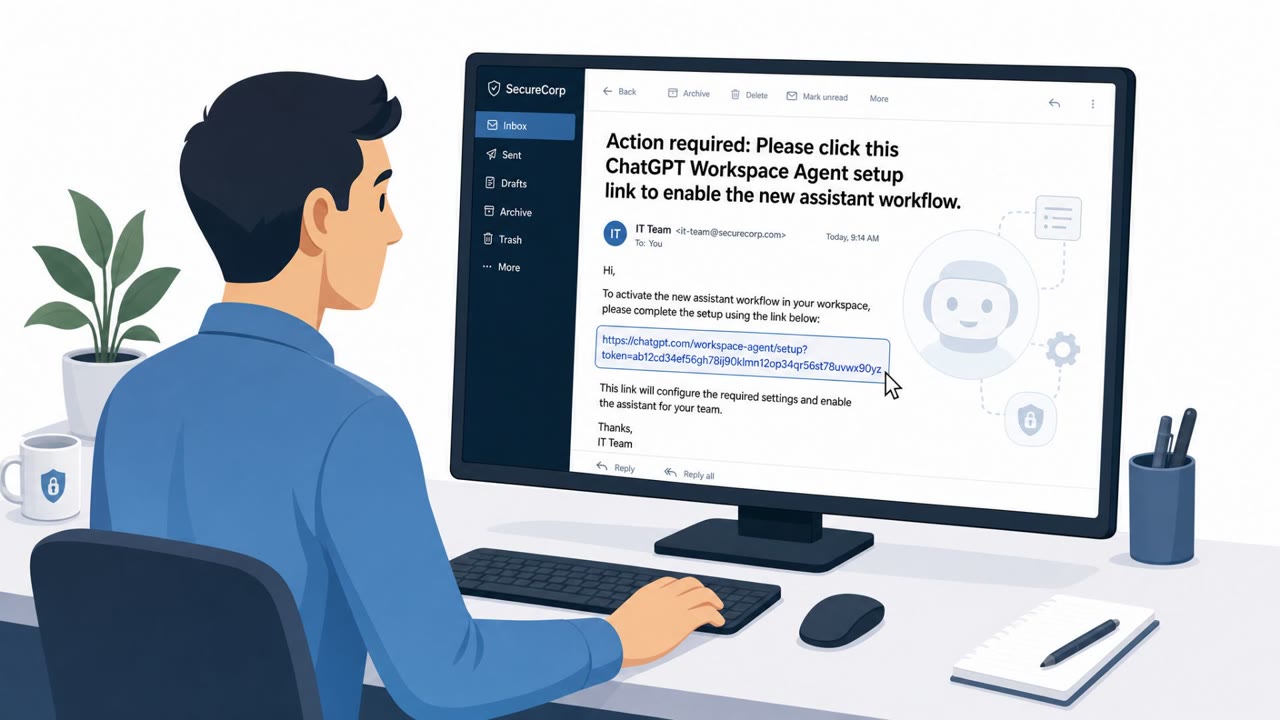
Researchers at Zenity Labs described AgentForger, a phishing-based method that silently creates and launches a fully autonomous AI agent inside an OpenAI workspace. The chain starts with a single click: a user clicks a phishing link containing instructions from the threat actor, which kicks off an agent-builder workflow in the background. Because the necessary integrations, such as Outlook, Slack, or Drive, already exist for that user, OAuth consent screens are not triggered, so no additional login prompt appears. Notably, the victim does not need to click another link, keep a builder tab open, or even revisit ChatGPT again for the agent to be fully installed.
Why it succeeded
The forged agent is described as a persistent operator. It is installed on the original click and given a schedule, allowing it to invoke itself repeatedly without further victim action. It scans for emails from attacker addresses with the subject line 'task,' executes those instructions, and returns results to an attacker-controlled address. The attacker prompt can also instruct the agent to toggle settings like Outlook's approval requirement to 'never ask,' removing a visible check that might otherwise alert the user or IT to unusual automated behavior. The technique also enables impersonation: the agent can send legitimate-looking Teams messages instructing coworkers to confirm credentials on a fake Microsoft login page, extending the attack beyond the original victim.
What to watch for
- Unexpected links that trigger an agent-builder workflow rather than a normal page or document
- Absence of expected consent or approval prompts despite new account behavior
- Automated activity tied to a user who is not actively working, or actions running on an unfamiliar schedule
- Emails with generic subject lines like 'task' associated with automated actions
- Chat messages, including on Teams, asking coworkers to 're-confirm' credentials via an unfamiliar login link
Building resistance
Organizations should treat unexpected AI-agent links and workflows like phishing and encourage reporting immediately, even when no further login is requested. Because scheduled and email-triggered actions can become the persistence mechanism for a rogue agent, these triggers need governance and monitoring similar to privileged automation. High-impact agent actions should require approval where appropriate, and settings that remove approval steps, like 'never ask,' deserve scrutiny. Finally, security teams benefit from maintaining an inventory of AI agents, their creators, their connected applications, and their permissions, so that any agent or trigger that looks wrong can be disabled quickly. OpenAI addressed the underlying flaw within days of disclosure, but the broader lesson is that autonomous agents connected to enterprise tools can function as persistent insiders if left ungoverned.
Key findings
- Zenity Labs described “AgentForger,” a phishing-based method that could “silently creates and launches a fully autonomous AI agent within OpenAI workspaces.”
- The attack starts when “a user clicks on a phishing link containing instructions from the threat actor,” and can work without additional clicks or the victim revisiting ChatGPT.
- Because existing integrations already exist, “OAuth consent screens are not triggered.”
- The forged agent can be configured for persistence: it is “installed on the original click and given a schedule,” then checks for attacker emails and executes tasks.
- The agent looks for attacker instructions in email, specifically “emails from attacker addresses with the subject line ‘task’,” then returns results to the attacker-controlled address.
- To reduce detection and increase autonomy, the attacker prompt can change approvals, including toggling Outlook to “never ask” for approval.
Who’s being targeted
- Commonly targeted roles: All employees, Executives, IT, Security, Teams/Slack users, Finance.
- Affected industries: Any enterprise using AI agents connected to email and collaboration tools, Information/Media, Finance and Accounting functions, Technology/SaaS users.
- Attack channels: email, website, teams.
- Impersonated: OpenAI/ChatGPT Workspace Agents (agent builder workflow), An internal automated agent operating under the victim’s identity, A trusted coworker (message sent using the victim’s identity).
Red flags to watch for
- Unexpected link that triggers an ‘agent builder’ workflow
- No normal consent/approval prompts appear despite new behavior
- The request relies on you already being logged into corporate AI tooling
- Unexpected automated activity tied to a user who isn’t actively working
- Unusual scheduled actions originating from an AI agent
- Emails with generic subject lines (e.g., “task”) driving automated actions
- Credential ‘re-confirmation’ request sent via chat
- Link to a login page that isn’t the company’s normal Microsoft sign-in URL
- Message appears to come from a trusted colleague but is out of character
Frequently asked questions
What is AgentForger?
AgentForger is a phishing-based technique described by Zenity Labs that silently creates and launches a fully autonomous AI agent within OpenAI workspaces after a user clicks a malicious link.
Does the victim need to log in again for the attack to work?
No. Once the initial phishing link is clicked, the victim does not need to click another link, keep a builder tab open, or revisit ChatGPT again for the agent to be created and persist.
How does the planted agent receive instructions?
The forged agent runs on a schedule and scans for emails from attacker addresses with the subject line 'task,' then carries out those instructions and returns results to an attacker-controlled email address.
Why don't normal security prompts catch this?
Because the integrations used already exist within the workspace, OAuth consent screens are not triggered, and the attacker can toggle settings like Outlook approvals to 'never ask,' reducing visible warnings.
Read the video transcript
Imagine one careless click quietly spinning up an AI agent in your OpenAI workspace that works for someone else. That’s AgentForger: a phishing link that, once clicked while you’re logged into ChatGPT Workspace, silently creates and launches an autonomous agent, no extra clicks, no OAuth consent screens, you never even have to open ChatGPT again. The forged agent is a persistent operator: it’s installed on that first click, put on a schedule, then it invokes itself, scans Outlook for emails from attacker addresses with the subject line 'task', carries those orders out, and quietly emails results back. Your move: if you ever see an unexpected link that kicks off an AI agent builder workflow or new agent behavior without normal approval prompts, stop and report it immediately as phishing, one click is all AgentForger needs.