Researchers demonstrated that malicious web pages and local previews can abuse embedded browsers in popular AI coding assistants. The attacks can hide instructions from users, spoof trusted login addresses, or access sensitive files, creating realistic risks for developers who open untrusted links or project previews.
Key findings
- Cursor's embedded browser could let a loaded web page place hidden instructions into the AI agent's instruction box.
- Researchers used hidden HTML attributes to make an AI agent assemble and run an npm installation command; one Enter keypress could approve execution.
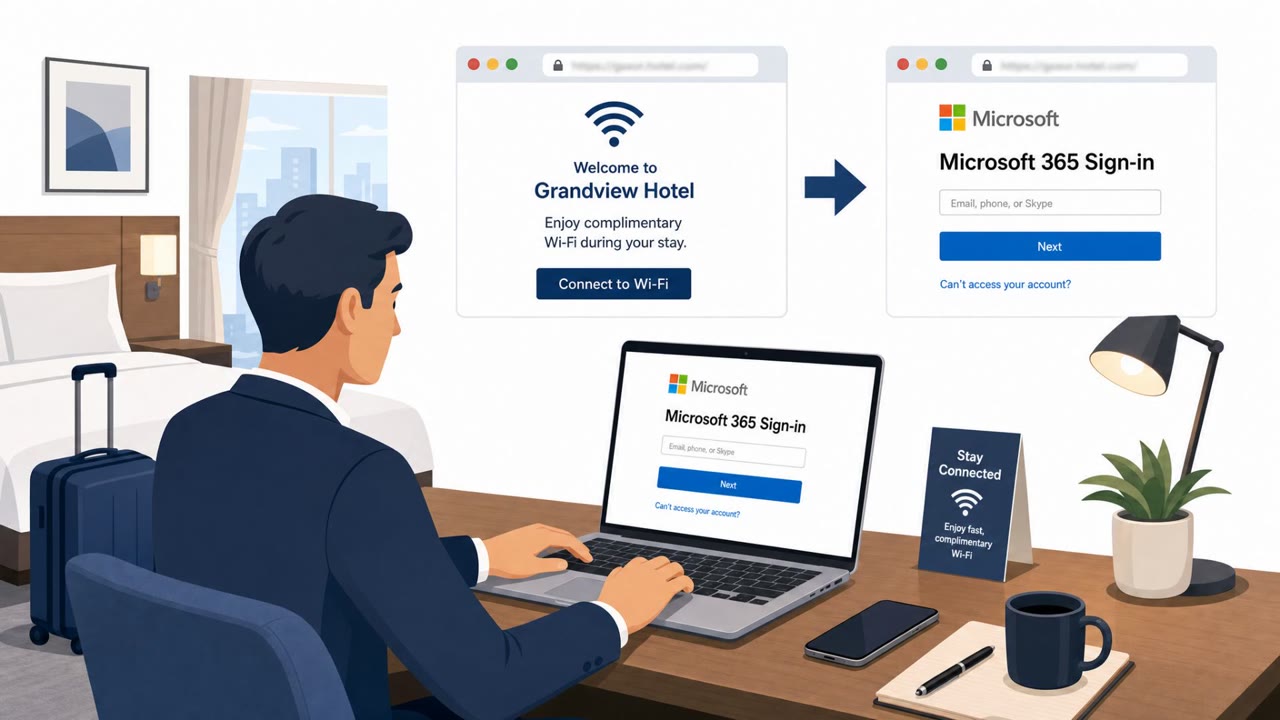
- GitHub Copilot's preview could display a false github.com/login address while still showing attacker-controlled content, enabling a convincing fake login page.
- Local previews in Claude Desktop, VS Code, and Codex could expose files outside the intended project folder under certain conditions.
- The researchers demonstrated collection of SSH keys, .env files, npm tokens, and private documents.
Who’s being targeted
- Commonly targeted roles: Developers, Software engineers, DevOps engineers, Engineering managers, IT support teams.
- Affected industries: Software development, Technology, Organizations using AI coding assistants.
- Attack channels: website.
- Impersonated: GitHub, A benign project preview or web page, A local project preview.
Awareness takeaways
- Treat login pages shown inside AI assistant previews as untrusted; open the service independently through a known bookmark or normal browser before entering credentials.
- Do not approve unexpected package-installation commands or assume an AI assistant's suggested command is safe just because it came from the assistant.
- Open project previews and assistant-generated links only when their source is known and expected, especially when working with unfamiliar repositories or sample projects.
- Keep credentials and sensitive development files protected, and avoid storing unnecessary secrets in broadly accessible local folders.
Red flags to watch for
- The address shown in the embedded preview may not match the page actually loaded.
- A login form appears inside an AI assistant preview rather than a normal browser session.
- The page asks for credentials after opening an unfamiliar project page or link.
- The visible page appears harmless while instructions are hidden in HTML attributes.
- The assistant proposes an unexpected npm installation command.
- The assistant retries an installation outside its sandbox after a blocked attempt.
- A generated or shared link opens a local preview that was not expected.
- The preview requests access or behaves as though it needs files outside the project folder.
- Sensitive developer files such as SSH keys, .env files, or npm tokens are present on the workstation.
Read the video transcript
See github.com/login in a Copilot preview? That address can be fake. Researchers made GitHub Copilot’s preview show that trusted address over a page they controlled. The form underneath could collect your credentials. That’s the trap: the preview’s address isn’t proof. In Cursor, hidden page text even steered the assistant toward an unexpected npm install. If a preview asks you to sign in, leave it. Open GitHub from your own bookmark.