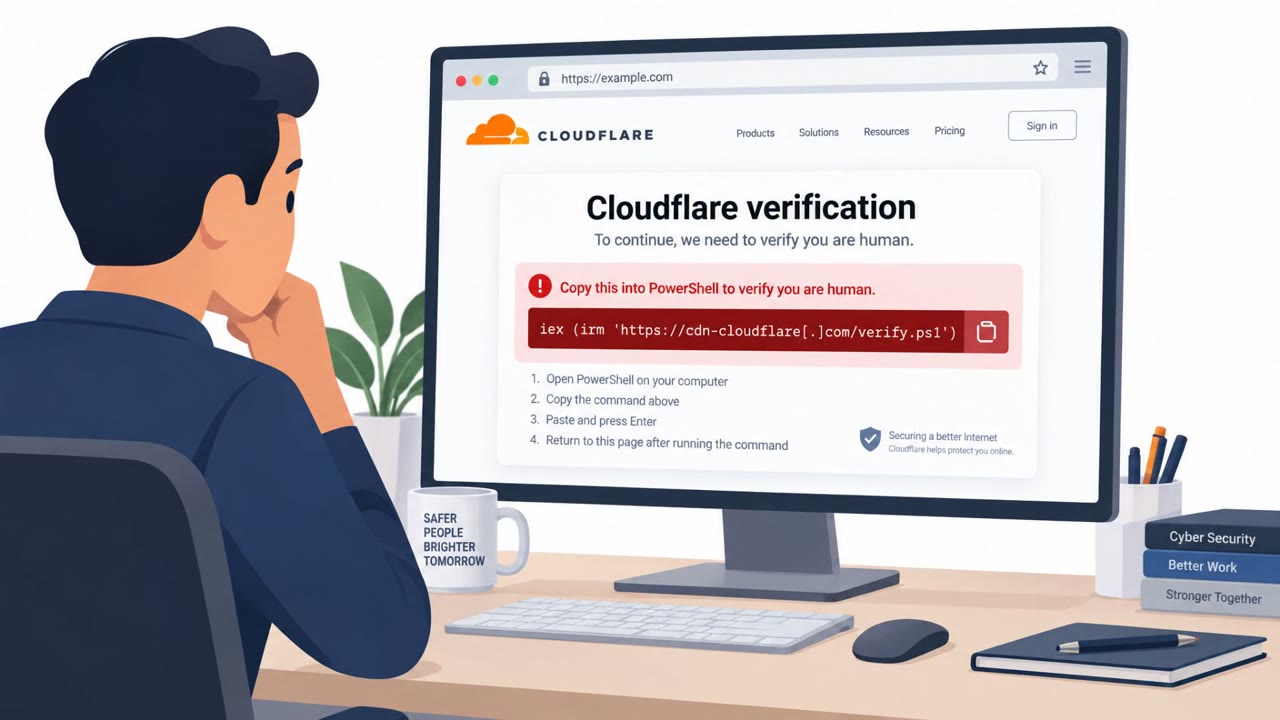
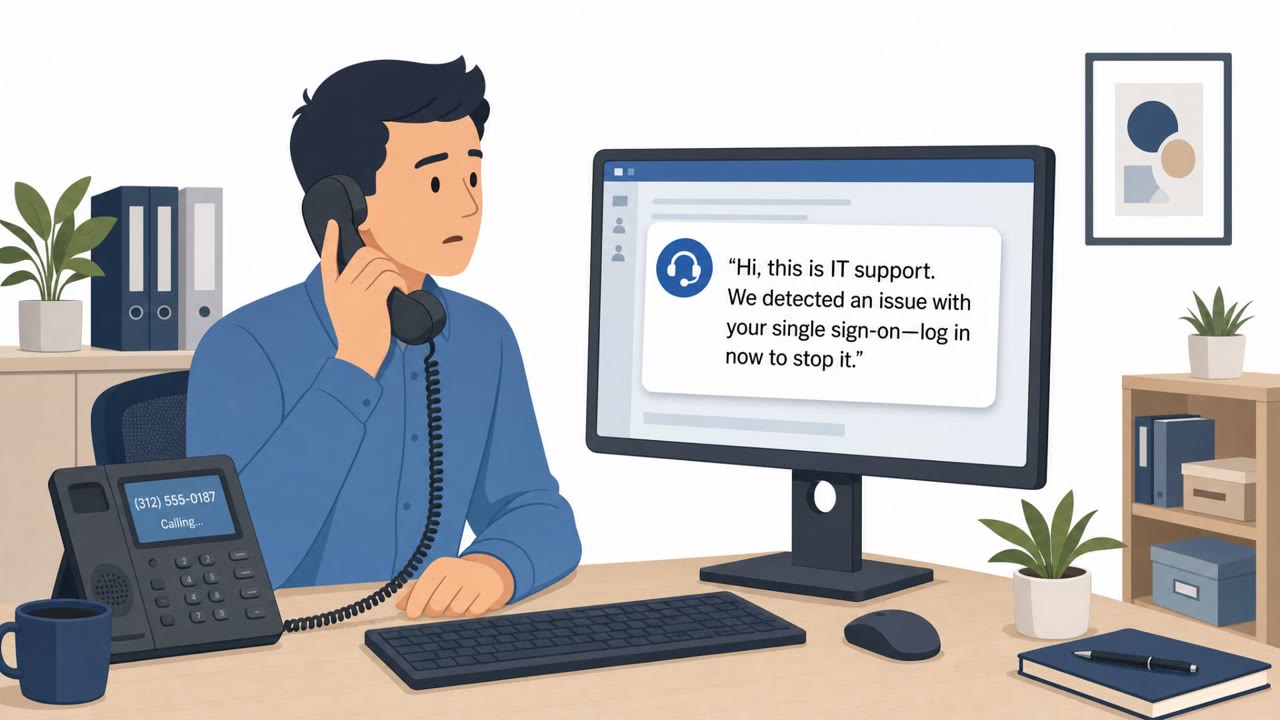
Attackers are taking over hotel and conference Wi‑Fi gateways and changing DNS settings so travelers are silently redirected to fake Microsoft 365 sign-in pages. Victims are then tricked into completing a device-code login that grants attackers a legitimate session token, often bypassing MFA. This is a realistic scenario to simulate for traveling staff because it relies on a believable “Microsoft 365 login” workflow on public Wi‑Fi.
How the attack worked
This campaign begins at the network level rather than in an inbox. Attackers gain administrative access to Wi-Fi gateways at hotels and conference centers and modify DNS configurations so that connected devices are pointed toward look-alike domains instead of legitimate Microsoft services. Because the redirection happens at the gateway, the malicious sign-in page can appear immediately after a traveler joins the network, often before they have any reason to be suspicious.
Once on the fake page, victims are guided through a device-code authentication flow. Instead of typing a password into an obvious clone, they are prompted to enter a code shown on screen to "continue signing in." Completing this step actually authorizes an attacker-initiated session, and the attacker receives a legitimate OAuth token, one that bypasses multi-factor authentication entirely because the victim technically completed a valid, if manipulated, authentication step.
The actors have also attempted to abuse Web Proxy Auto-Discovery (WPAD) with malicious proxy auto-configuration files, giving them another path to route victim traffic through infrastructure they control.
Why it succeeded
Several conditions make this scenario effective:
- The redirection happens automatically at the network layer, so there is no suspicious email or link for a user to scrutinize.
- A Microsoft 365 sign-in page feels routine, especially for traveling employees who expect to re-authenticate on new networks.
- Device-code flows are a legitimate part of some sign-in experiences, so an unexpected prompt does not immediately read as unusual to most users.
- Using a public DNS resolver alone does not fully protect users, since a compromised local gateway can forge plaintext DNS responses before a request ever reaches a public resolver.
What to watch for
- Sign-in pages that appear unexpectedly right after connecting to hotel or conference Wi-Fi.
- Login domains that are not genuine Microsoft domains, including subtle look-alike spellings.
- Device-code prompts appearing when you did not deliberately start that kind of sign-in.
- MFA steps that feel different from your normal routine or are not tied to an action you took.
How to build resistance
Organizations should enforce always-on, full-tunnel VPNs for traveling staff, use encrypted DNS in strict mode, disable WPAD where it is not needed, and disable the device-code authentication flow in Microsoft Entra ID where it is not required for business use. Employees should be trained to treat unexpected sign-in pages and device-code prompts on public Wi-Fi as suspicious, verify the web address before entering credentials, and report unapproved authorization requests rather than completing them.
Key findings
- Hotel and conference Wi‑Fi gateways are being compromised so DNS can be hijacked and users redirected to fake Microsoft 365 login pages.
- The campaign targets traveling corporate employees across multiple sectors and countries.
- Attackers use a device-code authentication flow to trick users into authorizing an attacker-initiated session, yielding an OAuth token that can bypass MFA.
- Actors also attempted to abuse WPAD by serving malicious PAC files to route traffic through attacker-controlled proxies.
- Using public DNS alone may not help because the local gateway can forge plaintext DNS responses before requests reach public resolvers.
Who’s being targeted
- Commonly targeted roles: Traveling employees, Executives, Sales, All Microsoft 365 users, IT / Identity & Access Management.
- Affected industries: Financial services, Legal services, Healthcare, Energy.
- Attack channels: website.
- Impersonated: Microsoft 365, Microsoft Entra / Microsoft 365 sign-in.
Red flags to watch for
- Login domain is not a Microsoft domain (look-alike domain)
- Sign-in appears unexpectedly right after joining public Wi‑Fi
- Browser address shows an unfamiliar URL
- Unexpected device-code prompts when simply trying to sign in normally
- Authorization request occurs from an unexpected location or right after joining public Wi‑Fi
- MFA feels “different than usual” (new flow) and is not tied to the user’s deliberate action
Frequently asked questions
How does the hotel Wi-Fi Microsoft 365 scam work?
Attackers compromise hotel and conference Wi-Fi gateways and change DNS settings so travelers are silently redirected to fraudulent Microsoft 365 login pages instead of the real service.
Can this attack bypass multi-factor authentication?
Yes. Victims are tricked into completing a device-code authentication flow that authorizes an attacker-initiated session, producing a legitimate OAuth token that bypasses MFA.
What red flags should travelers watch for?
Watch for sign-in prompts appearing unexpectedly right after joining public Wi-Fi, unfamiliar login domains, and device-code prompts you did not initiate yourself.
What can organizations do to reduce risk?
Enforce always-on, full-tunnel VPNs, use encrypted DNS in strict mode, disable WPAD, and disable the device-code authentication flow in Microsoft Entra ID.
Read the video transcript
You connect to hotel Wi‑Fi, open your browser, and boom, “Microsoft 365 Sign‑in” pops up before you do anything. In this scam, hotel and conference Wi‑Fi gateways are hacked so DNS sends you to fake Microsoft 365 pages like m365-owa.com or ms365-live.com, then a device-code screen asks you to 'enter the code to continue signing in.' Here’s the twist: that device-code flow authorizes their session, not yours, giving them a real OAuth token that can slip past MFA, all because you trusted a sign-in page that appeared right after joining public Wi‑Fi on an unfamiliar URL. Travel rule: on hotel or conference Wi‑Fi, if a Microsoft 365 login or device-code prompt appears unexpectedly, stop, check that the address is a real Microsoft domain, and if it’s not, close it and connect through your corporate VPN.