Multiple China-aligned espionage groups used phishing emails to deliver a “BlueMoon” exploit chain that abused three zero-day flaws in Chrome/Chromium and Windows. In observed campaigns, victims who clicked the phishing link ended up with a malicious browser extension disguised as Google Gemini, enabling surveillance, credential theft, and remote command execution. Proofpoint says the activity is ongoing and may spread to more threat actors.
How the Attack Worked
Proofpoint identified at least four China-aligned espionage groups using a chained set of browser and Windows zero-day vulnerabilities, referred to as BlueMoon. One of these groups, APT31 (also tracked as TA412 or Violet Typhoon), delivered phishing emails containing lures with an exploit chain loader. Victims who clicked the embedded link ended up installing a malicious browser extension disguised as Google Gemini. Once active, the extension gave attackers the ability to surveil browser activity, steal credentials, and execute commands remotely on the compromised machine.
Why It Succeeded
The lure worked because it leveraged the credibility of a well-known AI product name to make the extension prompt feel legitimate. Employees who are used to seeing browser extension prompts or software update notifications may not pause to verify the source before clicking. The campaign infrastructure was also fast-moving, with exploit-delivery setups created the same day as or shortly before campaigns launched, reducing the window for detection or blocklisting.
The use of three flaws that functioned as zero-days, meaning they were exploited before public patches existed, also meant that even technically current systems could be compromised if a user completed the phishing action.
What to Watch For
- Unexpected emails prompting a browser extension install, especially one branded as a well-known AI or productivity tool
- Extension installation requests arriving via email link rather than an approved app store or IT-managed channel
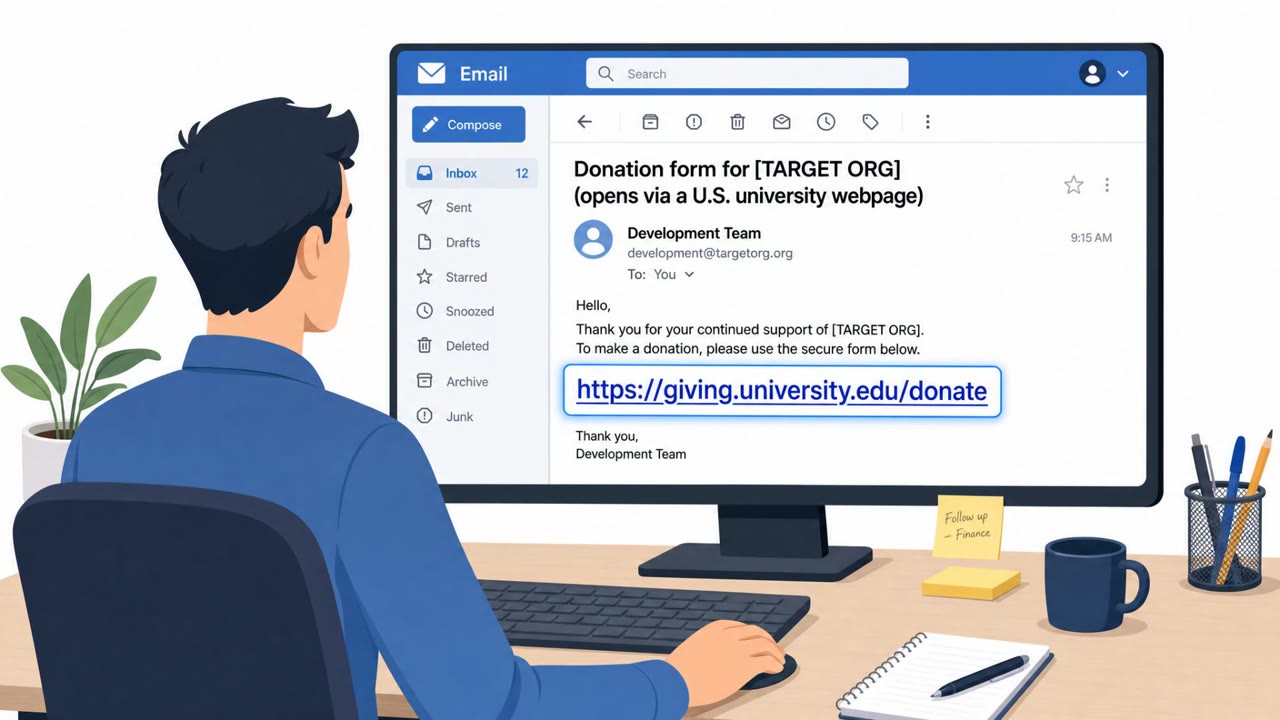
- Emails that appear to originate from a government or partner account but contain unusual links or urgent prompts
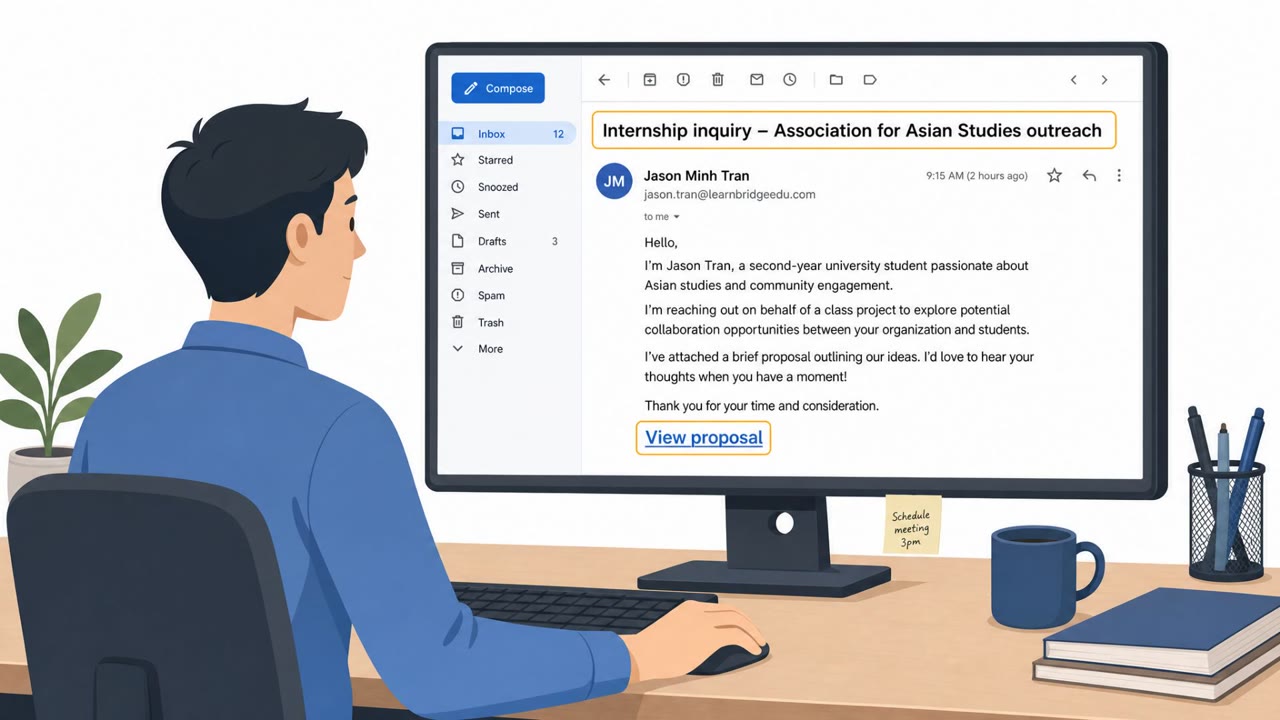
- Lures targeting NGOs, mining, commodity trading, aerospace, government, consulting, and finance staff
How to Build Resistance
Organizations should reinforce that browser extensions should only be installed through approved, IT-managed channels rather than links in email. Staff across all levels, including executives, finance, engineering, and NGO program staff, should be trained to treat unsolicited extension or update prompts as suspicious by default. Rapid patching remains important, since these flaws were exploited before public fixes were released. Finally, awareness training should note that even messages from seemingly credible accounts, including government accounts, can be compromised and used to distribute convincing phishing lures. Techniques referenced in this campaign map to MITRE ATT&CK entries such as T1566.002 for spearphishing links and T1204.001 for user execution via malicious link.
Key findings
- Proofpoint observed at least four China-aligned espionage groups using a chained set of browser + Windows zero-days (“BlueMoon”).
- APT31/TA412 (Violet Typhoon/APT31) used phishing emails to deliver links that installed a malicious browser extension disguised as Google Gemini.
- Targets included NGOs, mining companies, commodity trading firms, aerospace companies, and organizations in government, consulting, and finance across multiple countries.
- Proofpoint saw rapid campaign setup: exploit-delivery infrastructure was created the same day as (or shortly before) campaigns, suggesting fast-moving operations.
Who’s being targeted
- Commonly targeted roles: All employees, Executives, Finance teams, Engineering/Technical staff, NGO program staff, Aerospace and manufacturing employees, Anyone allowed to install browser extensions.
- Affected industries: Non-governmental organizations (NGOs), Mining, Commodity trading, Aerospace, Manufacturing, Government, Consulting, Finance.
- Attack channels: email, website.
- Impersonated: Google Gemini.
Red flags to watch for
- Unexpected prompt to install a browser extension from an email link
- Extension branding/claim (“Google Gemini”) doesn’t match an official corporate rollout
- Unusual request arriving via email rather than approved app store/IT channel
Frequently asked questions
What is the BlueMoon exploit chain?
BlueMoon is a chained set of browser and Windows zero-day vulnerabilities that Proofpoint observed at least four China-aligned espionage groups using, including APT31/TA412.
How did APT31 trick victims into installing malware?
APT31 sent phishing emails with lures containing an exploit chain loader that led victims to click a link installing a malicious browser extension disguised as Google Gemini.
What could the fake Gemini extension do once installed?
Once installed, the extension enabled attackers to surveil browser activity, steal credentials, and execute commands on the victim's machine.
Which industries were targeted in this campaign?
Targets included NGOs, mining companies, commodity trading firms, aerospace companies, and organizations in government, consulting, and finance across multiple countries.
Read the video transcript
You get an email: “New Google Gemini extension required for secure browsing, install now.” Looks legit, right? Behind that link is BlueMoon: a chained Chrome and Windows zero‑day attack used by APT31 to drop a fake Gemini extension that spies on your browsing, steals passwords, and runs commands on your machine. Here’s the tell: Gemini doesn’t arrive as a random email link. If a message, even from a government or partner address, pushes you to install or enable a browser extension, that’s a high‑risk red flag. If any email tells you to add a browser extension like Gemini, stop. Don’t click, open a ticket or message IT and ask them to push it through the approved store instead.