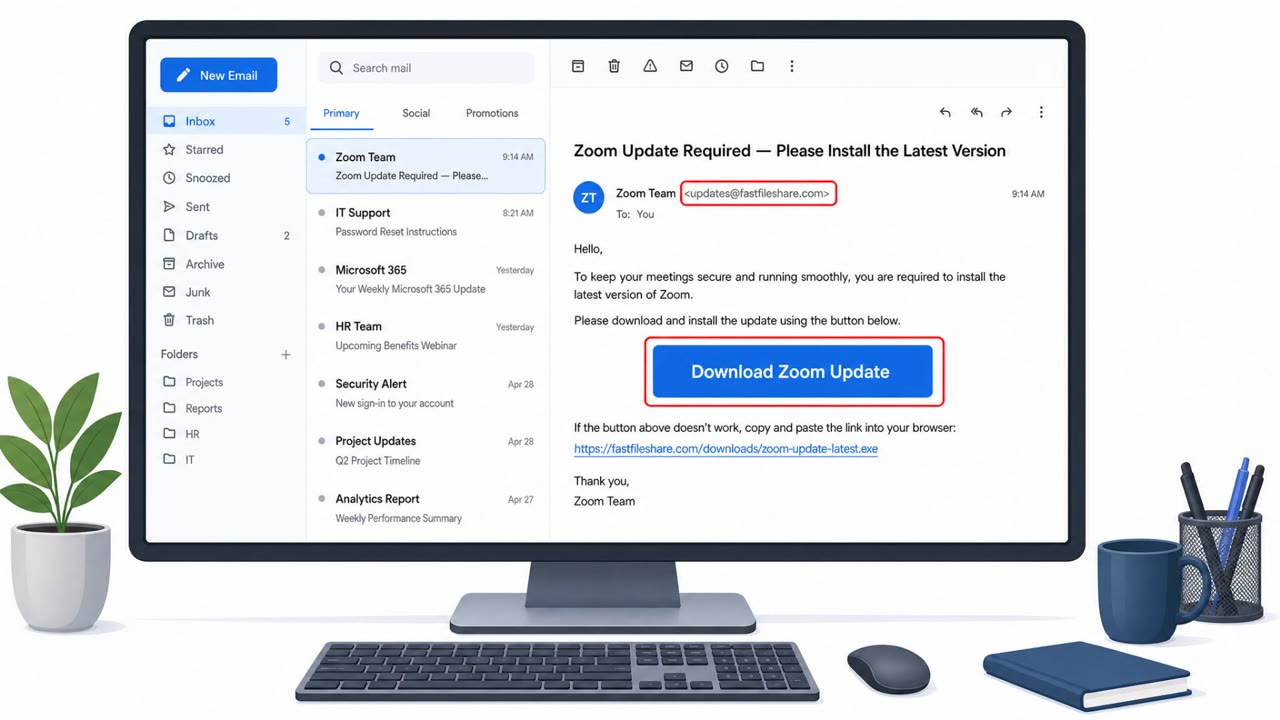
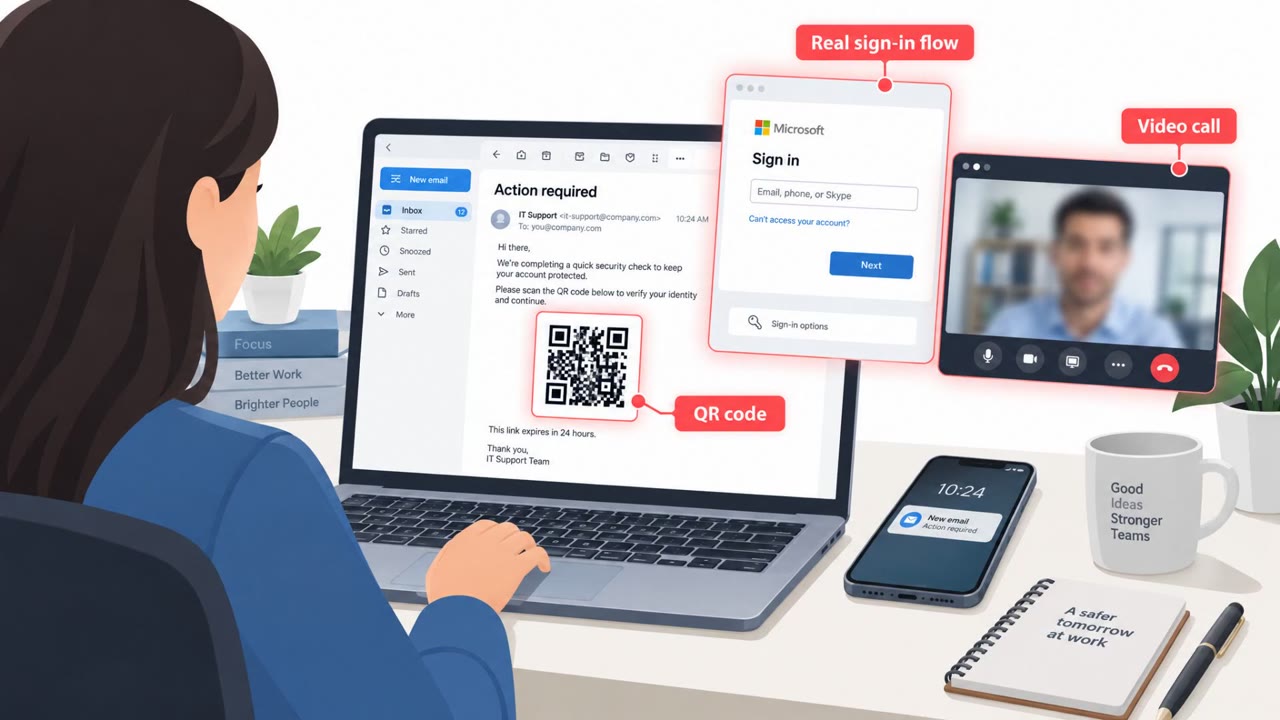
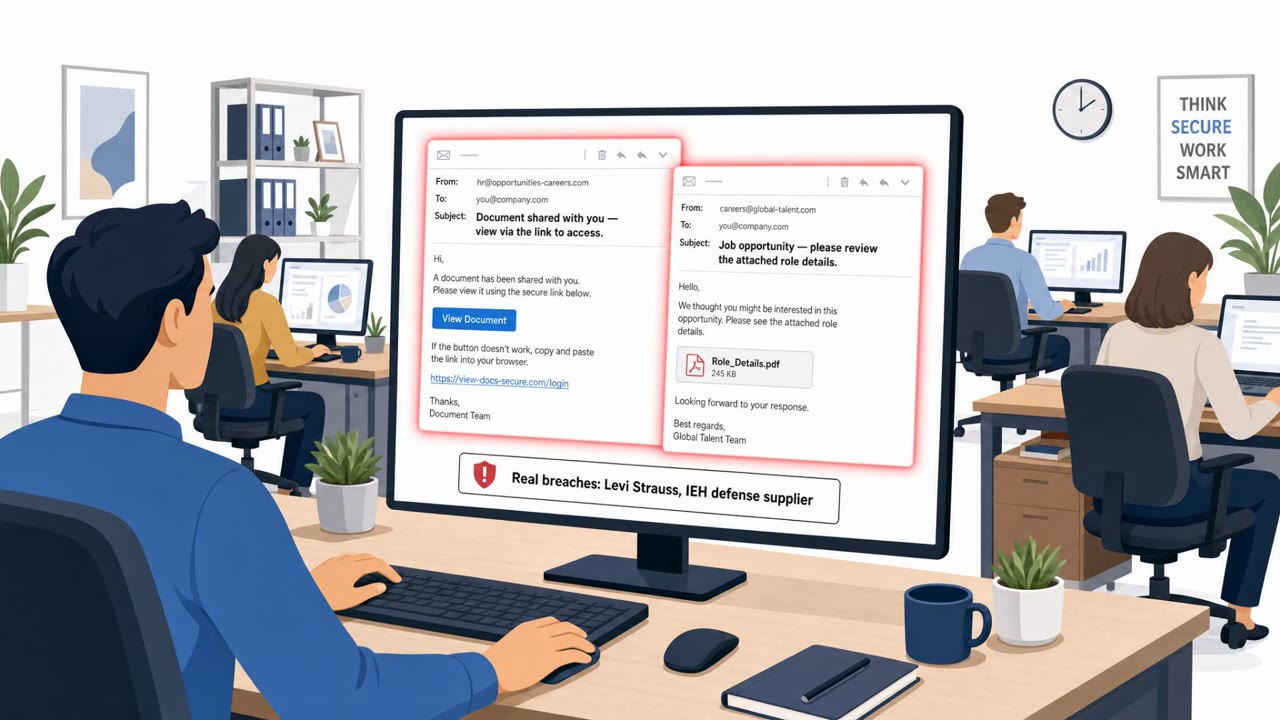
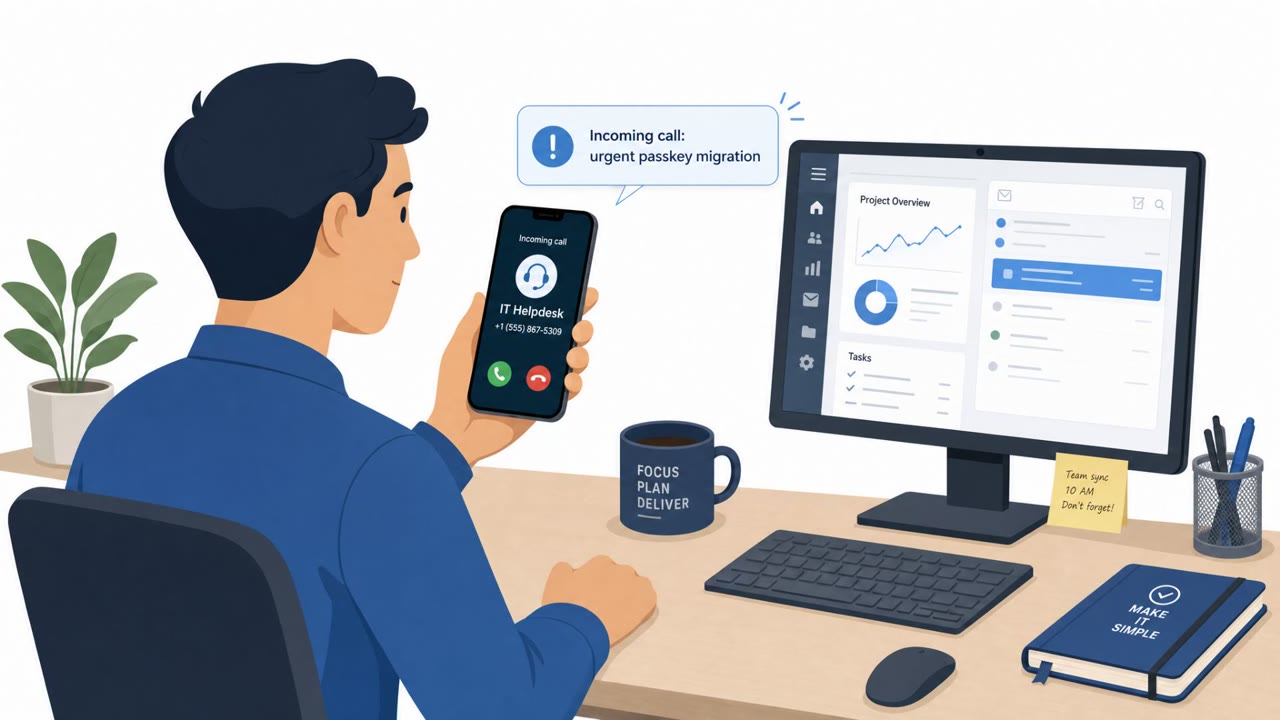
Cofense reports multiple real-world campaigns where attackers don’t hack the browser, they trick employees by copying normal browser experiences like login pop-ups, software update prompts, and “verification” checks. The goal is to get users to enter credentials, approve attacker sessions, or run commands/install tools that give attackers access. The techniques highlighted include fake software installs/updates, Browser-in-the-Browser (BitB) login fakes, ClickFix “verification” pages, and Microsoft device-code phishing.
Key findings
- Attackers are shifting from exploiting browser software flaws to exploiting employee trust in normal browser workflows (logins, updates, verification checks).
- Observed campaigns imitate common, trusted experiences: software updates/installers, single sign-on popups, CAPTCHA/verification steps, and legitimate Microsoft device sign-in flows.
- Some campaigns aim to steal credentials (BitB), while others aim to get users to install remote access tools (RATs) or run commands (ClickFix).
- Because activity can happen inside legitimate-looking browser interactions (including legitimate Microsoft pages for device code phishing), traditional controls may miss it.
Who’s being targeted
- Commonly targeted roles: All employees, IT helpdesk / support, Identity & access management (IAM) teams, Security operations (SOC).
- Affected industries: Cross-industry (general enterprise users of cloud apps and browsers).
- Attack channels: website, email.
- Impersonated: Adobe Reader / PDF document viewer, Website security verification / CAPTCHA page, Microsoft device sign-in flow (legitimate Microsoft portal, attacker-provided code).
Awareness takeaways
- Treat unexpected ‘update required to view this document’ prompts as suspicious and only install software via approved company channels.
- Never run PowerShell/Terminal/Run commands because a webpage or CAPTCHA tells you to, report it as a likely scam.
- Device-code sign-ins can be abused: don’t enter device codes you didn’t request, even if the page is a legitimate Microsoft site.
- Be cautious of login pop-ups embedded inside webpages; attackers can fake ‘normal’ sign-in windows to steal passwords.
Red flags to watch for
- Unexpected update requirement to view a document
- Update/install prompt appears after clicking a link rather than from official IT/software management
- Pressure to install software immediately to continue
- A CAPTCHA/verification page telling you to run PowerShell or system commands
- Instructions to use Windows Run/Terminal for a web verification step
- Unusual multi-step “fix” instructions unrelated to normal browsing
- Unsolicited request to use a device code to sign in
- You are asked to enter a code you didn’t generate/request
- Sign-in completes but you didn’t initiate a new device/app login
Read the video transcript
Your browser can lie to you now. Not by bugs, by perfect fakes of updates, CAPTCHAs, and login pop-ups. Example one: a PDF link says, “This document can’t be viewed, update the viewer.” The page spoofs Adobe Reader and walks you through an install, really it’s dropping a remote access tool. Example two: a CAPTCHA says, “Verification required,” then tells you to copy PowerShell commands to fix your browser. Here’s the twist: some scams don’t fake the page at all. They use real Microsoft device sign-in, but with a code they give you. Others use “browser-in-the-browser” pop-ups that look like normal single sign-on windows, floating inside the webpage to steal your password. Aha rule: if a webpage tells you to install software or run PowerShell, Terminal, or Run commands, stop and report it to IT, do not follow the steps.