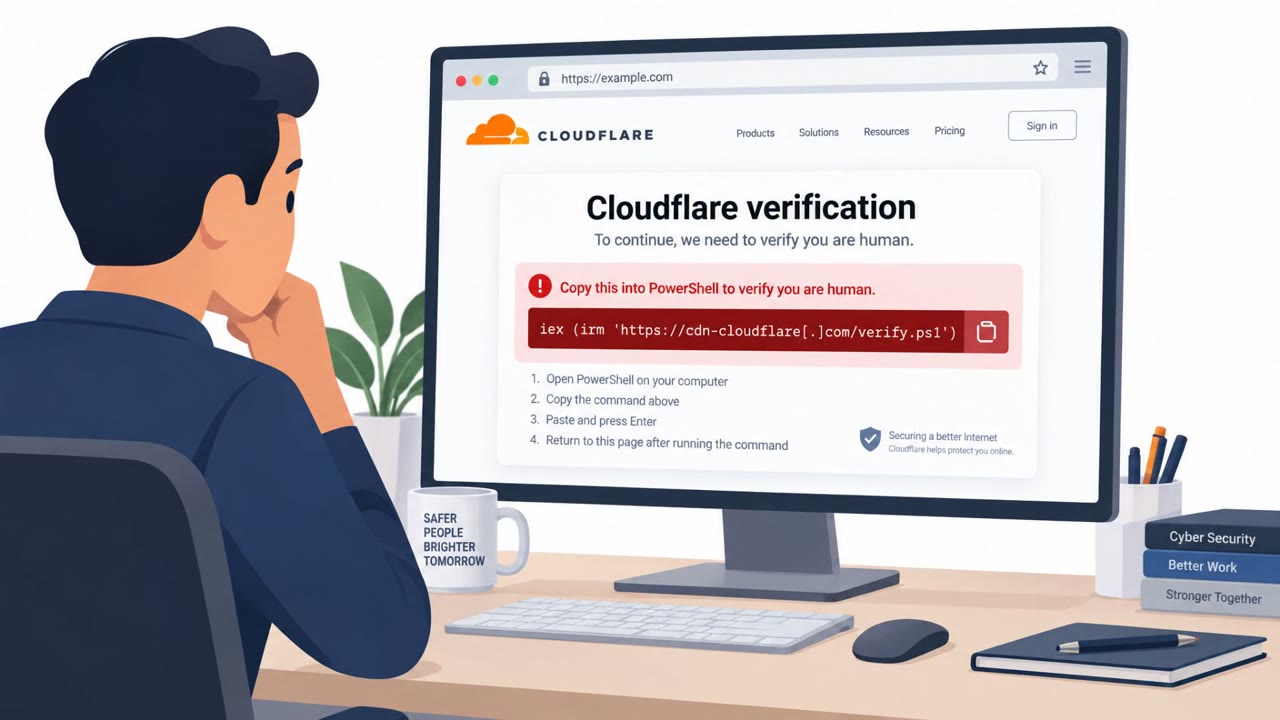
Attackers breached Brevo and used a stolen Cloudflare API key to inject malicious code into Brevo-hosted scripts that thousands of customer websites load. Visitors saw a fake “prove you’re human” prompt meant to trick them into running a command, and logged-in WordPress admins risked having a malicious plugin installed through their active session. The incident briefly turned Brevo’s trusted web scripts into a large-scale malware distribution channel, potentially affecting over 100,000 sites.
How the attack worked
Attackers first exploited a vulnerability in Brevo's SAML SSO to gain access to 138 accounts. Six of those accounts were used to send phishing emails, while contact data was exported from 43 others. Separately, attackers obtained a compromised, long-lived Cloudflare API key and used it to deploy a malicious Cloudflare Worker. This let them inject code at the CDN edge, bypassing the origin integrity checks that would normally catch tampering on Brevo's own servers.
This is significant because Brevo's chat widget and tracking scripts are loaded directly from cdn.brevo.com by thousands of websites. The injected code modified these trusted scripts to load an additional script from a separate domain, turning a routine third-party widget into a distribution point for malware. Sansec estimated more than 100,000 customer sites were served this malware on a single day.
Why it succeeded
The attack succeeded because it operated at the edge, outside the visibility of the site owners and outside Brevo's own server integrity checks. Files on Brevo's servers stayed clean the entire time, meaning normal server-side monitoring would not have caught the injection. Visitors and site admins had no reason to distrust a widget or script coming from a platform they already trusted.
The social engineering layer added another obstacle: a fake 'prove you're human' prompt is a familiar, low-friction interaction that most people don't second-guess, making it an effective way to get users to run a command themselves.
What to watch for
- Any website asking you to run a command on your computer to 'verify' you're human
- Unexpected overlays appearing after clicking an unsubscribe link in a marketing email
- Unusual plugin installations or activations on WordPress sites, especially plugins missing from the normal plugin list
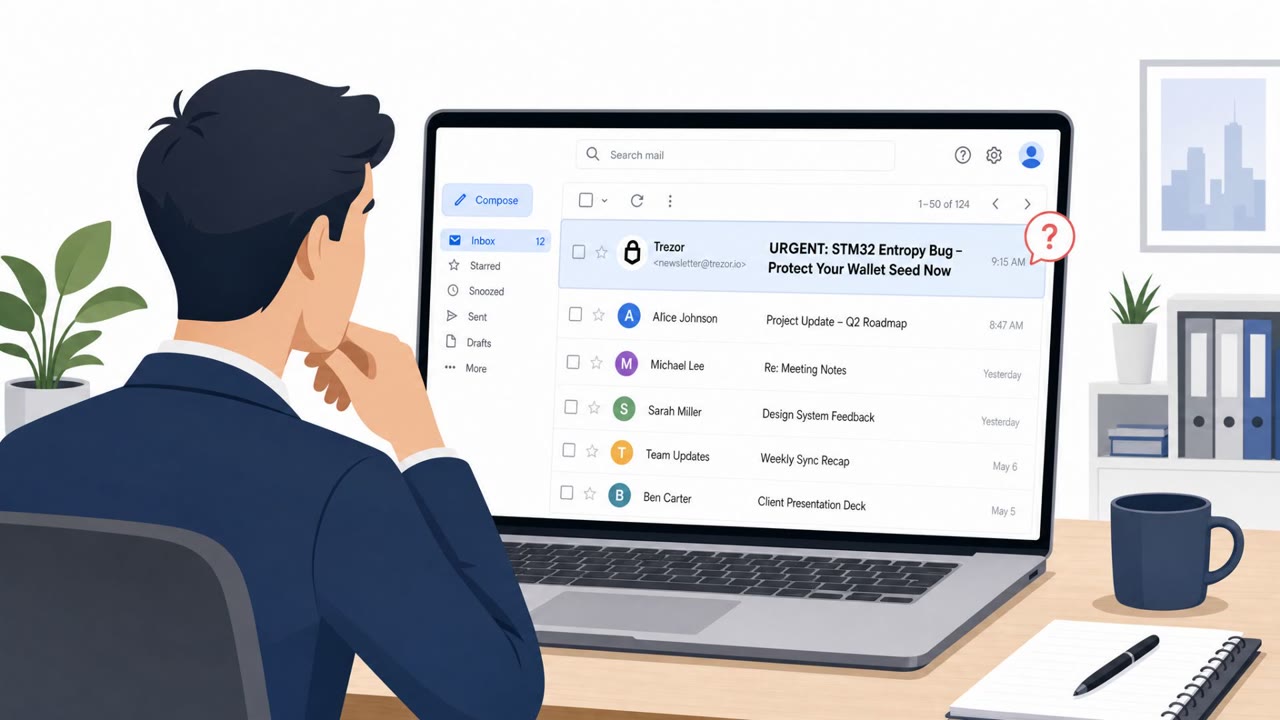
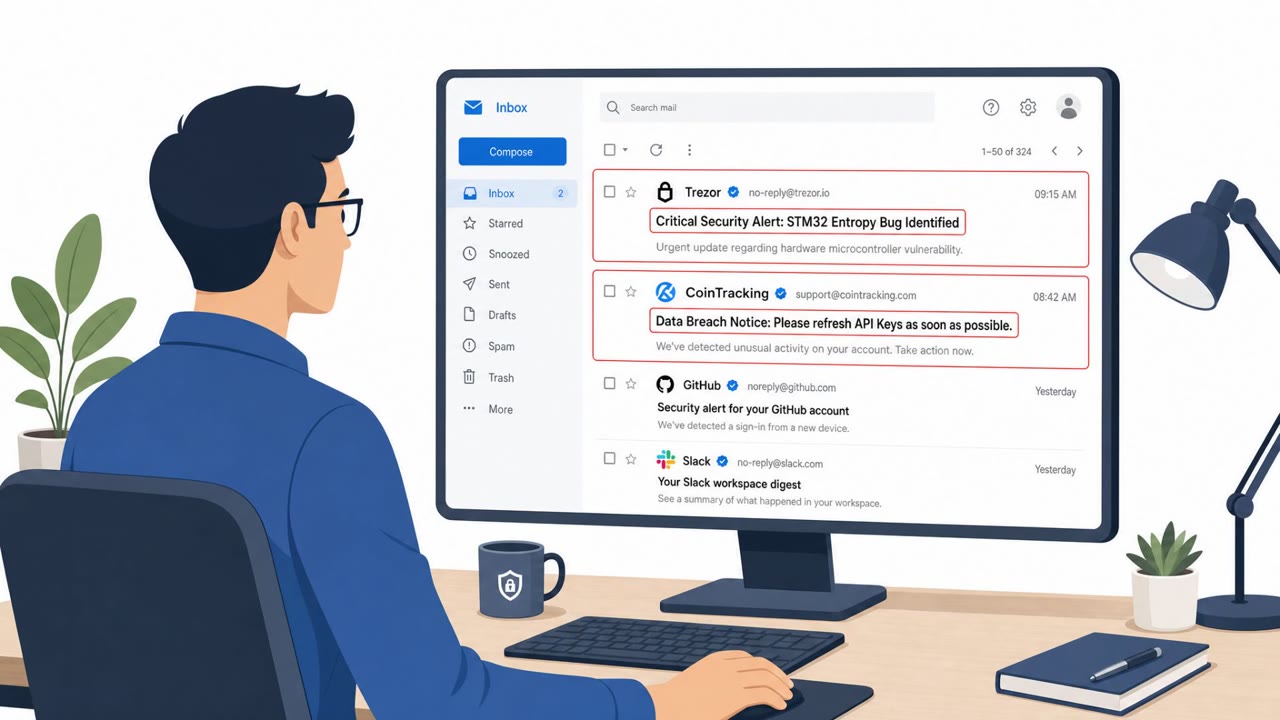
- Unexpected emails from a trusted sending platform, sent outside normal timing or audience
Building resistance
Teams should treat 'prove you're human' prompts that request terminal commands as an immediate red flag and report them rather than complying. Any machine where someone pasted a verification command because a website asked should be scanned. Web administrators should compare what's actually on disk against what the WordPress admin plugin list shows, since malicious plugins can hide from that list. Organizations relying on third-party scripts and widgets should also build awareness that supply-chain incidents at a vendor can affect their own site even when their own infrastructure is untouched, and should coordinate any domain-blocking decisions carefully since some vendor domains support legitimate functions like email tracking.
Key findings
- Attackers exploited a vulnerability in Brevo’s SAML SSO and accessed 138 accounts; “Six accounts were used to send phishing emails, while contact data was exported from 43 accounts.”
- Attackers later used “a compromised, long-lived Cloudflare API key” to deploy a malicious Cloudflare Worker that injected code at the CDN edge, bypassing origin integrity checks.
- Sansec estimated “more than 100 thousand customer sites” were served malware on September 14.
- The malware included a “clickfix overlay… shown to everyone browsing a customer site or clicking an (unsubscribe) link in a Brevo-sent campaign email,” prompting users to run a command.
- A malicious WordPress plugin could be installed when “site admins visited their own site,” and it targeted logged-in WordPress admins while avoiding crawlers/scanners.
- The injected scripts were loaded from Brevo’s trusted infrastructure: “loaded directly from `cdn.brevo.com`… modified to load an additional script from `sendibt1.com`.”
Who’s being targeted
- Commonly targeted roles: Marketing, Web Administrators, IT / Web Operations, Security Awareness (all employees who click email links).
- Affected industries: Marketing and customer communications platforms (SaaS), Website operators (broad cross-industry), E-commerce and retail websites, Cryptocurrency / fintech vendors.
- Attack channels: email, website.
- Impersonated: Brevo-hosted customer website / verification prompt, Legitimate WordPress site behavior (silent plugin installation), A trusted organization sending email via Brevo (compromised account).
Red flags to watch for
- A website asking you to run a command on your computer to ‘verify’ yourself
- Unexpected overlay appearing after clicking an unsubscribe link
- Verification steps that require copying/pasting commands rather than normal CAPTCHA behavior
- Unexpected plugin installation/activation around the incident window
- Plugin not visible in the normal WordPress plugin list (hidden)
- Unusual outbound connections from the website/server to a command-and-control server
- Unexpected emails from a trusted sender/platform
- Requests to click links or provide information without prior context
- Campaigns sent outside expected timing or audience
Frequently asked questions
What happened in the Brevo breach?
Attackers exploited a vulnerability in Brevo's SAML SSO to access 138 accounts, then used a compromised Cloudflare API key to inject malicious code into Brevo's widely loaded scripts, potentially affecting over 100,000 customer sites.
What was the fake 'prove you're human' prompt used for?
It was a clickfix overlay shown to site visitors or people clicking unsubscribe links in Brevo-sent emails, designed to trick them into pasting and running a malicious command in their terminal.
How did the attack affect WordPress site admins?
If a logged-in WordPress admin visited their own compromised site, a malicious plugin could be installed through their active session without needing a password, and the plugin hid itself from the normal plugin list.
How can organizations respond to this kind of attack?
Treat any prompt asking users to run terminal commands as malicious, scan any machine where a command was pasted, check for hidden WordPress plugins beyond the admin list, and coordinate carefully before blocking vendor domains used for legitimate tracking.
Read the video transcript
Imagine clicking an unsubscribe link, and the site suddenly says: “prove you’re human” by running a command on your computer. That really happened. Brevo was breached, and a stolen Cloudflare API key let attackers inject malware into scripts from cdn.brevo.com, silently loading extra code from sendibt1.com on over a hundred thousand sites. Visitors got a clickfix overlay, that fake “prove you’re human” prompt. The twist: it told people to paste a ‘verification’ command into Terminal, and if a logged‑in WordPress admin visited their own site, a hidden malicious plugin could install itself through their active session. Here’s the rule: if any website ever tells you to run a command to ‘prove you’re human’ or ‘verify’ yourself, stop immediately and report it to Security, do not paste that command, even once.