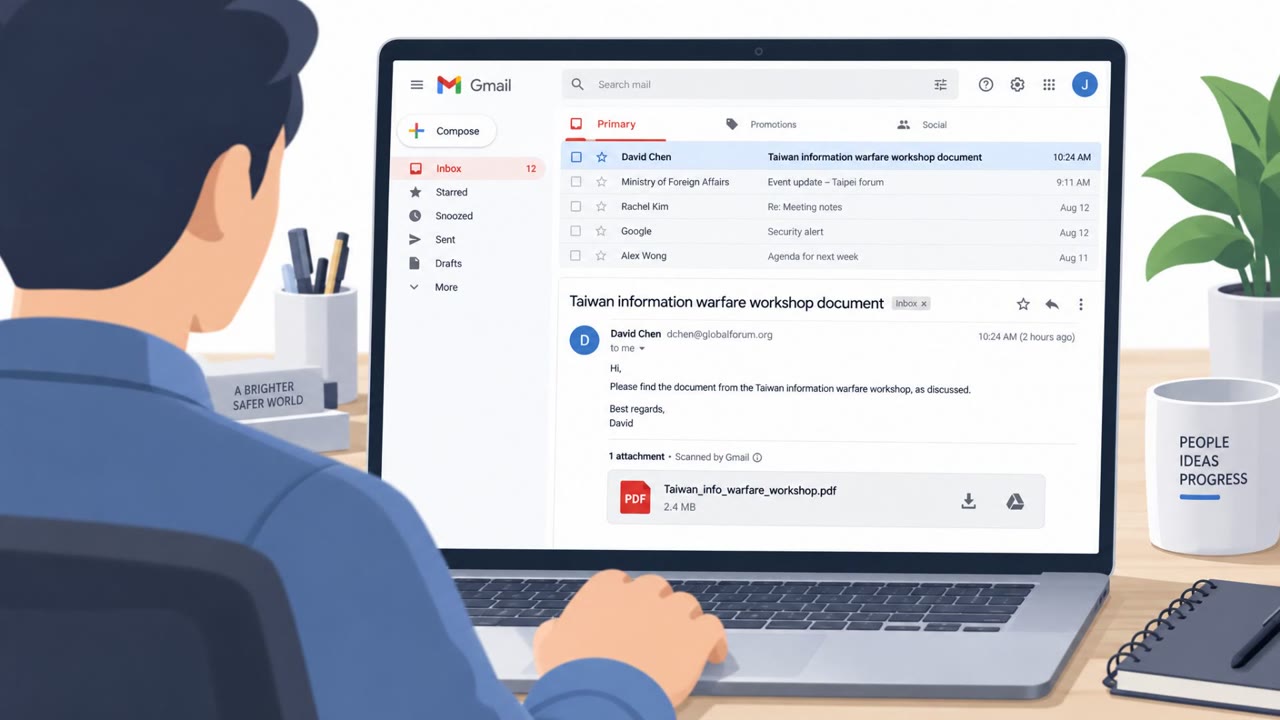
Researchers described an active phishing campaign that tricks people with fake Adobe/Zoom update and “document review” themes to install the legitimate ScreenConnect remote-access tool. Once installed, attackers get persistent remote control of the victim’s computer while blending in as normal IT tooling. A separate campaign also uses fake “Xeno” Roblox cheat installers promoted on Discord/forums to deliver a powerful Java-based information stealer.
Key findings
- Active, multi-wave campaign uses social-engineering themes (Adobe/Zoom updates, document reviews, system maintenance) to deploy ConnectWise ScreenConnect for persistent remote access.
- Initial access is assessed as spear-phishing delivering an obfuscated VBScript dropper; other paths include business-themed lures and compressed-archive delivery.
- Attackers abused trusted platforms (e.g., Dropbox shared links) and temporary Cloudflare tunnels to evade reputation monitoring.
- Separate campaign uses fake “Xeno Executor” game-cheat installers promoted in forums/Discord to infect users with a Java-based stealer (Powercat) that steals credentials/cookies and enables remote control.
Who’s being targeted
- Commonly targeted roles: All employees, Finance, HR, Legal, Operations, Executive assistants, IT/Helpdesk, Security operations (for RMM monitoring).
- Affected industries: General enterprise / corporate users, Gaming communities / consumers.
- Attack channels: email, website, discord.
- Impersonated: Zoom (software update), Business contact / document sender, Xeno Executor / cheat-tool distributor.
Awareness takeaways
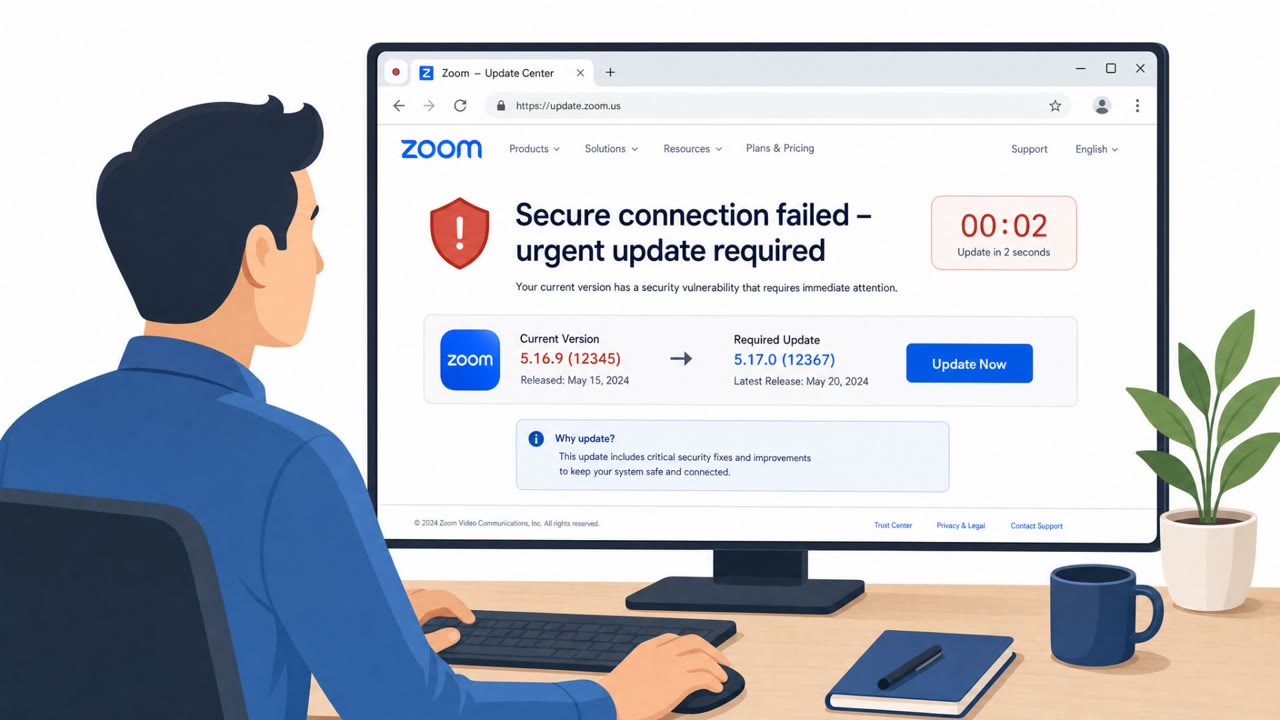
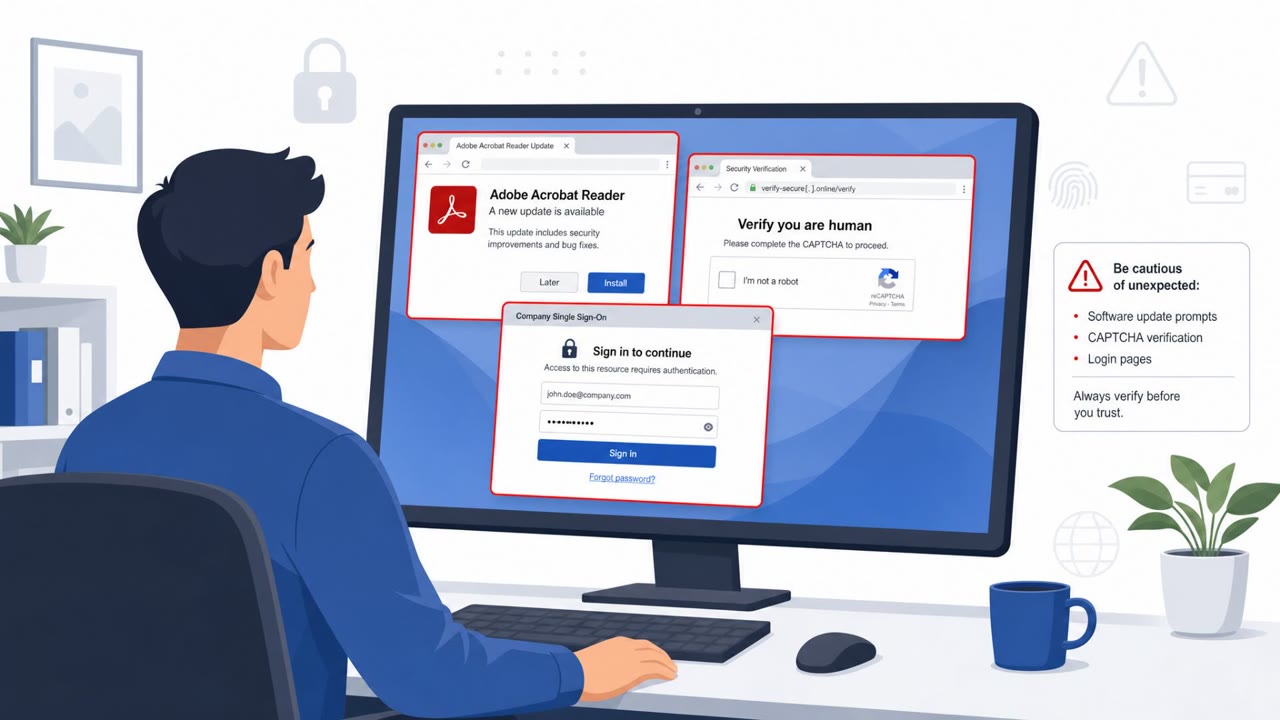
- Treat “software update” emails and pages as suspicious, use the official app updater or vendor website, not links in messages.
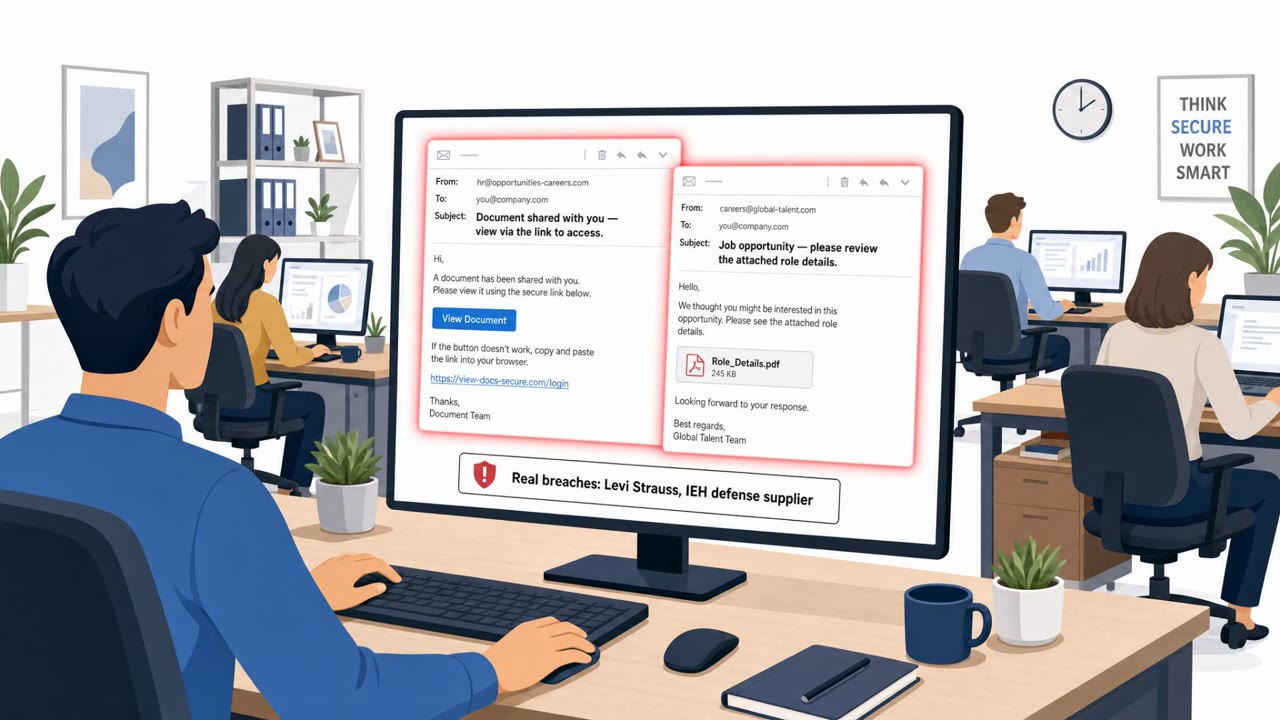
- Never run scripts or unusual file types to view a “document.” Escalate to IT/Security if a document requires running VBScript/BAT/MSI.
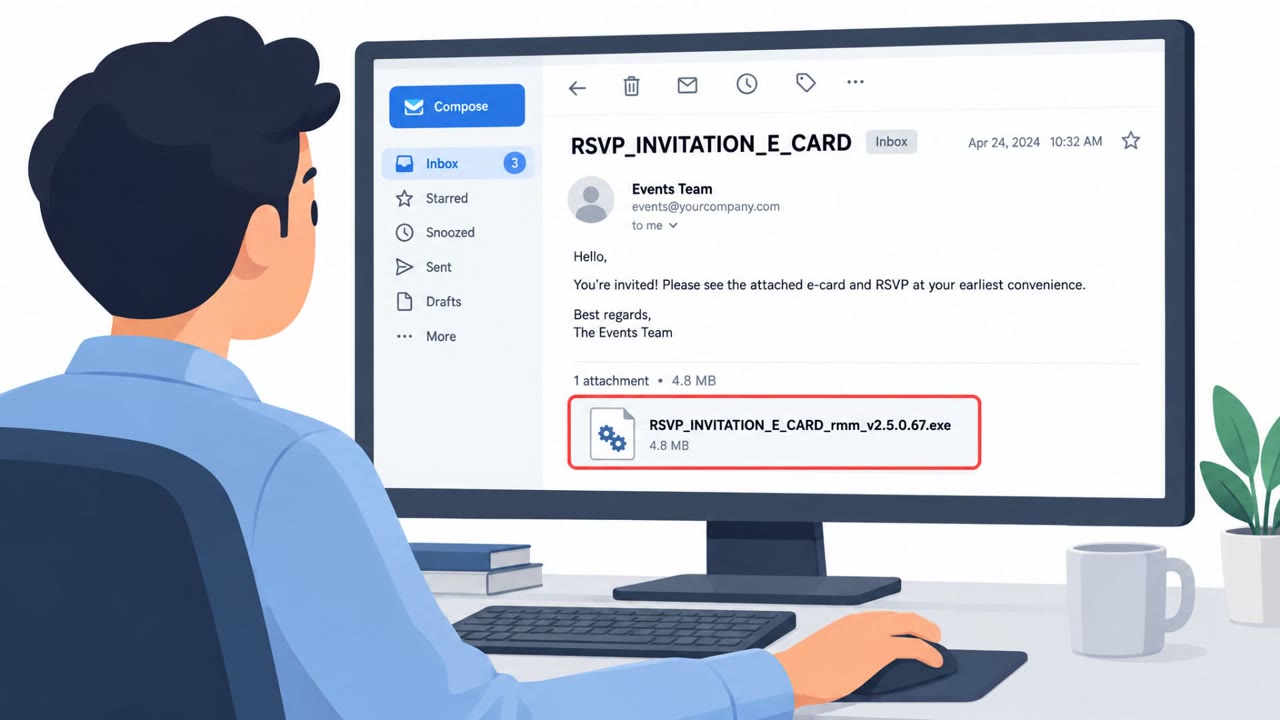
- Watch for legitimate remote-access tools being installed unexpectedly; they can be abused to give criminals persistent control.
- Block or closely monitor software downloads from forums/Discord for “cheats” and unofficial tools, these are common malware lures.
Red flags to watch for
- Update delivered via a file-sharing link instead of official update mechanism
- Unexpected HTML update page (e.g., “zoom-update.html”)
- Installer results in remote-access tool installation rather than a normal Zoom update
- A “document review” request that requires running a script (VBScript)
- Unusual file types for documents (e.g., .vbs, .bat, .cmd, .msi)
- Email pushes urgency to execute a file rather than use standard document formats
- Software promoted via Discord/forums rather than official sources
- Archive contains “plausible” files but requires running an executable to get a cheat
- Tool requests actions inconsistent with a simple installer (multi-stage behavior)
Read the video transcript
You get an email: “Zoom Update Required, Please Install the Latest Version.” Looks routine, right? You click. A “zoom-update.html” page opens from a Dropbox link, downloads an installer… but instead of Zoom, it quietly installs ScreenConnect so someone can sit on your machine like IT. Same trick with “Document Review Needed” emails that tell you to run a .vbs script. Different lure, same endgame: a ScreenConnect agent sitting there, giving persistent remote access. If an email or chat tells you to update software or run a script, don’t click it, open the app or vendor website yourself, and if it still seems off, send it to IT.